There’s been some discussion about this on the Aerosoft Discord, along with an official announcement from the team:
We are aware of the ongoing traffic-related issues of the Aerosoft shop and Aerosoft One. We will be using this channel to post status updates throughout the day.
Aerosoft.com Loading Issues
The Aerosoft store is actively being worked on and is slowly recovering from traffic. If you are receiving a token error, wait for a page to fully load before proceeding to the next page.
Aerosoft One Login Issues
Aerosoft One logins are connected to the Aerosoft.com website, and logins may take longer than usual or time out due to the above. We are actively working on resolving this issue and will provide further updates as access is restored.
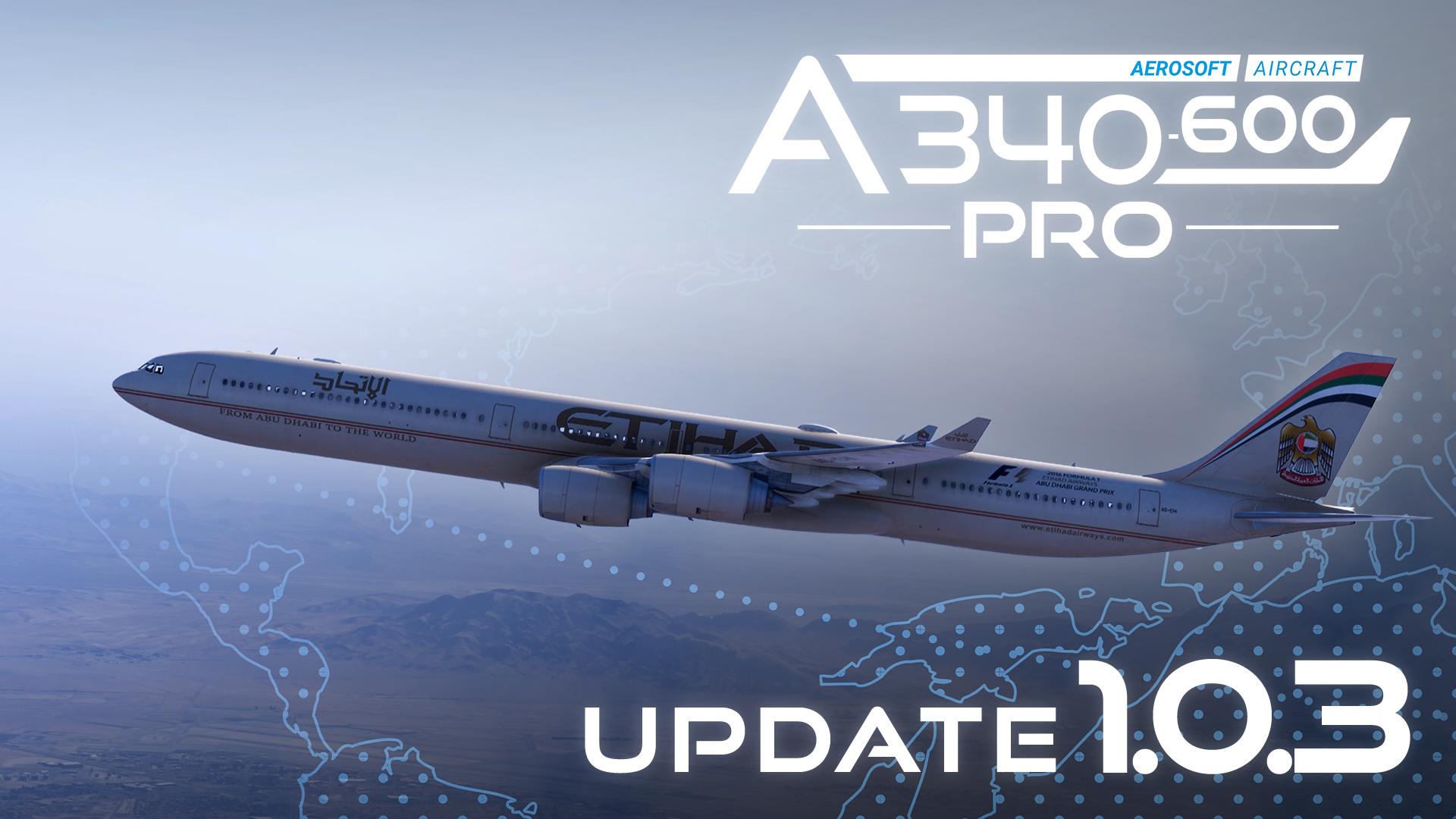
Where do I download the A340-600/Aerosoft One Library Loading Issues
The A340 can be downloaded from the Aerosoft One "Library" tab. If you are seeing the "Could not connect to Aerosoft" or "There are no available add-ons" message, wait a few minutes before clicking the "Refresh List" button near the "Launch" button next to the simulator title. You do not need to restart Aerosoft One. Please note that this error may be more persistent for some users than others as we work on handling the increased traffic. Avoid using the refresh button too often, and allow at least 60 seconds before refreshes (Ideally waiting for the loading message to clear). We are actively seeing this issue being resolved for customers.
Thank you for your patience! Our IT team is working as fast as they can to allow you to download the product and start flying.
By
Fitzroy McKay ·