Skip to content

FSX Scenery tweaks

In this category you can find tweaks and additions some of our customers have done for our FSX scenery products

32 files

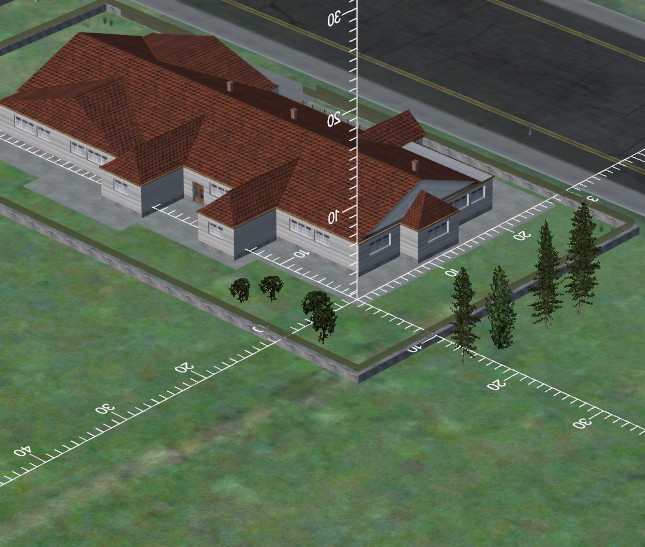
  1. This 'aircraft' is nothing more then a 3 dimensional measuring tool that you can move around in FSX using the slew mode. It allows you to measure any object in FSX. Very useful for scenery designers! Install as any aircraft.

    This is a freeware product but it is copyright by Aerosoft. Please do not spread it without our permission.
    • 697 Downloads
    • 1 Comments
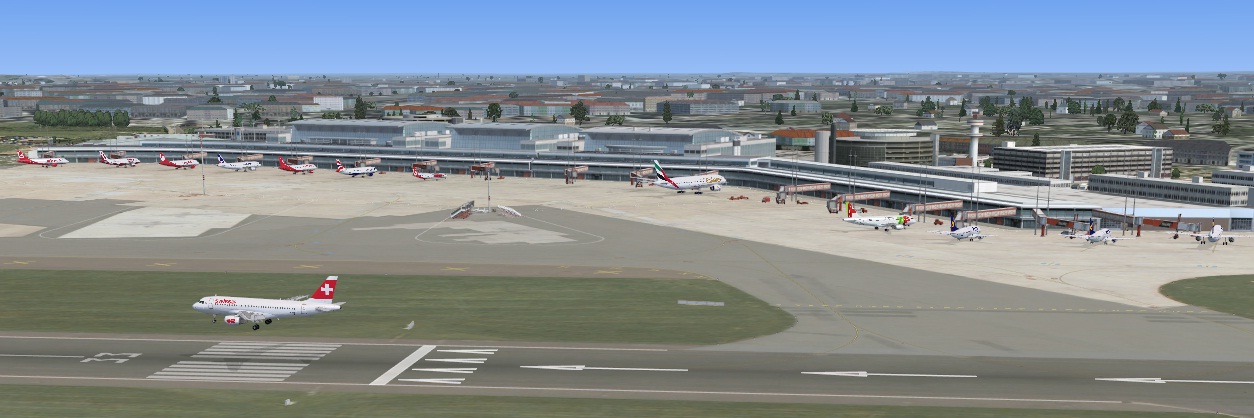
  2. This AFCAD for Aerosoft EDDK 1.0.6 only contains a few changes in form of a few cargo parkings being extended from 33 to 36 meters, as GSX is not happy using 33 meter gates for (PMDG) 747's. Trying to invoke GSX with a 747 at these gates, you would otherwise simply be told the gate is not large enough (extending the gates to 36 meters solves this issue). 
     
    The cargo parkings on the southern side of the cargo buildings are fairly close, so I have left these unchanged. Hence I've only enlarged the cargo parkings on the northern side of the cargo buildings as theses were spaced further apart, hence would not overlap when enlarged. These are parkings that were enlarged from 33 meter to 36 meter: E9, E12, E15, E17, E21, E23, E31, E33, E35, E41, E43, E45, F21, F23, F26, F31.
     
    To install this changed AFCAD file navigate to the folder where you have the Aerosoft EDDK scenery installed (e.g. "C:\Program Files (x86)\aerosoft\Cologne-Bonn Professional\Scenery"). In this folder rename the file "EDDK_ADEP4_ADE.bgl" into "EDDK_ADEP4_ADE.org" so you have a copy of the original AFCAD in case you would want to revert to it. Next copy the "EDDK_ADEP4_ADE.bgl" bundled with this readme into the same folder and you are ready to go.
     
    If you run with Flightplan Visulizer, or other software that is using the output of MakeRunways (by Peter Dowson) you should run MakeRunways after having copied the new file, to update its output files so these 3rd party programs will know about the enlarged gates.
     
    Pelle Liljendal
    • 39 Downloads
  3. Improved and corrected ADE file for Chania. Added Mil-Combat and Mil-Cargo parkings on the whole airport and added taxiways for it. Added second runway for military use. Disabled parkings lying on other parkings for better AI usage and moved all parkings to a better position, since they were positioned way to much forward. Also placed the tower view on the tower. Added vehicle parkings for GSX passenger bus and fuel truck. Only tested in P3D4, should work in FSX.
    Military traffic for P3D4 can be obtained with MAIW Matrix.
    • 37 Downloads
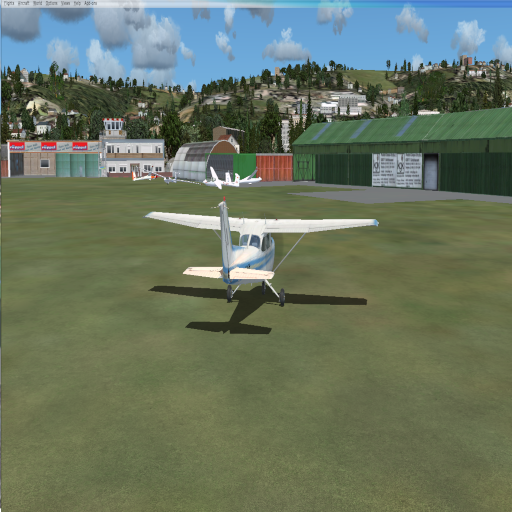
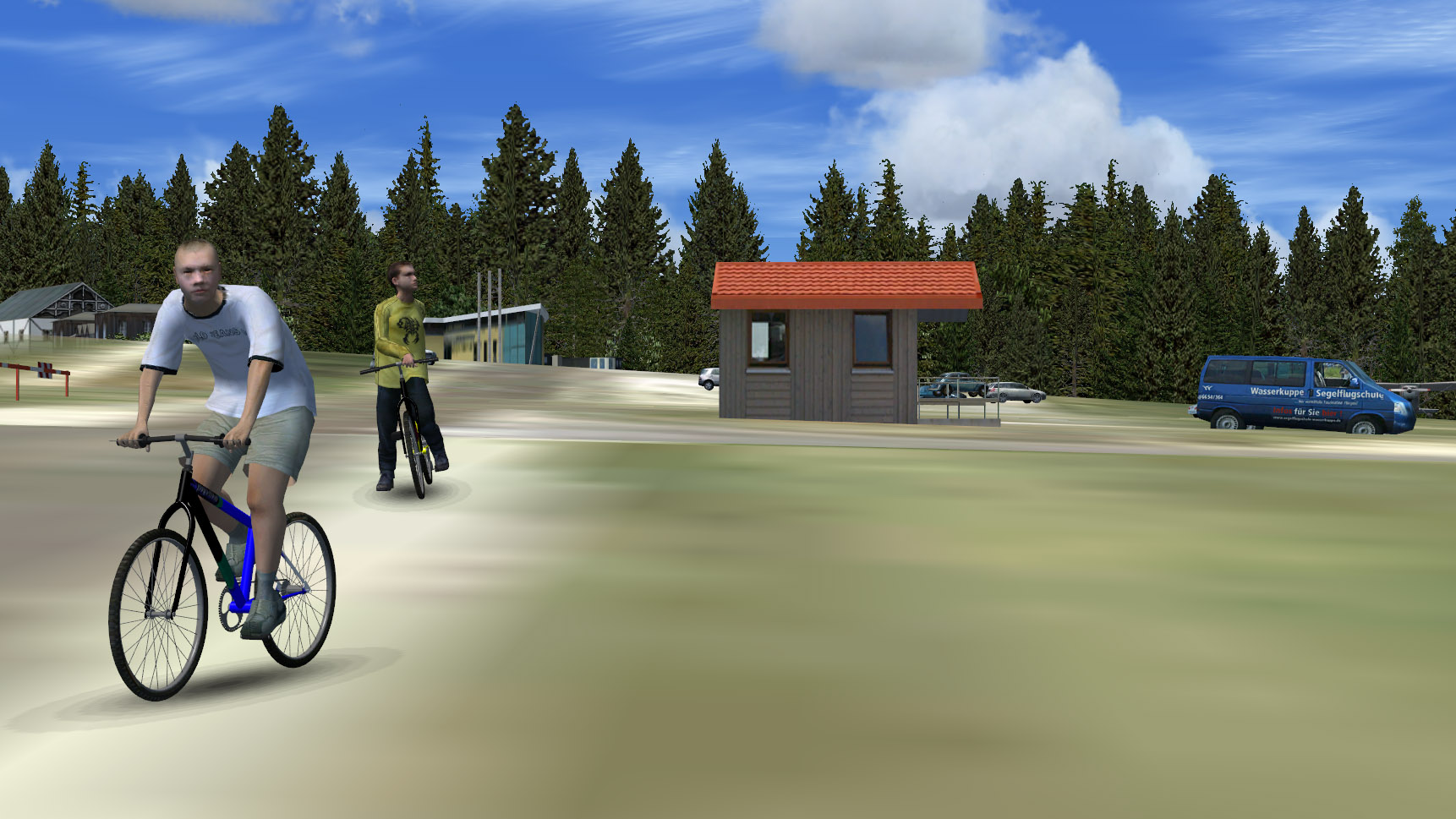
  4. This is a Freeware Version of Lukla Scenery this replaces a Ugly Default Scenery to a Nice detailed scenery of Lukla
    All the screenshots are in the READ ME File
     
    • 175 Downloads
    • 3 Comments
  5. erster Teil der Scenery EDFG ist fertig. Weitere Objekte werden folgen. Jetzt erstmal viel spaß beim Landen in Gelnhausen EDFG
    • 63 Downloads
  6. This is a basic flatten fix for those that experience a small 'ridge' along the runway/taxiway.

    Please place in your VaernesX_A folder.

    \Vaernes X\VaernesX_A\Scenery

    No other files need to be removed or edited or changed in any way.

    Cheers
    • 153 Downloads
    • 1 Comments
  7. This is a comunity modification of jetway textures in Mega airport Prague scenery. It replaces the old "Citibank" jetways with more recent transparent or solid side jetways. more info in readme.
    • 252 Downloads
  8. The link in the old topic appears to be broken, so I've reuploaded the NZQN procedures for the Aerosoft Airbus.
    • 74 Downloads
    • 1 Comments
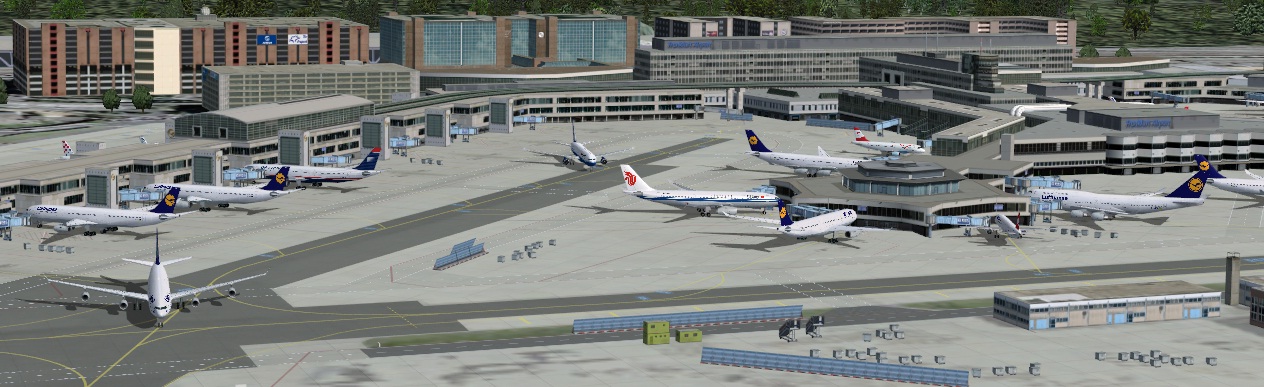
  9. Just little tweaked GSX config for the new Mega Airport Frankfurt V2 


    enjoy
    • 1146 Downloads
  10. Diese Files legen ein Exclude Rectangle um das Kraftwerk Altbach, den Fernsehturm Degerloch und den Fernmeldeturm Stuttgart Ost. Im Zusammenspiel von German Landmarks und EDDS-X werden diese Objekte doppelt abgebildet. Mit diesen Excludes verschwinden die GL-Versionen´.
    Wichtig: Die Szenerie-Reihenfolge muss eingehalten sein!

    Installation: die Files in "Addon-Sceneries\scenery" oder einen Order eigener Wahl kopieren, FSX neu starten, fertig.
    • 612 Downloads
    • 2 Comments
  11. AFCAD designed during development of Aerosoft/A-Flight Helsinki Vantaa Airport.
     
    Uploaded here, as the AFCAD in the installer is maybe not correct.
     
    The AFCAD contains crosswind runways and all Approaches and Transitions (Navfix-Transition due to FSX-Limitations for GPS-Approaches only) and Gate assignment as real as it was possible for me.
     
    Be sure to backup your original AFCAD before using this one. 
    You only need this file if you encounter strange traffic behavior.
     
    Author: Daniel Scherer
    • 614 Downloads
    • 1 Comments
  12. meine Version eines FCAD Files für den Mega-Airport Zürich V2
    angepasst wurden die Runways so das der leichte AI Traffic (bis A320/B737) auf der 28 startet, die Heavies sowie (abhängig von der Parkposition) einige Lieght starten von der 16 - Landungen erfolgen auf der 14 oder (für "Lights") auf der 28.
    Die Änderungen bewirken dass die 10 nicht mehr sinnvolll nutzbar ist (sollte aber nicht vorkommen) und der Aufsetzpunkt der 14 um einige 100 Fuss nach Süden verlegt wurde um ein schnelleres Abrollen zu ermöglichen
     
    Getestet mit FSGRW, UT2 und AI-Fliegern von FAIB, TFS, OSP, AIA, .... - sofern sich ein Heavy auf der 28 verirrt benutzt das Modell wahrscheinlich ein unrealistisches (weil zu geringes) Empty Weight (z.B. ältere SIm-Files für die AIA767)
    • 547 Downloads
    • 2 Comments
  13. Zurich Rwy 14 with ILS 111.75
    • 423 Downloads
    • 1 Comments
  14. Use European Landmarks Librarys in P3D v2/3+. www.simmershome.de
    Note:  Animations are not inculuded
    • 307 Downloads
  15. P3D Configuration File Changer v0.01a BETA by Nicolas Haller for P3d v2

    Hello there fligh sim fans! I made this litte tool to make things easier when it comes to switch between IFR and VFR flight.
    With this tool you can load two different Prepar3d.cfg files into your AppData folder. E.g. when you plan to fly IFR you can insert a configuration file
    with better performance settings and in case of an VFR flight you can insert a file with maxed out graphics.

    I have made two of these files for my own and they work really good for me, you can copy your own files into the folder where the executable file is.

    IMPORTANT:

    -make a backup of your current config file to prevent the loss of your settings!!! I added a button for this in the programm
    -make sure P3D is not running!!!
    -the configuration files must be located in the same folder as the executable file! named VFR.cfg and IFR.cfg

    I hope you like it and if you guys wish that i make this tool for FSX too, feel free to contact me via mail

    contact@nicolashaller.at


    Best Regards,

    Nico

    • 35 Downloads
  16. The two files in the ZIP archive are replacement AFD files for German Airports 2 EDDV X 2012. I have edited the airport elevation from 183 feet to 183.1 feet to alleviate a problem I was having with default ground bleeding through. The issue was only apparent on arrival, but I noticed that the aircraft shadows, when active, didn't always appear fully when running up and down the runways and/or taxiways. This elevation change solves the issue for me. If you have a ground bleed problem at EDDV X 2012, perhaps you might want to try this. Only replace the file you need, either with static active or with static turned off.

    Andrew Entwistle
    • 195 Downloads
  17. Corfu-X AFCAD with adjusted taxiways to enable identification in ProATC-X
    • 59 Downloads
  18. Fix for the bumpy taxiway parts in Santorini X.

    INSTALLATION
    Drop the new file into your Aerosoft/Santorini X/scenery folder and replace.
    Make sure you keep a backup of the original file.

    iPetroSS
    • 305 Downloads
  19. This is a new AFCAD for the Anchorage Scenery placing the new TED VOR in its correct location and completely replaces my older, incorrect version. Sorry for the location error.
    • 408 Downloads
  20. For Aerosofts Mega Airport London Heathrow.

    The fixed AFX_EGLL.bgl file should land you more centrally on the runways at Mega Airport London Heathrow for FSX.
    Rename your original to AFX_EGLL.bgx

    Unzip the file and place AFX_EGLL.bgl file in the following folder.
    *:\Program Files\Microsoft Games\Microsoft Flight Simulator X\Aerosoft\Mega Airport London Heathrow\scenery

    Shaun Fletcher.
    Aerosoft.
    • 2941 Downloads
    • 1 Comments
  21. Enhanced AFCAD file of Yelizovo Airport Petropavlovsk Kamchatka made with ADE9X. Contains most military parkings to make it more vivid. Needs additional AI traffic to get full benefit of this file. Replaces the file UHPP.BGL, which has to be savely stored away.
    • 149 Downloads
  22. These are the basic Helsinki X approaches without transitions. 5 ILS and one GPs approach covered.
    As usual: This piece of software is used on your own risk, and so on and so on....
    Copyright for the approaches is ...... :-))
    Christian 
    • 257 Downloads
  23. This is a scenery tweak for Drzewiecki Design FSX Bornholm X. It adds numerous landmarks across the island. (churches; lighthouse; museum; windmill; RO airport; smokehus; ...)

    Etien
    • 1153 Downloads
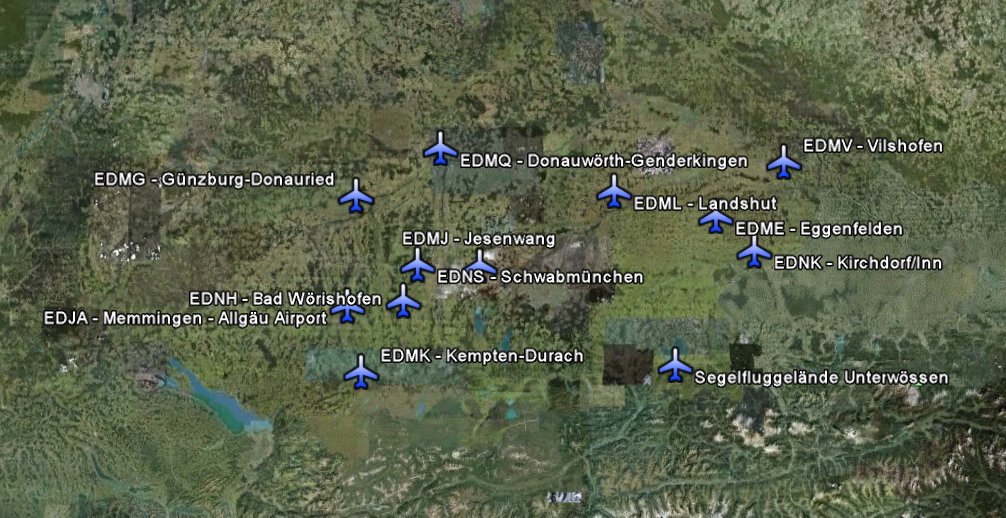
  24. Airports of 'German Airports 11 - Süd Bayern' shown in Google Earth kmz file.
    Created by Mopperle.
    • 1094 Downloads
  25. This file contains the complete ground layout (runways, taxiways and platforms) of Andras Field. It can be used if you like to fly online with the Andras Field pilots. This file is free and can be shared but Aerosoft remains full copyrights.

Important Information

We have placed cookies on your device to help make this website better. You can adjust your cookie settings, otherwise we'll assume you're okay to continue. Privacy Policy & Terms of Use

Account

Navigation

Search

Search

Configure browser push notifications

Chrome (Android)
  1. Tap the lock icon next to the address bar.
  2. Tap Permissions → Notifications.
  3. Adjust your preference.
Chrome (Desktop)
  1. Click the padlock icon in the address bar.
  2. Select Site settings.
  3. Find Notifications and adjust your preference.