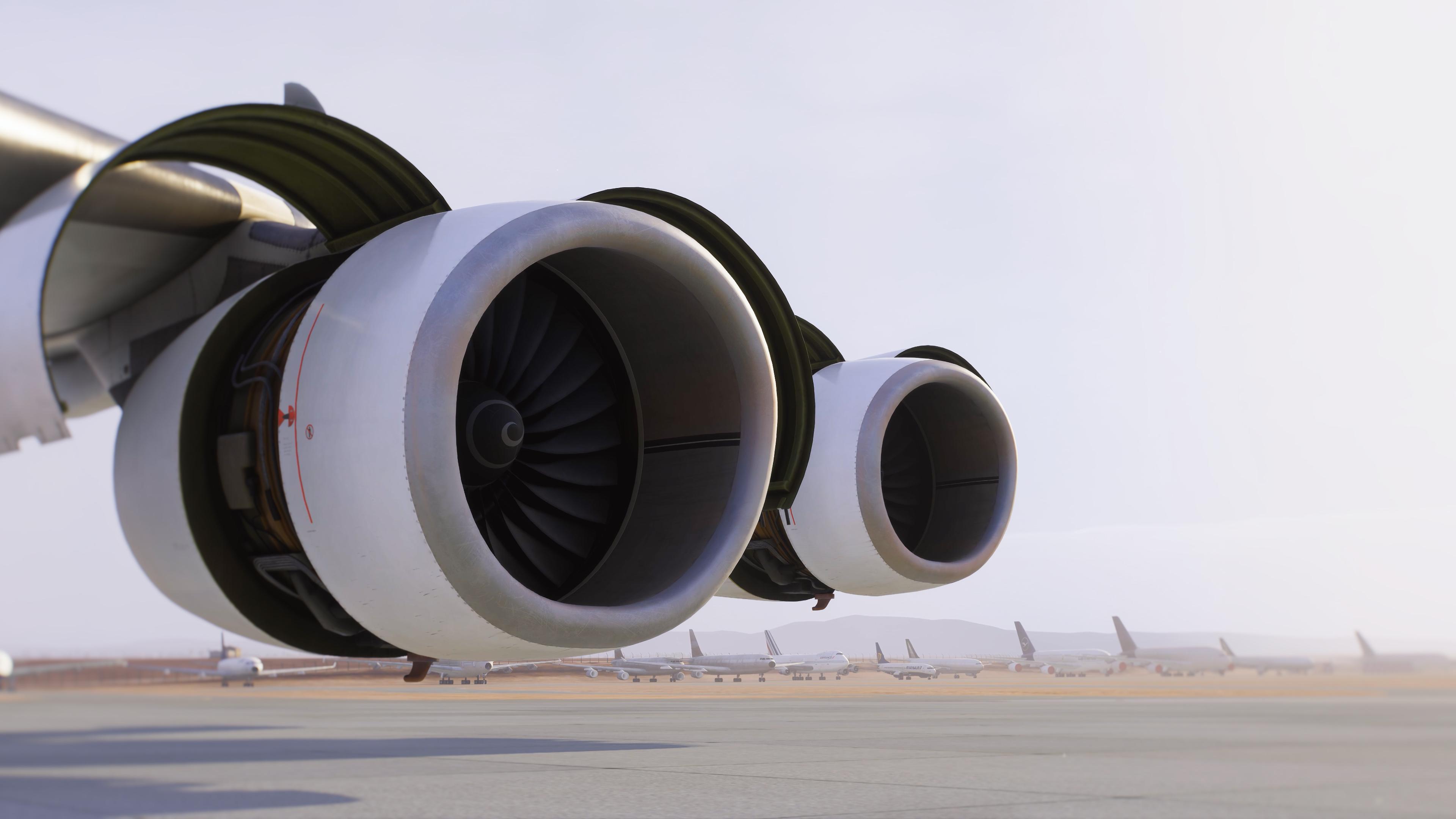
Here is a way to make GSX work:
Download the GSX files below and copy them into Your %APPDATA%\Virtuali\Airplanes\ folder
This is a custom profile pieced together of serveral profiles I found on Flightsim.to, which can be found here:
https://flightsim.to/addon/105866/aerosoft-a340-600-pro-gsx-profile-1
https://flightsim.to/addon/105792/aerosoft-a340-600-gsx-profile
https://flightsim.to/addon/105790/aerosoft-a340-600-pro-gsx-profile
But none of these worked without flaws and also didn´t use the "Custom" refueling.
1. Generate Simbrief Flightplan.
2. Start MSFS2024 and setup the situation.
3. Ensure EFB tab "Simbrief OFB" is set to "Set Payload + Fuel to Simbrief" (Currently only the Payload will be set).
4. Set Fuel in the EFB "Weight & Balance" tab to 15% = 22.000 kg or less (the amount is just a recommendation).
5. Load the Simbrief Flightplan.
6. Ensure all Doors are set to "Close" in the EFB "Ground Services" tab (NOT Auto).
7. Call the Fuel Truck
8. When GSX ask You to enter the Fuel qty, enter the desired Fuel in the "Weight & Balance" tab and select "Quick Fuel".
(Fuel will be set instantly in the A340-600, but GSX will refuel progressive").
9. Call the Catering Trucks.
10. Open Doors 1R & 4R.
11. When Catering is finished - close Doors 1R & 4R.
12. Start Boarding.
13. Once the Jetway or Stairs are attached - Open the relevant left Door(s) and Cargo Doors.
14. Once Boarding complete - Close all relevant left Door(s) and cargo Doors.
15. Commence Push Back.
Note:
Although I have set Door 2L as the preferred, for me at LEPA, the Jetway uses Door 1L, Maybe because the Jetway can't reach so far back
I also found that having the Doors set to "Auto" in the EFB sometimes caused problems, that's why I ensure that all Doors are set to Close before using GSX.
airbus-a346-pro.zip
By
Finn ·





.jpg.c8e9be23633397c6c430771f8831ce05.jpg)
![Rafi [Aerosoft]](https://forum.aerosoft.com/uploads/monthly_2026_02/Rafi.thumb.jpeg.4a2295ac3b06910d02314bef45e636ec.jpeg)

![Laura [Aerosoft]](https://forum.aerosoft.com/uploads/monthly_2026_02/LK2klein.thumb.png.2355135640446de22b75f0b6628f1c15.png)