✈️ REAL COCKPIT FEEL. RIGHT ON YOUR DESK.
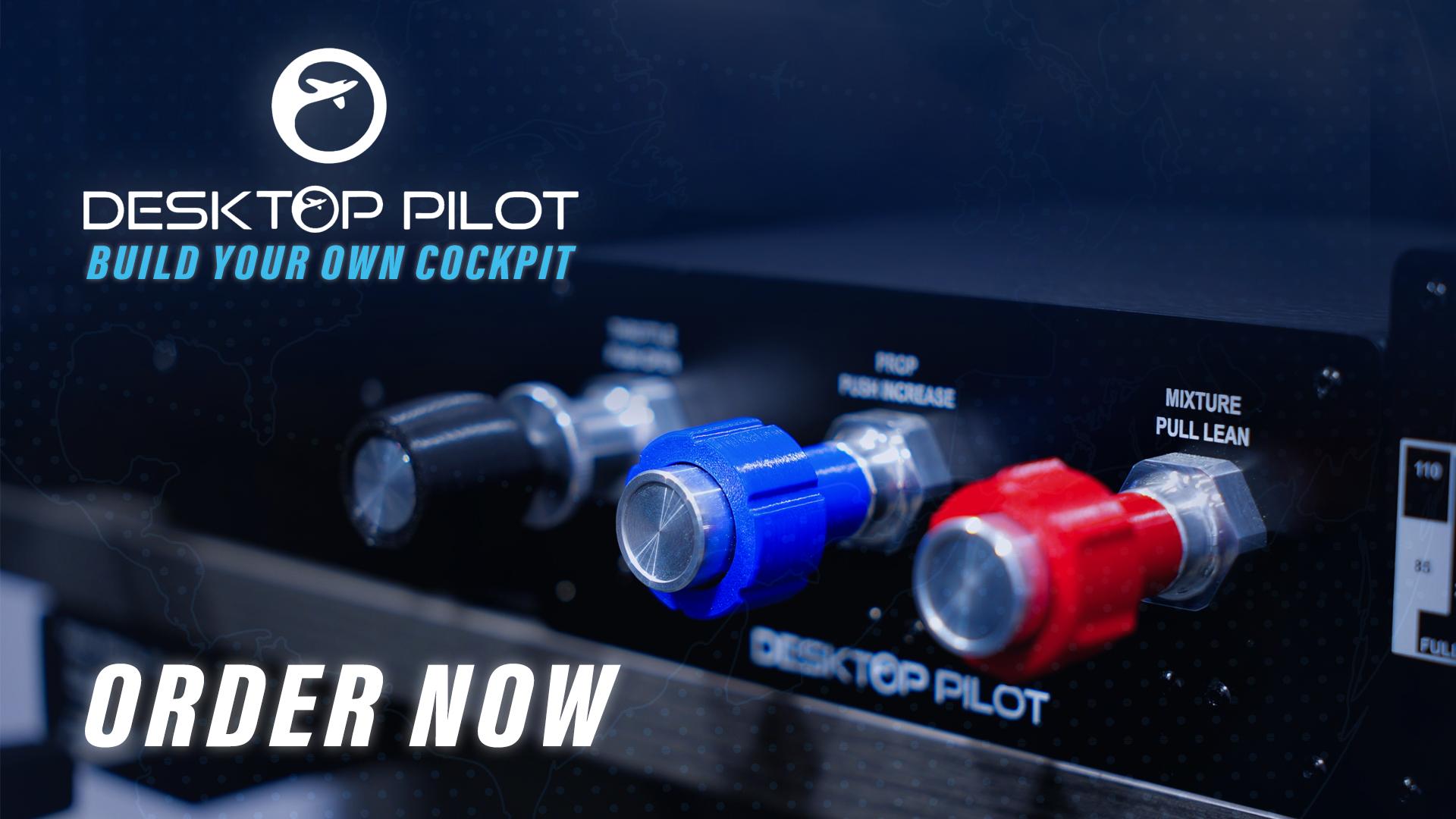
We're excited to welcome Desktop Pilot to the Aerosoft Shop! Their Cessna 172-style home cockpit hardware brings authentic switches, knobs and levers straight to your sim desk, and it works with both Microsoft Flight Simulator and X-Plane.
Whether you want to add a single panel or build a complete GA cockpit step by step, there's something for every setup:
🎚️ Throttle Quadrants
- TPM Throttle Quadrant: throttle, prop and mixture with solid precision sliders
- TPM Pro Throttle Quadrant: vernier-assist controls for the finest adjustments
- Carb Heat Throttle Quadrant: carb heat, throttle and mixture like in the Cessna 152, 172 and 182
- Carb Heat Pro Throttle Quadrant: the carb heat setup with vernier-assist controls
🛩️ Panels & Instruments
- C172 Switch Panel: lights, avionics, power and instrument dimming, just like in a real Cessna
- Multi Instrument Panel: analog-style airspeed, attitude and altimeter gauges
🔑 Electrics & Ignition
- Lighted Circuit Breaker Panel: backlit, functional breakers and a spring-return key switch
- Lighted Fuse Ignition Panel: magneto key, toggles and rockers for your full startup checklist
- Spring Return Key Switch: 5-position ignition key that snaps back once the engine starts
⛽ Fuel
- Pedestal Fuel Tank Select: switch between left, right or both tanks, or shut off the fuel flow
⚙️ Controls & Extras
- Flaps Panel with Motorized Indicator: 0°, 10°, 20° and 30° detents with real-time position feedback
- Trim Wheel with Indicator: smooth rotation and a live position scale
- Parking Brake: realistic pull-and-rotate parking brake
- ELT Switch: practise emergency procedures, with red LED and optional ELT sound
🛒 All Desktop Pilot products: https://www.aerosoft.com/en/desktop-pilot/
Already flying with great hardware, or planning your home cockpit? Show us your setup and let us know which panel you'd add first! 📸
By
Rafi [Aerosoft] ·