Skip to content

Aircraft Configurations

In this section you can share AES aircraft configuration files. This makes it easier for other users to start with AES.

51 files

  1. Hello Folks,

    Whilst looking around I came across a collection of AES config files that someone had kindly collected and placed them all together.
    Theres about 40 planes in this bunch payware and freeware.

    Bests Shaun
    • 14855 Downloads
    • 31 Comments
  2. AES configuration for CS Boeing 767-200.

    Installation:

    Copy the intelliscene file to your CS_B767-200 folder.
    • 354 Downloads
    • 1 Comments
  3. Unzip and copy the different intelliscene.cfg to ...SimObjects/Airplanes PMDG 777 Folder...

    PMDG 777-200LR

    and

    PMDG 777F


    • 6368 Downloads
    • 3 Comments
  4. Add to SimObjects\Airplanes\CS_B727-200


    Regards, Scott


    • 548 Downloads
    • 1 Comments
  5. Add to SimObjects\Airplanes\CS_B727-100


    Regards, Scott


    • 467 Downloads
    • 1 Comments
  6. Add to SimObjects\Airplanes\CS_B757-300


    Regards, Scott


    • 1007 Downloads
    • 1 Comments
  7. Add to SimObjects\Airplanes\CS_B757-200


    Regards, Scott


    • 1343 Downloads
    • 1 Comments
  8. Unzip and Copy to different Folder
    PMDG747-400
    PMDG747-400F
    • 1374 Downloads
    • 1 Comments
  9. Hallo Zusammen,
    ich habe mir mal die Mühe gemacht, für die neue QW 787 die AES Config Dateien zu erstellen.
    Viel Spaß
    • 707 Downloads
    • 1 Comments
  10. Hi,
     
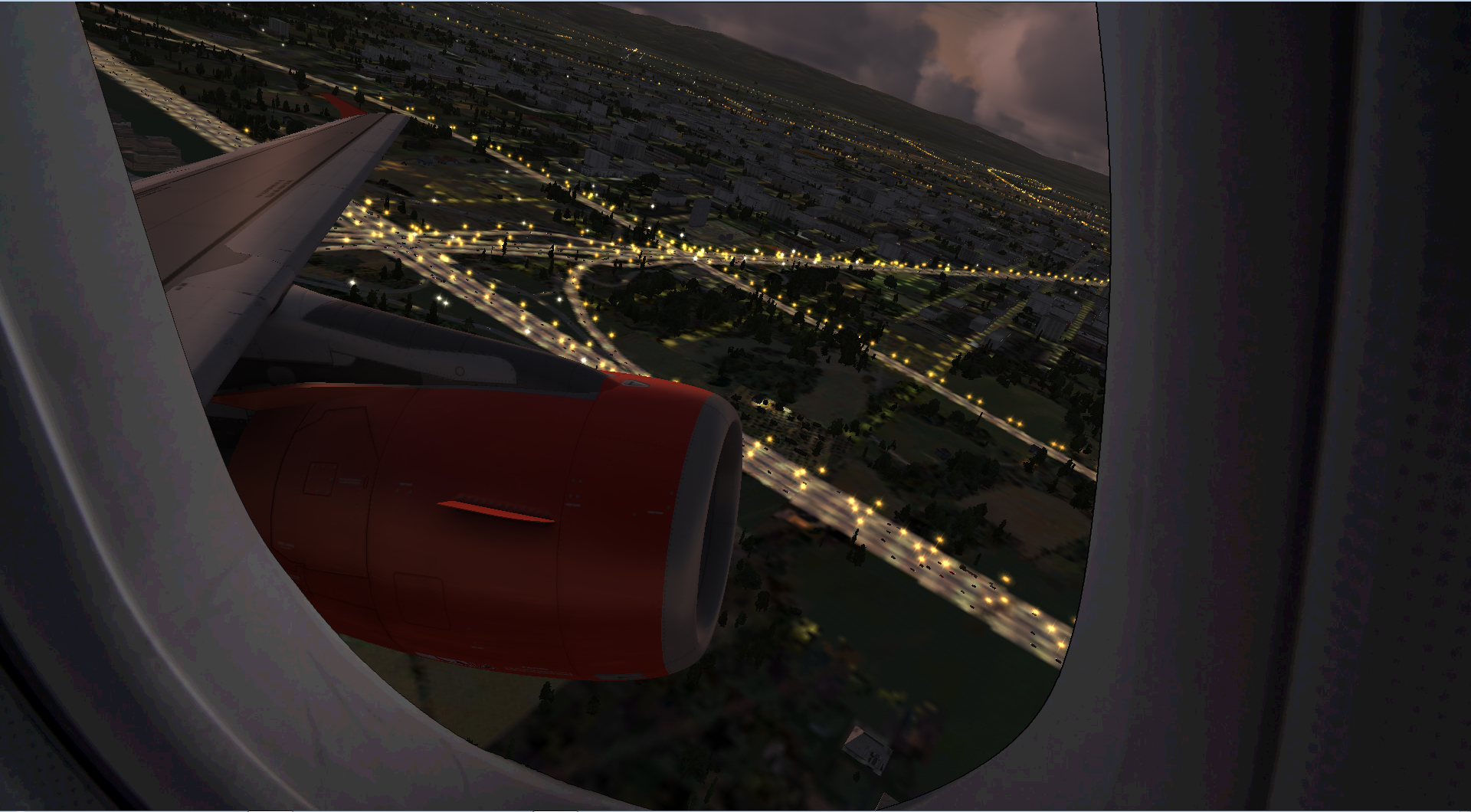
    this is my Window View for the Aerosoft A320 series!
     
    I´ve added 2 textures for the window view (1920x1080) and to new views.
    Use shift+4 and shift+5 to use them!
    Maybe works in P3D as well!
    No effect on framerates!
     
    If there are any problems please contact me.
     
    Now download and have fun
    • 617 Downloads
  11. AES configuration for Aerosoft/Digital Aviation CRJ 700/900 X.
     
    These files allow to see the bus when AES boarding/deboarding processes are requested.
     
    Installation:
    Copy each "intelliscene.cfg" files into the required "Aerosoft CRJ-700" and "Aerosoft CRJ-900" main folders.
    Do not forget to remove the extension of each intelliscene file after install ("_CRJ700ER" and "_CRJ900ER")
     
    Happy flying  !!!
    • 228 Downloads
  12. AES configuration for CS Boeing 777-200.

    Installation:

    Copy the intelliscene file to your CS_B777-200 folder.
    • 1185 Downloads
    • 1 Comments
  13. Here is a 2d window for your Aerosoft aircraft. Works with ALL airbus family aircraft. Simply copy and paste both files into your Panel folder (make a backup incase). press Shift+4 to activate the window
    Window.bmp
    panel.cfg
    • 375 Downloads
    • 4 Comments
  14. Unzip and put the intelliscene.cfg into your aircraft folder:
    ..:\Microsoft Games\Microsoft Flight Simulator X\SimObjects\Airplanes\PMDG_MD11
    • 1291 Downloads
    • 3 Comments
  15. Add to SimObjects\Airplanes\LEVLD_B763


    Regards, Scott


    • 2115 Downloads
    • 1 Comments
  16. Put it in here

    D:\Program Files (x86)\Microsoft Games\Flight Simulator 9\Aircraft\PMDG747-400

    It should also work for FSX
    • 2125 Downloads
    • 2 Comments
  17. Unzip and put the intelliscene.cfg into your aircraft folder:
    ..:\Microsoft Games\Microsoft Flight Simulator X\SimObjects\Airplanes\PMDG 737-800NGX WL
    • 863 Downloads
    • 1 Comments
  18. Here is the config file for Wilco's embraer 170

    Just place the intelliscene.cfg file in:

    X:\Program Files\Microsoft Games\Flight Simulator 9\Aircraft\feelThere PIC E170

    That should do it.

    Kind regards
    Frank
    • 1015 Downloads
    • 1 Comments
  19. Unzip and Copy to different PMDG 737 Folder
    • 2968 Downloads
    • 2 Comments
  20. Unzip and put the intelliscene.cfg into your aircraft folder:
    ..:\Microsoft Games\Microsoft Flight Simulator X\SimObjects\Airplanes\SimCheck A300B4-200
    • 261 Downloads
    • 1 Comments
  21. Intelliscene.cfg files for both variants, civilian and RAF.

    Have fun, Dan
    • 182 Downloads
    • 1 Comments
  22. Unzip and put the intelliscene.cfg into your aircraft folder:
    ..:\Microsoft Games\Microsoft Flight Simulator X\SimObjects\Airplanes\PMDG 777-300ER
    • 4962 Downloads
    • 5 Comments
  23. Unzip and copy to the folder....intelliscene.cfg
     
    • 1430 Downloads
    • 5 Comments
  24. For those who fly the airbus and uses TOPCAT, i made some config files for the A-318, A319 and the A320.
    UNzip it and place them in the TOPCAT/ Configuarations folder.
    I made this together with the intel of the Airbus X fuelplanner, Hope you enjoy it as much as i do!
     
    Best Regards,
     
    Ray
    • 1121 Downloads
    • 3 Comments
  25. AIRBUSXE Deutsche Cockpit Crew Sound Stereo Linker Kanal by Capt. Jacobs
    • 123 Downloads

Important Information

We have placed cookies on your device to help make this website better. You can adjust your cookie settings, otherwise we'll assume you're okay to continue. Privacy Policy & Terms of Use

Account

Navigation

Search

Search

Configure browser push notifications

Chrome (Android)
  1. Tap the lock icon next to the address bar.
  2. Tap Permissions → Notifications.
  3. Adjust your preference.
Chrome (Desktop)
  1. Click the padlock icon in the address bar.
  2. Select Site settings.
  3. Find Notifications and adjust your preference.