


Skip to content

TOPCAT configuaration files for AES 318-319-320 1.0.0

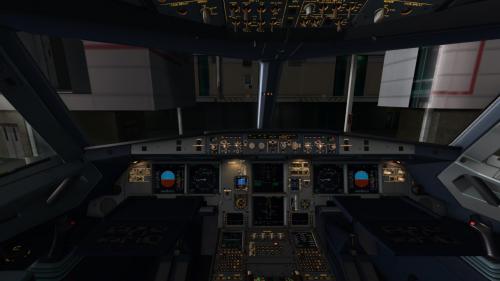
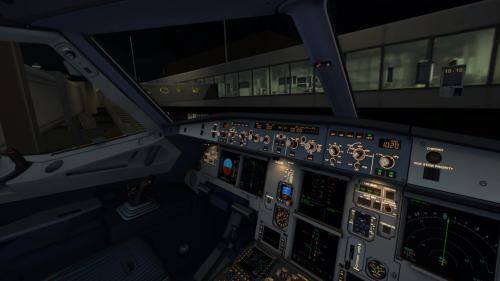
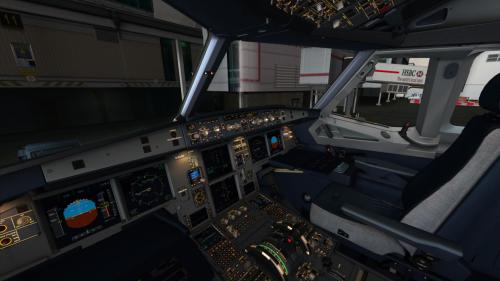
4 Screenshots

For those who fly the airbus and uses TOPCAT, i made some config files for the A-318, A319 and the A320.

UNzip it and place them in the TOPCAT/ Configuarations folder.

I made this together with the intel of the Airbus X fuelplanner, Hope you enjoy it as much as i do!


Best Regards,


Ray

User Feedback

Recommended Comments

SH92

Members

I assume they all calculate with the A320 CFM values and you adjusted the weights, right?

iRay

Members

i used the numbers out of the configfile of the airbusX-fuel planner... as you can see in the pictures the ZFW is the same as in the fuel planner as well as in TOPCAT...however the calculation of fuel usage and so on is different but the payload distribute is right as in the Fuel planner... to me it works perfectly, as i use the calculation out of the TOPCAT file.. as well as the MAC as the Stab Trim...


Like i said free to use, and if it doesnt work for you, well then im sorry...

ScreenShot015.jpg

ScreenShot013.jpg

ScreenShot014.jpg

sadly i cant write an ACFT file so thats the reason why i still have to use the A320-214 .ACFT file which is written by TOPCAT, and sadly they still dont have made a 318 and 319 .acft file....still looking for possibilities


Derricko

Members

hi

how to install this ?

Create an account or sign in to comment

Important Information

We have placed cookies on your device to help make this website better. You can adjust your cookie settings, otherwise we'll assume you're okay to continue. Privacy Policy & Terms of Use

Account

Navigation

Search

Search

Configure browser push notifications

Chrome (Android)
  1. Tap the lock icon next to the address bar.
  2. Tap Permissions → Notifications.
  3. Adjust your preference.
Chrome (Desktop)
  1. Click the padlock icon in the address bar.
  2. Select Site settings.
  3. Find Notifications and adjust your preference.