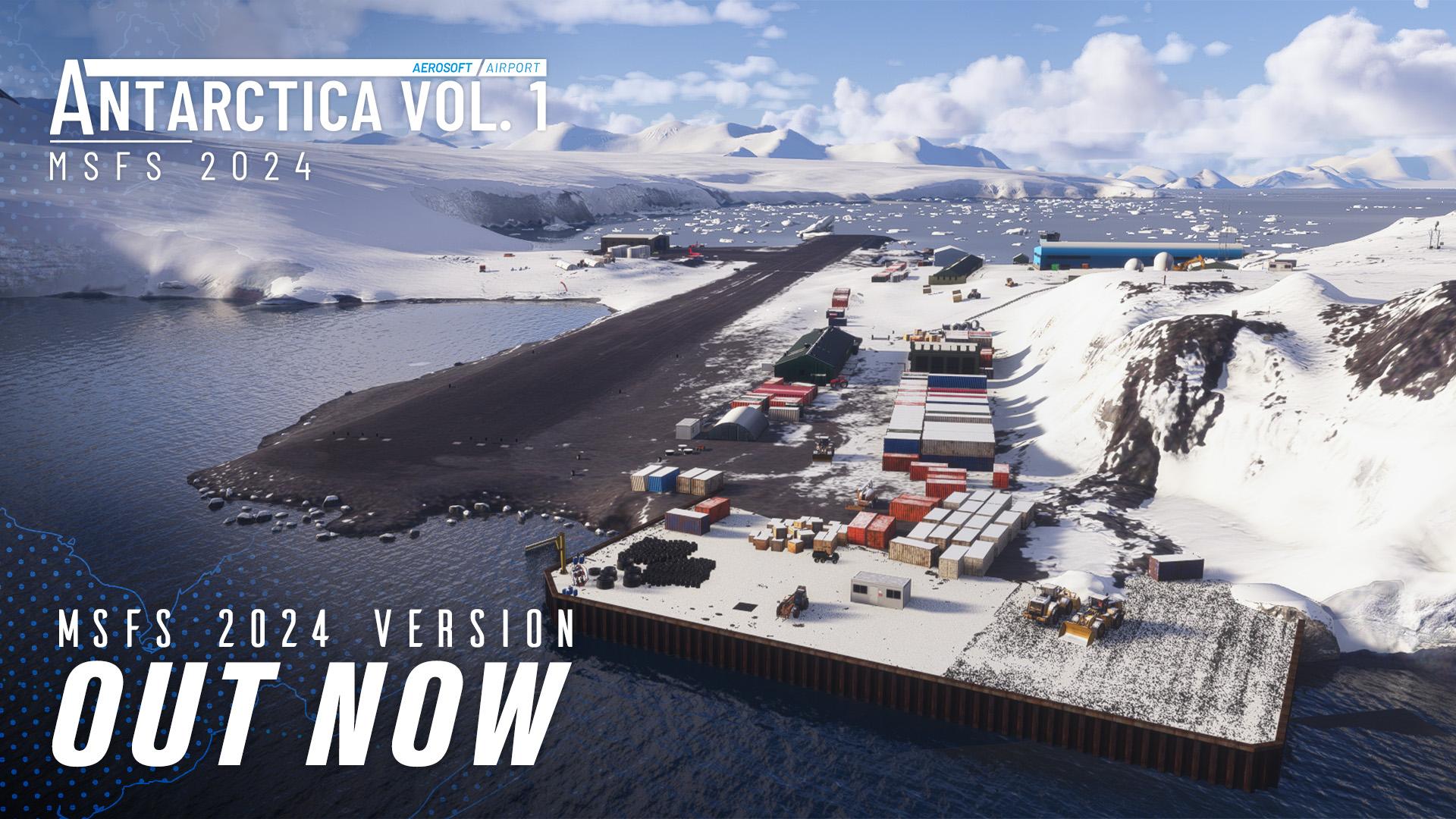
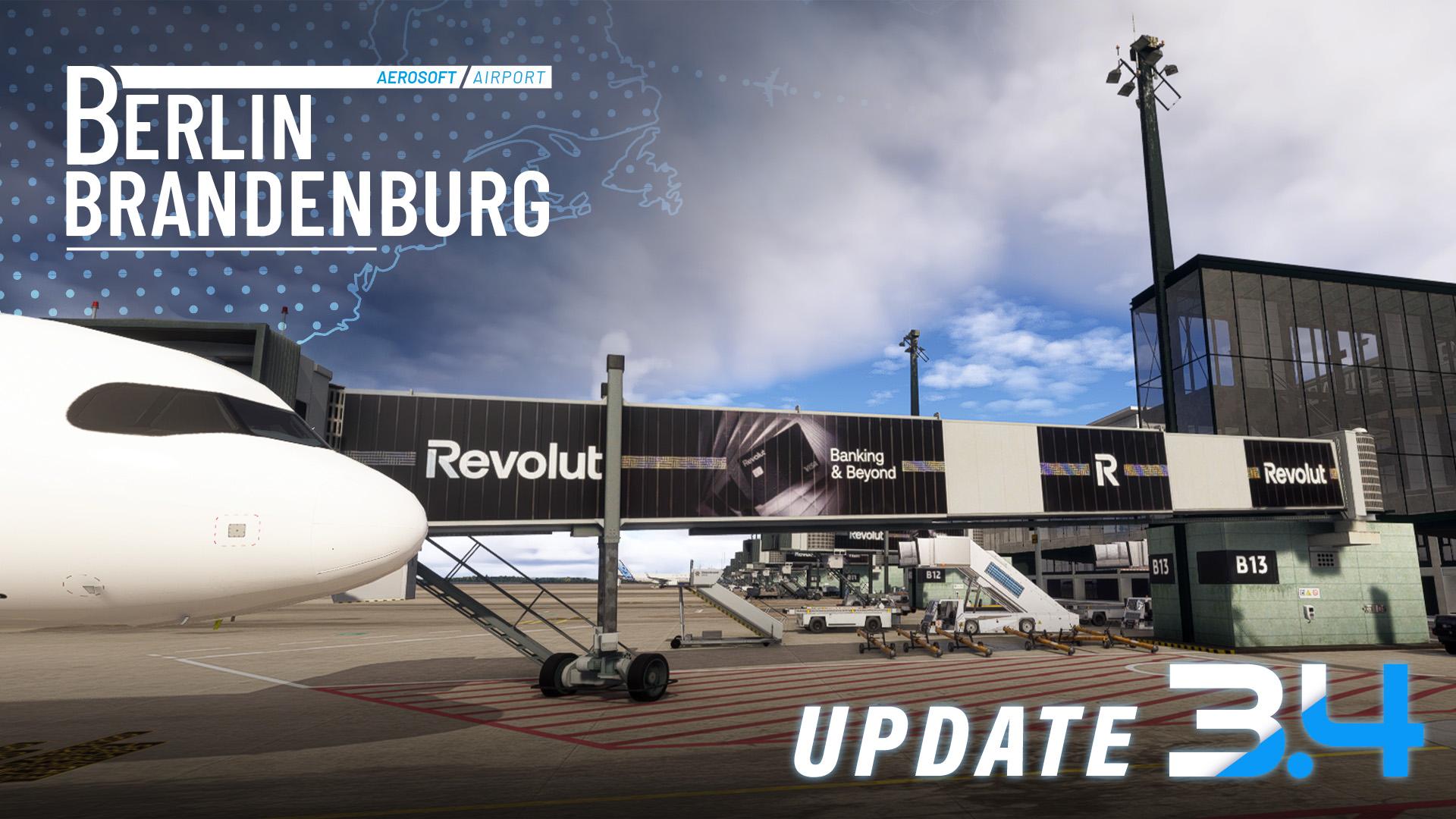
Congratulations on winning July's screenshot contest. This is a motion shot in action, great capture!!
Email to follow shortly (Apologies for the delay)
Happy Holidays
Congratulations on winning November's screenshot contest. Epic shot as it bring one of the old stalwarts of an aviation era back in to the limelight.
Email to follow shortly (Apologies for the delay)
Happy Holidays
Capt Picasso
Congratulations on winning August's screenshot contest. What makes this shot an epic one is the rarity of this bird within the flight simulation arena
Email to follow shortly (Apologies for the delay)
Happy Holidays
Congratulations on winning October's screenshot contest. This images captures firmly planting this bird onto terra firma. I think a hard landing inspection will be required.
Email to follow shortly (Apologies for the delay)
Happy Holidays
Same issue as Onceawasp84... the XML files on the site are malformed and at least some of them appear to be identical.
Er!k: did you set things up manually?
Unfortunately, I don't have a response to your request, however, I wanted to know if you used the XLM Mapping files from their website or did you map the controller yourself? None of the XML Files on the website work, I have reported it and they gave me a canned response to set it up manually or come on here and figure it out myself. If you have the profiles working would you mind sharing? Many thanks!
Hi Sophia, I'm assuming you received the same canned response from support that I got when sending on the XML file error? None of those mapping XML files work. They haven't come back to me with an estimate as to when it'll be fixed. I have asked for the Mapping for the controller, however I doubt I'll get a reply until after Christmas! I'll update you if I hear anything back from them.
I assume you are are talking about the package for XP12. As written in the system requirements the product is installed via AerosoftONE. So please go to the product page/system requirements, there you find a link to AerosoftONE. Download and install it, log in with your shop account and you will see the product.
Next time mind your wording, you got NOT scammed.
Hallo mitteinander
nach all den guten Tips von euch habe ich weiter versucht das "optimale" mit Ortho4XP zu generieren. Viele Versuche und Einstellungen weiter stehe ich erneut an. Die Landschaft ist schon mal nicht schlecht, oder besser gesagt so gut wie nun einmal die Fotos sind. Aber die leide Geschichte mit dem Wasser....... Ist es möglich dass die Daten über die Seen und Flüsse nicht überal gleich gut sind und daher die Ufer / Wasserlinie so Schnurgerade gezogen werden ? Wie lässt sich das " verwischen " oder ist das gar nicht möglich.
Besteht die Möglichkeit dass ich schon wieder was vergessen habe ? Haben Updates möglicherweise einen Einfluss ( Shader )
Ich zweifle langsam das ich noch was gutes gebacken kriege.
Hat jemand den zündenden Tip ?
Liebe Grüsse
Thomas