Jump to content


  • Recently Browsing

    • No registered users viewing this page.
  • Posts

    • Thanks. I hope i can fly today   Frank
    • Also, zunächst einmal machen die Bilder, bzw. die Bildquellen selbst ja einen erheblichen Unterschied aus. Nach einigen Experimenten halte ich auch Bing für am besten geeignet, da hier die Farben besonders konsistent über große Räume sind. Es hilft mir nichts, wenn Google hier und da klarer oder aktueller ist, aber bei klarer Sicht alles ein Flickenteppich ist; einen solchen Flickenteppich würde ich auch gar nicht erst versuchen, zu reparieren, denn die Verläufe der Farbgrenzen sind ganz unterschiedlich - teilweise entlang von Kreisgrenzen und nach entlang der Kacheln. Das müsste man alles von Hand machen ...   Ich hatte mit Bing lediglich die Sättigung ein bisschen in O4XP runtergedreht. Wie Andre schreibt, geht das quasi automatisch und ist hier im Forum und anderswo beschrieben. Es sind einfach die Befehle, die auch bei TheGimp Farbänderungen durchführen.   Ob man das alles braucht, ist aber so eine Sache. Im Verlauf von XP12 hat sich bis hin zu XP12.4 die Rendering-Engine gerade beim Lichteinfluss so stark verbessert, dass ich mir die Zeit eher sparen würde, da an den Bildern etwas zu machen. M.E. stehen hier Aufwand und Nutzen in keinem sinnvollen Verhältnis. Auch müsste man bei jeder Änderung von XP, die die Landschaftsdarstellung verändert, wieder nachjustieren.   Klar, für Einige ist XP eher wie eine Modelleisenbahn: Es geht mehr ums Basteln als ums Fliegen. Aber auch Basteln sollten ja sinnvoll bleiben.   Interessant ist eher, was man mit dem Wasser macht. Es kommen ja bald gute Brücken und Schiffe. Da würde ich dann eher dazu übergehen, Inlandsgewässer nur mit XP-Wasser darstellen zu lassen und keine Luftbilder einarbeiten zu lassen, auf denen dann statisch Brücken und Schiffe wären. Das ist für mich aktuell der einzige Grund, Luftbilder nach einigen Jahren (mit einem guten Höhenmodell!) neu zu machen.
    • So you mean that the roll axis mechanically  sticks a bit in the middle ? Like the preload bungee was somewhat loose ?
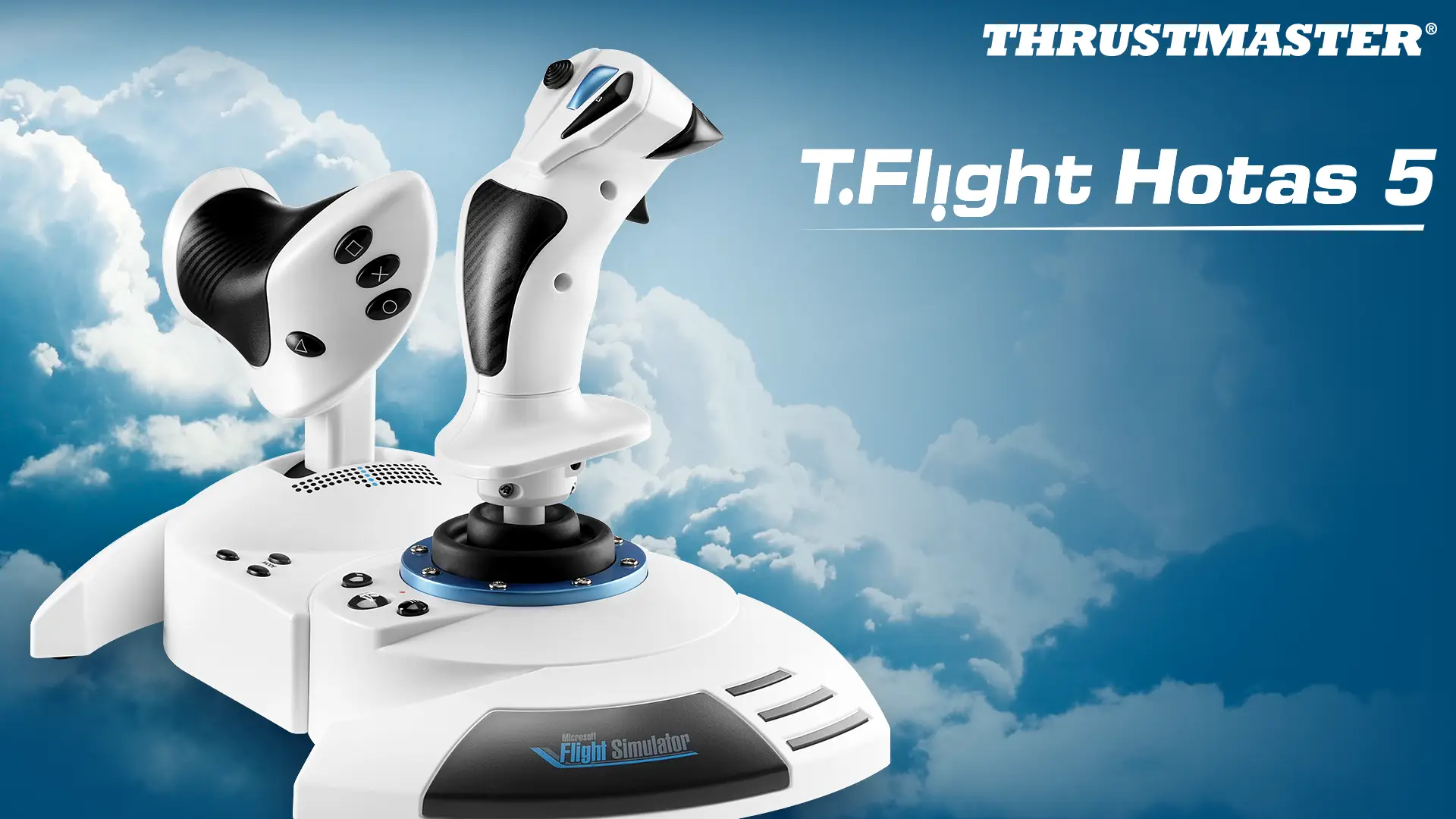
    • Does the #2 reverse generate a contact in the Windows joystick utility?   
    • The Configurator needs to be fully configured by the user. It is simply a way to give access to all the Daterefs not available in Xplane itself.
    • Thank you sir for the link, you saved my day. I was about to ask same question.
    • Hi,   You'll need to redeem the serial key provided to you by SimMarket in Aerosoft One in order for the product to display. You can find steps on this here: https://cdnone.aerosoft.com/client/user-guide/en/aerosoft-one-user-interface/activating-an-external-product/
    • I'll have our one team contact FSDG and check this out as soon as possible!
    • The Honeycomb Configurator default profile is missing settings for the push buttons and switches. The bindings for the dials and lights are present. Based on YT videos I thought that the default profile that installs with the configurator has all buttons set up. The configurator version is 2.2. I tried to re-install the configurator. That did not work to bring the complete default profile back. Is there a way to get the default profile back, or is this how version 2.2 installs it? Thnx.   This is the link to one of the YT videos using default profile:   
    • Ah, okay. This is actually the purpose of the calibration routine, so you need to take care when running it that you capture the mechanical sloppiness. You could do this artificially by holding it ever-so-slightly off centre each time you return the roll axis to centre. Alternatively, you could just set a wider dead zone in the sim. I guess what matters is, if your sloppy zone is too wide for comfort it may be a manufacturing issue.
  • Popular Contributors

  • Forum Statistics

    • Total Topics
      121.8k
    • Total Posts
      841.7k
  • Files

×
×
  • Create New...

Important Information

We have placed cookies on your device to help make this website better. You can adjust your cookie settings, otherwise we'll assume you're okay to continue. Privacy Policy & Terms of Use