Andreas_W
Members
-
Joined
-
Last visited
-
you're welcome :-)
-
Hi Ole, Mathijs agreed. So here's the link to the pics: http://forum.aerosoft.com/index.php?/topic/56184-theres-a-neo-kid-in-town/
-
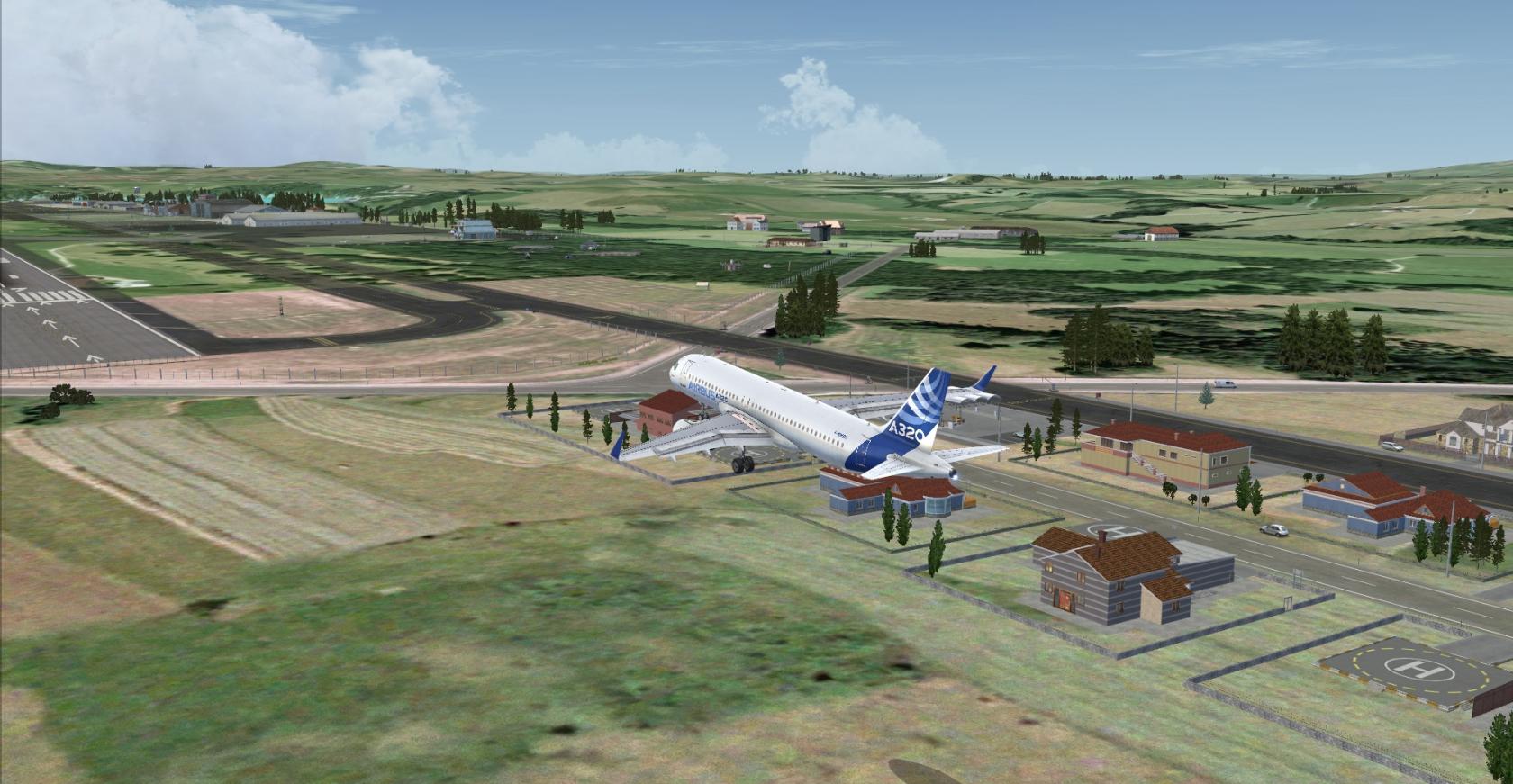
I had the honour to made some test flights with the new Airbus X Extended as Neo-Version (with Sharklets) and also have the honour to show you some exclusives shots:


-
also been in the air over Andras, but have to ask Mathijs first if I'm allowed to post some pics (it's the Airbus X Extended )
-
Happy Birthday to us and thanks alot to Andras for still supporting us! http://m.youtube.com/watch?v=-EScc9B55vc
-
i've clicked on the wrong button!! I wanted to give +1 but i hit the down-arrow. I'm really sorry! I LOVE your idea! How can i reject this rating? :-S [Post edited by Admin] Using expletives like that is not necessary, please refrain from using them.
-
Will you provide the towers to the community for download? Please!!!!! I'm missing them in NYC!
-
awesome pics dude! especially like 3 + 4 + 6
-
Hallo Klaus, klicke mal mit der rechten Maustaste unten rechts neben der Uhr auf den Laustprecher, dann auf Wiedergabegeräte und dort dann das Standardgerät definieren Sitze zwar gerade nicht am PC, aber so sollte es klappen Gruß, Andreas
-
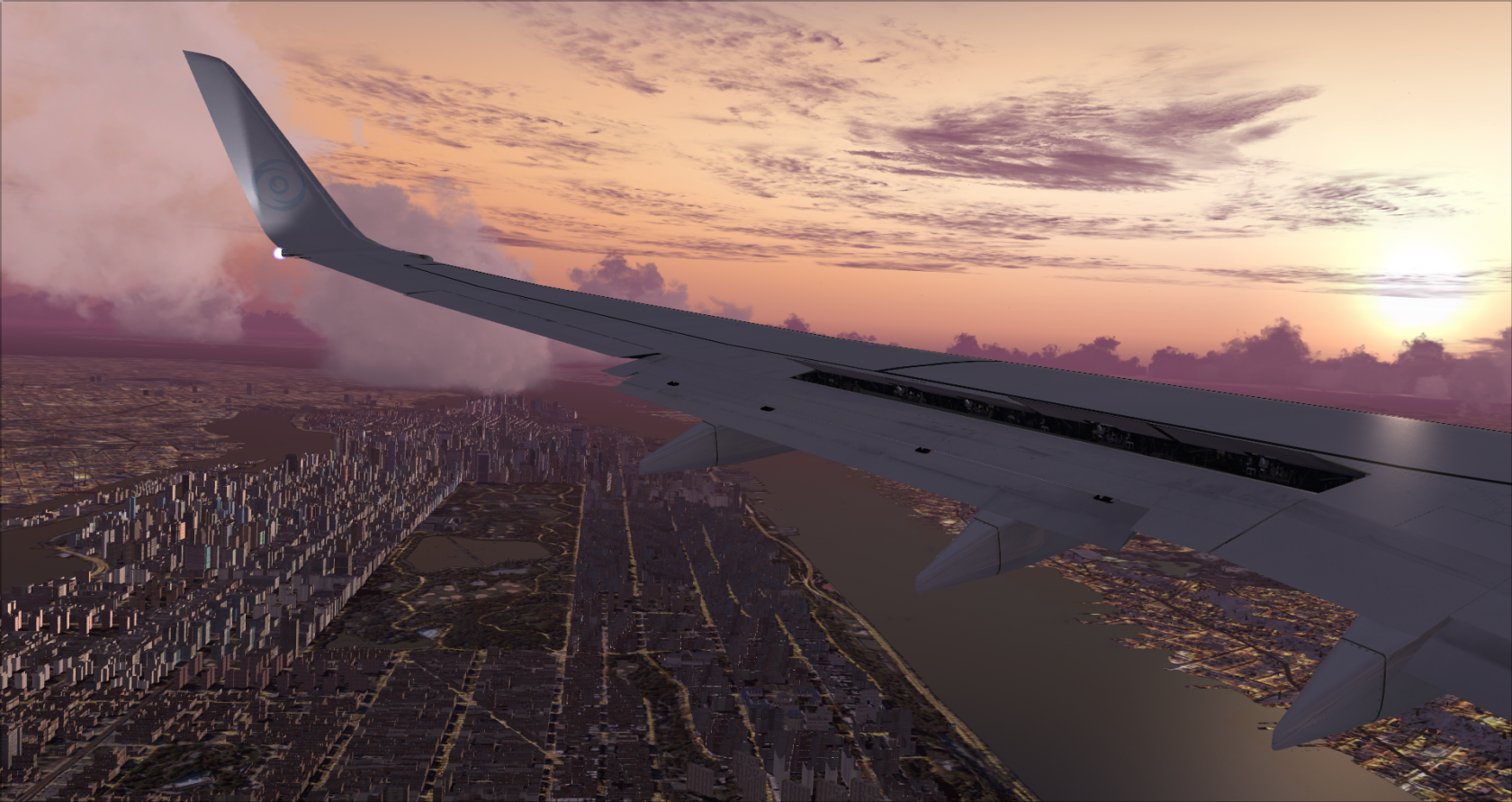
Here's my picture for this month 737 NGX Approaching Newark (KEWR) at sunset right above Manhatten and Central Park thanks for watching!

-
I understand that Viktor has made a fault by posting a request at the wrong place, but: why do some vote him negative!? It has been his first post! And even if it would be his 500th post ...
-
for me it depends very much on the schedule. But for now count me in
-
Hi Ian, great pictures! You wanted to shoot me at the second picture, isn't it? ;-) The Guy landing at Pic 8 should be me, also. I also enjoyed the trip and agree with you: We should do it regularly
-
Thanks guys, have been great fun to fly with you. Here my pics: Matt's landing:
-
Dale, we're now at EAFS