Jump to content

dresoccer4

Members
  • Joined

  • Last visited

Everything posted by dresoccer4

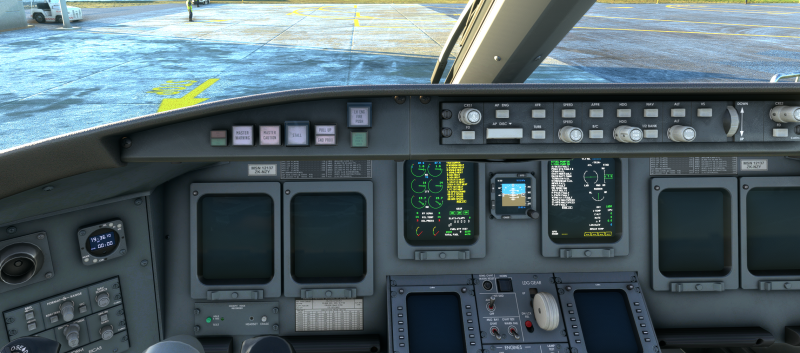
  1. This is happening to me just now. CRJ-700 climbing FL160 for FL250. Wasn't touching any controls, and in fact was in the external view admiring the view when the plane froze mid-air. I could still pan the camera, the sound was still there, the EFB was still working, the cockpit door could open and close. But the yoke, throttles, and all buttons no longer respond. i waited for a while but it never came back. very sad.
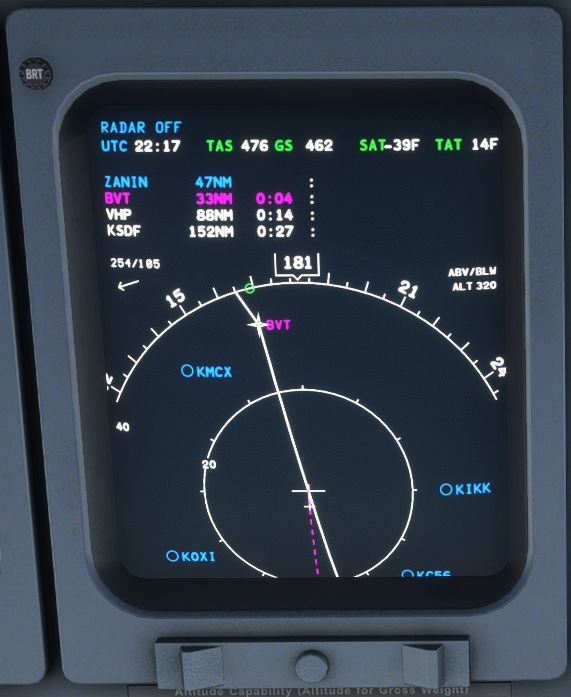
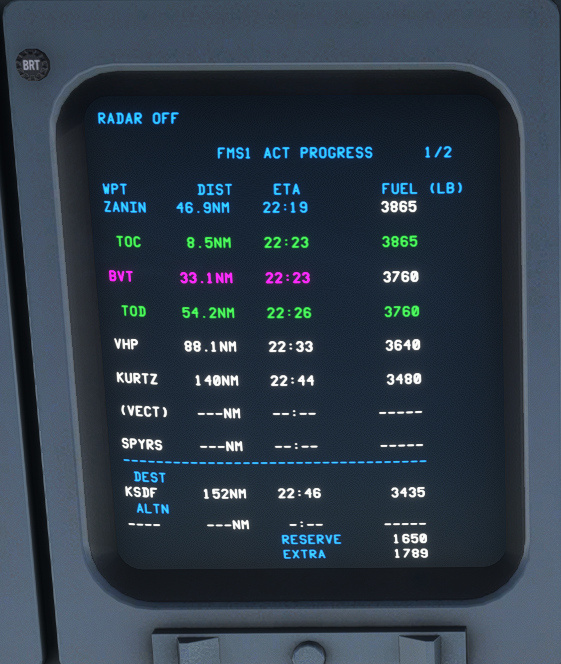
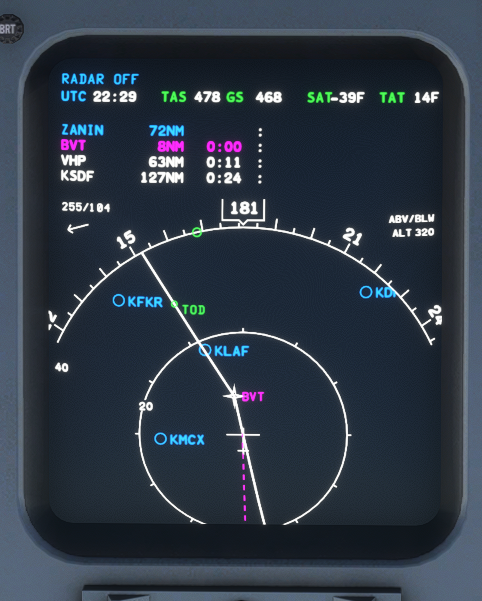
  2. The TOD is now showing in the MFD like it should on the upper right side of the screen. I know the TOD is being calculated correctly as it's indeed shown in the MFD Data page: Anyone know how to get the VNAV profile shown in the MFD (it's selected in the MFD menu)?
  3. dresoccer4 posted a topic in Systems
    I'm turning the knob for both cockpit and cabin temps but they are set at 22 and won't move. Which switch do I need to flip to take manual control? My cockpit is best at 19c.
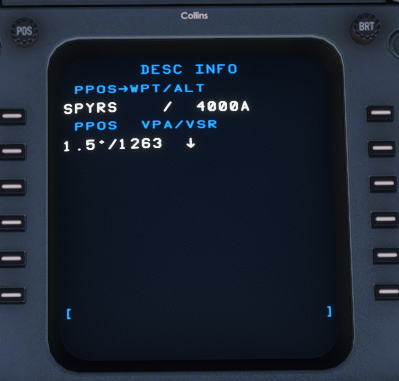
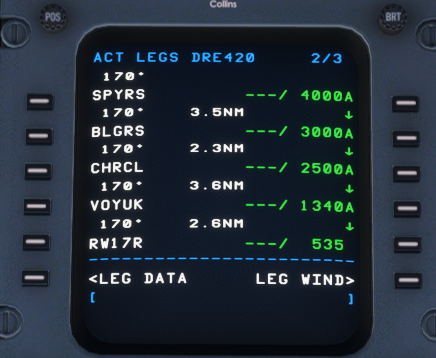
  4. In my FMS I selected just a runway for my approach and the FMS added it into my route but assigned an altitude of FL350 instead of the actual airport elevation. This causes an issue when I remove the discontinuity above it because it jacks up all the automatically assigned altitudes. Here are the previous waypoints with correct altitudes followed by discontinuity followed by runway 13 with incorrect elevation: When I remove the discontinuity, it turns all waypoint altitudes to FL350. How can I have the FMS properly assign my final runway waypoint with the correct altitude?
  5. dresoccer4 replied to tosco92's topic in General Discussion
    yes you absolutely can. i use addonlinker for situations just like this. not sure why support here was so confused about your question
  6. Oh man I loved this addon back in XP11. Spend many a' hours here with my Turbo Otter. I wish I could have this now in MSFS as I've made the switch complete for some time now. But at least I have the memories 😅
  7. hi there, i tried to follow your link but it won't seem to load? SocietyIslands4XPlane – The Airports – Maps2XPlane

Important Information

We have placed cookies on your device to help make this website better. You can adjust your cookie settings, otherwise we'll assume you're okay to continue. Privacy Policy & Terms of Use

Account

Navigation

Search

Configure browser push notifications

Chrome (Android)
  1. Tap the lock icon next to the address bar.
  2. Tap Permissions → Notifications.
  3. Adjust your preference.
Chrome (Desktop)
  1. Click the padlock icon in the address bar.
  2. Select Site settings.
  3. Find Notifications and adjust your preference.