




About This File
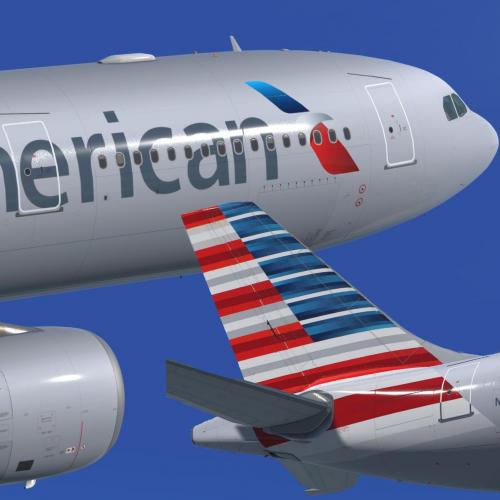
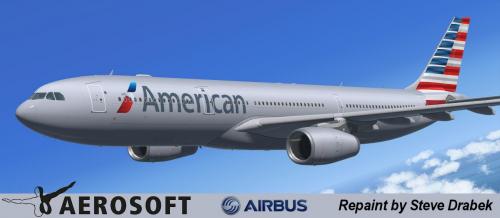
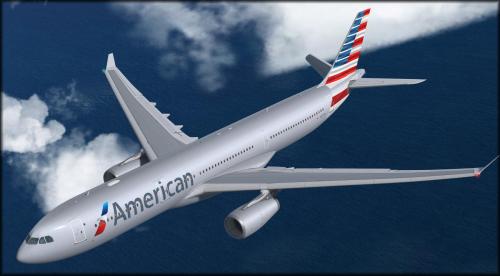
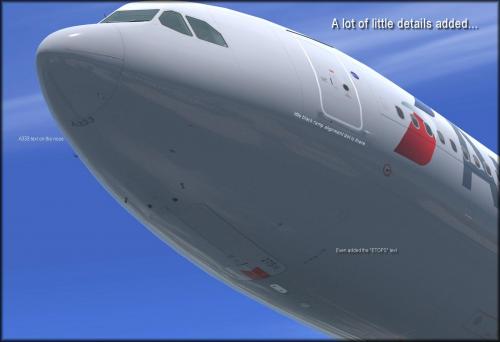
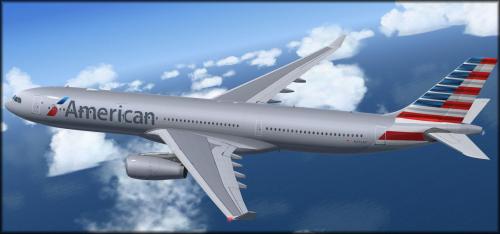
This is a .90 release. I wanted to release it for folks to fly on Christmas but do not have time to do all the little things I want to for it to be 100%. Its certainly flyable in its current state, and I hope you enjoy all the special features I added to this very unique paint.
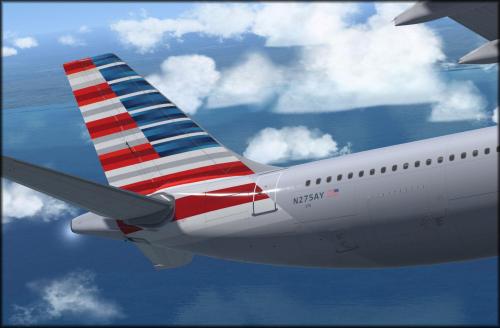
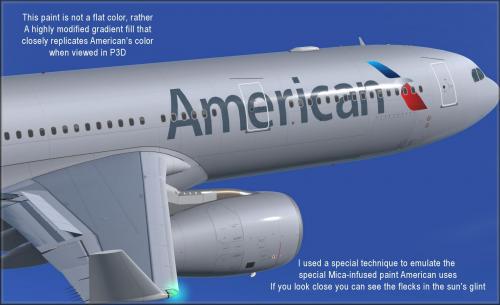
I used a gradient method to paint the surfaces to match as closely as possible to what you actually see when you view this paint in real life.
I also created a special technique to emulate the sparkle you see when the sun glint's off the fuse in a certain way.
Bar far one of the most complex paints I've ever done.
To install this aircraft, copy the following text into your 'aircraft.cfg', inside the folder 'SimObjects\Airplanes\Aerosoft A333 RR Professional'. Replace the XX in [FLTSIM.XX] by the next number in your sequence (like [FLTSIM.11,12 etc])
[FLTSIM.XX]
title = Aerosoft A333 professional American N275AY
sim = A330-343
model = SD3
panel =
sound =
texture = N275AY
kb_checklists = AirbusA333_check
kb_reference = AirbusA333_ref
atc_id = N275AY
atc_airline = American
atc_flight_number = 1000
ui_manufacturer = Airbus
ui_type = A330-343 ROLLS-ROYCE
ui_variation = American N275AY
ui_typerole = Commercial Airliner
ui_createdby = Aerosoft
atc_parking_types = GATE,RAMP
atc_parking_codes = AA
description = Airbus A330 - 343 RR / American N275AY \nwww.aerosoft.com\nRepaint by Steve Drabek
Next, copy the complete texture.XXXXXXX folder in the zip file to the your \AS Airbus 330\Aerosoft A330 Professional\SimObjects\Airplanes\Aerosoft A333 RR Professional folder (your folder will be wherever you installed the Airbus)
That's it!
Let me know what you think of this paint....I put a lot of time and attention to it. 
User Feedback
Please sign in to comment
You will be able to leave a comment after signing in
Sign In Now