Skip to content

David Rosenfeld

Developer
  • Joined

  • Last visited

  1. Hello Balto98X As I can see It's still Version 1.5.0 We Fix It all in version 1.6.0 And I hope It will be ready for download In As short Time David
  2. Next week I hope on the first half the update 1.6 will be available on Aerosoft shop for PC! version as for XBOX it have to be tested in Microsoft so I don't know how long it take I quite sure That in the XBOX version all fixies will include as for myself I don't have XBOX thanks in Advance David LIMC_v160_Changelog.pdf
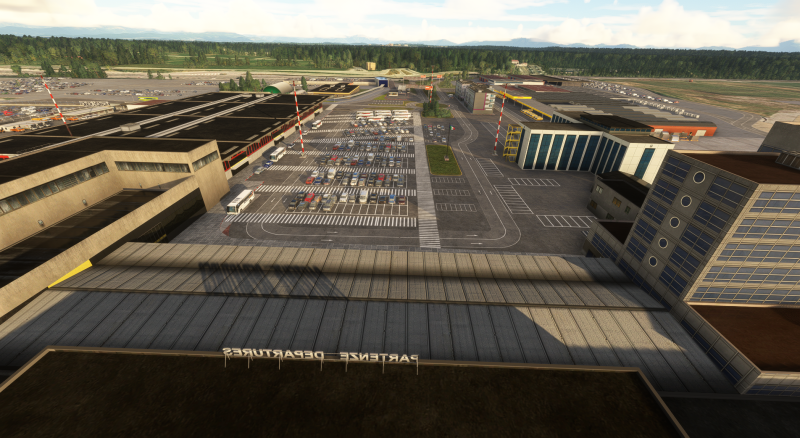
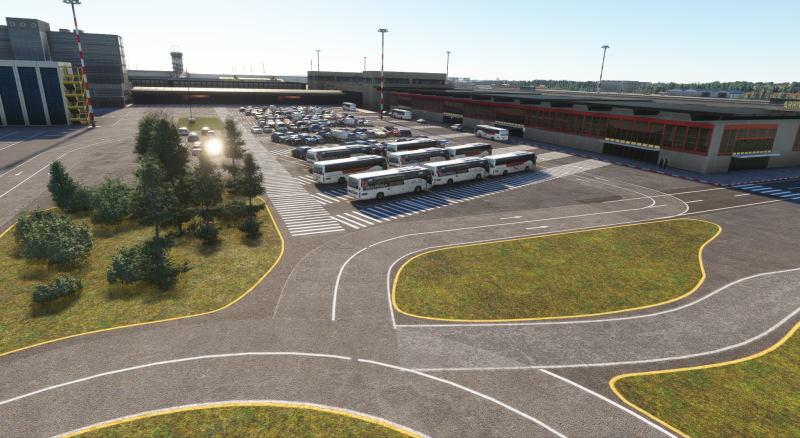
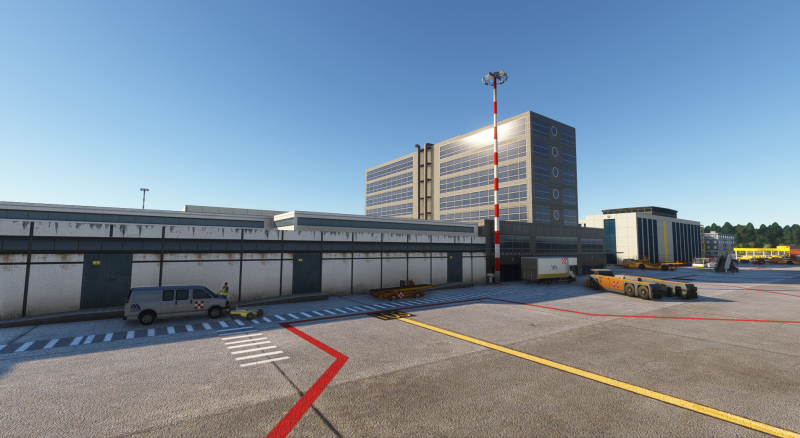
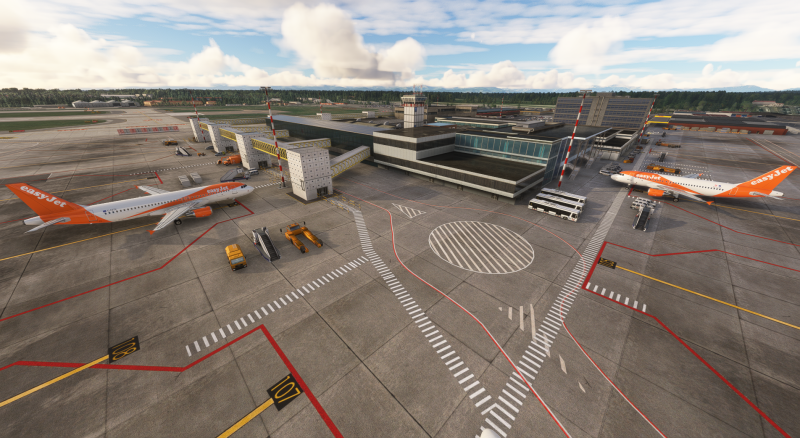
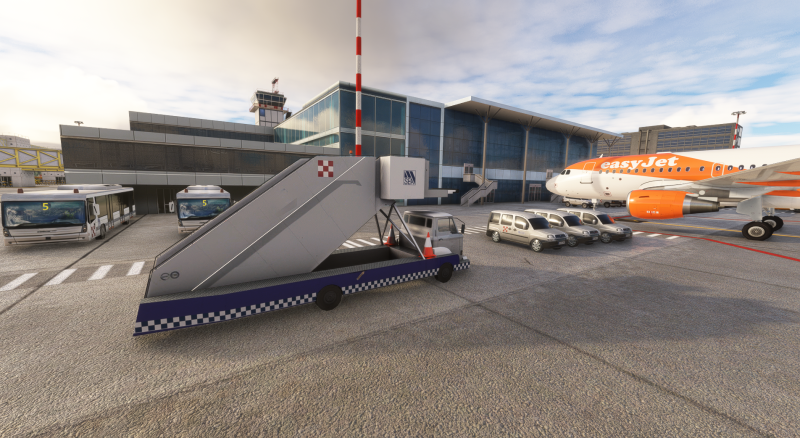
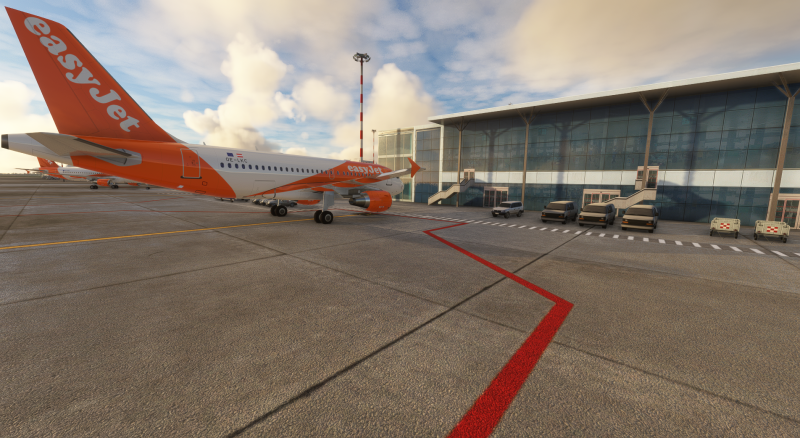
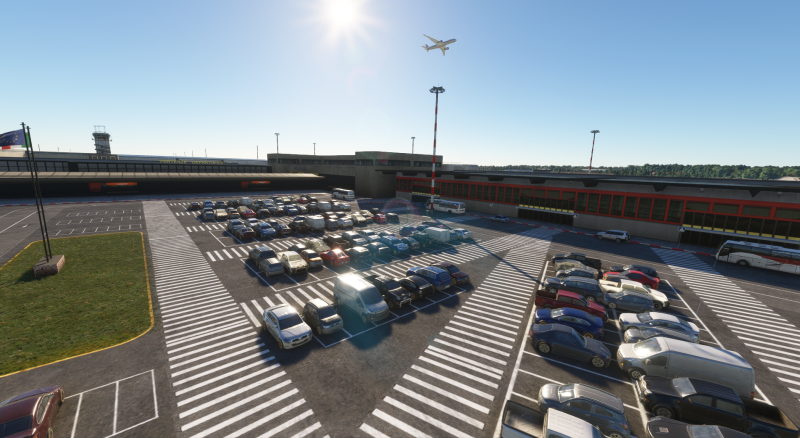
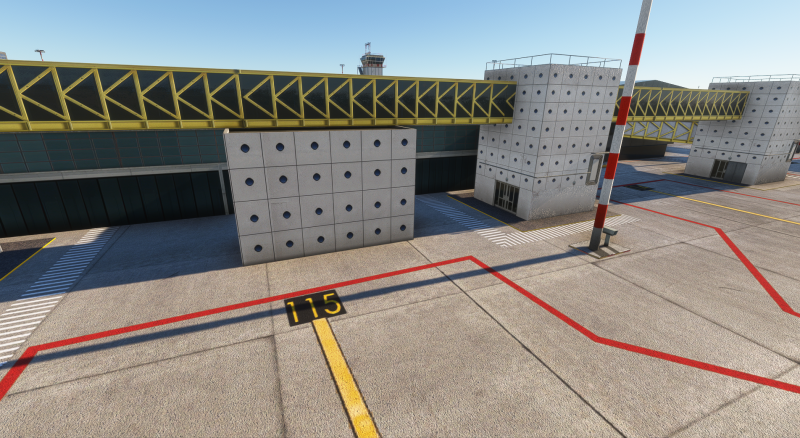
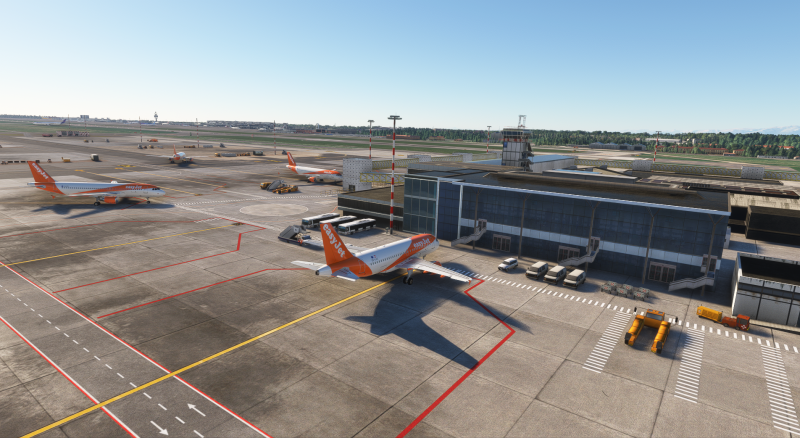
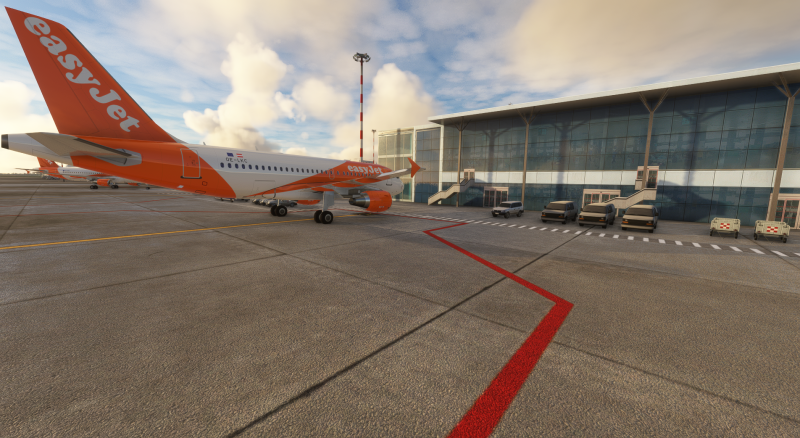
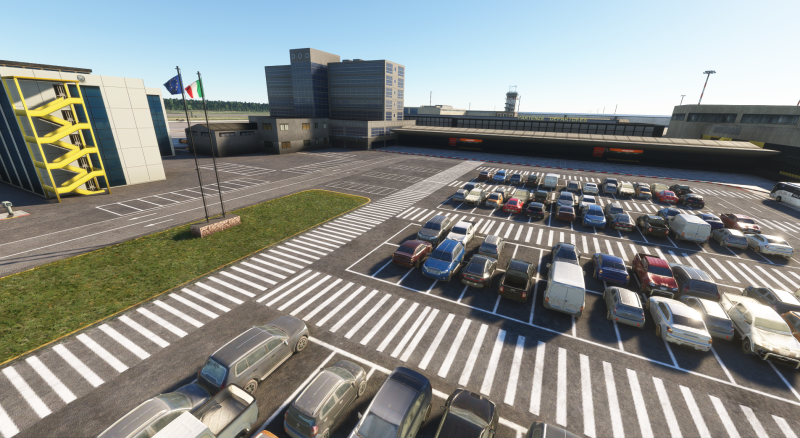
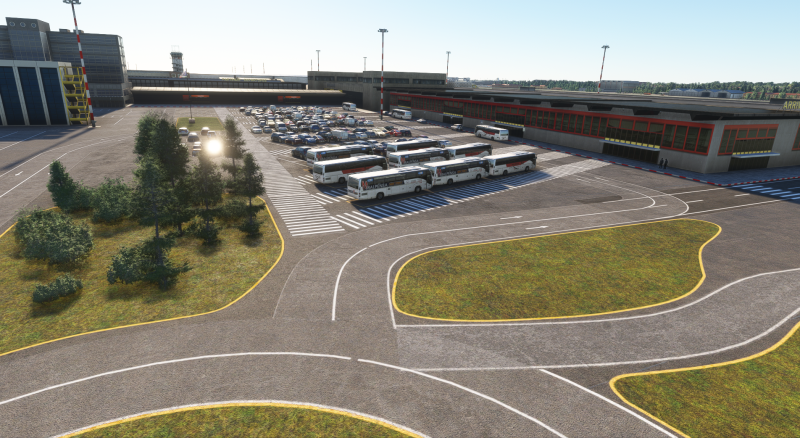
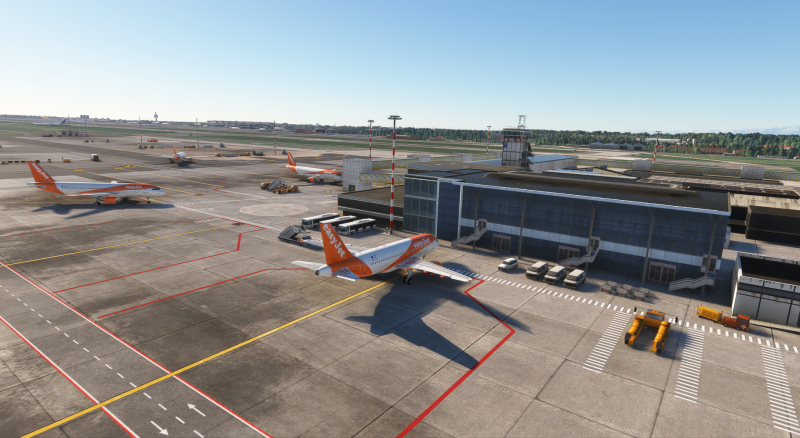
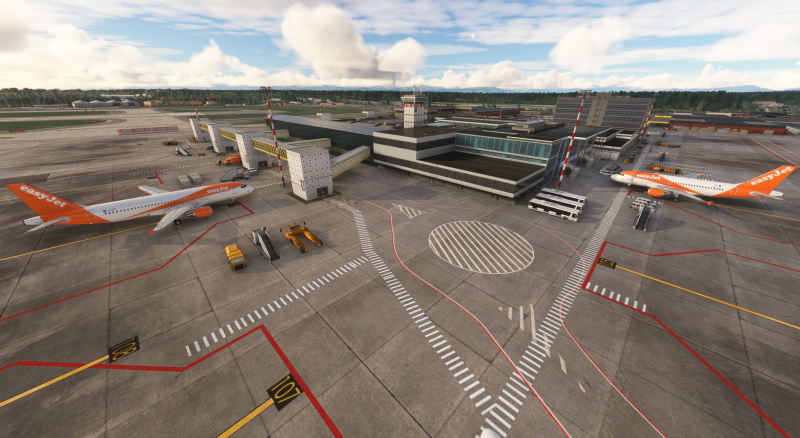
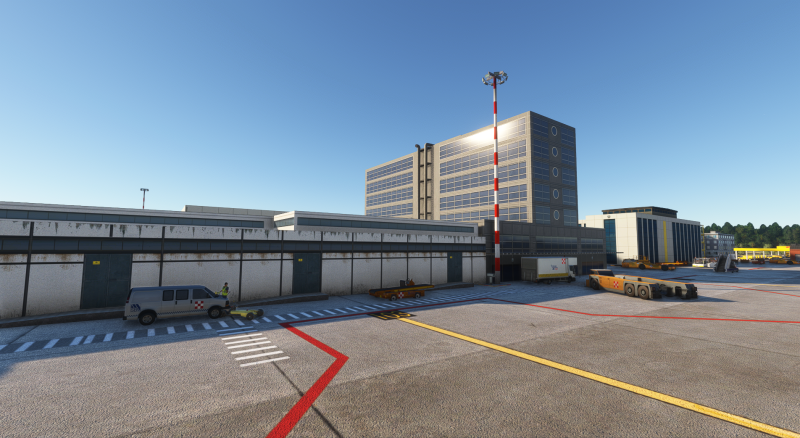
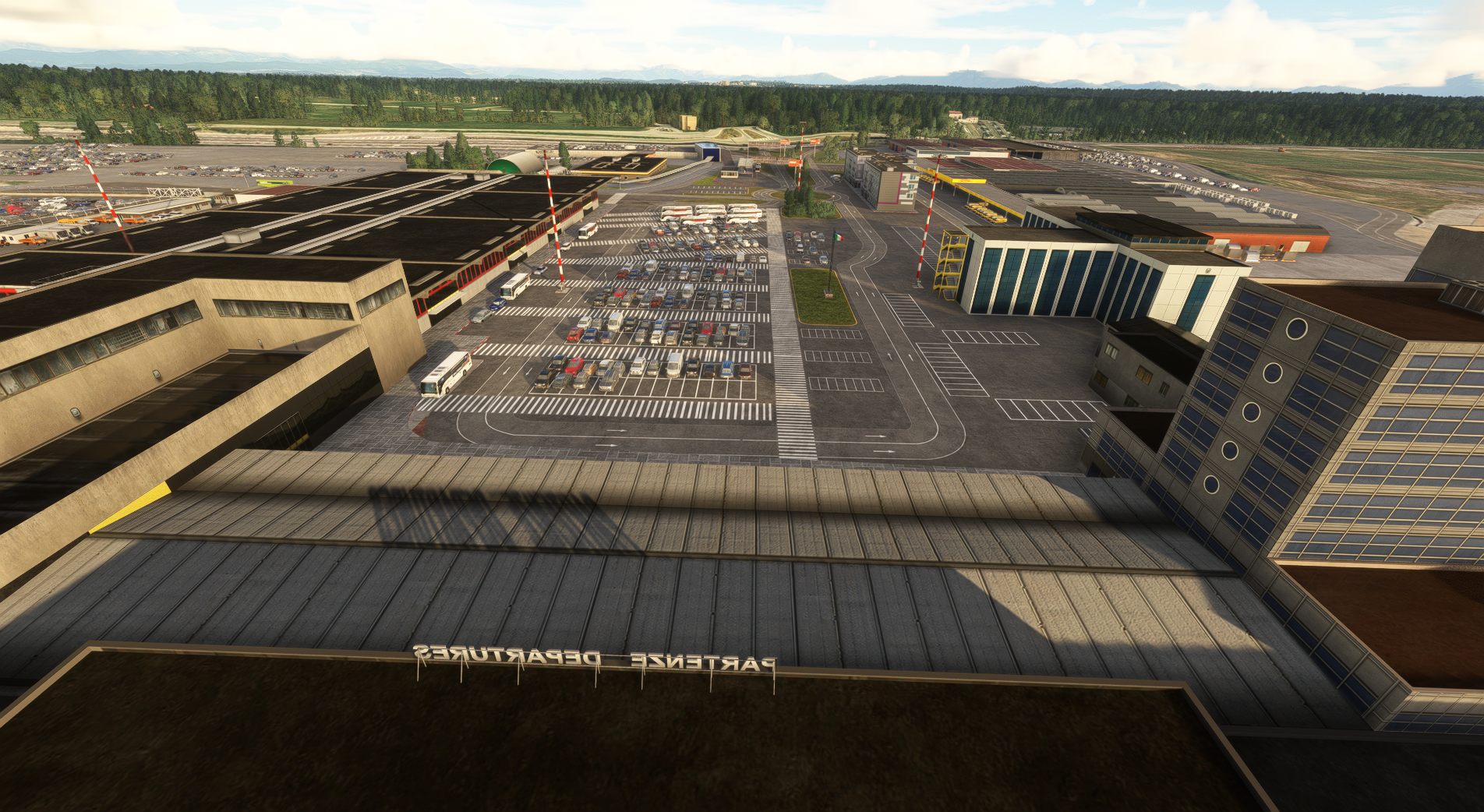
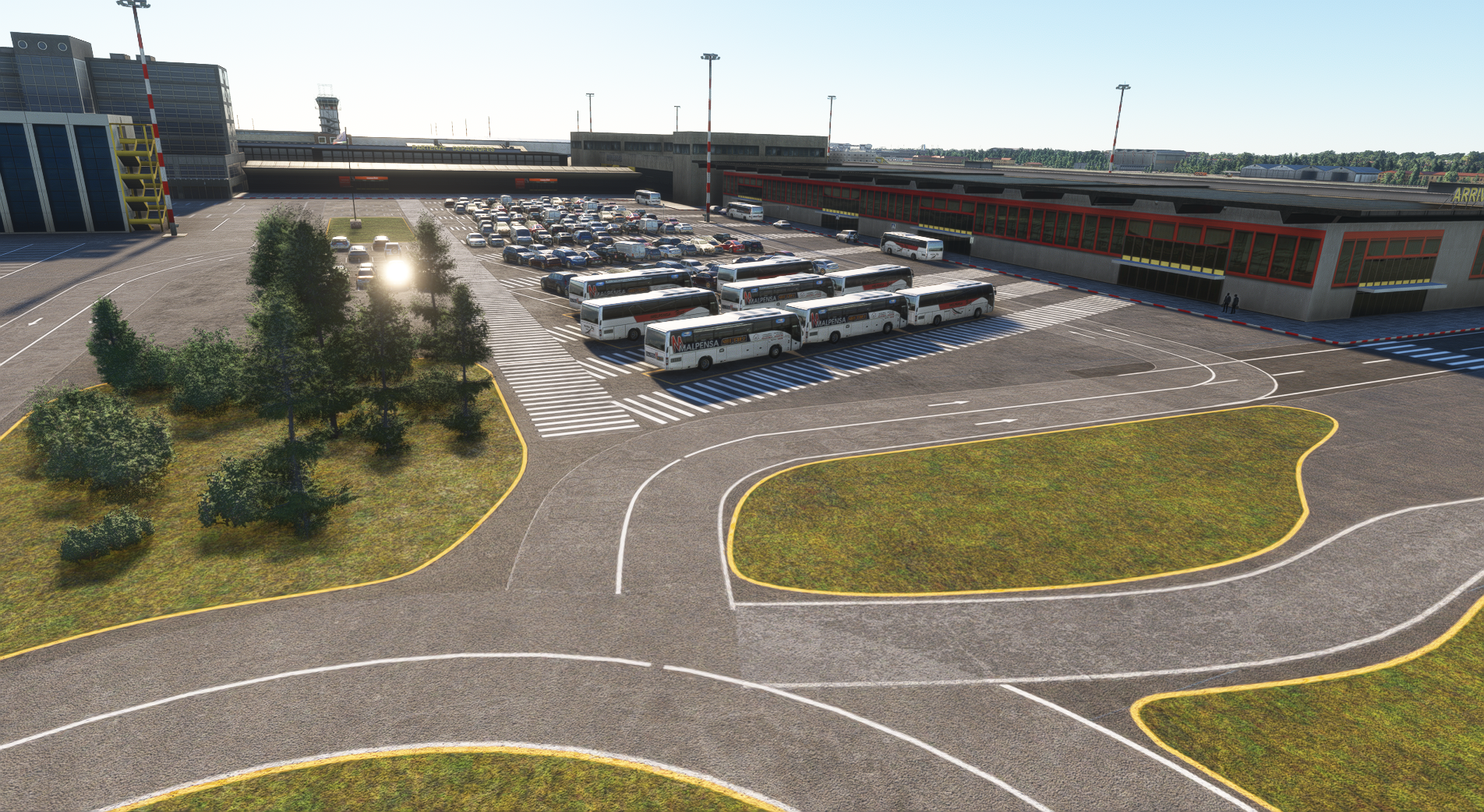
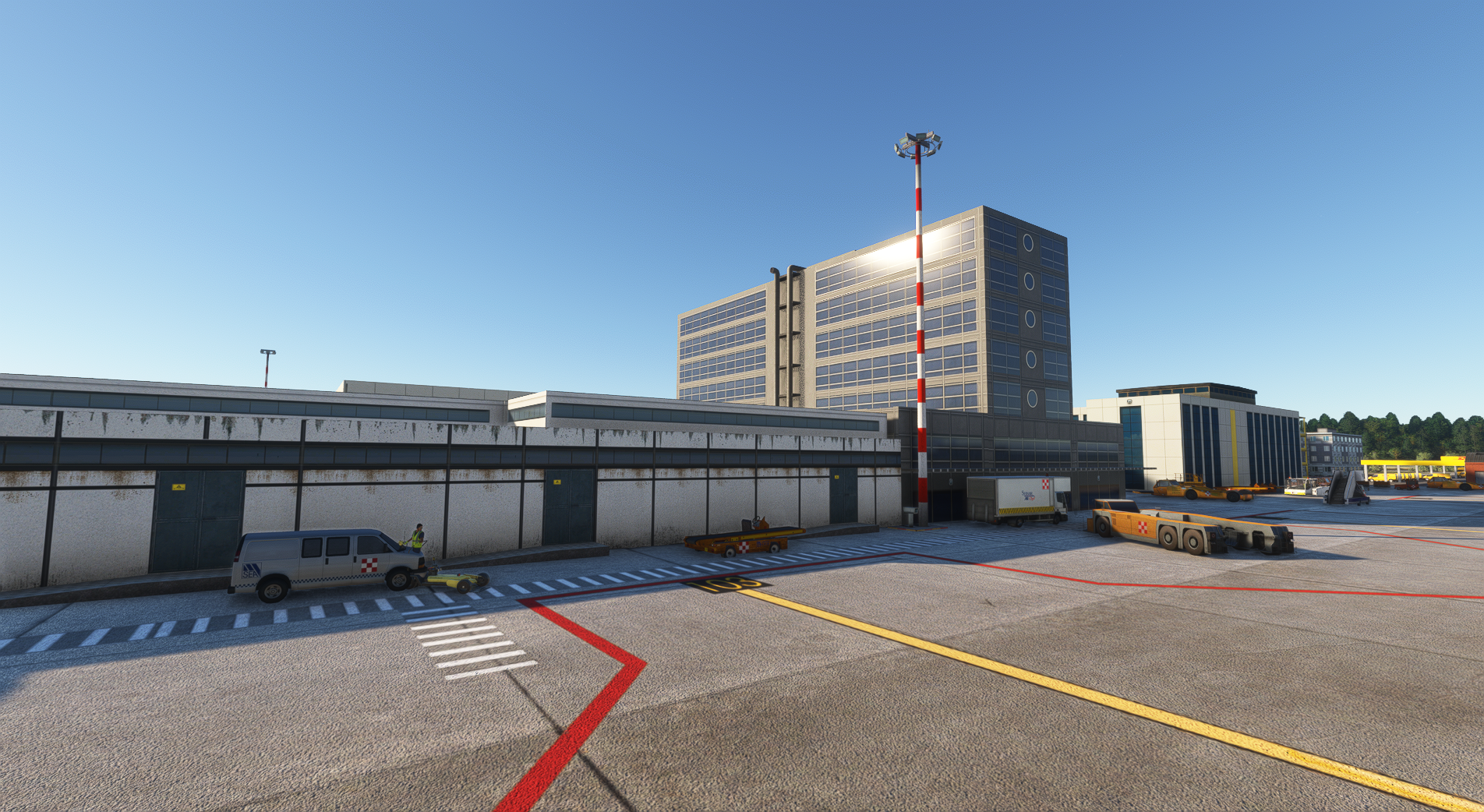
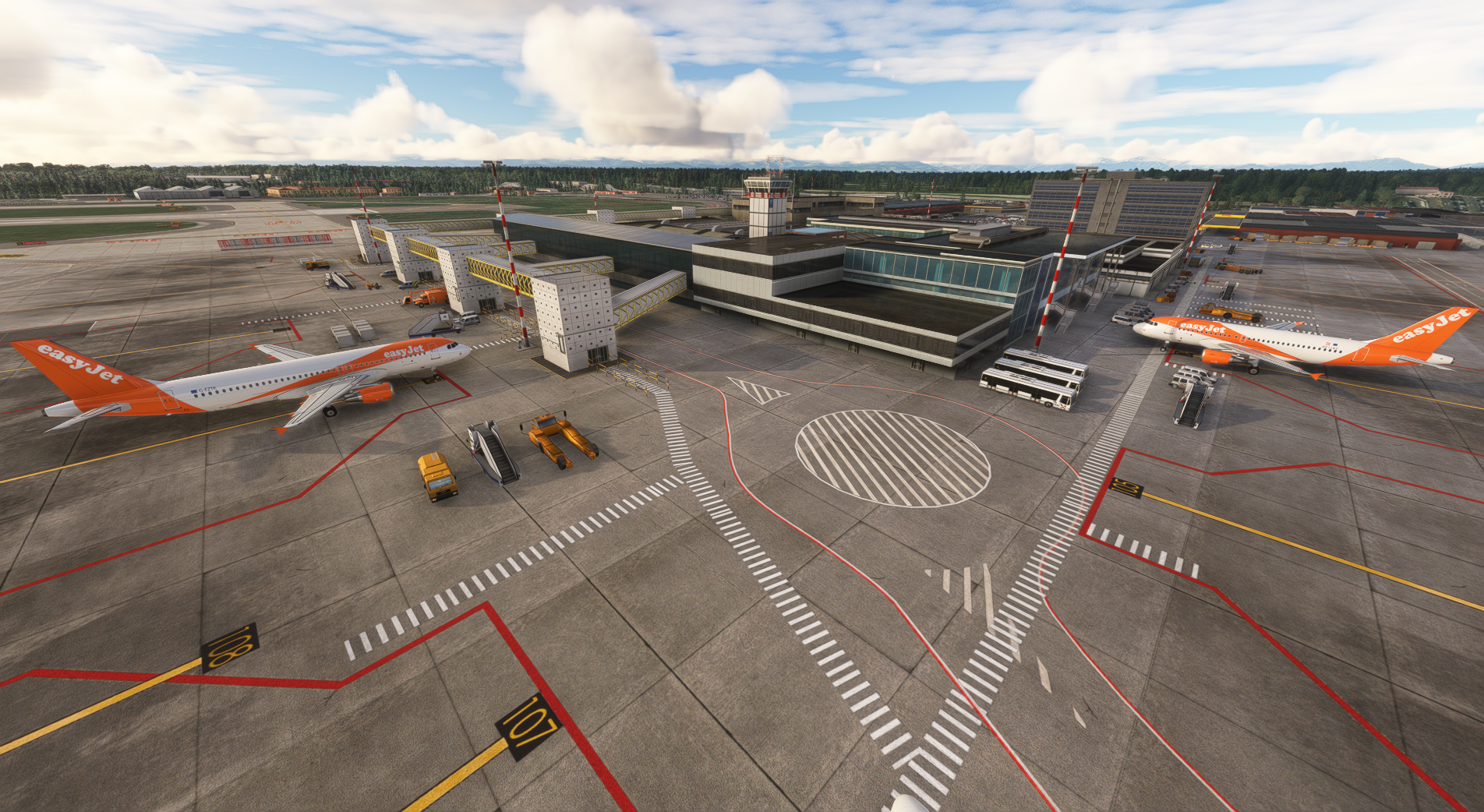
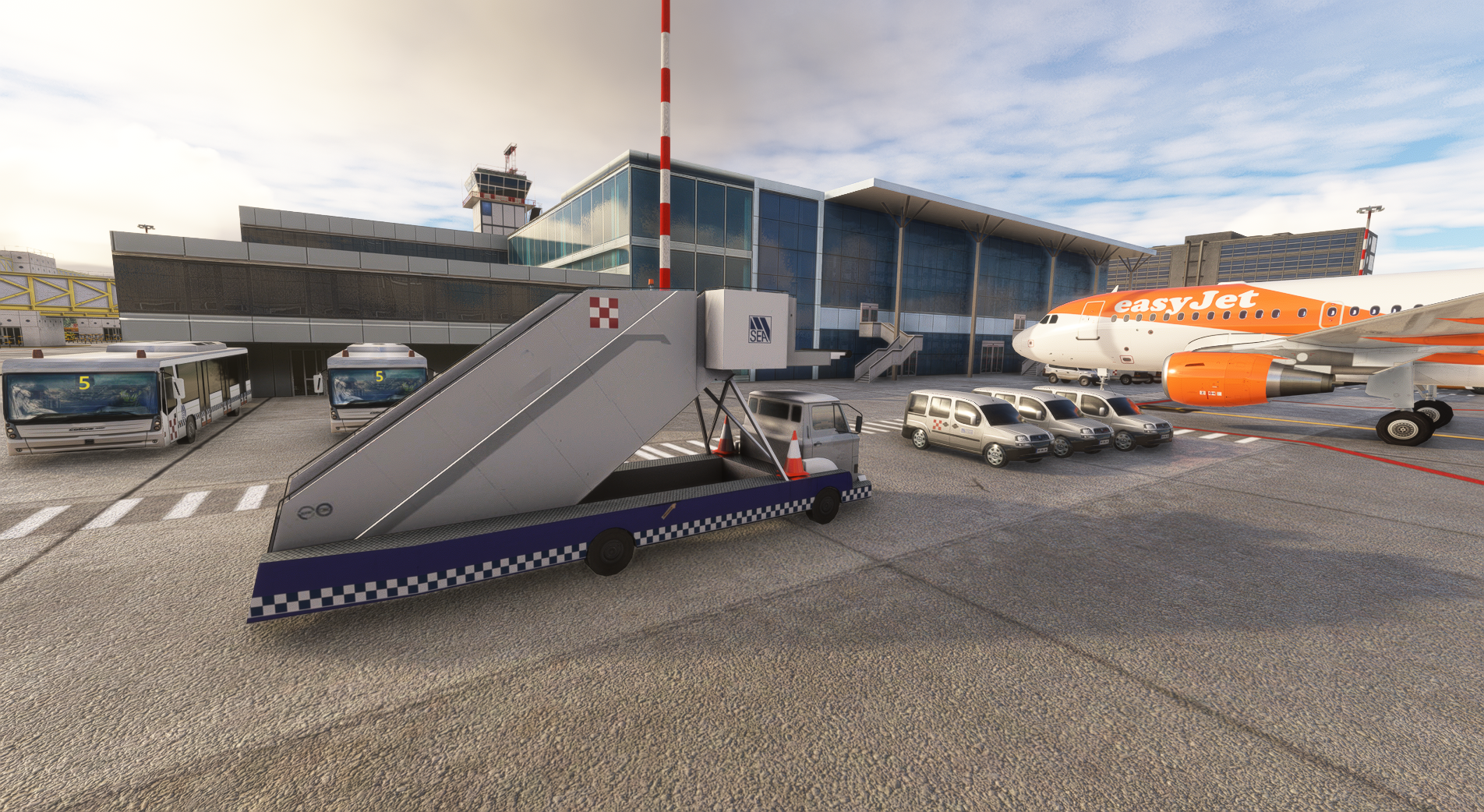
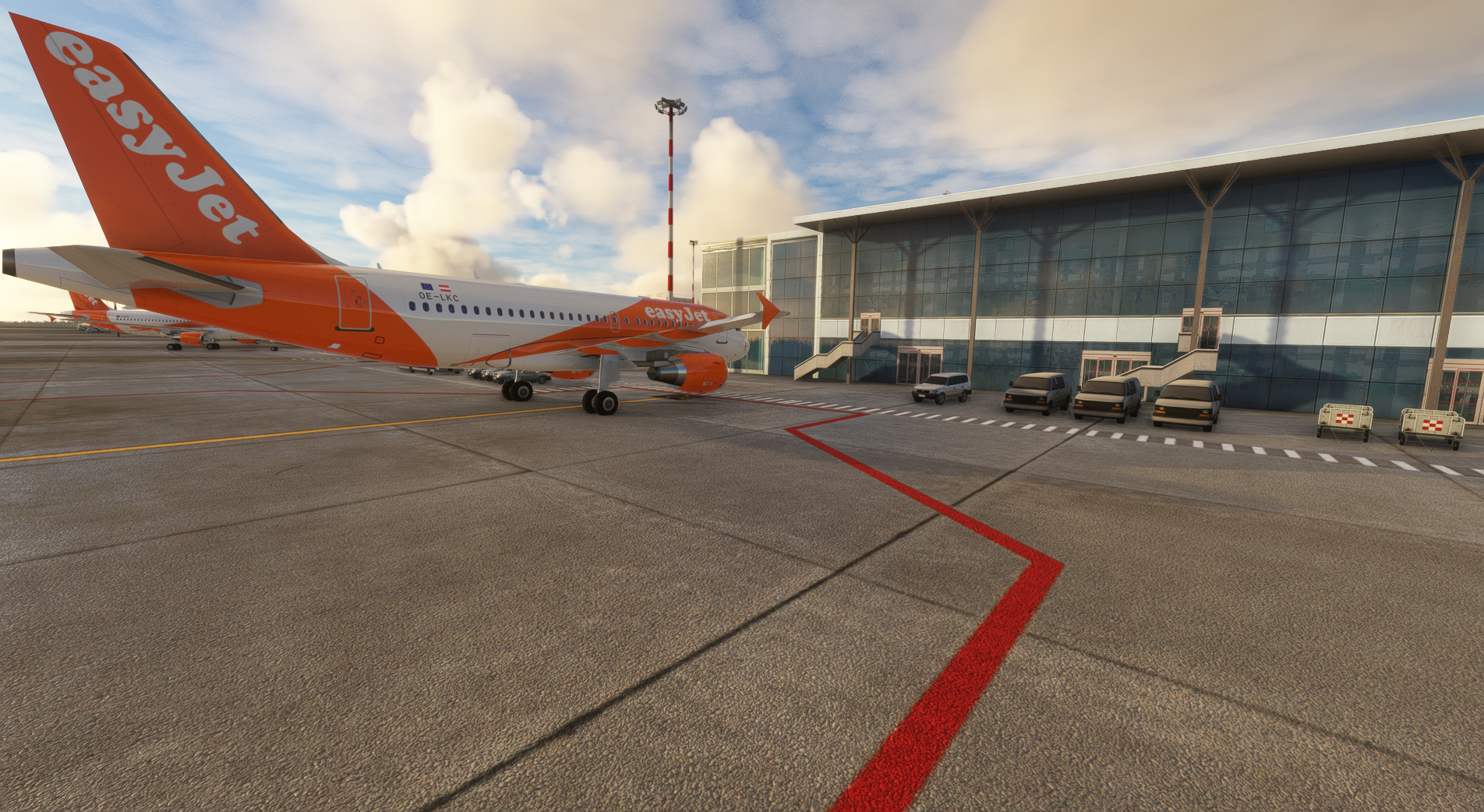
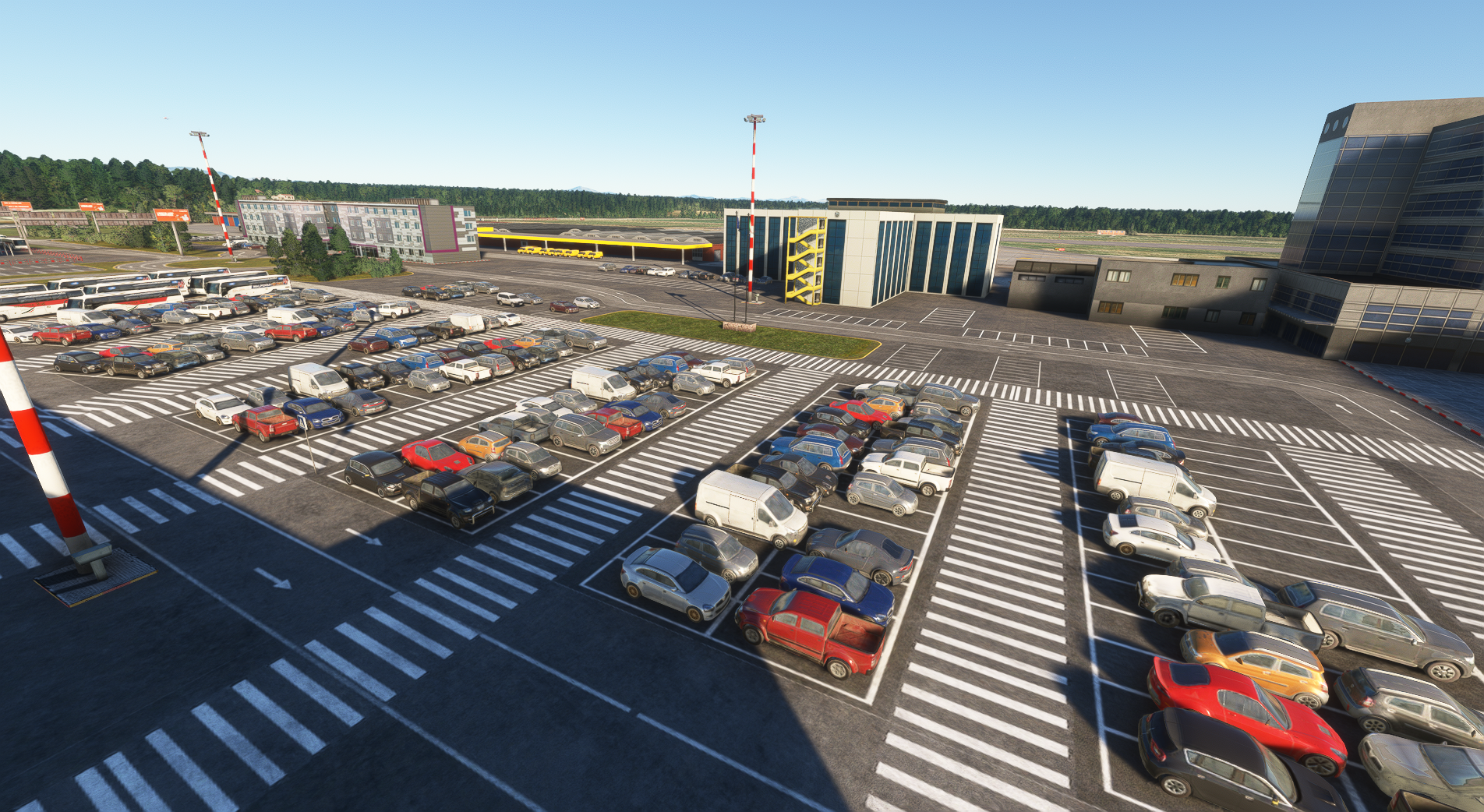
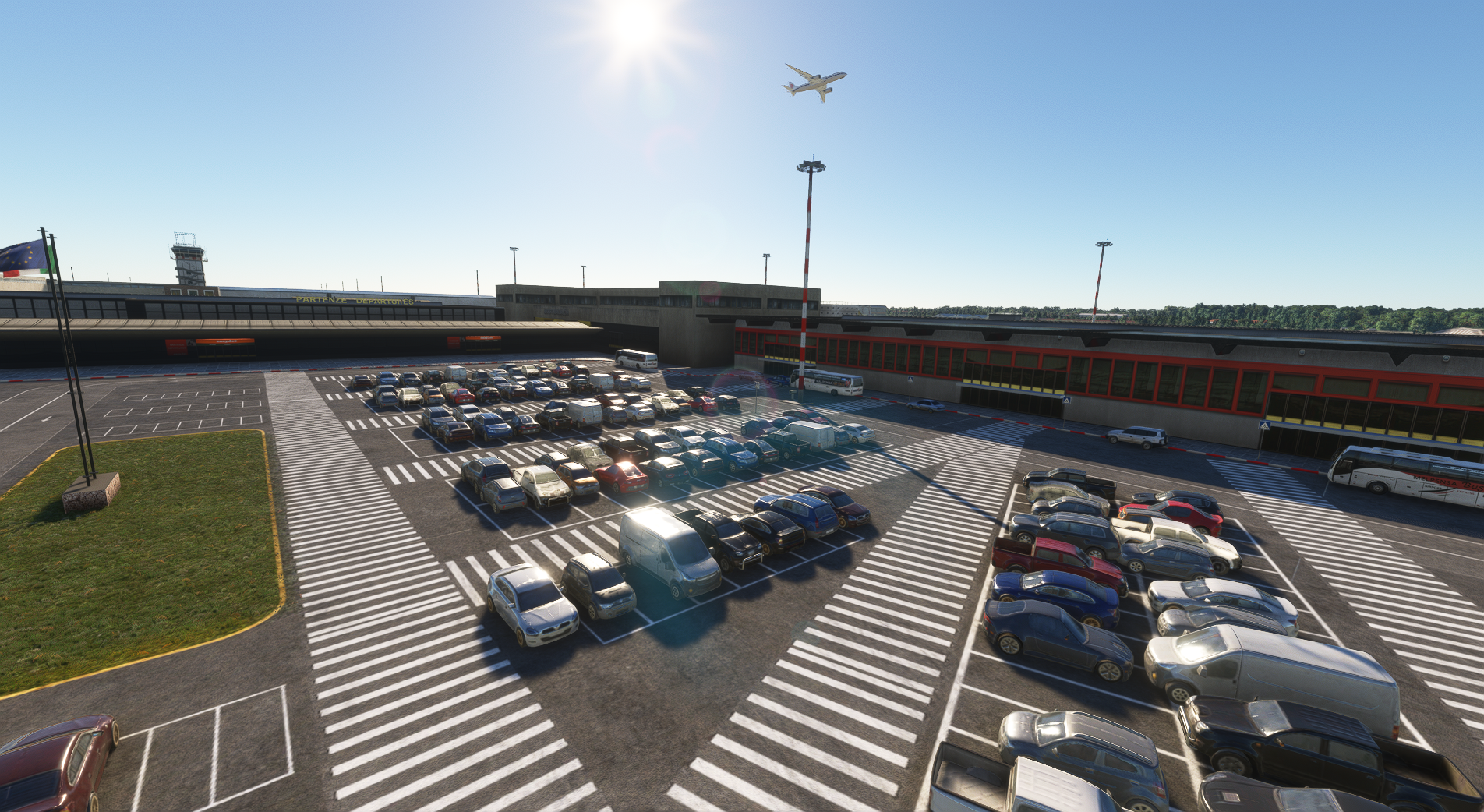
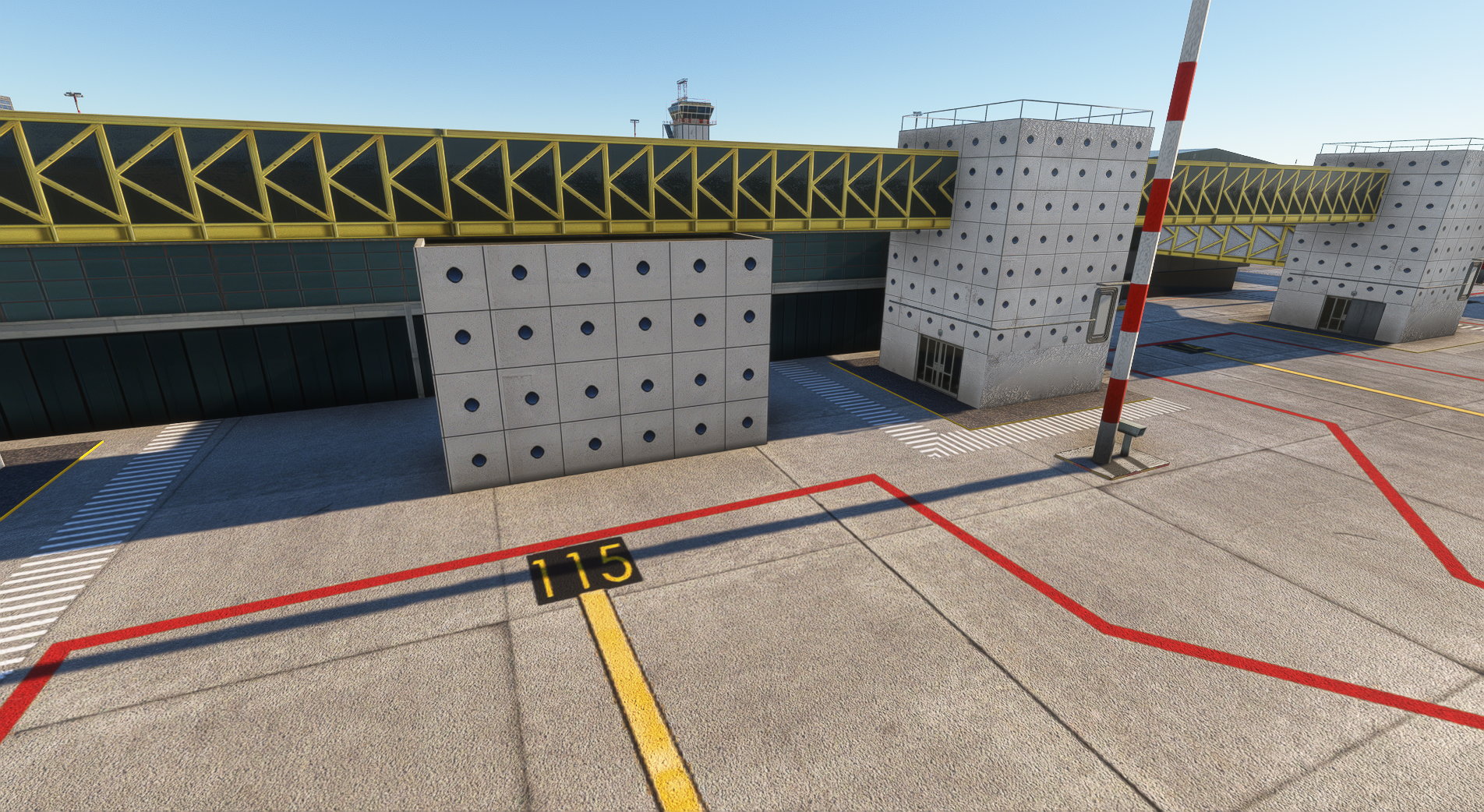
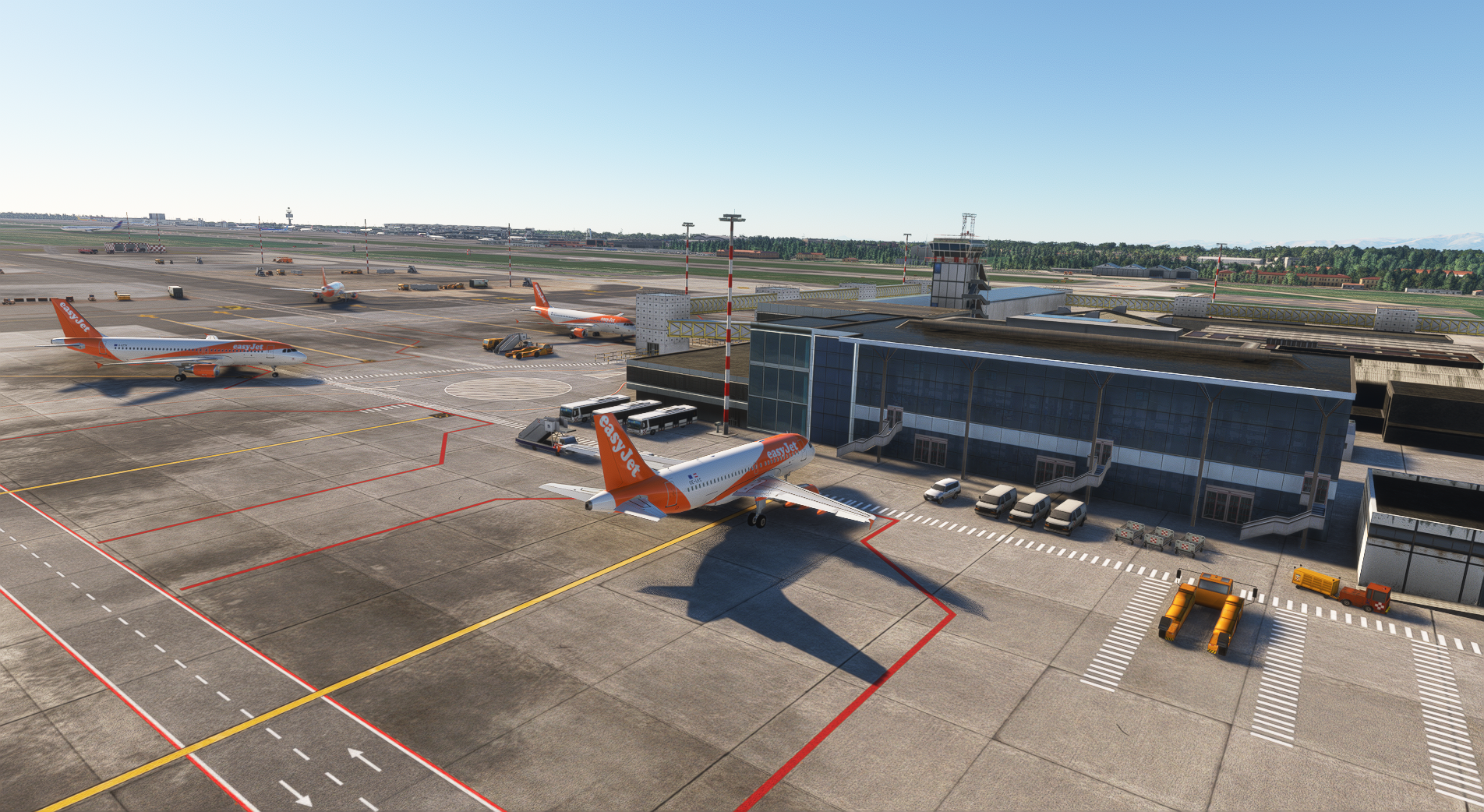
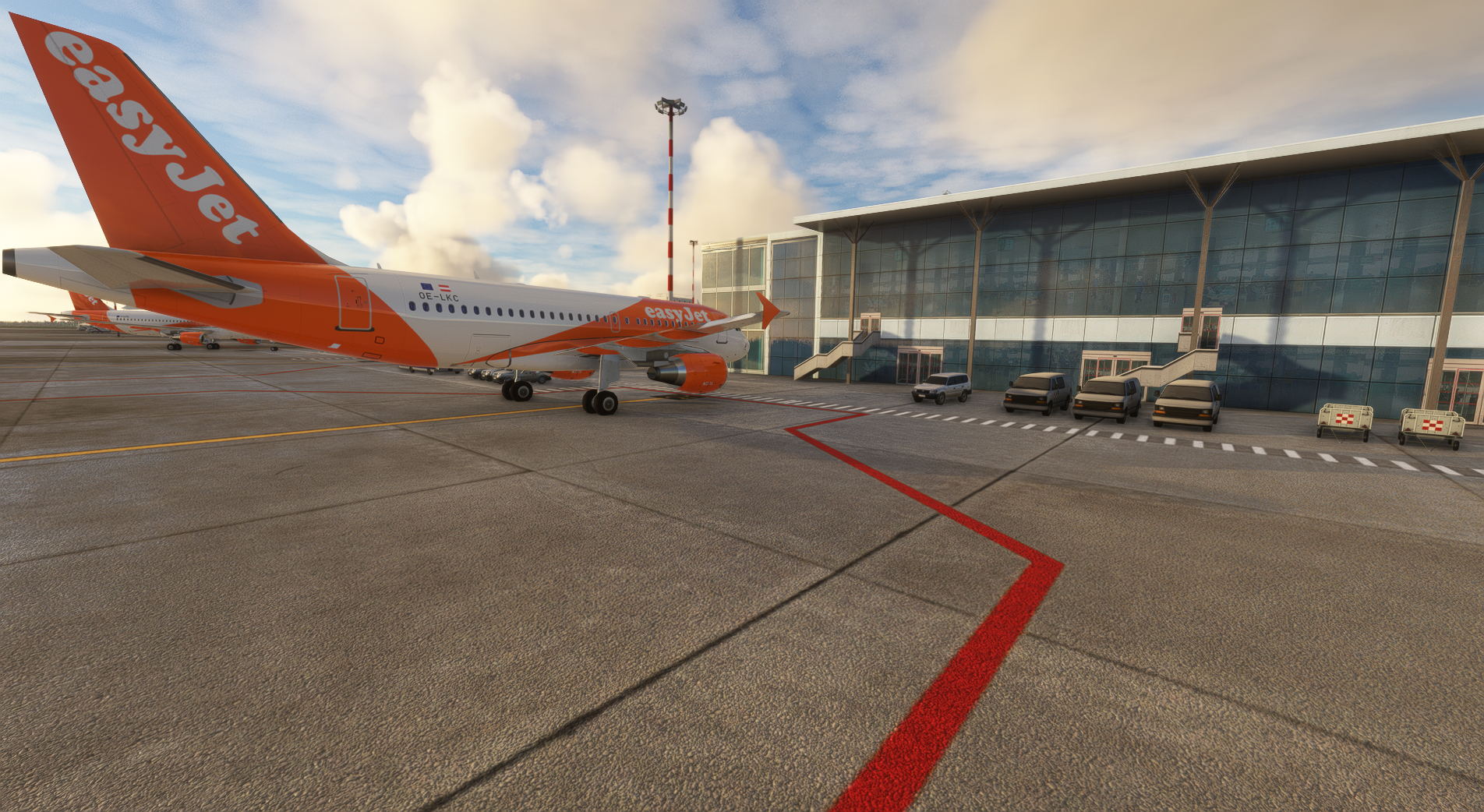
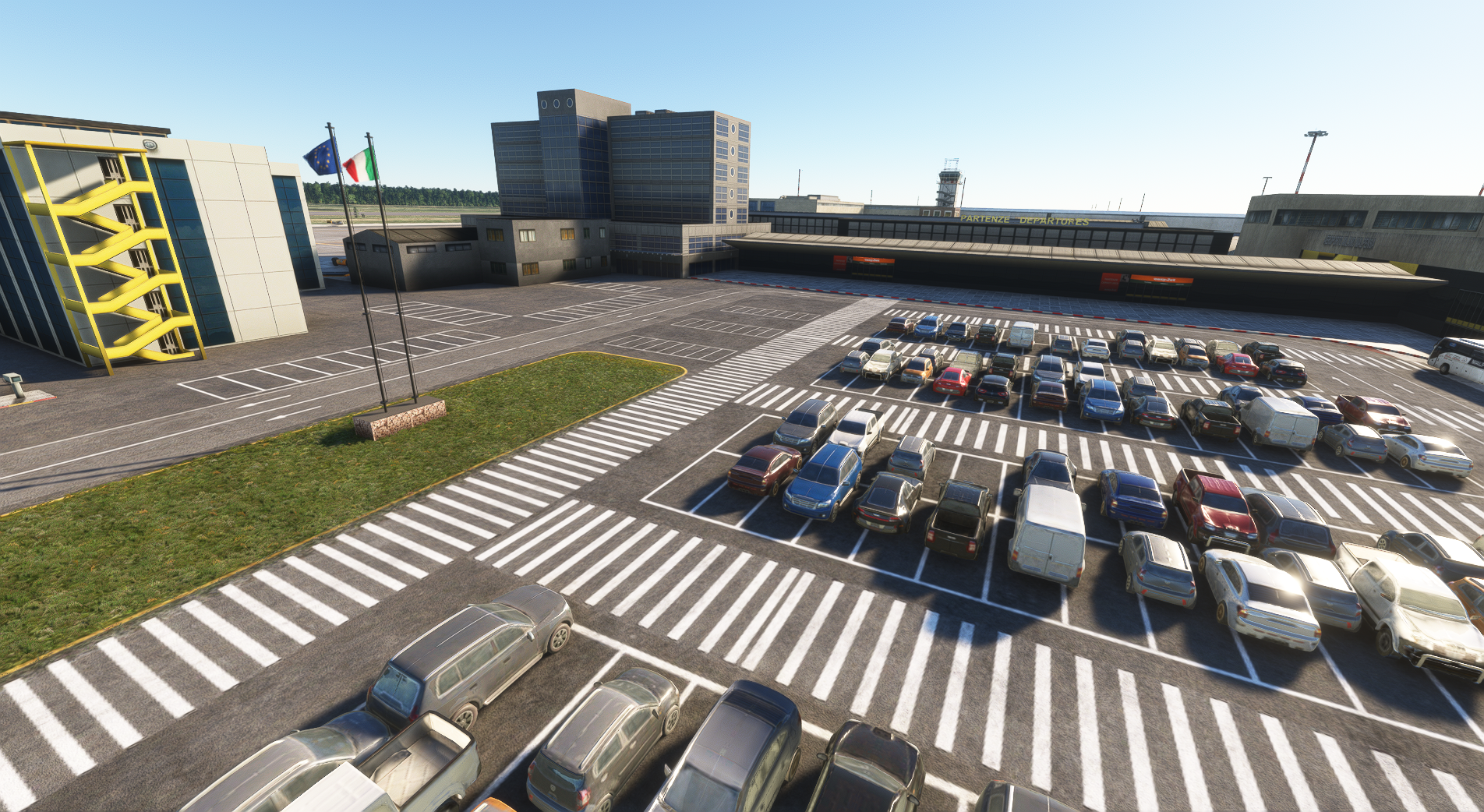
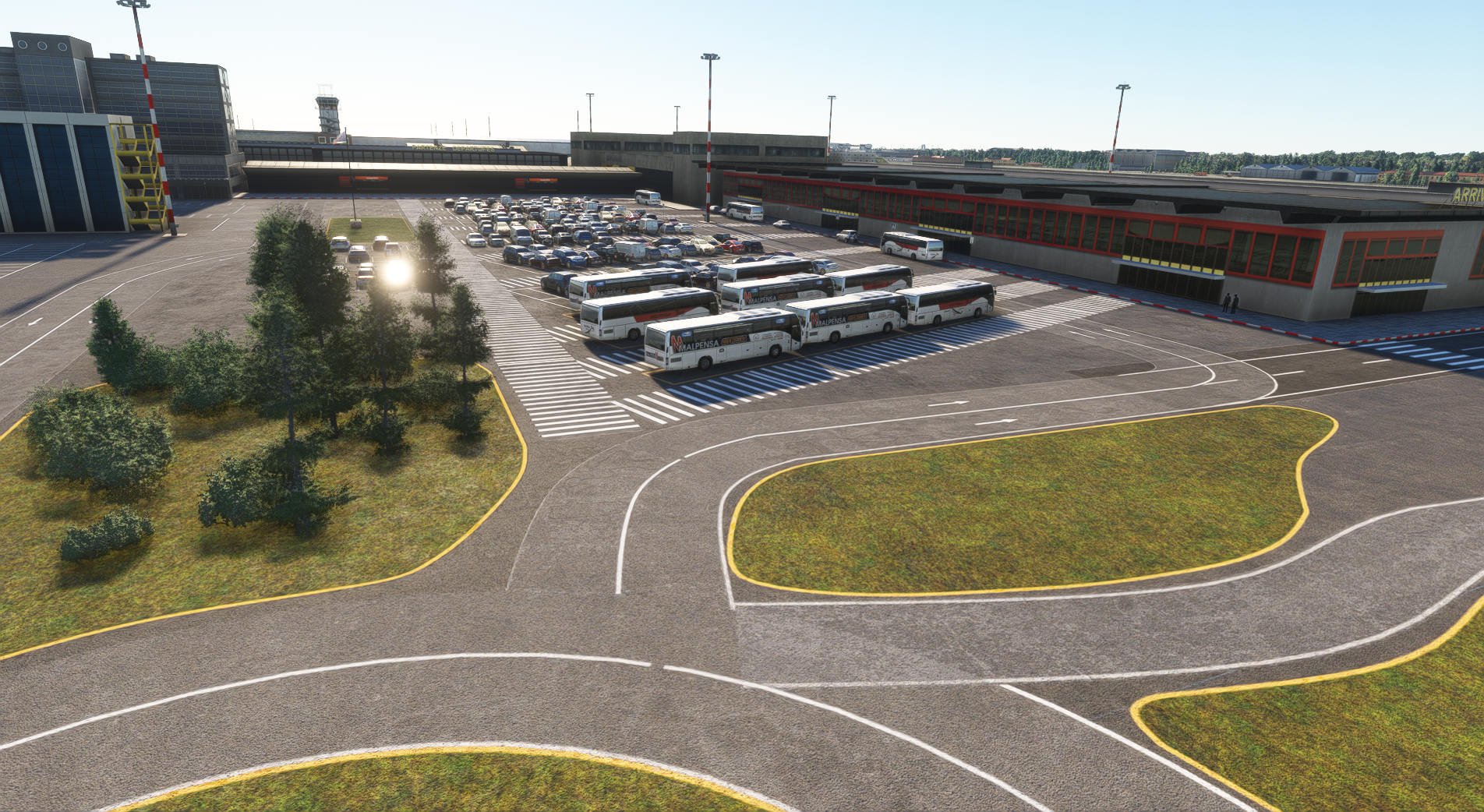
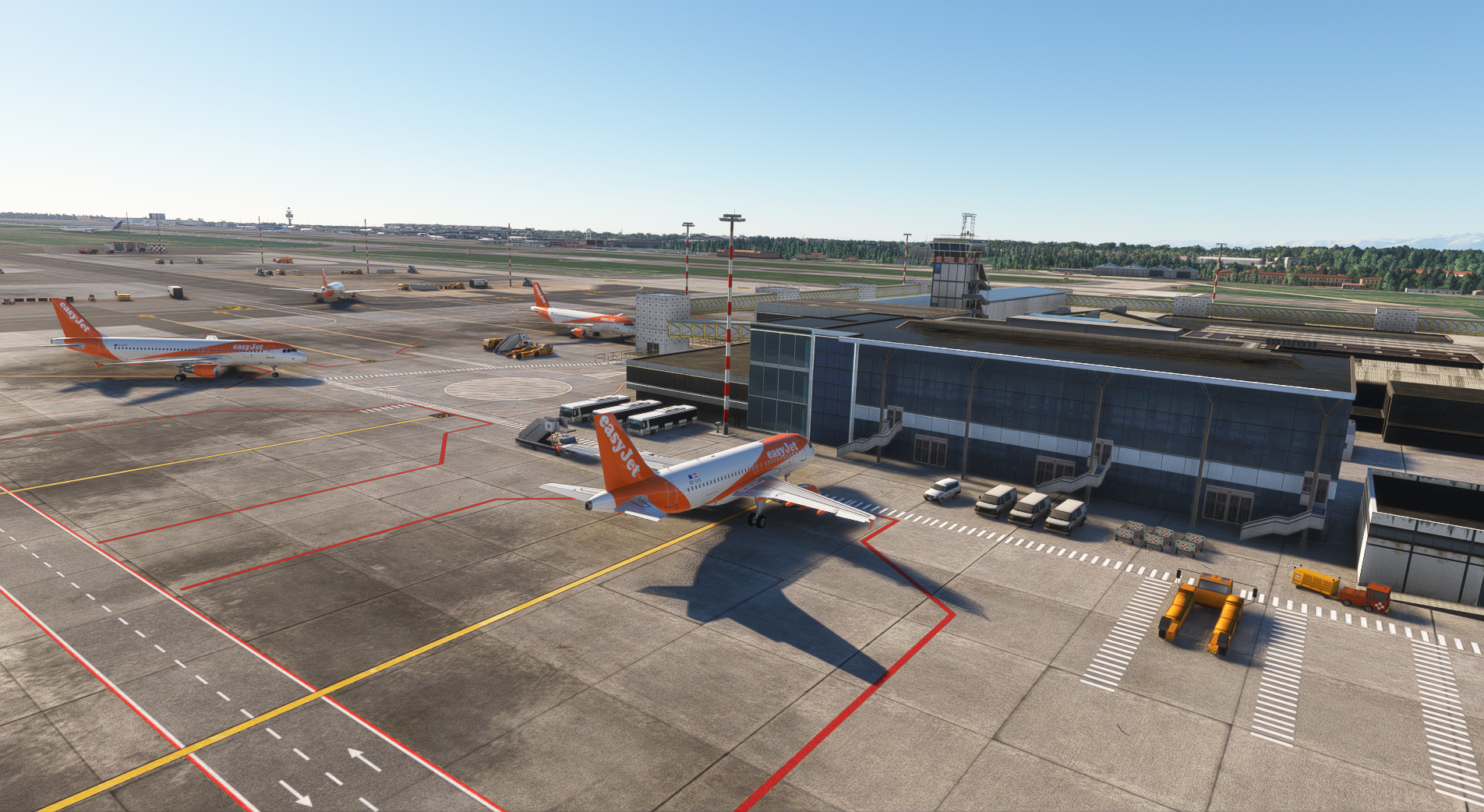
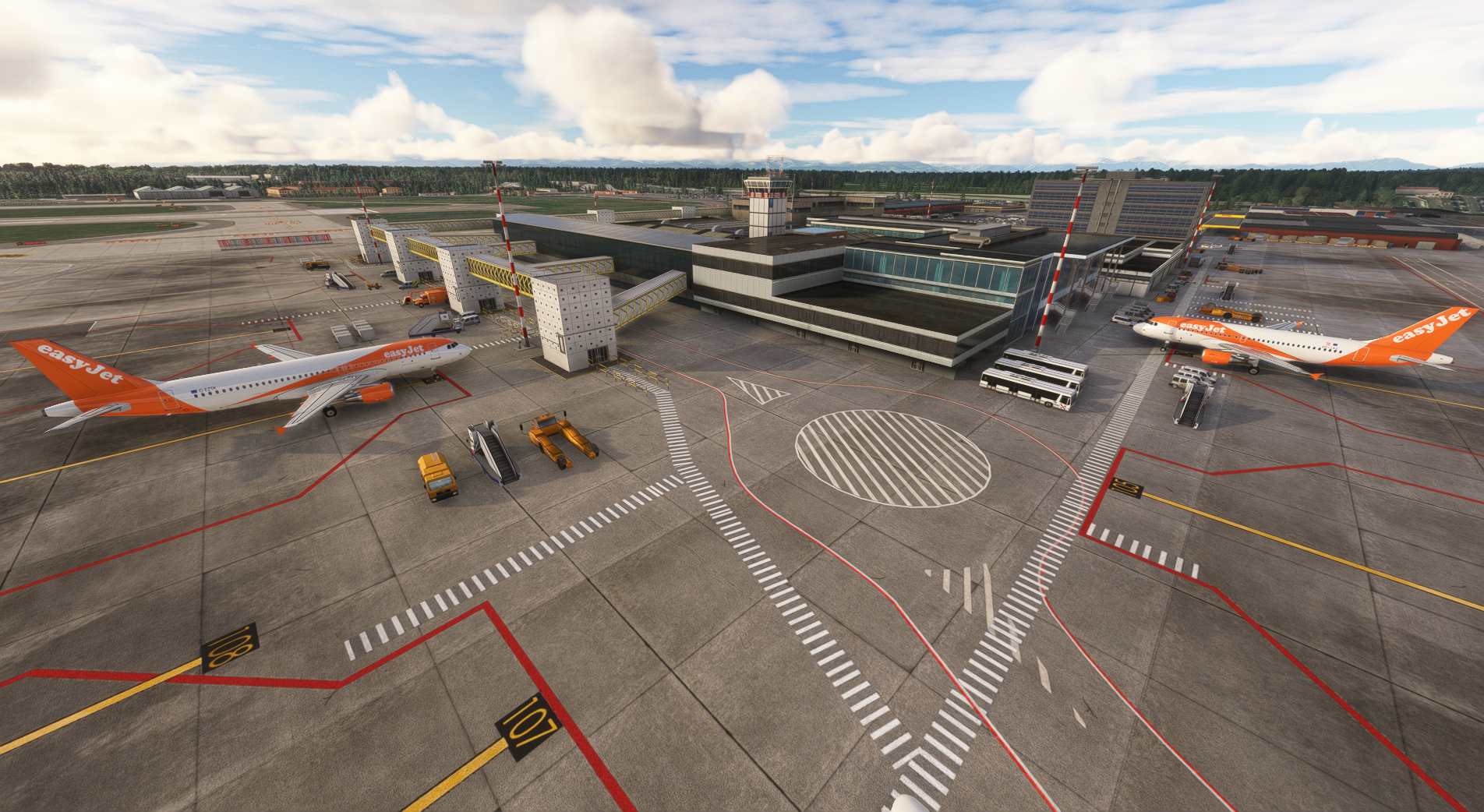
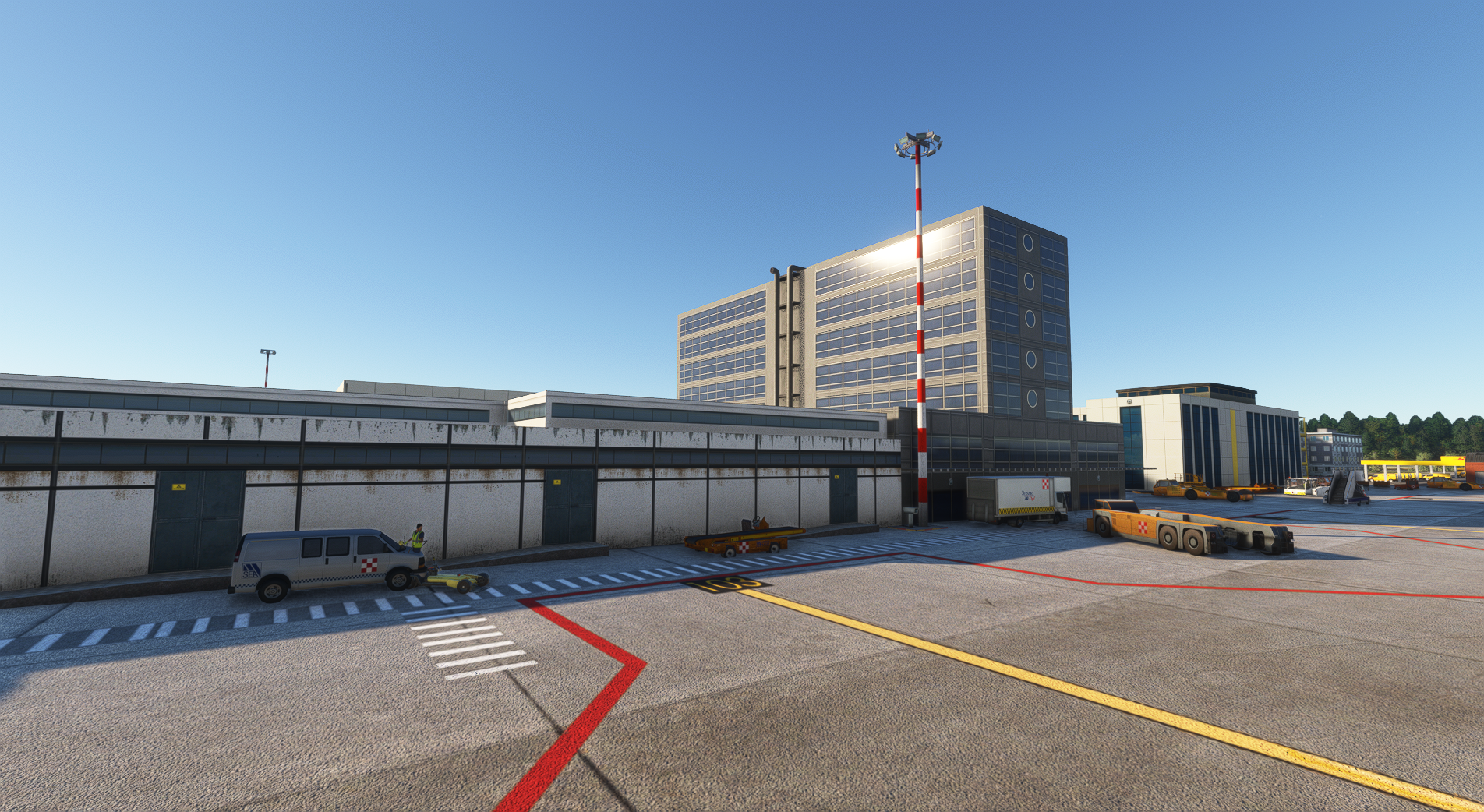
  3. Franss started following David Rosenfeld
  4. Hello All Sorry for my English and Sorry for this big delay I'm not responsible for this war but I live in it again. so more then 40 days My wife and I must run into shelter five floors under no elevator allowed when this horrible siren start day and night I'm 78 years old my wife 71 years old. I'm not asking for mercy just understating We work hard to fix it all so a little bit patience please Hope today we go to send for final test. I didn't mean to post it but.. David Lea and my dear friend Amos
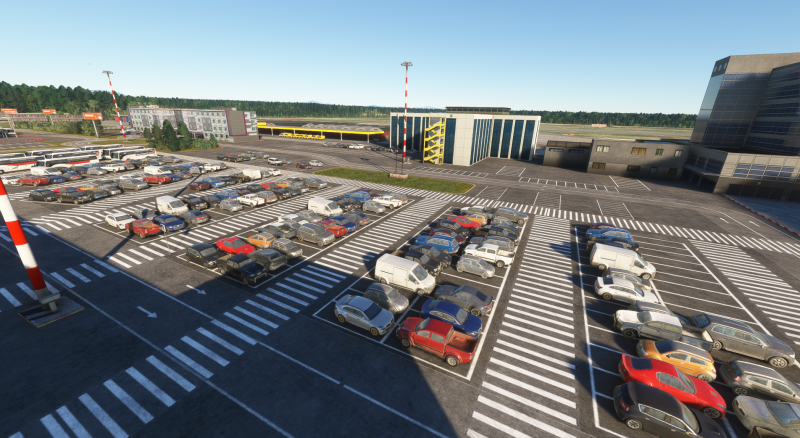
  5. Upload To Airosoft for testing now we have to wait 🫣 David
  6. I did try to finish as I promise But I'm so sorry David
  7. I wanted to give you guys a quick update from my end. The night textures and night lighting were significantly enhanced while working on 1.6.0. I've Added a parallax effect On the C extension.I've included a couple additional screenshots so you can view the completed work. A little more effort is required because my objective is to improve the overall quality (textures and modeling) and bring this update as near to reality as possible (given the present status of the airport). It now appears that mid-February is a far more feasible time frame for delivering the updated version to Aerosoft. We'll check with our internal source at the airport about VDGS in T2, and if we have an update, we'll post it here. Regards, David
  8. First It will be for Ms2024 Later I'll try to go beck to msfs2020 but I'm not sure David
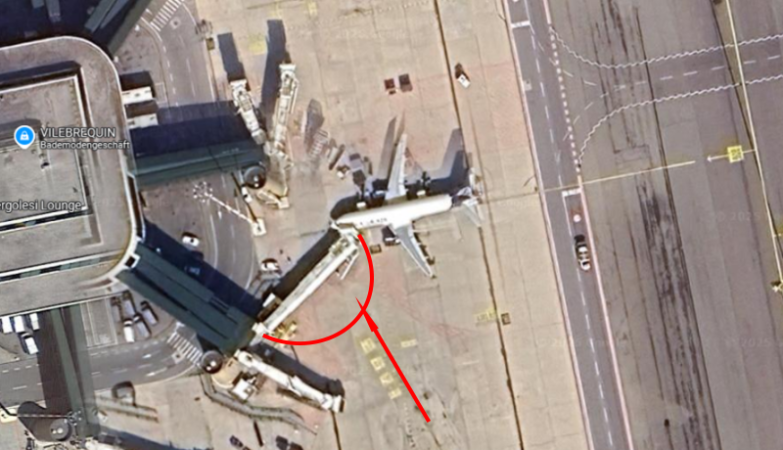
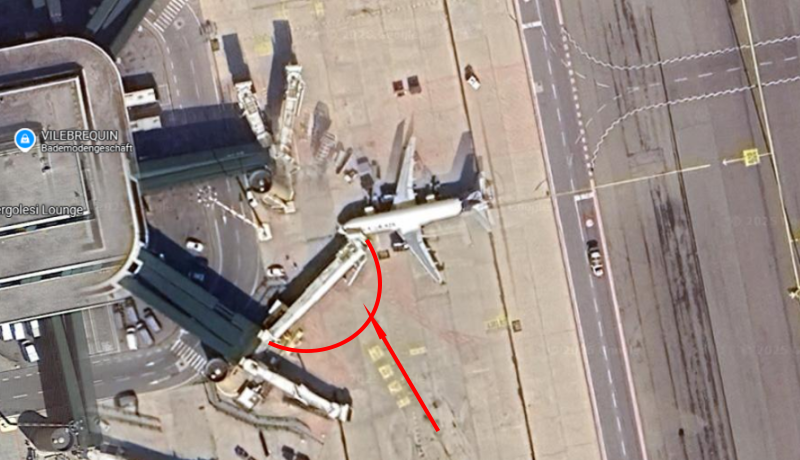
  9. Hey guys, Sorry for the late update, the list of changes and fixes was long enough for me to decide to take a few more weeks to get everything in place. I'm now aiming to send Aerosoft the final version on January 26th. In the meantime, enjoy some screenshots from today as well as the changelog for version 1.6.0: Airport data - Fix the comm frequencies missing from the ATC menu Airport data - Fix the nav frequencies missing AFCAD - Rework the terminals (1 and 2) area to bring it to January 2026 status AFCAD - Rework the cargo area to bring it to January 2026 status Apron - Add Q-point markings at the entire airport (those can be use with GSX as aircraft release point) Apron - Add missing GSE around the airport Apron - Rework the taxi signs (from default ASOBO to custom-made) Apron - Rework night lighting around the airport. Light poles were moved to align with their real-life positions. Apron - Fix Wigwag animation Runways - Threshold marking fixes Runways - Fix transparency of runway numbers Ground - Fix all terraforming issues around Terminal 1 Ground - Fix train tunnel Train - Relocate it from the skies to the ground Train - Fix animation issues Misc - Passengers added inside Terminal 1 and in the public area of Terminal 2 Misc - Cars added to the public parking Thanks, David
  10. Stefangr Thanks All will be lit Yes ASP Great PilotDyckmans91 I just look for the lost train I'm doing my very best to fix all Thanks you All
  11. Hi I'm working on update Thanks for your comment on the holdshort Terminal2 is on improving I Need a week or two David
  12. I did copied My comment from Announcement &previews Hi I'll try to make it clear enough as possible with my English limitation to What caused the delay. When I started the LIMC for msfs2020 there was no information on MSFS2024 so in my Agreement with Aerosoft The MSFS2024 was not included as a continuity project. But right after the release the MSFS2024 I did start to convert my LIMC but the first new SDK for the 2024 version was to be polite was not very friendly. so in my youth age then 77 it become impossible and to be honest I want to quit. and more then that I came across that there is two other LIMC for MSFS2024 well so why doing it again Just after the last SDK that it's much more friendly and with the help of Aerosoft team I manage to... one more very important think We haven't been in a normal situation in my country for two years And it doesn't help me to concentrate. now I hope that my massage made it clear so please Enjoy Thanks for understanding David
  13. Hi I'll try to make it clear enough as possible with my English limitation to What caused the delay. When I started the LIMC for msfs2020 there was no information on MSFS2024 so in my Agreement with Aerosoft The MSFS2024 was not included as a continuity project. But right after the release the MSFS2024 I did start to convert my LIMC but the first new SDK for the 2024 version was to be polite was not very friendly. so in my youth age then 77 it become impossible and to be honest I want to quit. and more then that I came across that there is two other LIMC for MSFS2024 well so why doing it again Just after the last SDK that it's much more friendly and with the help of Aerosoft team I manage to... one more very important think We haven't been in a normal situation in my country for two years And it doesn't help me to concentrate. now I hope that my massage made it clear so please Enjoy Thanks for understanding David
  14. still working very hard I'll let know ASP
  15. The New SDK is a little beat tricky so I need some time
  16. Gabe E Because I just Upload the Update for LIMC It's reasonable to continue with LIMC for MSFS2024 and for XBOX for both. and then to go neck into LLBG but there is a but. In the terminal3 there is a lot of changes with the jetway's, some more glasses frames, some that stay static become moving jetway a lot of changes on tarmacs some new building ETC... so be patient please David

Important Information

We have placed cookies on your device to help make this website better. You can adjust your cookie settings, otherwise we'll assume you're okay to continue. Privacy Policy & Terms of Use

Account

Navigation

Search

Search

Configure browser push notifications

Chrome (Android)
  1. Tap the lock icon next to the address bar.
  2. Tap Permissions → Notifications.
  3. Adjust your preference.
Chrome (Desktop)
  1. Click the padlock icon in the address bar.
  2. Select Site settings.
  3. Find Notifications and adjust your preference.