-
-
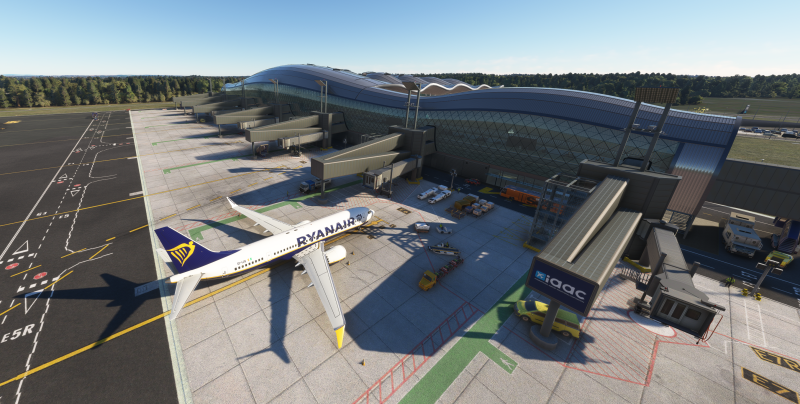
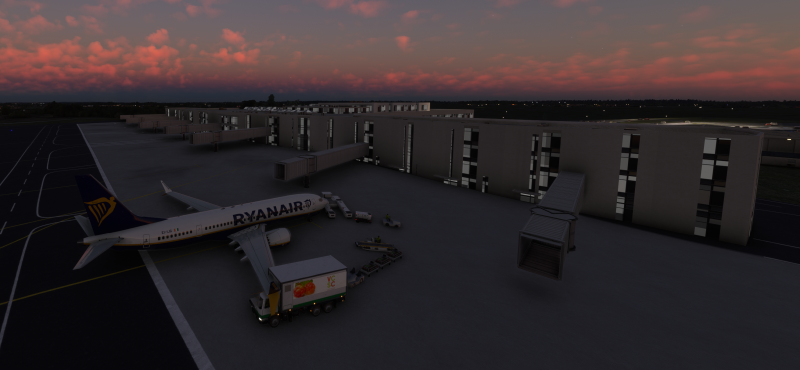
LDZA - How to stop jetways from start moving before you parked
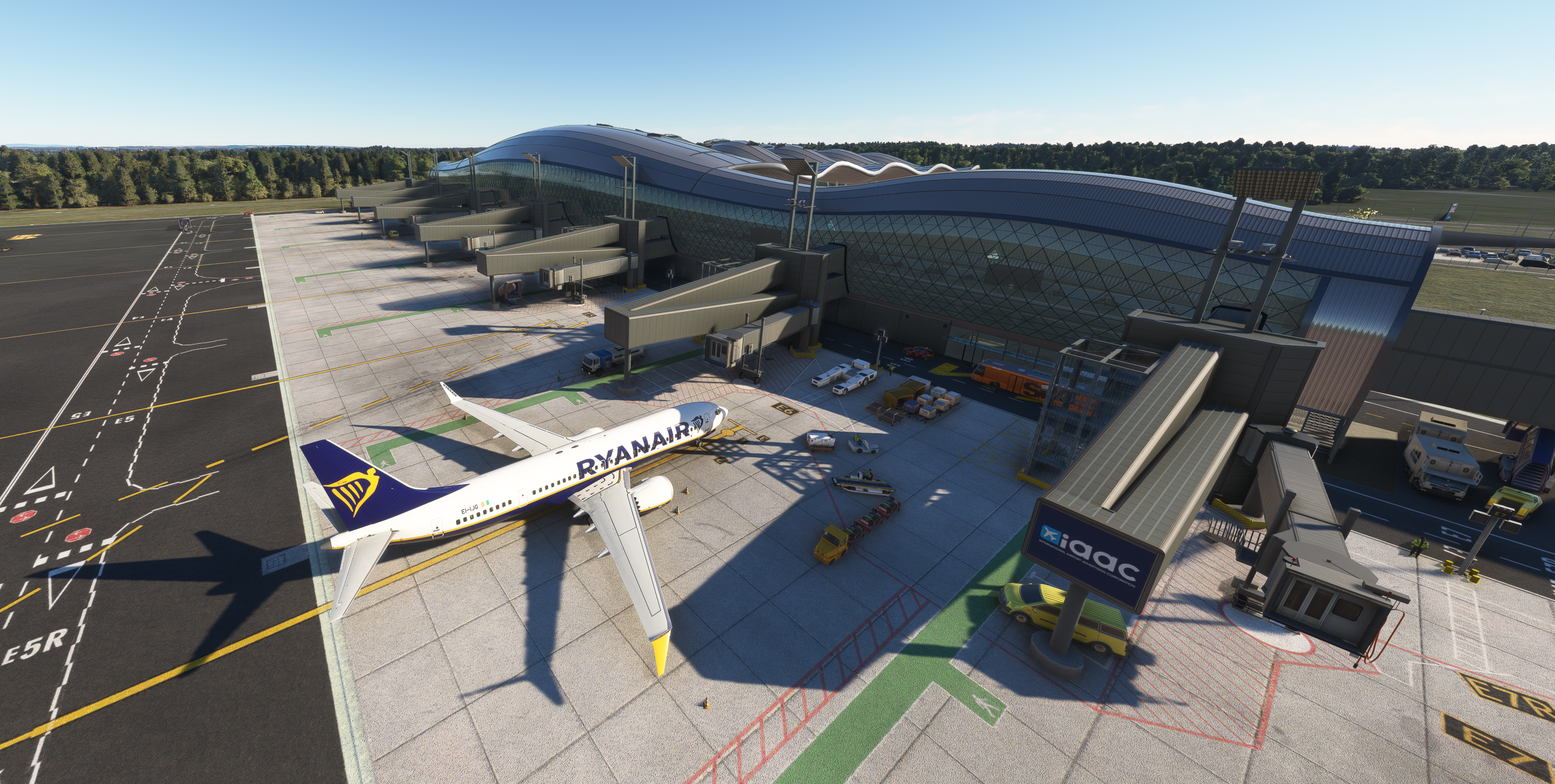
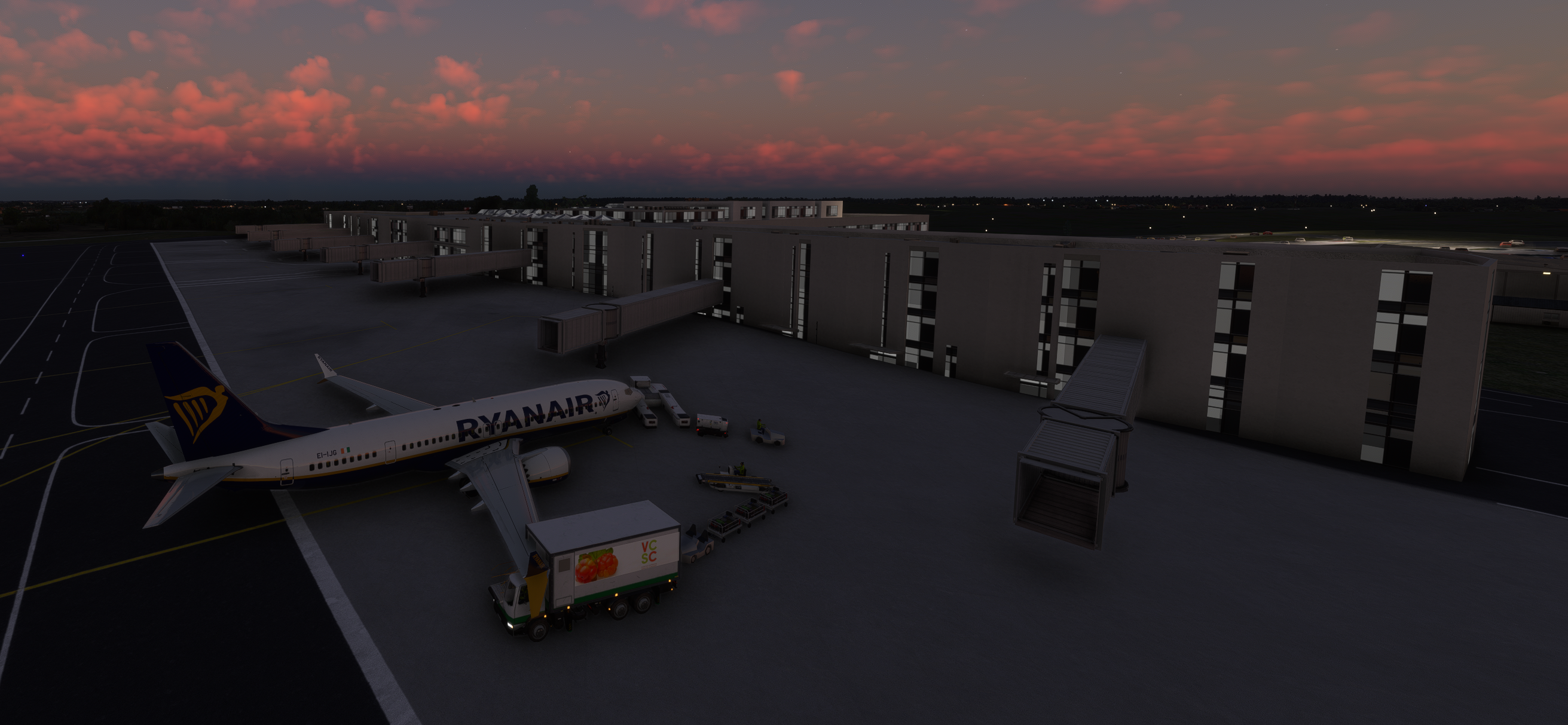
Noticed when flying into LDZA how the jetways start moving even before I have come to a complete stop when taxiing into the gate. How can I stop this from happening? Normally and for most other airports, the jetway will not start extending until I have come to a full stop and the jetway is triggered to extend as part of the GSX deboarding. Thanks in advance for your assistance.
-
Parking assistance in Oslo Gardermoen ENGM
Couldn't resist giving it a go right away and success using the profile you suggested, many thanks again!
-
Parking assistance in Oslo Gardermoen ENGM
Thanks, I see how that is a different GSX profile from the one I've been using. Will give a try and see if it solves the issue.
-
Parking assistance in Oslo Gardermoen ENGM
Last night (and I've seen this before as well as I recall it), I didn't get any parking/taxiing into the gate assistance at gate 68. I'm sure this is not just for gate 68 but just using it as an example. At a airport of this size, surely there must be this kind of assistance? Where I'm thinking I might be missing something here and wanted to ask for your advice. I recall seeing an option in the config tool for ENGM where you can choose whether these screens/displays should be left blank when not activated or if they should show the gate nr and time IIRC. Which seems to be what's happening here. Where I only see that information even when I'm parked at the gate. Does this mean I need to manually "activate" the gate somehow? Should also mention I'm using FSDT GSX Pro with a custom airport configuration file I found online. Made specifically for this airport. Here's a screenshot what I'm referring to.
-
MSFS 2020 ENGM and snow with DX12
Was just about to post about the same issue. Didn't realize it was related to running DX12 so good to know. I've seen the same issue also at ESKS by another developer. So it's not just related to ENGM specifically but none the less, it would be very nice to see it addressed since I just like you prefer to run DX12 over DX11.
-
Zagreb (LDZA) showing up as not installed in MSFS2020
As mentioned in the post above, by updating to ver 2.5.1 Rev. A.
-
Zagreb (LDZA) showing up as not installed in MSFS2020
-
Zagreb (LDZA) showing up as not installed in MSFS2020
-
Zagreb (LDZA) showing up as not installed in MSFS2020
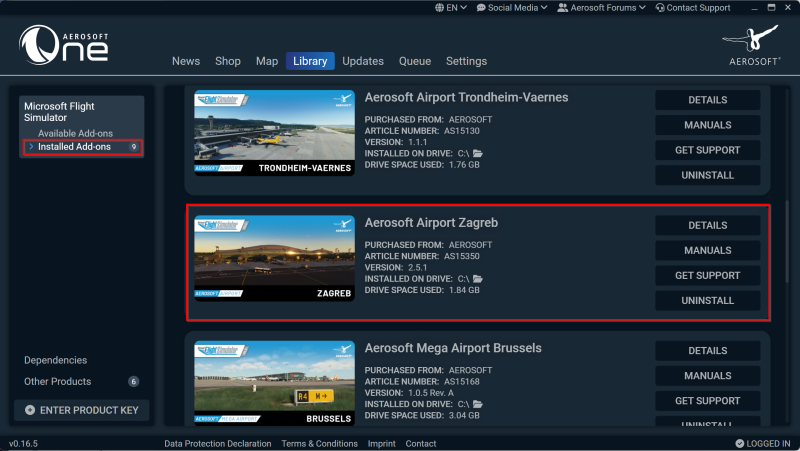
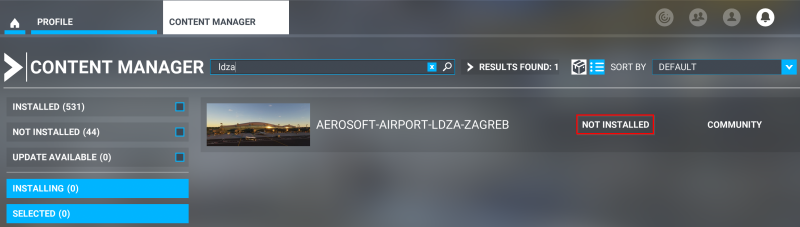
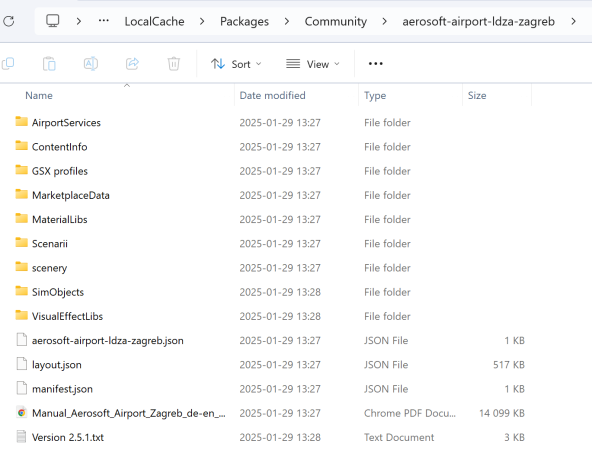
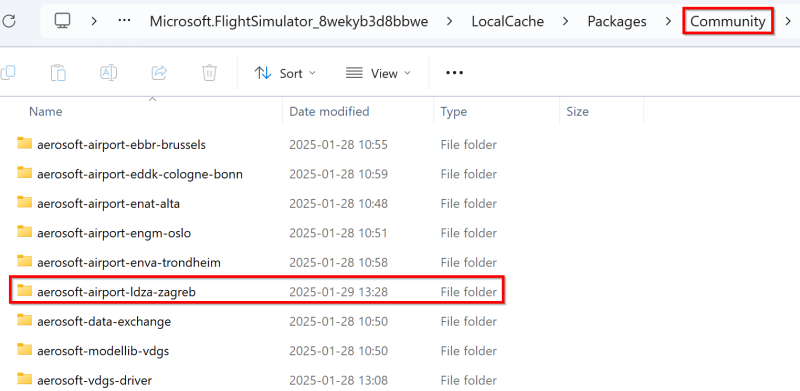
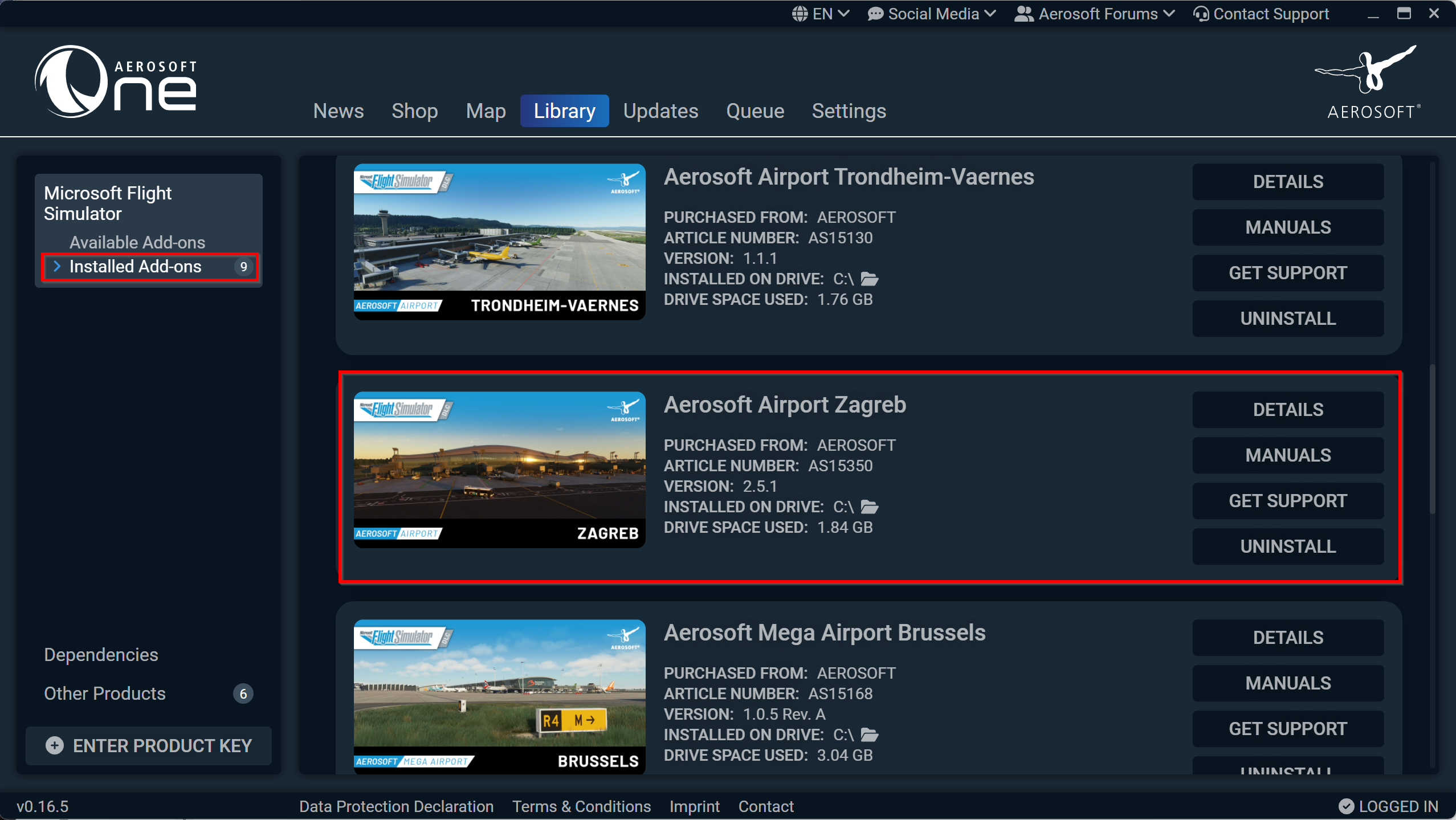
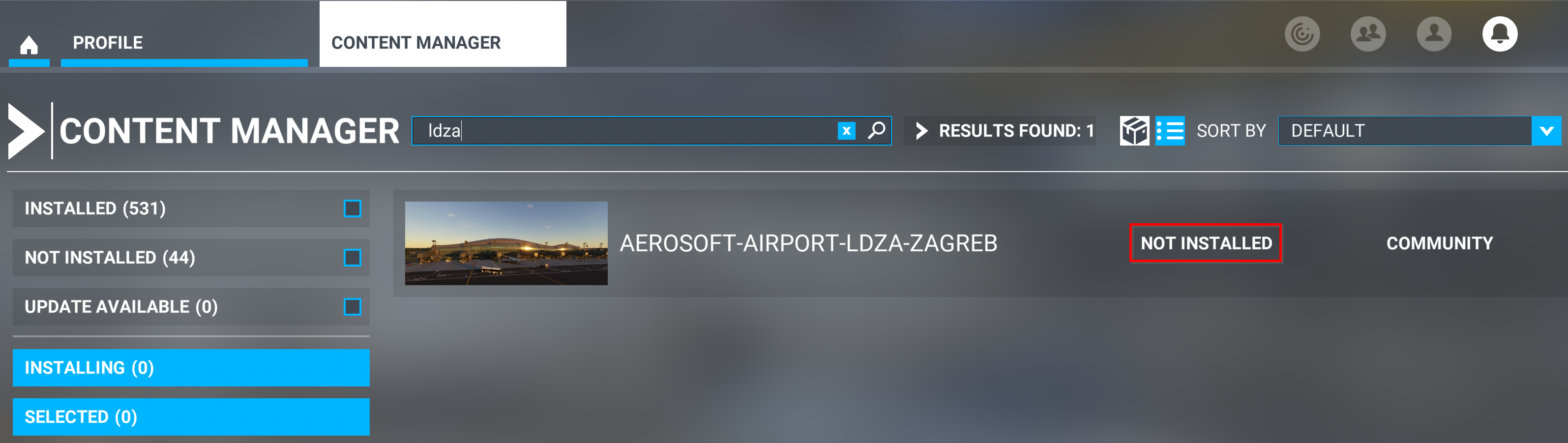
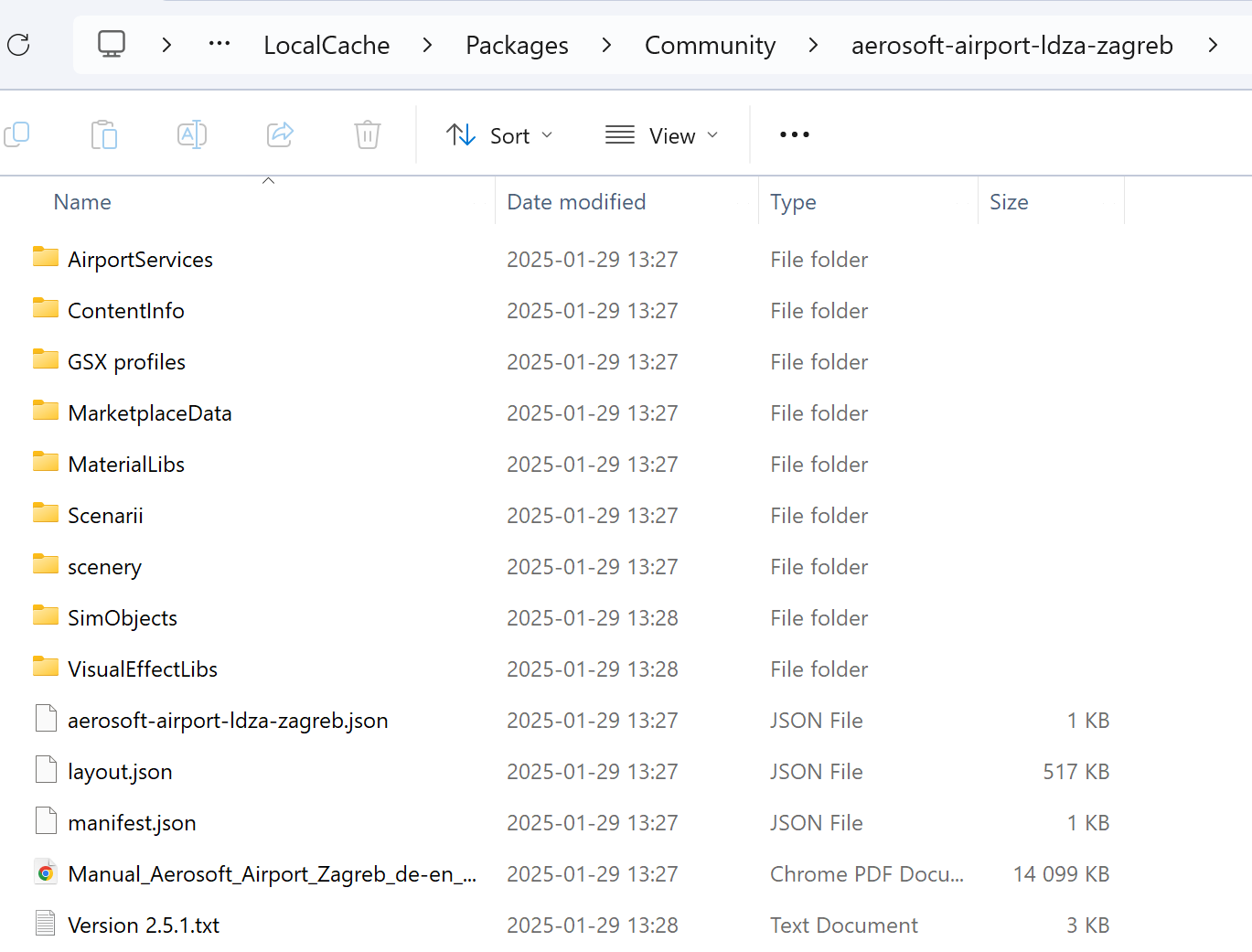
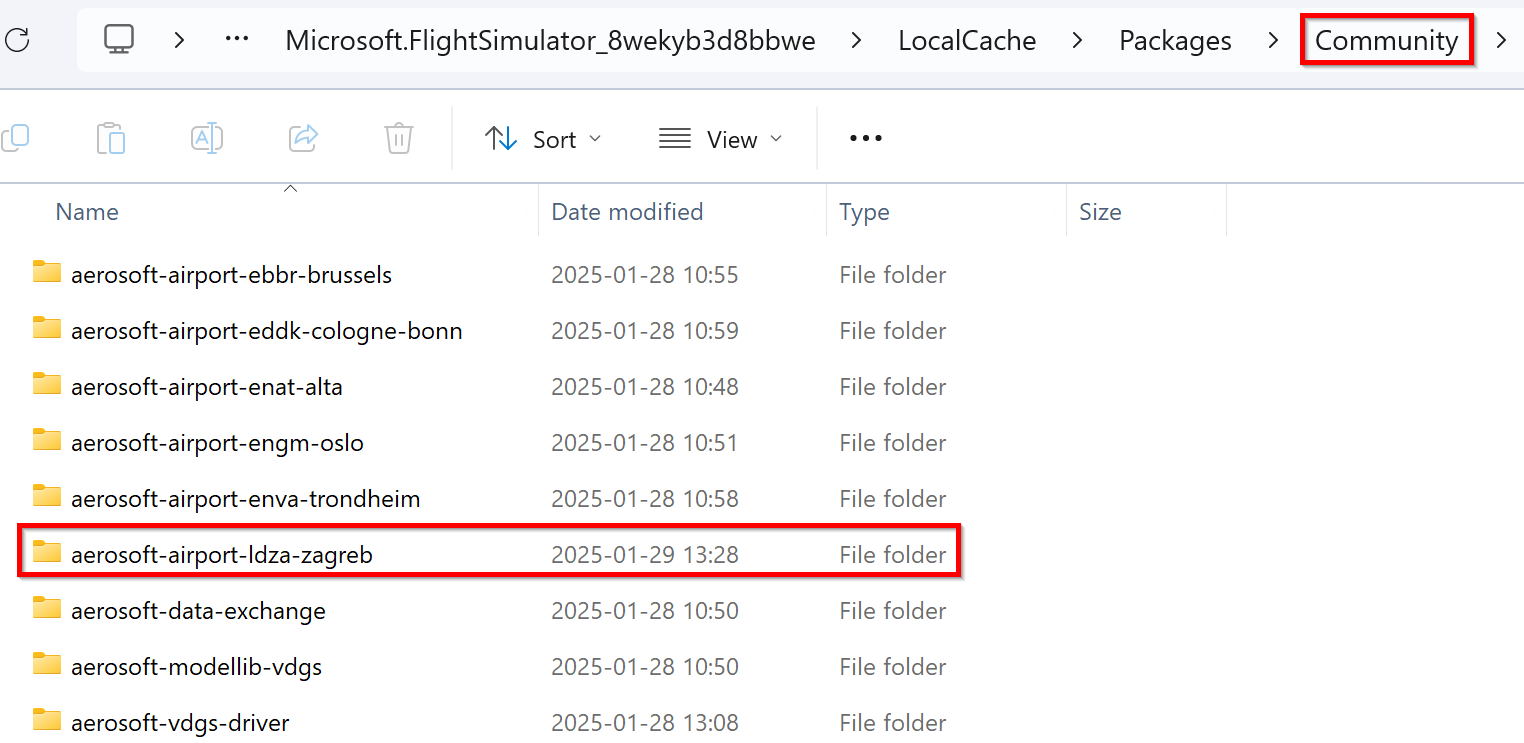
I just built a new FS rig and after installing all my airports, LDZA for some reason shows up as 'Not installed' in MSFS even when Aerosoft One tells me it installed the product successfully. I also see the Zagreb folder inside the Community folder. Any ideas what is wrong?
-
Alta (ENAT) static aircraft
Just bought Alta for MSFS and even when I have Ground Aircraft Density in MSFS set to 0, I noticed how there is a static aircraft in this scenery. Why does that one show up when I have the slider mentioned above set to 0 and how can I remove the static aircraft from the scenery when the slider doesn't seem to work?
-
MSFS Airports by Jo Erlend Sund
Many thanks and have a nice weekend 🙂
-
MSFS Airports by Jo Erlend Sund
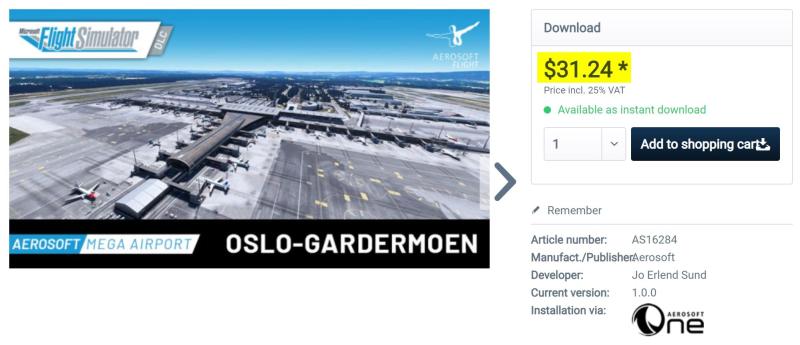
What MSFS airports have so far been developed for MSFS by Jo Erlend Sund? Love his products and want to make sure I didn't miss any.
-
WebMaximus changed their profile photo
-
Thessaloniki X City Configurator [v3.0] (if you have OOM issues)
Yes, of course the weather itself inside FSX can have a dramatic effect and especially in overcast conditions for example. However I'm only using 1024 clouds. I really want to believe I solved the OOM issue by disabling SC2 in the scenery library. Too bad my test flight tonight ended in a BSOD but I'm looking forward to a new attempt tomorrow!
-
Thessaloniki X City Configurator [v3.0] (if you have OOM issues)
Since I haven't been able to fly this scenery as much as I would have liked due to all OOMs I can't really say but what I've seen during testing and also read from many other users the FPS is really good especially considering the detail of the scenery.
-
Thessaloniki X City Configurator [v3.0] (if you have OOM issues)
Got a reply from the head developer of ASN and I'm happy to let you know the ASN module running inside FSX will use 32 MB tops so that's great news! He also told me how they've invested lots of time and thoughts how to make sure the memory management is the best possible, that memory allocated will be released when not needed anymore etc. So...in a few words ASN for sure doesn't appear to be the "bad guy" I'm looking for. He also told me there's a great tool that can be used to track VAS usage and memory management in detail for any given dll called VMMap from Sysinternals. I found it here -> http://technet.microsoft.com/sv-se/sysinternals/dd535533.aspx and will have a look at it tomorrow. My understanding is this tool is like Process Explorer on steroids