steve dra
-
Posts
301 -
Joined
-
Last visited
-
Days Won
15
Content Type
Profiles
Forums
Downloads
Everything posted by steve dra
-
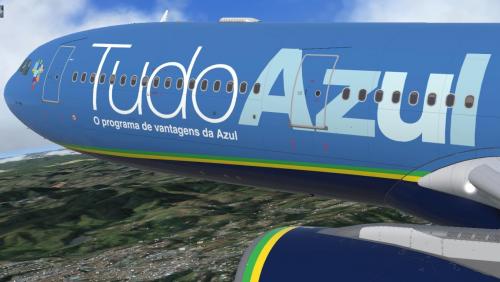
Azul Linhas Aéreas PR-AIT Airbus A330-300 RR
steve dra commented on gustavoaguiar's file in Aerosoft A330 professional liveries
 Hey Gustavo.....wonderful job on all the repaints! I've noticed a small part on the tail ....especially ones with a dark tail. The part in question is on the AS_A333_EXT_TAILFIN_A.dds map and is right here: I'm sure you have your own method, but in the spirit of sharing I thought I'd show you how I do this which is to turn on the UV UNWRAP layer to see the model line boundaries....it really helps seeing the green lines denoting where the boundaries are. Keep up the great work painting...and for goodness sake leave some liveries for the rest of us to paint! LoL!!!
 -
Repaint requests (A330)
steve dra replied to Tom A320's topic in Repaints \ Liveries \ Livery Manager
, -
Lufthansa D-AIKL A330-300 RR
steve dra commented on steve dra's file in Aerosoft A330 professional liveries
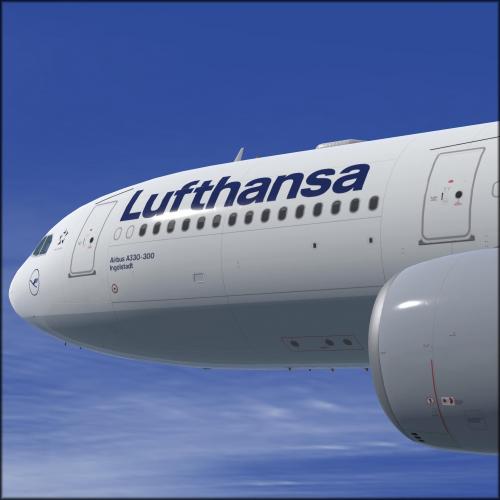 Valid observations but what you're actually seeing is a Lufthansa gray color that is even a little darker than the official gray....the real problem is with the shadow channel on the PBR-Metalllic texture map. So as pics are worth a thousand words... On the metallic texture map...the GREEN channel controls the amount of shadow intensity..... On the map above, you can see I applied a gradient fill on the left side of the bottom of the nose on the GREEN channel.....while there is a gradient on the other side...it is very slight.... Here is the effect on the plane in the sim..... Right side has the change, the left side does not..... I did not alter the paint one bit.....this just shows you the power and flexibility we have with the new PBR textures! So what I need to do to properly fix this issue is alter the GREEN channel of the PBR map. The effect you see in the pic above is way too pronounced as the bottom is almost black at the apex of the bottom point as you can clearly see. This will take time to correct (because I have 4 texture maps to sync this effect to...not just one)...and I'll have to eventually add it to all my paints. If you set yourself up to follow to this page, you'll know when I make the update and post it. No timeline for it...its a good bit of trial and error to get it looking just right. Painting used to be fairly easy before PBR....you "painted" the shadows on the bottom and you were done....not any more...you're actually painting 2 whole planes when you have to edit the PBR maps as well as the Albeo maps. Hehe...I guess if it were easy everyone would be painting.
 -
Repaint requests (A330)
steve dra replied to Tom A320's topic in Repaints \ Liveries \ Livery Manager
, -
Lufthansa D-AIKL A330-300 RR
steve dra commented on steve dra's file in Aerosoft A330 professional liveries
Thanks for the feedback! I actually added a new tail map with your suggested edits so simmers can fly the post or pre 2015 versions. (they changed the registration font as well after 2015...the D was fatter and the K was funky back then....could not perfectly replicate but did the best I could). -
Repaint requests (A330)
steve dra replied to Tom A320's topic in Repaints \ Liveries \ Livery Manager
, -
Repaint requests (A330)
steve dra replied to Tom A320's topic in Repaints \ Liveries \ Livery Manager
, -
Repaint requests (A330)
steve dra replied to Tom A320's topic in Repaints \ Liveries \ Livery Manager
,
-
Version 1.0.2
2047 downloads
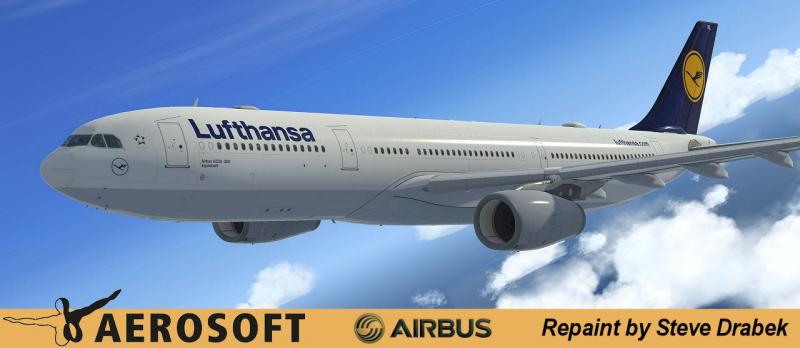
Lufthansa in old (best) colors! See the README-Install Instructions.txt file in the install folder for directions to manually install. -
Repaint requests (A330)
steve dra replied to Tom A320's topic in Repaints \ Liveries \ Livery Manager
, -
Repaint requests (A330)
steve dra replied to Tom A320's topic in Repaints \ Liveries \ Livery Manager
, -
Repaint requests (A330)
steve dra replied to Tom A320's topic in Repaints \ Liveries \ Livery Manager
, -
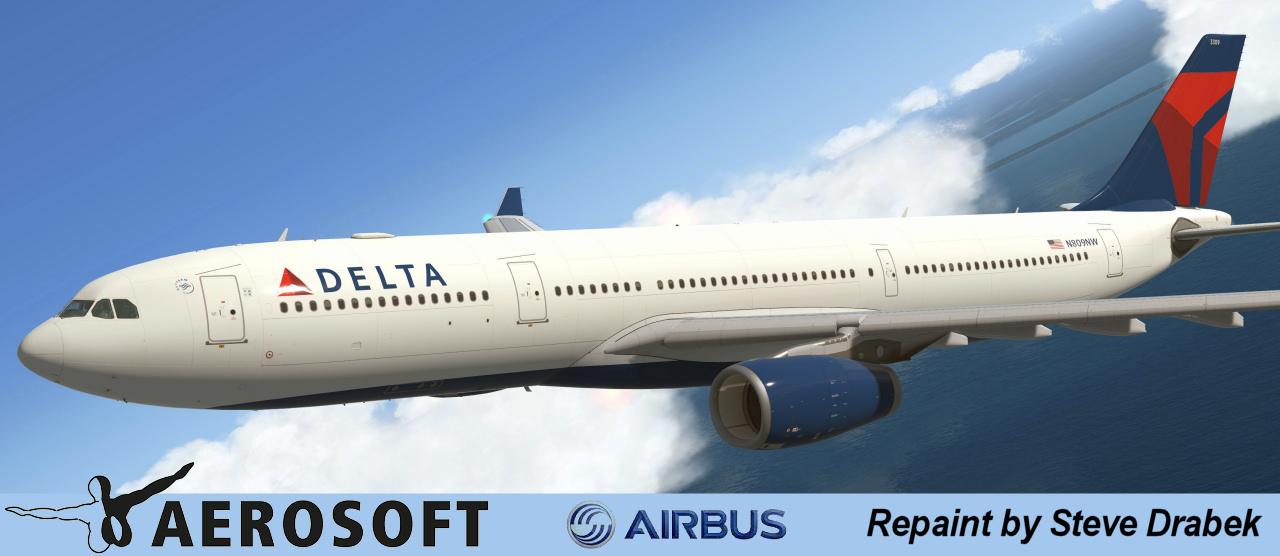
Delta N809NW A330-300 RR
steve dra commented on steve dra's file in Aerosoft A330 professional liveries
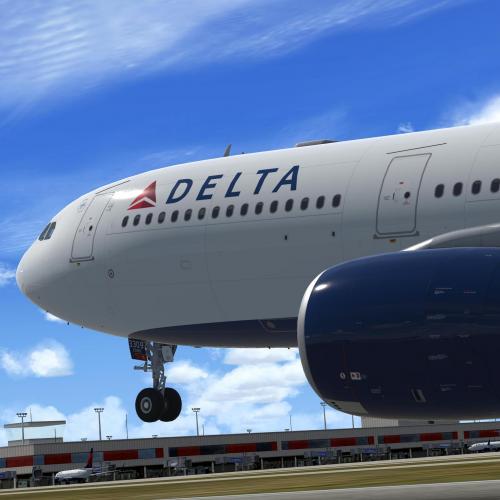 Just about ready to release this one:
 -
Repaint requests (A330)
steve dra replied to Tom A320's topic in Repaints \ Liveries \ Livery Manager
, -
Repaint requests (A330)
steve dra replied to Tom A320's topic in Repaints \ Liveries \ Livery Manager
, -
Repaint requests (A330)
steve dra replied to Tom A320's topic in Repaints \ Liveries \ Livery Manager
, -
Delta N809NW A330-300 RR
steve dra commented on steve dra's file in Aerosoft A330 professional liveries
Cathay new as well as Qantas in the paint hangar.... -
Repaint requests (A330)
steve dra replied to Tom A320's topic in Repaints \ Liveries \ Livery Manager
, -
Repaint requests (A330)
steve dra replied to Tom A320's topic in Repaints \ Liveries \ Livery Manager
,
-
Version 1.0.0
5668 downloads
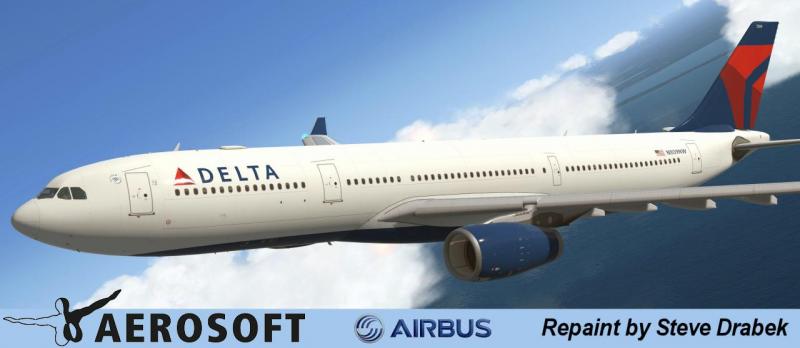
1st A330 paint. Delta Airlines A300-300 with fictional RR engines. See the README-Install Instructions.txt file in the install folder for directions to manually install. -
Repaint requests (A330)
steve dra replied to Tom A320's topic in Repaints \ Liveries \ Livery Manager
, -
Repaint requests (A330)
steve dra replied to Tom A320's topic in Repaints \ Liveries \ Livery Manager
, -
Repaint requests (A330)
steve dra replied to Tom A320's topic in Repaints \ Liveries \ Livery Manager
, -
Repaint requests (A330)
steve dra replied to Tom A320's topic in Repaints \ Liveries \ Livery Manager
, -
Repaint requests (A330)
steve dra replied to Tom A320's topic in Repaints \ Liveries \ Livery Manager
,- 432 replies
-
- 10
-

-

-