Skip to content

Videos

In the section you'll find video's made using our products

10 files
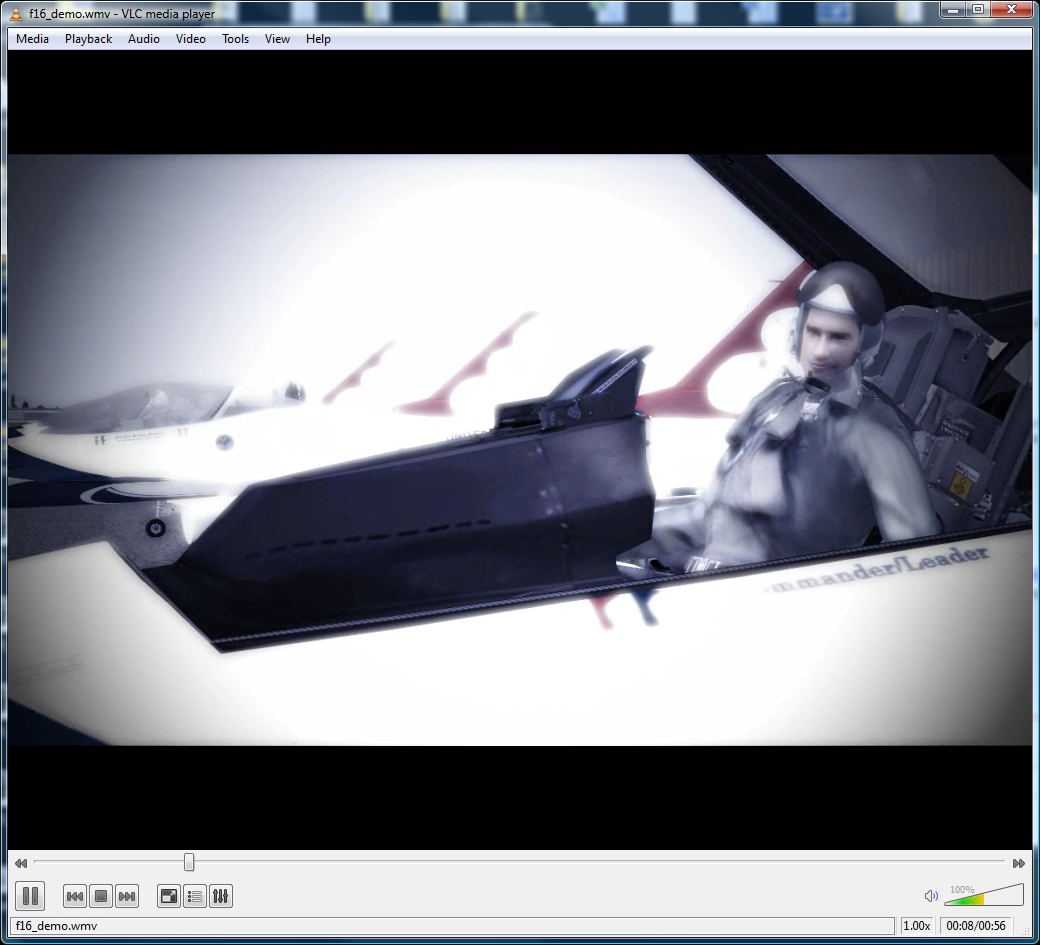
  1. Very nice video showing our high end F-16 in all it's glory. The product page is here.
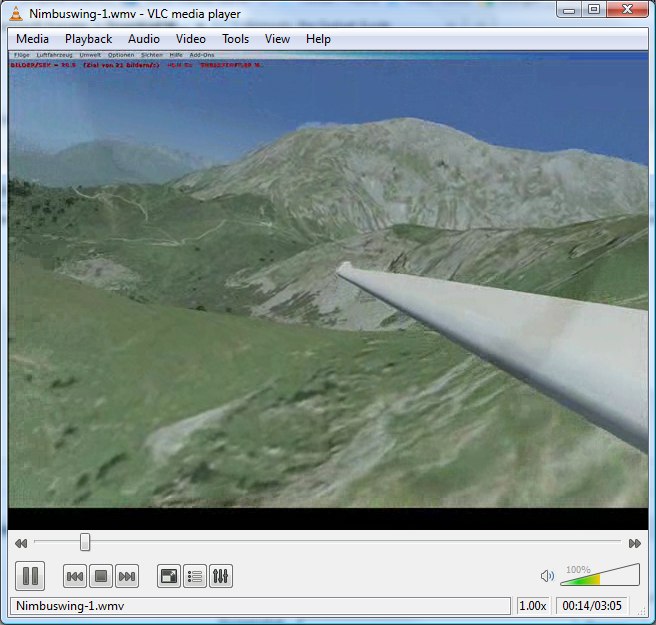
  2. Next to the Discus we are also looking at other gliders. One of them is the Nimbus. Check out these videos that show the amazing wingflex of this aircraft.
  3. Our friends at FSBreak did an interview with our Project Manager Mathijs, who manages internal development and the online side of
    Aerosoft and released it as podcast. A lot of topics are discussed, from plans for a new simulator to the current state of FS.

    Part 1.

    A big thanks to Mathijs Kok from Aerosoft. Have a listen to the show and learn more about Aerosoft as a company,
    the new Aerosoft Simulator, and we talk a little more about Piracy in the FS community.

    Part 2 can be found here.
    • 315 Downloads
  4. Our friends at FSBreak did an interview with our Project Manager Mathijs, who manages internal development and the online side of
    Aerosoft and released it as podcast. A lot of topics are discussed, from plans for a new simulator to the current state of FS.

    Part 2.

    A big thanks to Mathijs Kok from Aerosoft. Have a listen to the show and learn more about Aerosoft as a company,
    the new Aerosoft Simulator, and we talk a little more about Piracy in the FS community.

    Part 1 can be found here.
    • 307 Downloads
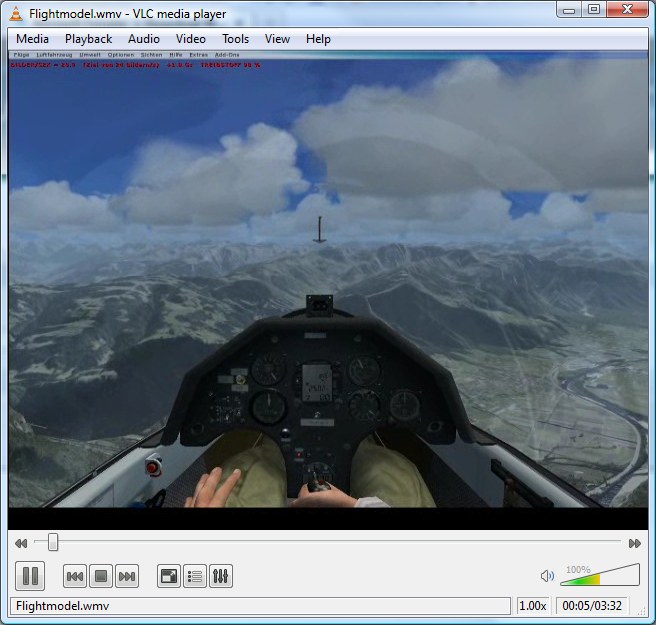
  5. This video shows the advanced flight model of the Discus.
  6. Short demo to show the windmilling option in the Airbus X engines windmilling
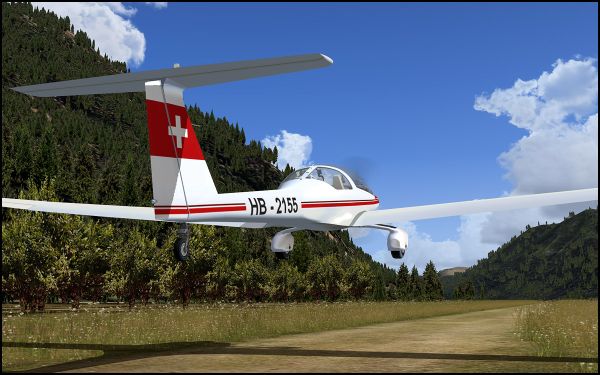
  7. This short video shows the detailed and extensive physic that is programmed behind the prop in the Dimona. For a motor glider this is an important feature.
  8. This short vid shows some of the new features in the 1.10 version of theAmerican Aerolites Falcon
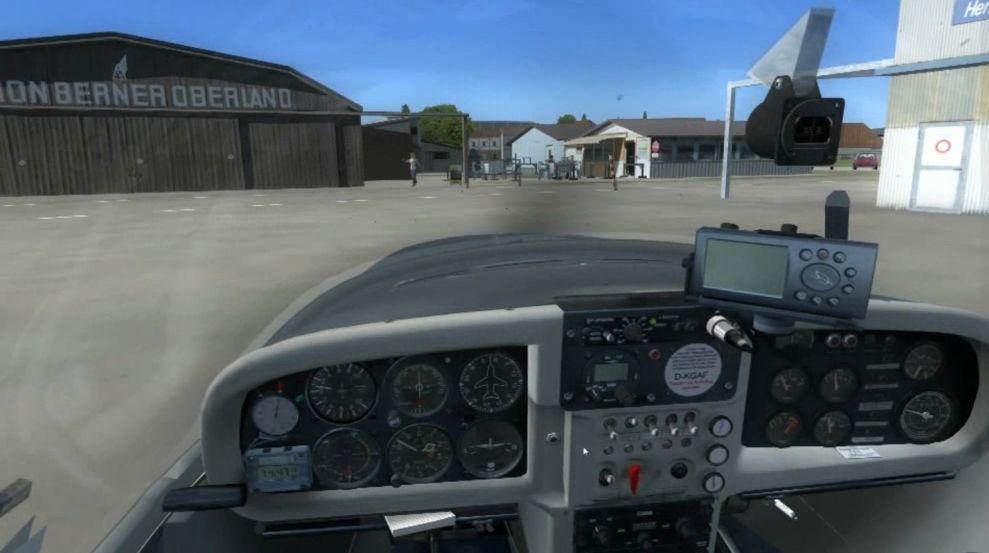
  9. Video showing the Aerosoft H36 Dimona dieseling on shut-down. This engine always has this strange behavior.
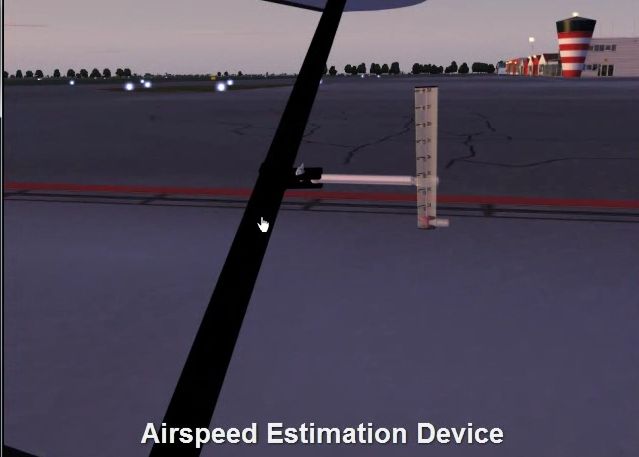
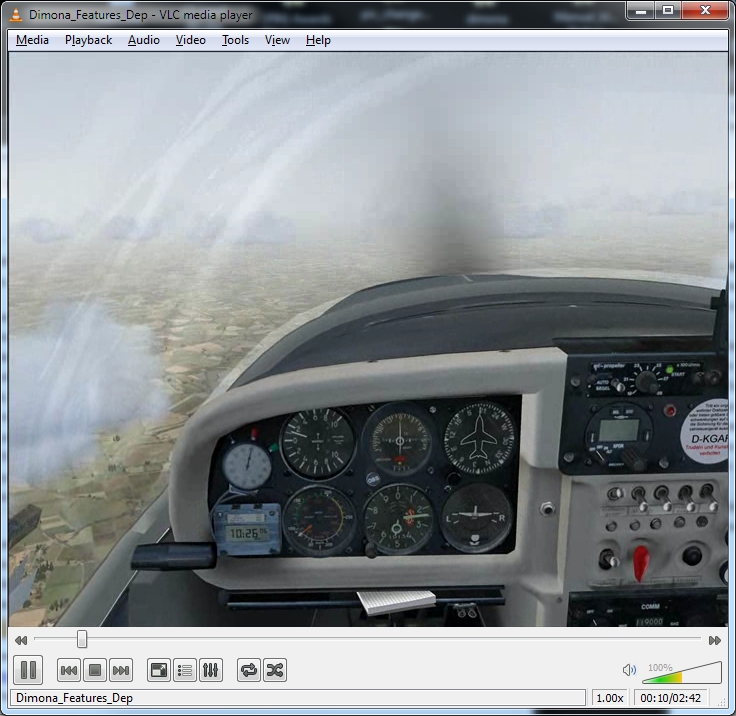
  10. Small video showing the advanced features of the H-36 Dimona

Important Information

We have placed cookies on your device to help make this website better. You can adjust your cookie settings, otherwise we'll assume you're okay to continue. Privacy Policy & Terms of Use

Account

Navigation

Search

Search

Configure browser push notifications

Chrome (Android)
  1. Tap the lock icon next to the address bar.
  2. Tap Permissions → Notifications.
  3. Adjust your preference.
Chrome (Desktop)
  1. Click the padlock icon in the address bar.
  2. Select Site settings.
  3. Find Notifications and adjust your preference.