Skip to content

Welmux

Members
  • Joined

  • Last visited

Files posted by Welmux

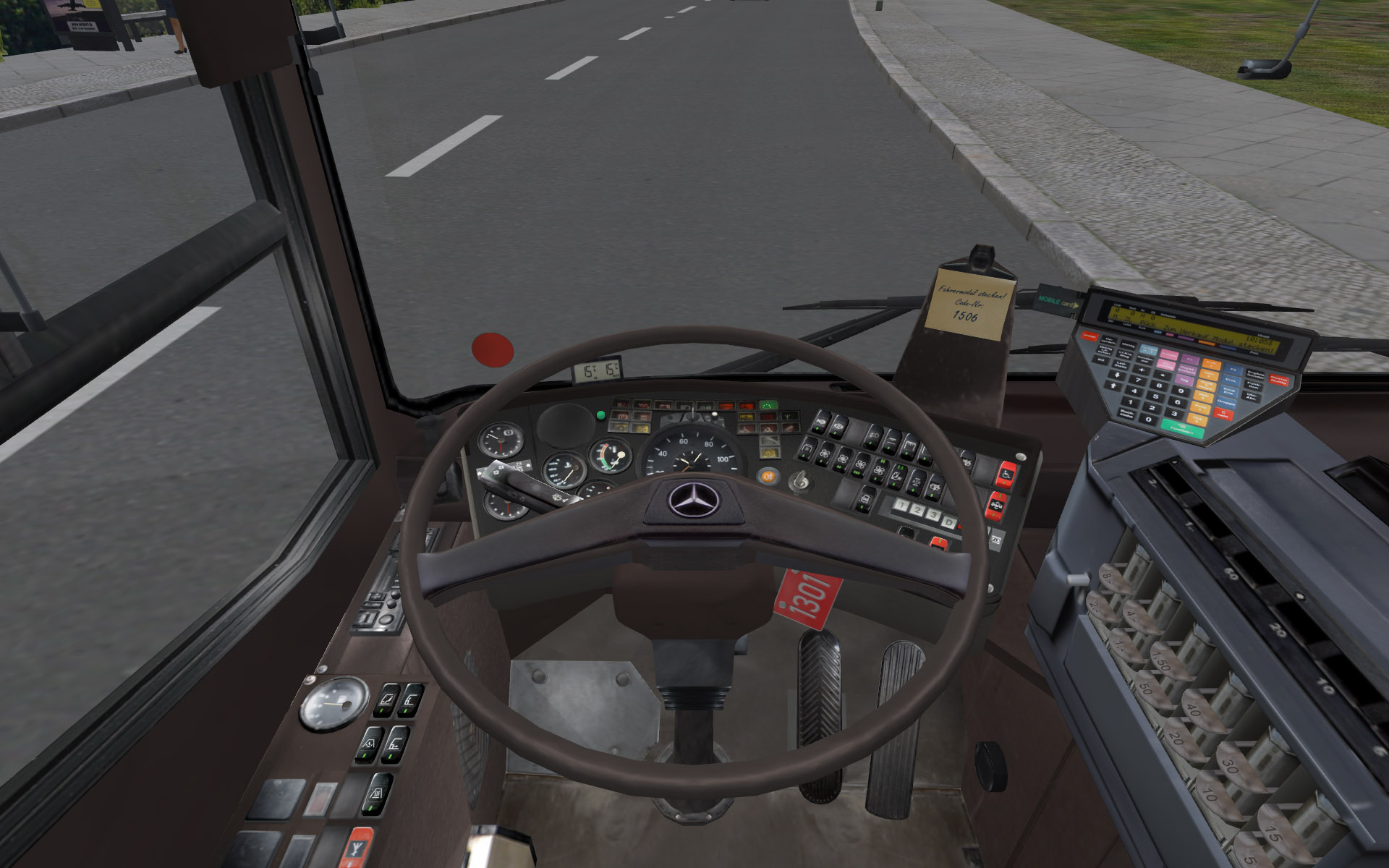
  1. Photorealistic steering wheel for the Mercedes O405 of the pay-ware add-on Hamburg Tag&Nacht.
    The pay-ware add-on is required.

    Fotorealistisches Lenkrad für den Merceds O405 aus dem Pay-ware Add-on Hamburg Tag&Nacht.
    Der Add-on ist benötigt.


    • 918 Downloads
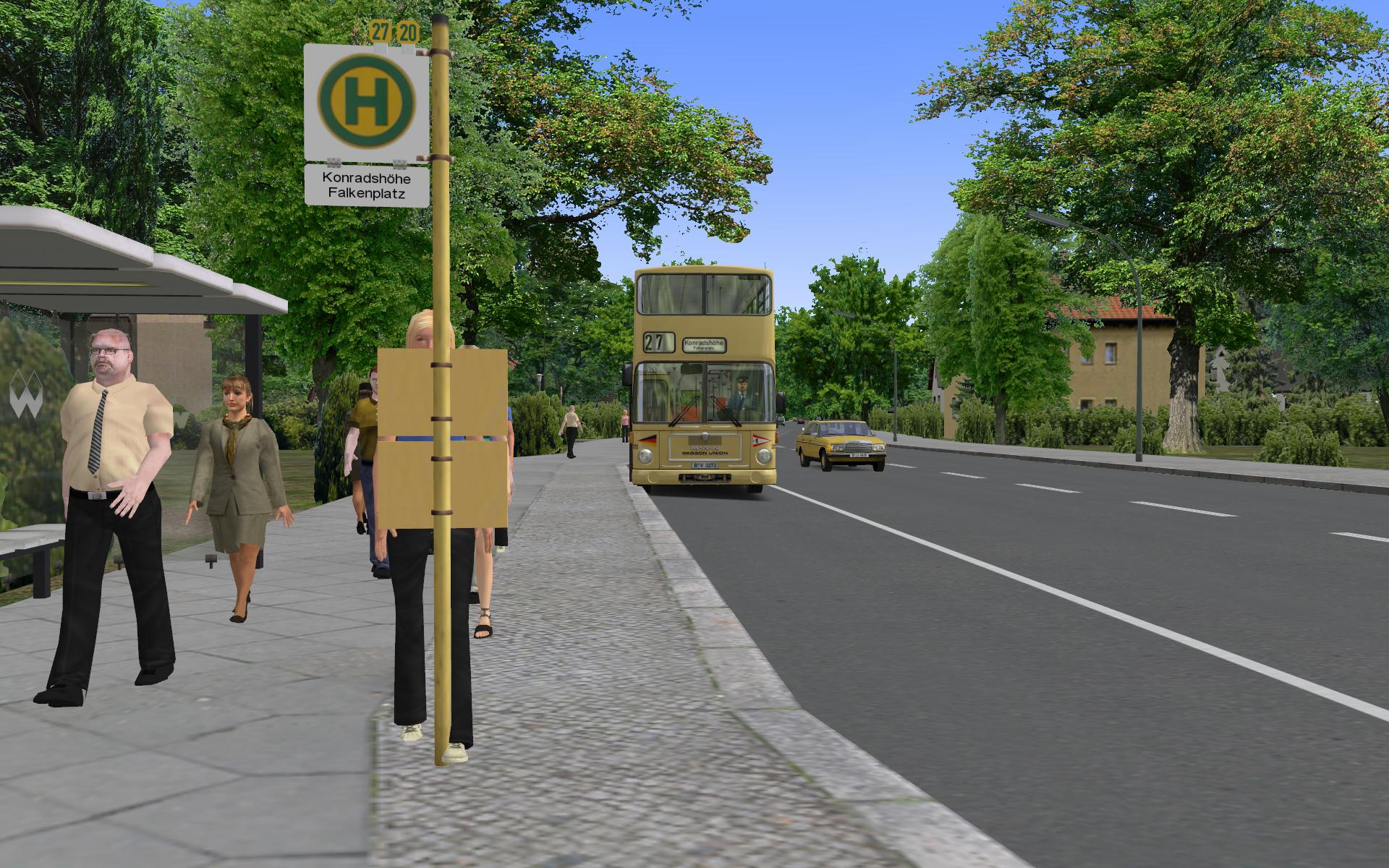
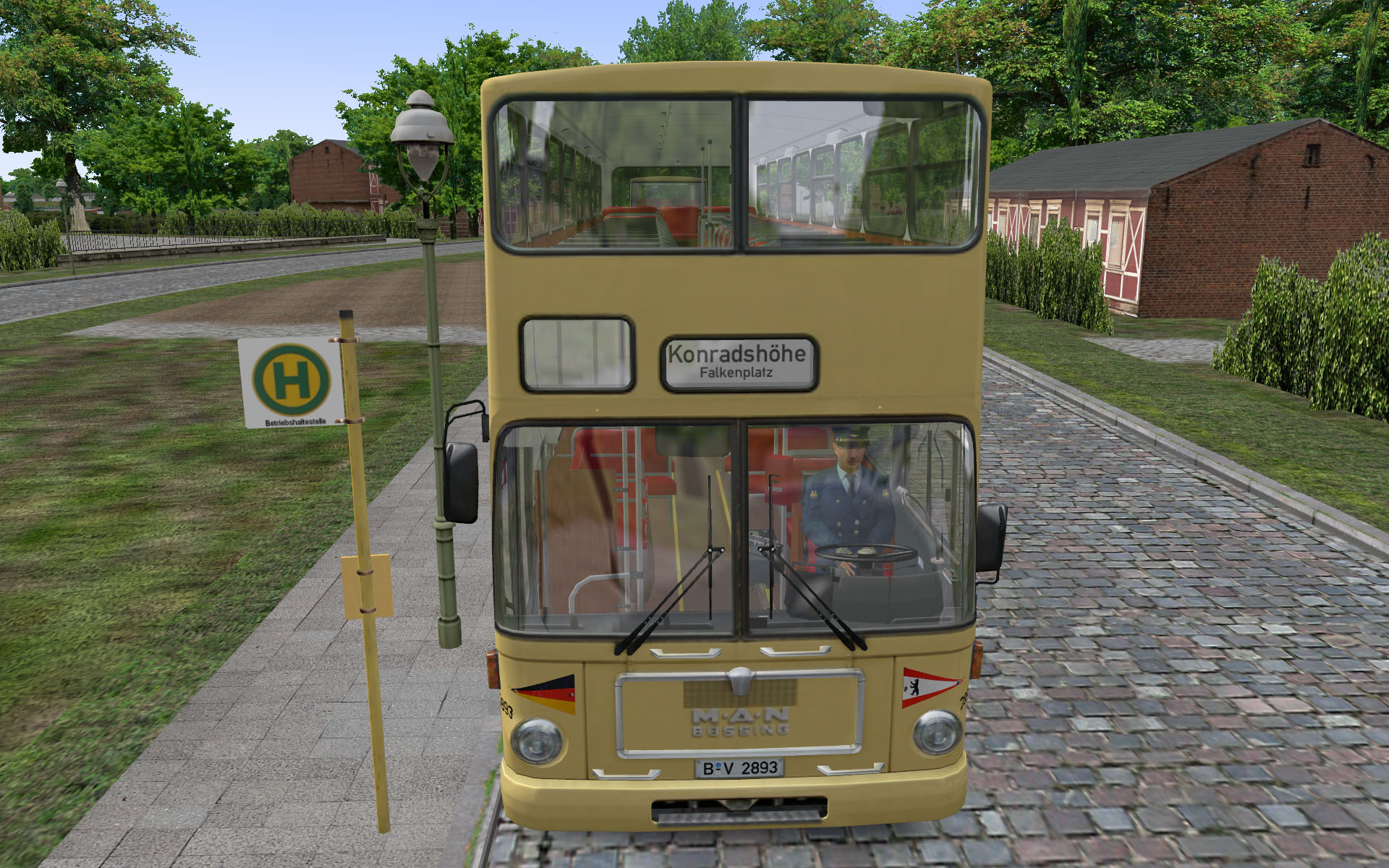
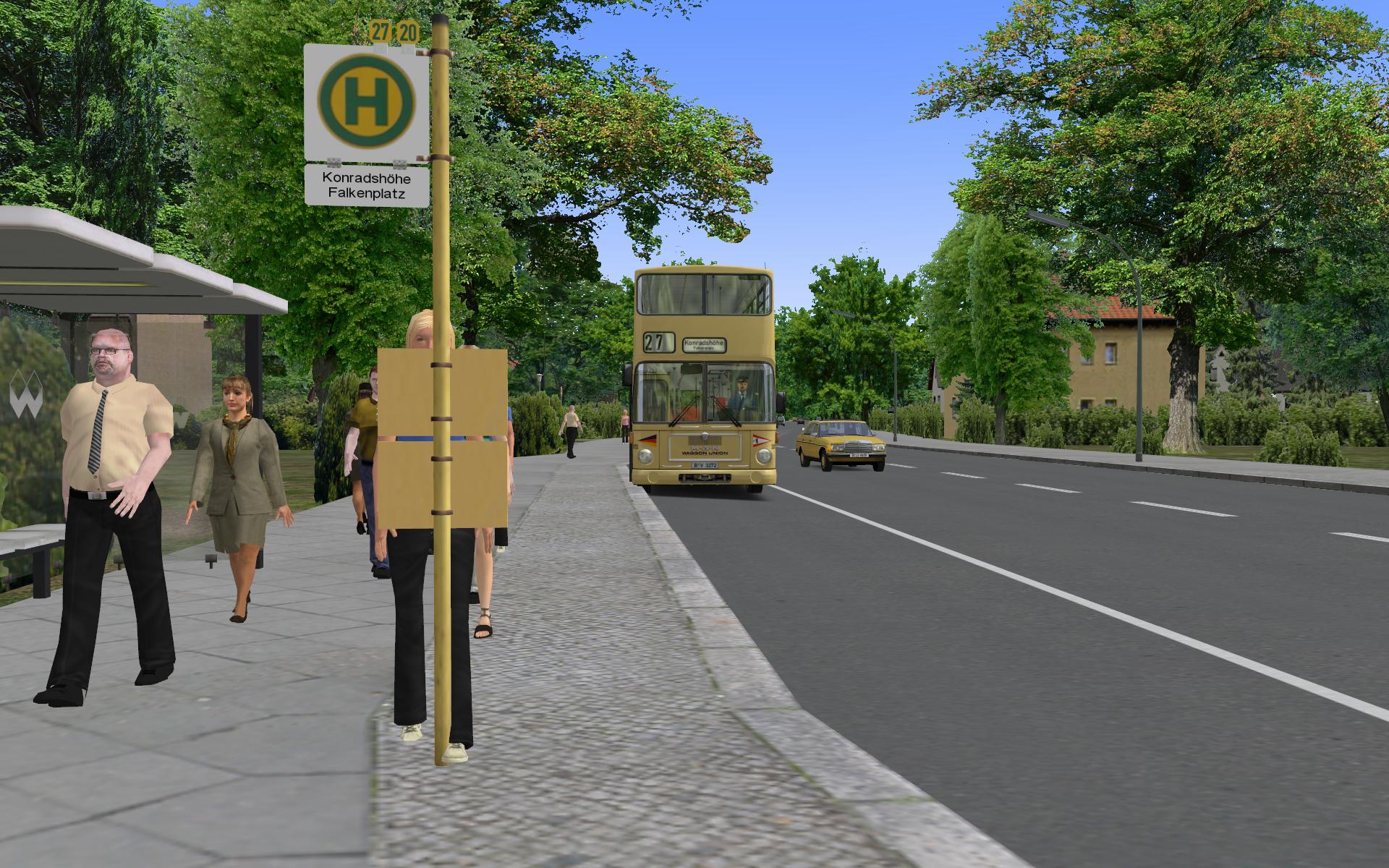
  2. Berliner Linie 27 Alt-Heiligensee - Konradshöhe im Jahr 1989.
    The Berlin Line 27 Alt-Heiligensee - Konradshöhe in 1989.
    • 27636 Downloads
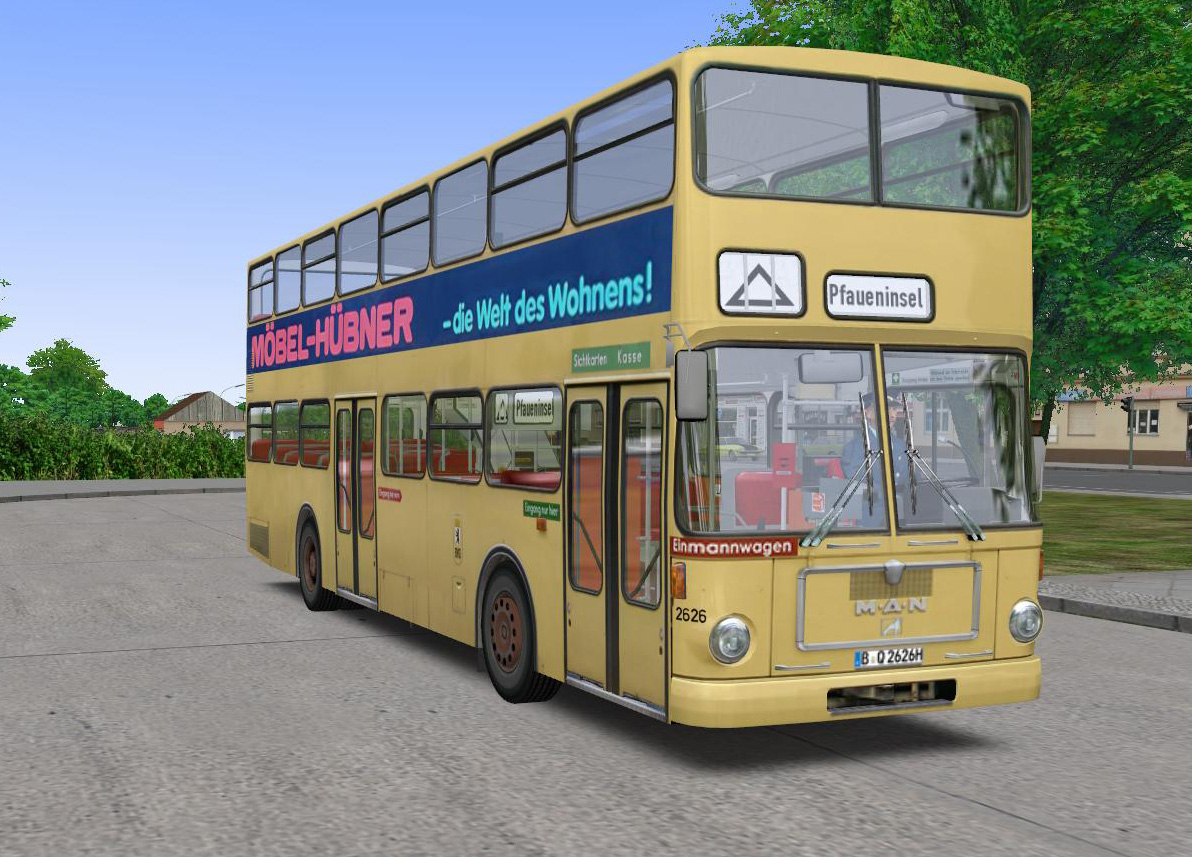
  3. Repaint in the colours of the Traditionsbus Berlin museum bus number 2626 MAN SD74.
    This repaint can be used with SD74 or SD77. Instructions for downloading SD74 and SD74 textures are in the readme file.
    • 863 Downloads
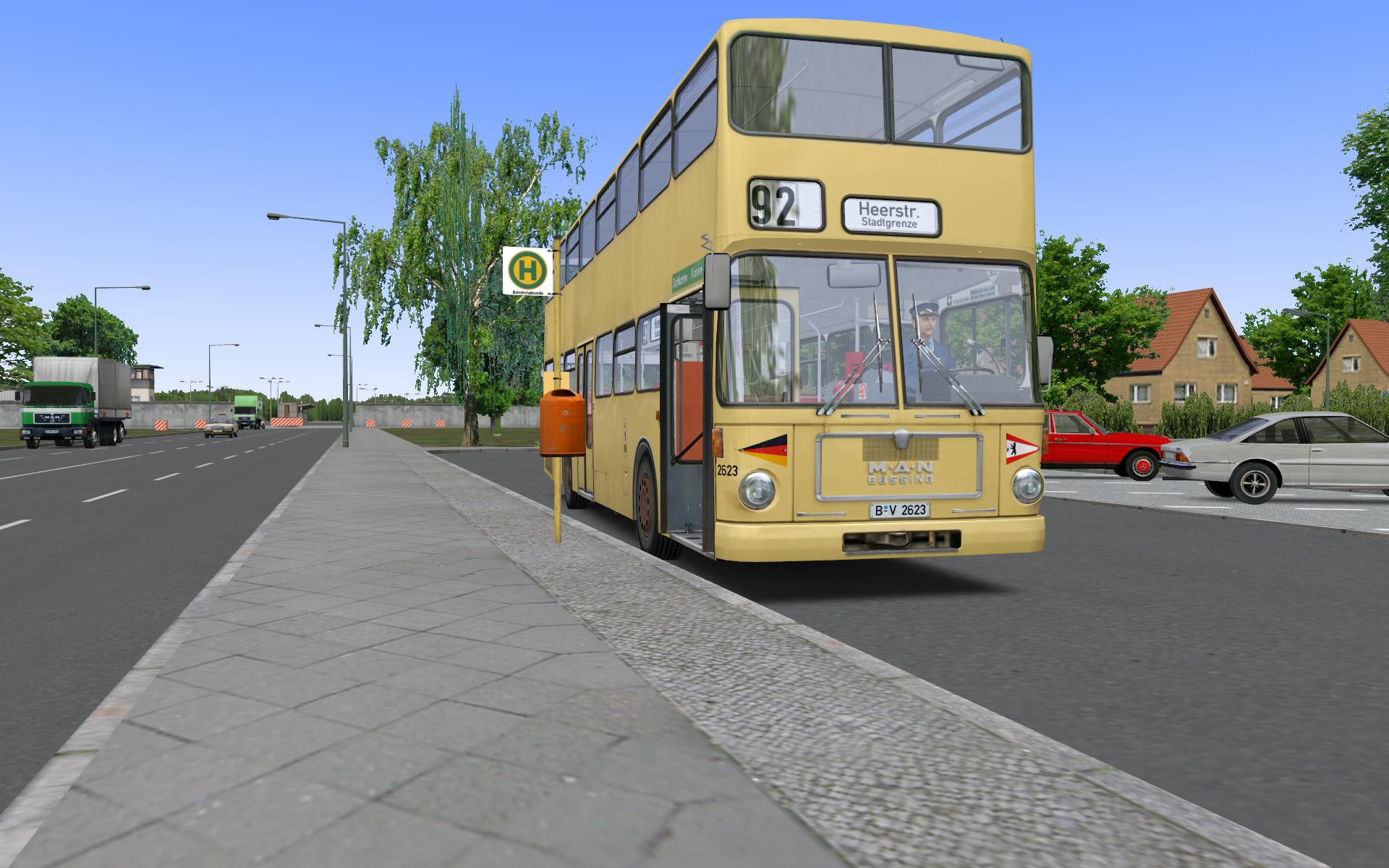
  4. Texture package which changes SD77 to look like SD74.
    This is so close to the real one than possible.

    You need to have the SD74 package of HHA 1732 installed.
    The package gives SD74 the correct type of transmission and sound.
    You can download it from here:
    http://omnibussimulator.forumieren.com/t4372-projekt-man-sd200-sd74-project-man-sd200-sd74?highlight=SD74
    • 1326 Downloads
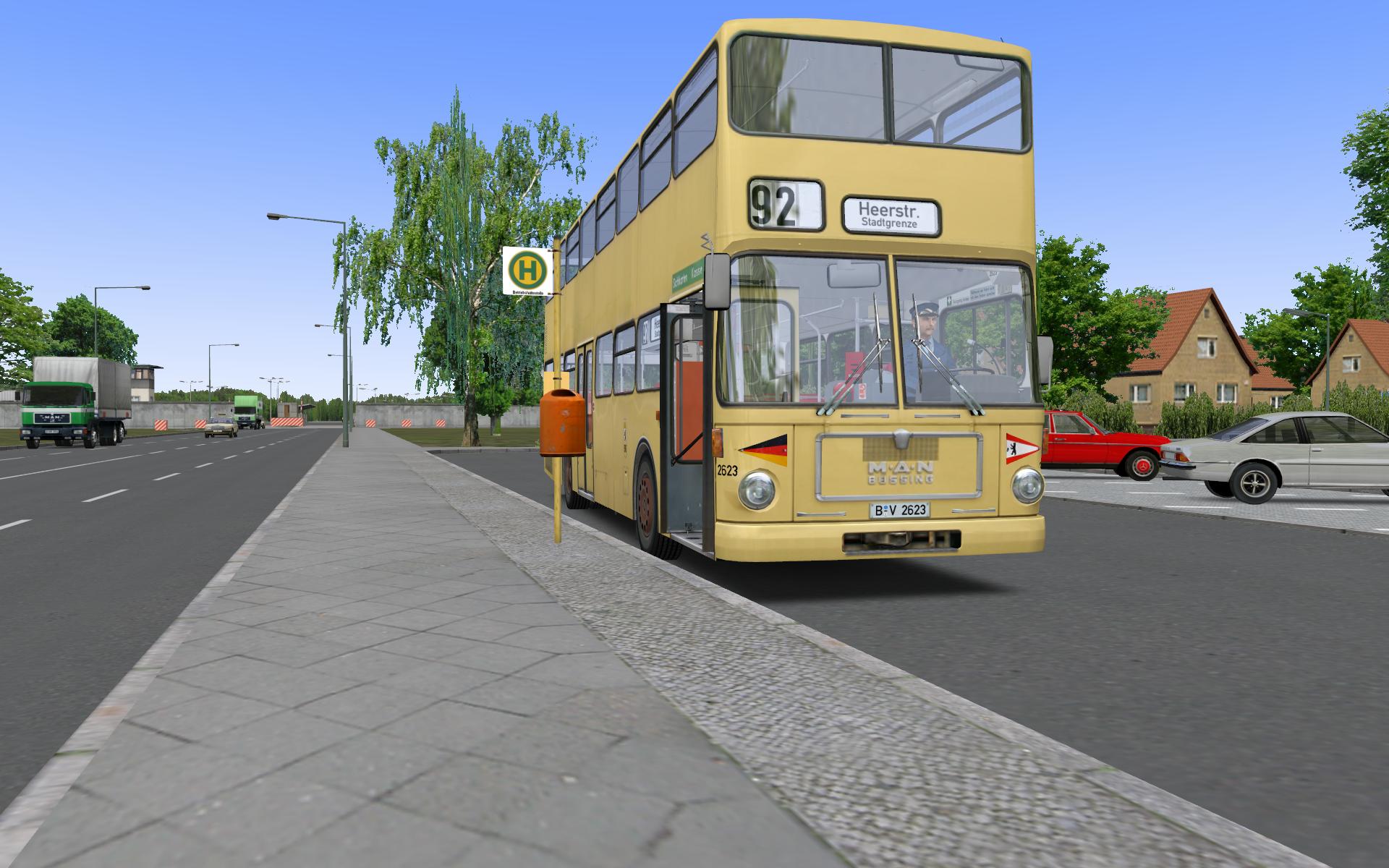
  5. Texture package which changes SD77 to look like SD74.
    This is so close to the real one than possible.

    You need to have the SD74 package of HHA 1732 installed.
    The package gives SD74 the correct type of transmission and sound.
    You can download it from here:
    http://omnibussimulator.forumieren.com/t4372-projekt-man-sd200-sd74-project-man-sd200-sd74?highlight=SD74
    • 423 Downloads
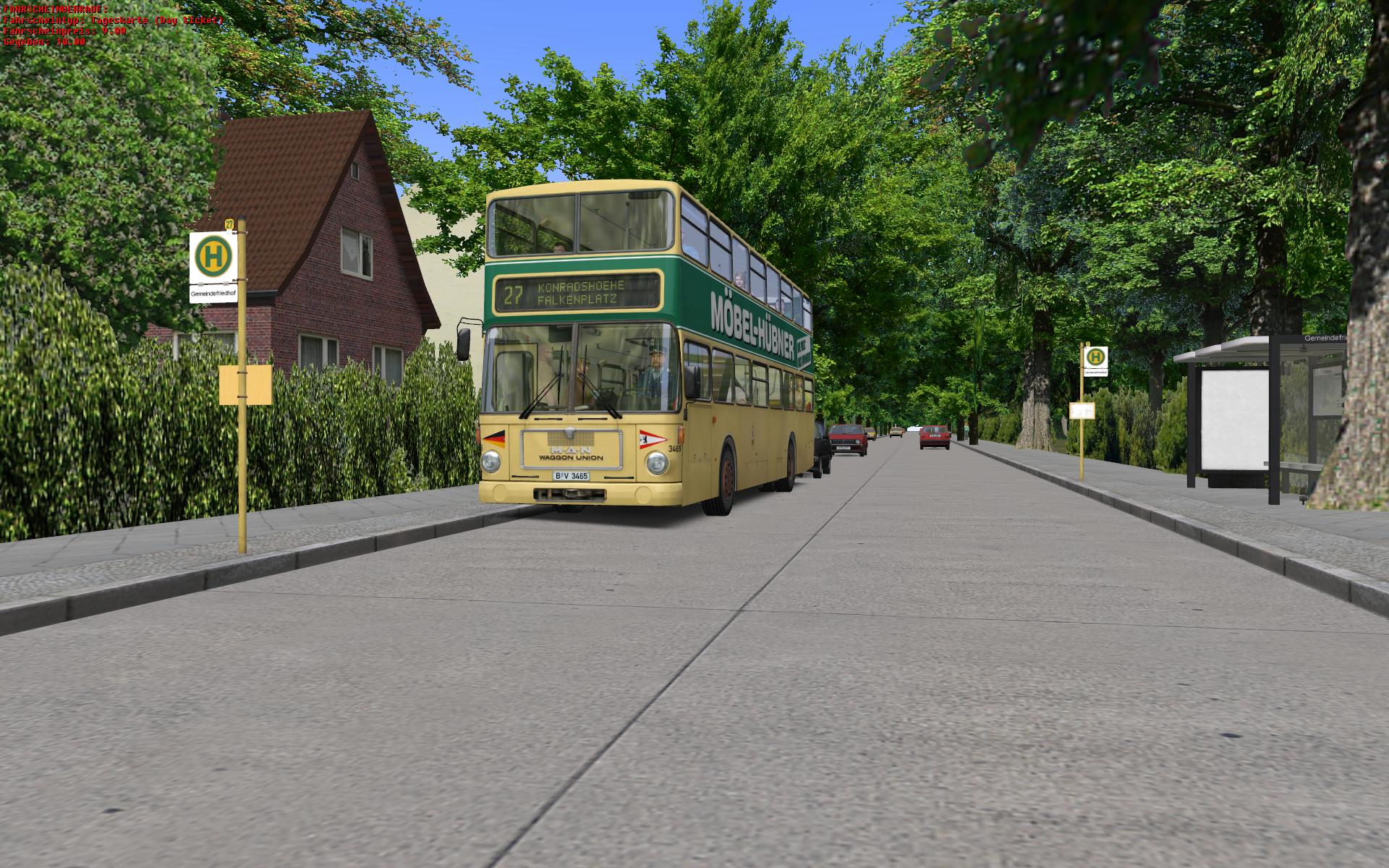
  6. Berlin line 27 Alt-Heiligensee - Konradshohe in 1989, version 1.1.
    Berlin Linie 27 Alt-Heiligensee - Konradshöhe im Jahr 1989, Version 1.1.
    • 5892 Downloads
  7. Destination sign of Konradshoehe for buses that have the rollband system. This file was forgotten from the original package of the Berlin Line 27 route.
    • 1851 Downloads
  8. Berlin bus line 27 (Alt-Heiligensee - Konradshöhe, Falkenplatz) in year 1989.
    • 5406 Downloads

Important Information

We have placed cookies on your device to help make this website better. You can adjust your cookie settings, otherwise we'll assume you're okay to continue. Privacy Policy & Terms of Use
Account

Navigation

Search

Search

Configure browser push notifications

Chrome (Android)
  1. Tap the lock icon next to the address bar.
  2. Tap Permissions → Notifications.
  3. Adjust your preference.
Chrome (Desktop)
  1. Click the padlock icon in the address bar.
  2. Select Site settings.
  3. Find Notifications and adjust your preference.