moho_248
-
Posts
23 -
Joined
-
Last visited
Recent Profile Visitors


moho_248's Achievements




-
Hello mister moho_248!
I have been looking out for your work as a painter and I see only good work invested in! I am a Formula 1 fan and IVAO virtual pilot and there is a F1 Tour active. I wanted to request if possible, a very simple paint with Mclaren logo and F1 logo, in order to do the tour with the colors of the team I cheer up for.
Thank you!
-
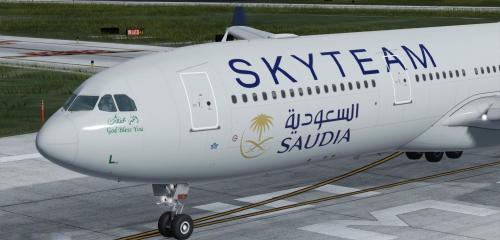
Version 1.0.0
438 downloads
Give my site a visit and see all my paints here https://moho43.wixsite.com/htextures enjoy -
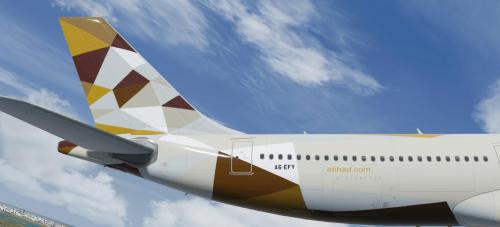
Version 1.0.0
2127 downloads
Give my site a visit and see all my paints here https://moho43.wixsite.com/htextures enjoy- 1 review
-
- 1
-

-
I ask great painters if you can make Alitalia A319 - A320 - A321 - fleet in the new professional version
link
-
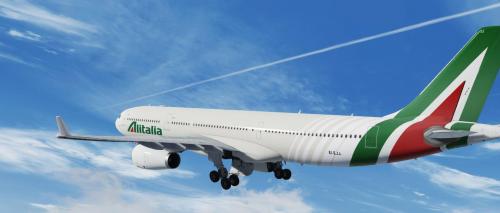
Version 1.0.0
1603 downloads
Give my site a visit and see all my paints here https://moho43.wixsite.com/htextures -
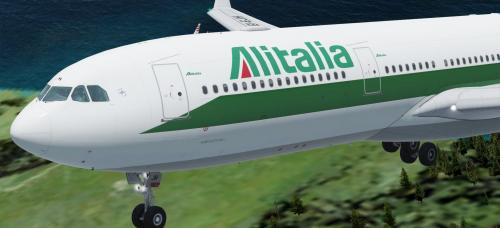
Version 1.0.1
546 downloads
Give my site a visit and see all my paints here https://moho43.wixsite.com/htextures -
Version 1.0.0
591 downloads
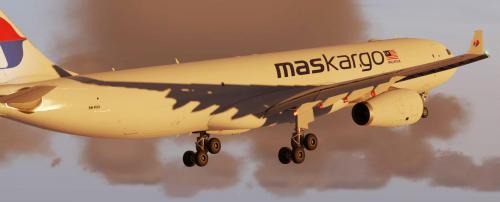
A330 MALAYSIAN AIRLINES CARGO (MASkargo) 9M-MUA Give my site a visit and see all my paints here https://moho43.wixsite.com/htextures ENJOY -
Version 1.0.0
460 downloads
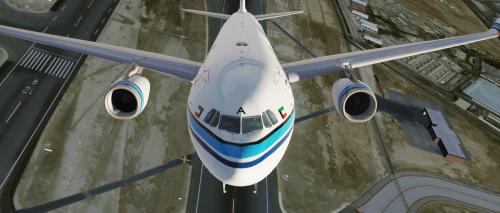
Give my site a visit and see all my paints here https://moho43.wixsite.com/htextures -
Version 2.0.0
563 downloads
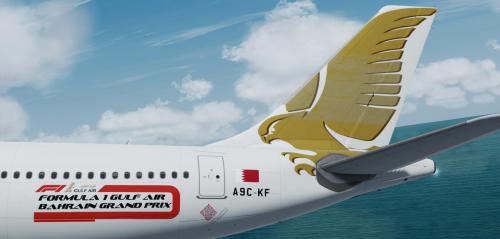
3 Gulf air paints for the Aerosoft a330 --A9C-KE updated : Correct color added Curve corrected Doors corrected Tail repainted as the real one logo size and placement corrected . Red engine . --A9C-KD added to the fleet. --A9c-KF added to the fleet. enjoy -
Version 1.0.0
366 downloads
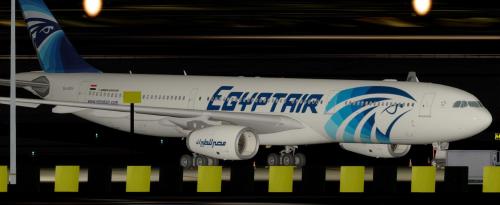
EGYPTAIR SU-GDV enjoy -
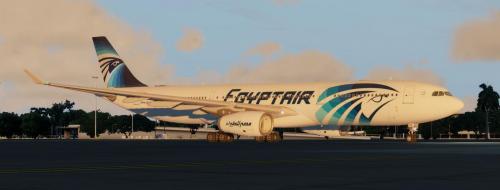
Version 2.0.0
664 downloads
update for the previous Egyptian a330 su-gdt fixed textures size and placment to fit the real one enjoy -
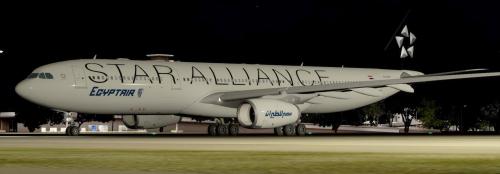
Version 1.0.0
215 downloads
EGYPTAIR STAR ALLIANCE SU-GCK enjoy -
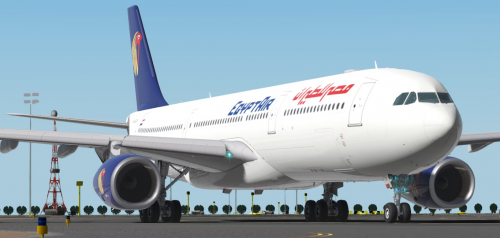
Version 1.0.0
117 downloads
EGYPTAIR OLD COLORS enjoy -
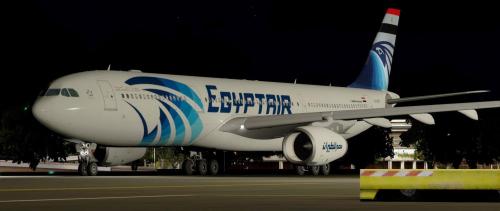
Version 1.0.0
389 downloads
EGYPTAIR SU-GDT EGYPT FLAG LIVERY enjoy -
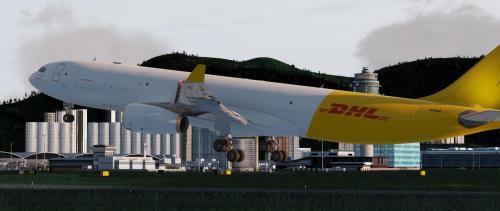
Version 1.0.0
1146 downloads
DHL EI-EHA cargo enjoy