



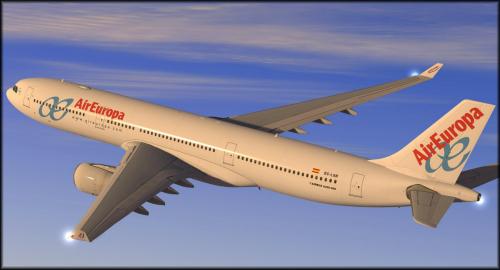
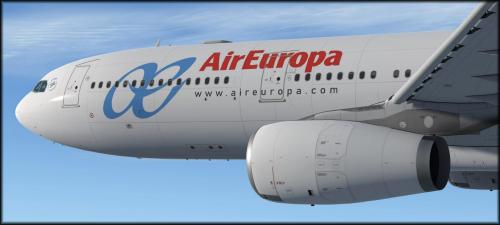
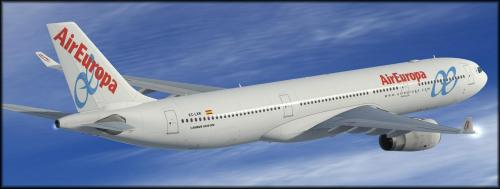
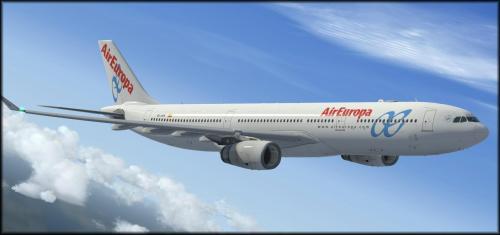
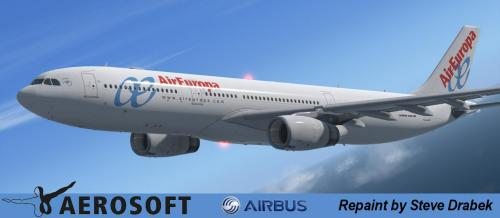
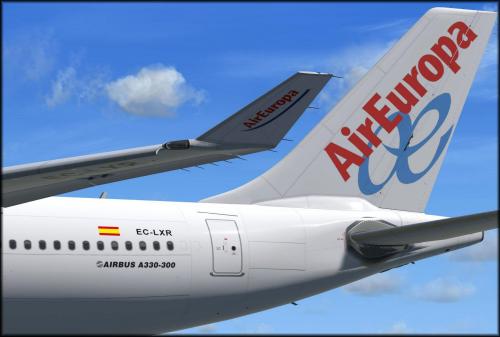
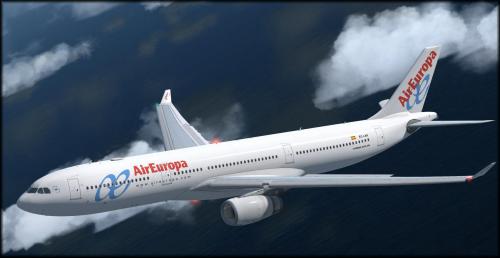
About This File
To install this aircraft, copy the following text into your 'aircraft.cfg', inside the folder 'SimObjects\Airplanes\Aerosoft A333 RR Professional'. Replace the X in [FLTSIM.X] by the next number in your sequence (like [FLTSIM.11,12 etc])
[FLTSIM.xx]
title = Aerosoft A333 professional Air Europa Old EC-LXR
sim = A330-343
model =
panel =
sound =
texture = EC-LXR
kb_checklists = AirbusA333_check
kb_reference = AirbusA333_ref
atc_id = EC-LXR
atc_airline = Air Europa
atc_flight_number = 1000
ui_manufacturer = Airbus
ui_type = A330-343 ROLLS-ROYCE
ui_variation = Air Europa
ui_typerole = Commercial Airliner
ui_createdby = Aerosoft
atc_parking_types = GATE,RAMP
atc_parking_codes = AE
description = Airbus A330 - 343 RR / Air Europa Old EC-LXR \nwww.aerosoft.com\nRepaint by Steve Drabek
Next, copy the complete texture.EC-LXR folder in the zip file to the your \AS Airbus 330\Aerosoft A330 Professional\SimObjects\Airplanes\Aerosoft A333 RR Professional folder (your folder will be wherever you installed the Airbus)
That's it!
User Feedback
Create an account or sign in to leave a review
You need to be a member in order to leave a review
Create an account
Sign up for a new account in our community. It's easy!
Register a new accountSign in
Already have an account? Sign in here.
Sign In NowThere are no reviews to display.