




About This File
ATENCIÓN: Esta versión del repaint solo es compatible con Airbus A320 Profesional (P3D v4). Para otras versiones visita mi perfil.
ATTENTION: This version of the repaint is only compatible with Airbus A320 Professional (P3D v4). For another versions visit my profile.
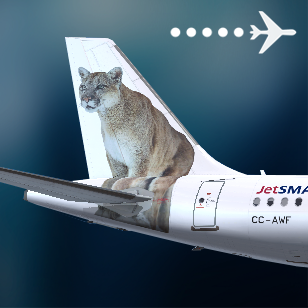
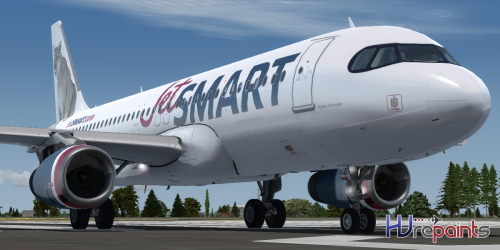
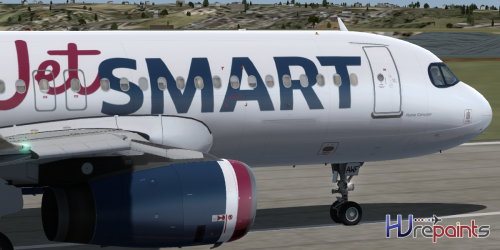
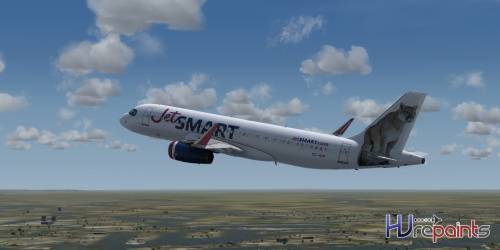
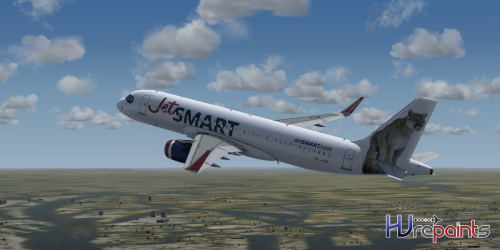
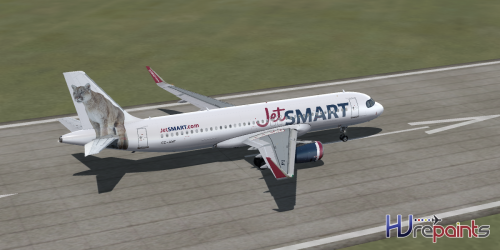
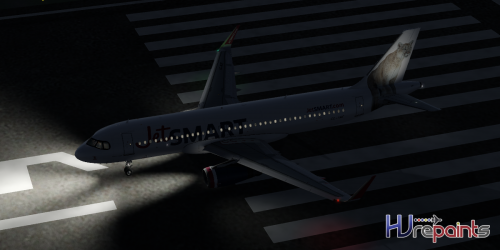
(ES) El nuevo A320 de JetSMART llegó a Aerosoft, cuya novedad es que es el primer avión de la flota en no contar con un ave en el estabilizador vertical además de incluir "antifaz" al más puro estilo del Airbus A350.
Algunas características de este repaint son:
- Dimensiones reales basadas en el avion real.
- Compatible con Livery Manager.
Cualquier problema con el repaints me pueden escribir aquí a la información de contacto incluida en el WinRar. Saludos !
Prohibido re-subir esta textura a otro sitio que no sea Aerosoft sin mi autorización, así como también subir este archivo a páginas de aerolíneas virtuales sin expresa autorización, no robar créditos, el trabajo es gratis, agradecelo no robándolo. Prohibido editar, modificar o basarse sin autorización.
(EN) The new A320 from JetSMART arrived at Aerosoft, whose novelty is that it is the first plane of the fleet not to have a bird in the vertical stabilizer besides to include "mask" in the style of the Airbus A350.
Some features of this repaint are:
- Real dimensions based on the actual plane.
- Compatible with Livery Manager.
Any problem with repaints can write me here to the contact information included in the WinRAR. Best regards!
Forbidden to re-raise this texture to another site that is not aerosoft without my authorization, as well as upload this file to pages of virtual airlines without express authorization, not stealing credits, the job is free, thank you not stealing it. It is forbidden to edit, modify or base without authorization
User Feedback
Create an account or sign in to leave a review
You need to be a member in order to leave a review
Create an account
Sign up for a new account in our community. It's easy!
Register a new accountSign in
Already have an account? Sign in here.
Sign In NowThere are no reviews to display.