




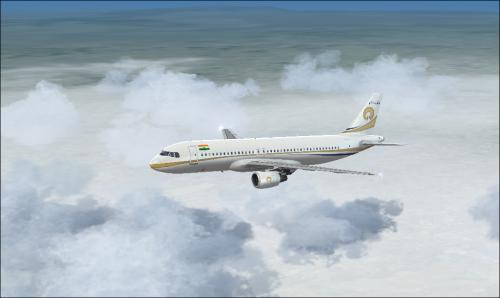
About This File
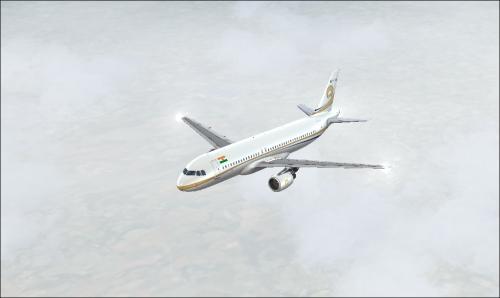
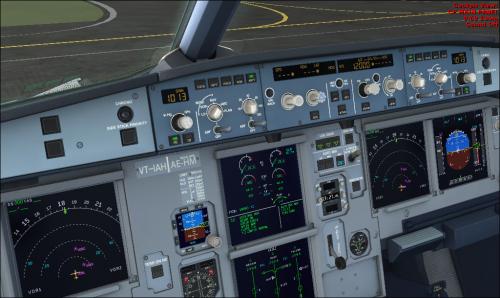
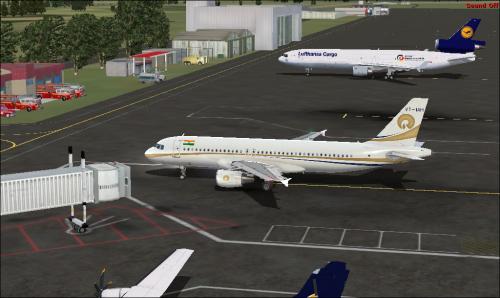
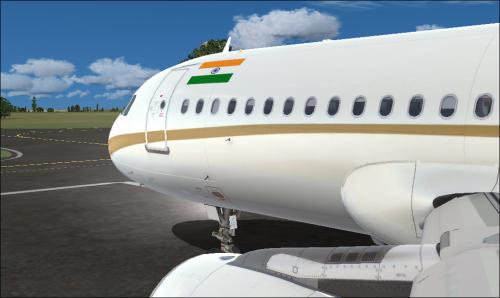
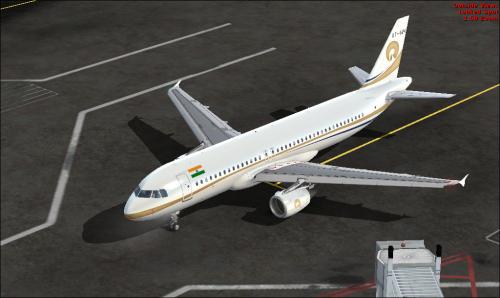
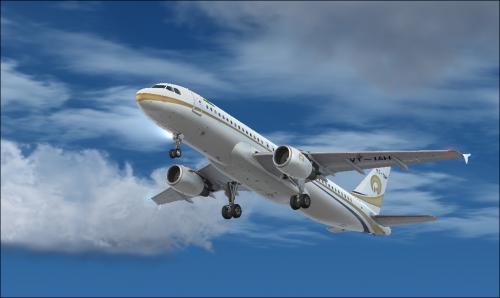
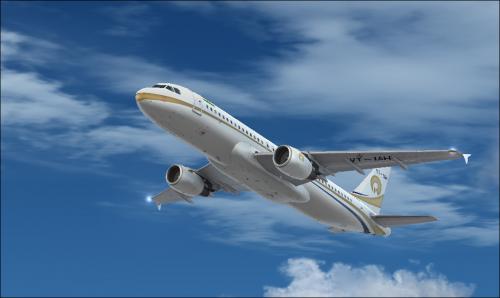
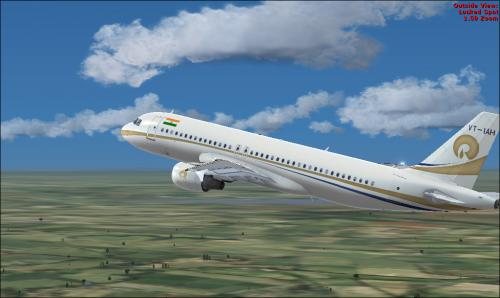
Reliance Industries. Private Business of the Business Tycoon of India Mr. Mukesh Ambani's Flying Palace The Airbus A319 ACJ Registered VT-IAH
To install this aircraft manually, Copy the following text into your 'aircraft.cfg', inside the folder 'SimObjects\Airplanes\Aerosoft Airbus X A320 Extended CFM'. Replace the Xx in [FLTSIM.XX] by the following number in your Aircrafts List
[fltsim.xx] <<-- Replace 'xx' with the following Number
title = Airbus A320 Reliance A319-115(CJ) VT-IAH
sim = A320
model =
panel =
sound =
texture = Reliance_VT-IAH
kb_checklists = AirbusA321_check
kb_reference = AirbusA321_ref
atc_id = VT-IAH
atc_airline = Reliance
atc_flight_number =
ui_manufacturer = Airbus
ui_type = A320-211 CFM
ui_variation = Reliance
ui_typerole = Commercial Airliner
ui_createdby = Aerosoft
atc_parking_types = GATE
description = Airbus X Extended - A320 CFM Reliance A319-115 (CJ) VT-IAH by Captain Gunadeep
for Airbus X
To install this aircraft manually, Copy the following text into your 'aircraft.cfg', inside the folder 'SimObjects\Airplanes\Aerosoft Airbus X A320 CFM'. Replace the XX in [FLTSIM.XX] by the following number in your Aircrafts List
[fltsim.xx] <<-- Replace 'xx' with the following Number
title = Airbus A320 Reliance A319-115(CJ) VT-IAH
sim = A320
model =
panel =
sound =
texture = Reliance_VT-IAH
kb_checklists = AirbusA321_check
kb_reference = AirbusA321_ref
atc_id = VT-IAH
atc_airline = Reliance
atc_flight_number =
ui_manufacturer = Airbus
ui_type = A320-211 CFM
ui_variation = Reliance
ui_typerole = Commercial Airliner
ui_createdby = Aerosoft
atc_parking_types = GATE
description = Airbus X Extended - A320 CFM Reliance A319-115 (CJ) VT-IAH by Captain Gunadeep
for Airbus X users not the EXTENDED Model
Replace the texture.cfg file in this texture with the following Lines
[fltsim]
fallback.1=..\..\Aerosoft Airbus A320_A321 Base\Texture_Fallback_VC
fallback.2=..\..\Aerosoft Airbus A320_A321 Base\Texture_FallBack_A320
//fallback.2=..\..\Aerosoft Airbus A320_A321 Base\Texture_FallBack_A321
fallback.3=..\..\..\..\Scenery\Global\texture
fallback.4=..\..\..\..\..\..\Scenery\Global\texture
and its done.
User Feedback
You may only provide a review once you have downloaded the file.
There are no reviews to display.