Skip to content

Angelique

Members
  • Joined

  • Last visited

Files posted by Angelique

  1. Uploaded this package on behalf of Tom Knudson and with his permission .
     
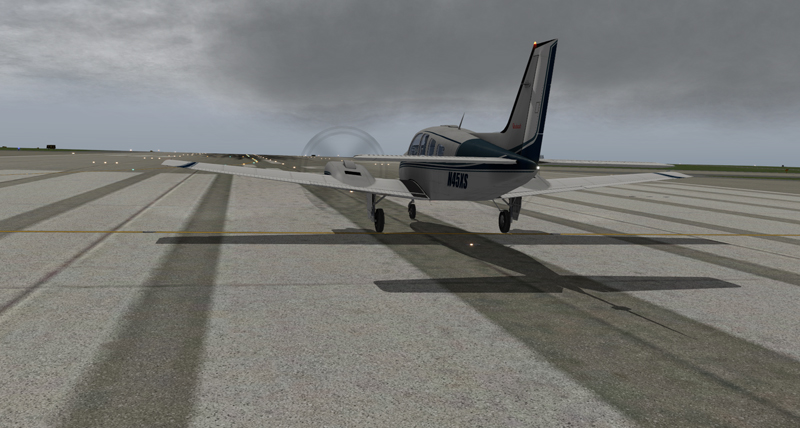
    This script will change the overall clouds preference for the X-Plane 10.42 and above (not tested below).
    This will not work with X-Plane version 9, so do not ask!

    What this script will impact in game!

    1. Clouds
    2. Atmospheric Raleigh Scattering
    3. Ground Cloud Shadows
    4. Sky Color
     
    What is new in version 1.1
    - Shadow bugs are fixed - Shadows do not flicker as reported.
    - Shadows are redifined and more tight with sharper edges - Resolution is the same
    - Scattering is refined


    Everthing is tested with optimal performance for Cloud settings at 100%.
    You need however to have the "Fly With Lua" plugin installed! Get it here http://forum.aerosoft.com/index.php?/files/file/3527-flywithlua-xp10xp9/


    • 103 Downloads
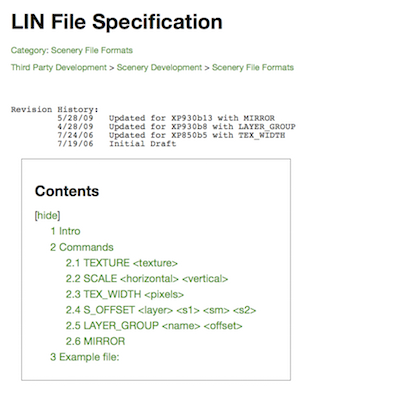
  2. On behalf of Marc Leydecker, Aerosoft is pleased to offer you this comprehensive LIN File Line specification tutorial.
    Intro 
    Painted line files (.lin) define taxiway markings that can be draped over DSFs, although they could can be used for other purposes too. 
    Painted line files are standard X-Plane 8/9 text files starting with a header and then commands. The # defines a comment. For a .lin file to be valid, it must contain a TEXTURE command, a SCALE command and an S_OFFSET command. 
    A 850 LINE_PAINTPainted lines are defining polygons in the DSF file. The polygon may have windings - only lat and lon coordinates are needed. The polygon parameter is used to indicate a closed loop (1) or open chain (0). 
    If two coordinates are provided (lon, lat) then the line is made of line segments. But if it is made of four coordinates (lon, lat, control lon, control lat) then it is interpreted as bezier curves.
    • 30 Downloads
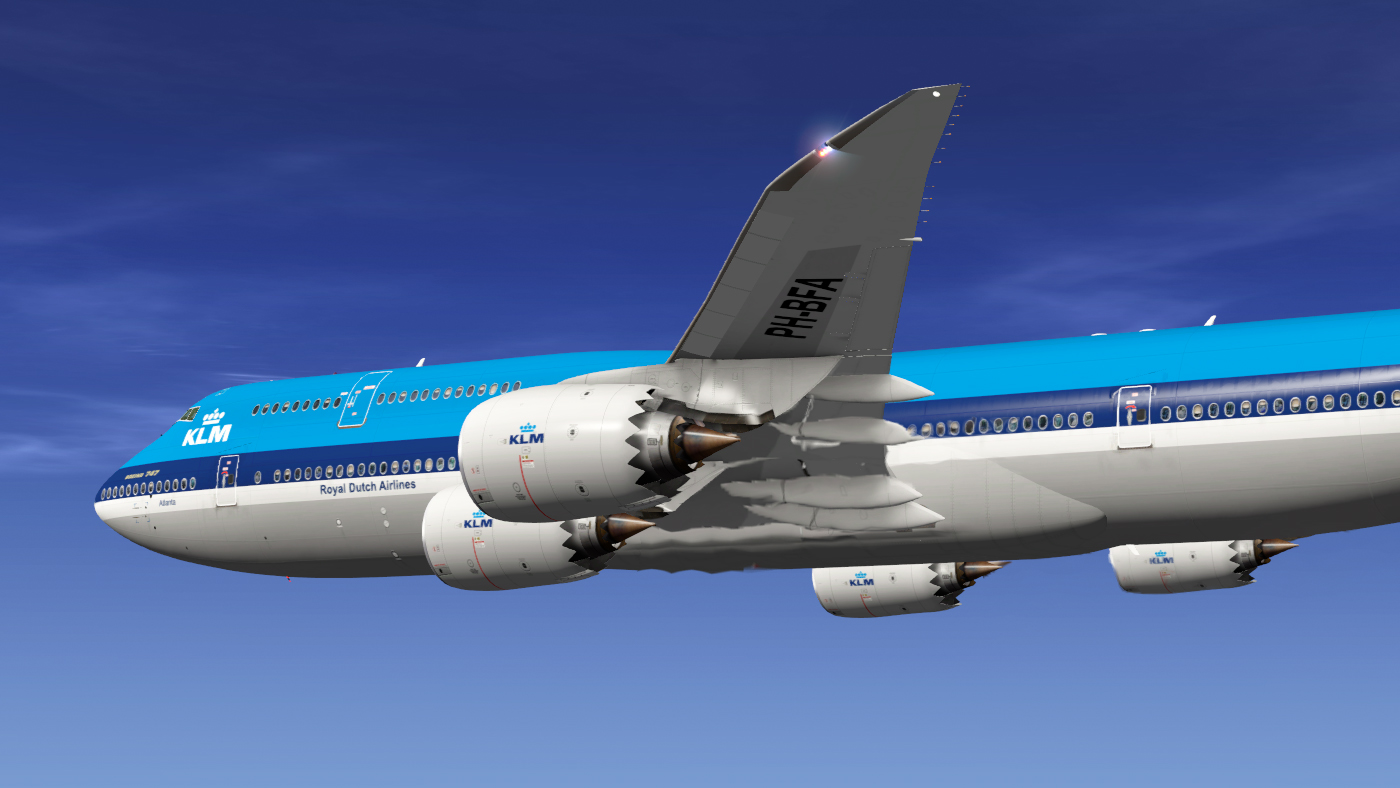
  3. Aerosoft is pleased to publish, on behalf of Kostas D. Koronakis, his fictional livery of KLM (Old Colors) - PH—BFA for 747-8i, using Supercritical Simulation Group’s 747-8 model.
    Enjoy the flight of Boeing 747-8 !
     
    Many thanks for the support and help to my friend in Supercritical Simulation Group, Stefan Keller !
     
    Kostas D. Koronakis
    kdkoronakis@yahoo.com
    © 2015
    • 399 Downloads

Important Information

We have placed cookies on your device to help make this website better. You can adjust your cookie settings, otherwise we'll assume you're okay to continue. Privacy Policy & Terms of Use
Account

Navigation

Search

Search

Configure browser push notifications

Chrome (Android)
  1. Tap the lock icon next to the address bar.
  2. Tap Permissions → Notifications.
  3. Adjust your preference.
Chrome (Desktop)
  1. Click the padlock icon in the address bar.
  2. Select Site settings.
  3. Find Notifications and adjust your preference.