

About This File
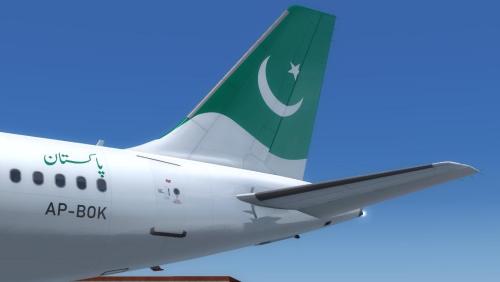
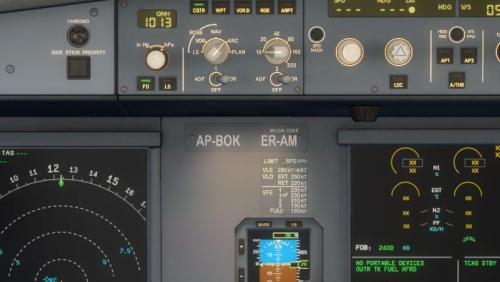
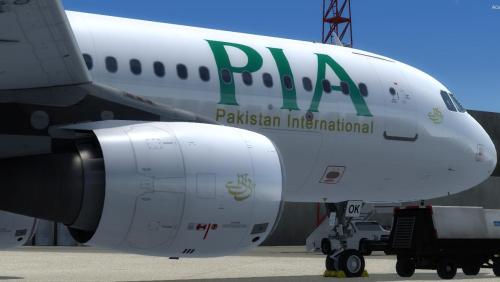
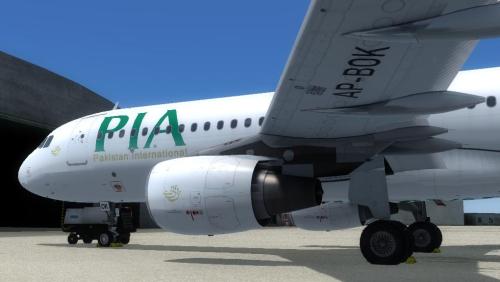
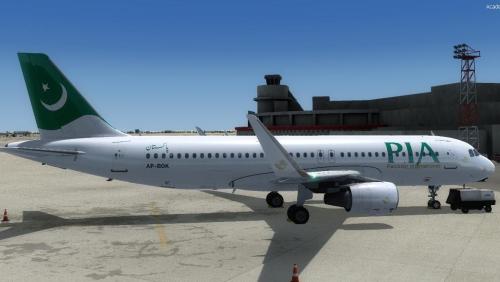
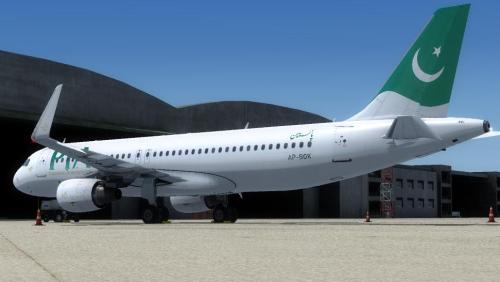
PIA's latest livery wearing AP-BOK for Aerosoft A320 Professional
Installation:
- Run the Aerosoft Livery Installer
- Click on Install Liveries
- Browse to the downloaded Aerosoft Livery file and click on OPEN
- Aerosoft Livery installer will process further to install the repaint livery Aerosoft A320 Professional Pakistan International AP-BOK
- Start Prepar3D, select the Aircraft and fly!
More at https://virtualairsim.blogspot.com/
If you like my repaint, you can share a cup of coffee with me by sending donation via PayPal https://bit.ly/3wAURV6
User Feedback
Create an account or sign in to leave a review
You need to be a member in order to leave a review
Create an account
Sign up for a new account in our community. It's easy!
Register a new accountSign in
Already have an account? Sign in here.
Sign In NowThere are no reviews to display.