Skip to content

dandi99

Members
  • Joined

  • Last visited

Files posted by dandi99

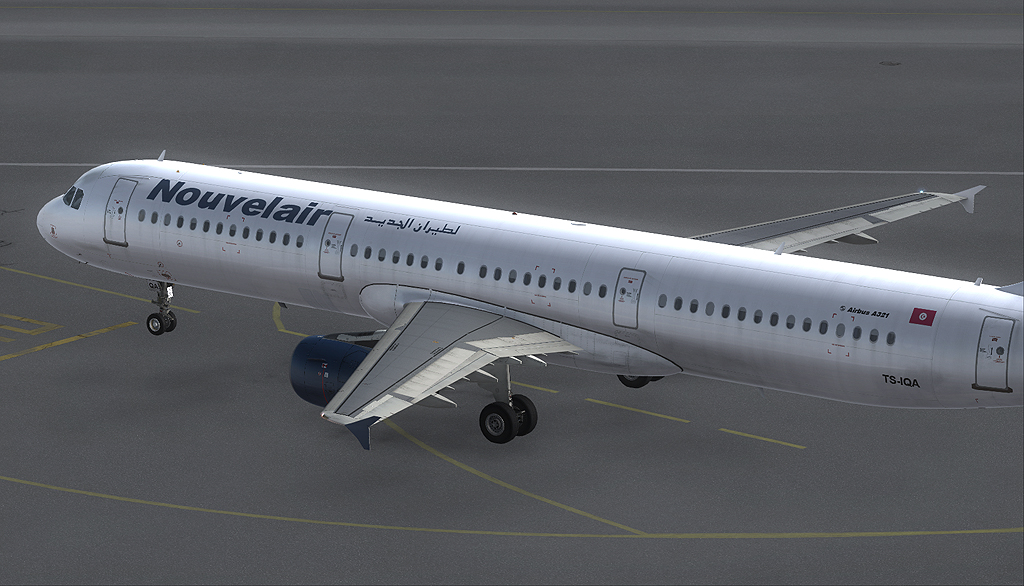
  1. Nouvelair TS-IQA A321 CFM

    www.hdtextures.net
    • 354 Downloads
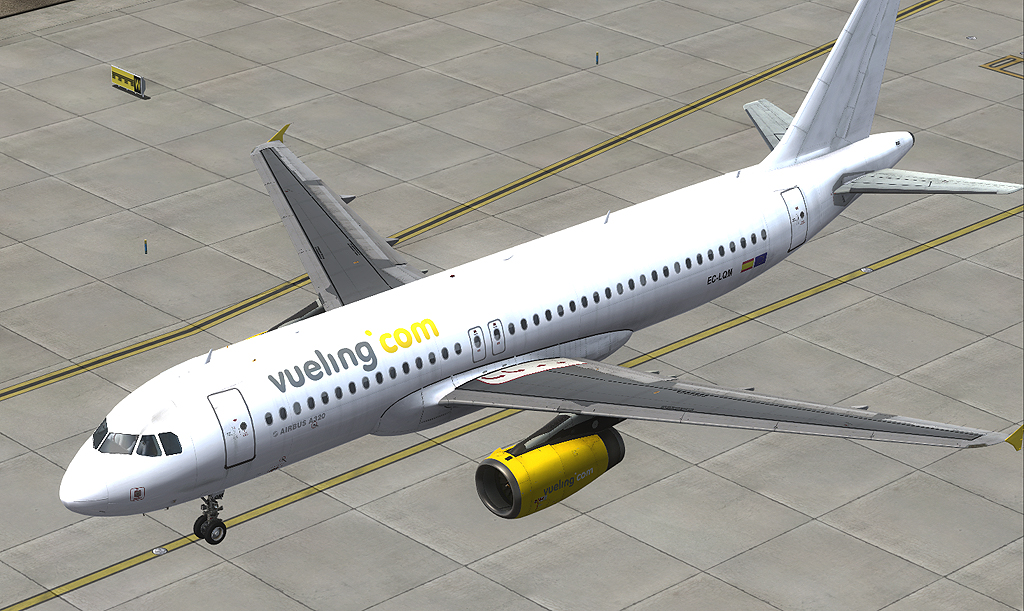
  2. Vueling A320 IAE EC-LQM

    www.hdtextures.net
    • 1296 Downloads
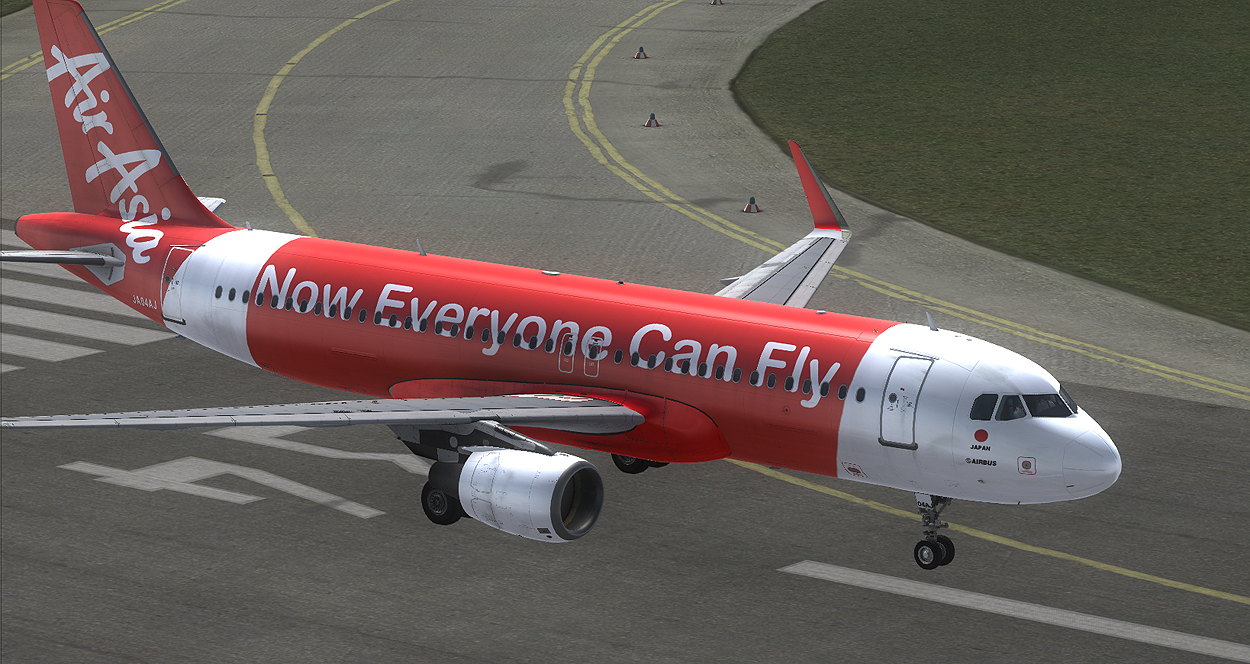
  3. Japan Airasia A320 NEO
    • 760 Downloads
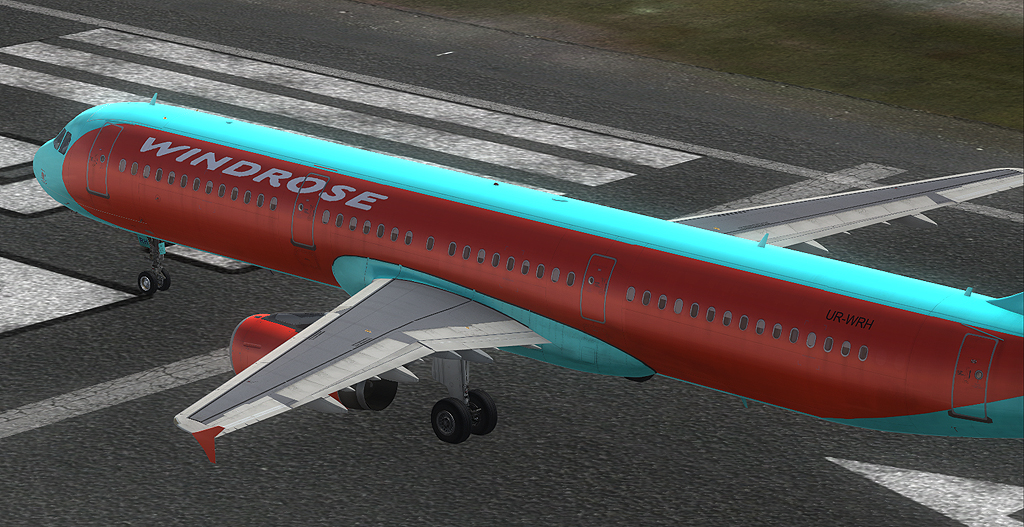
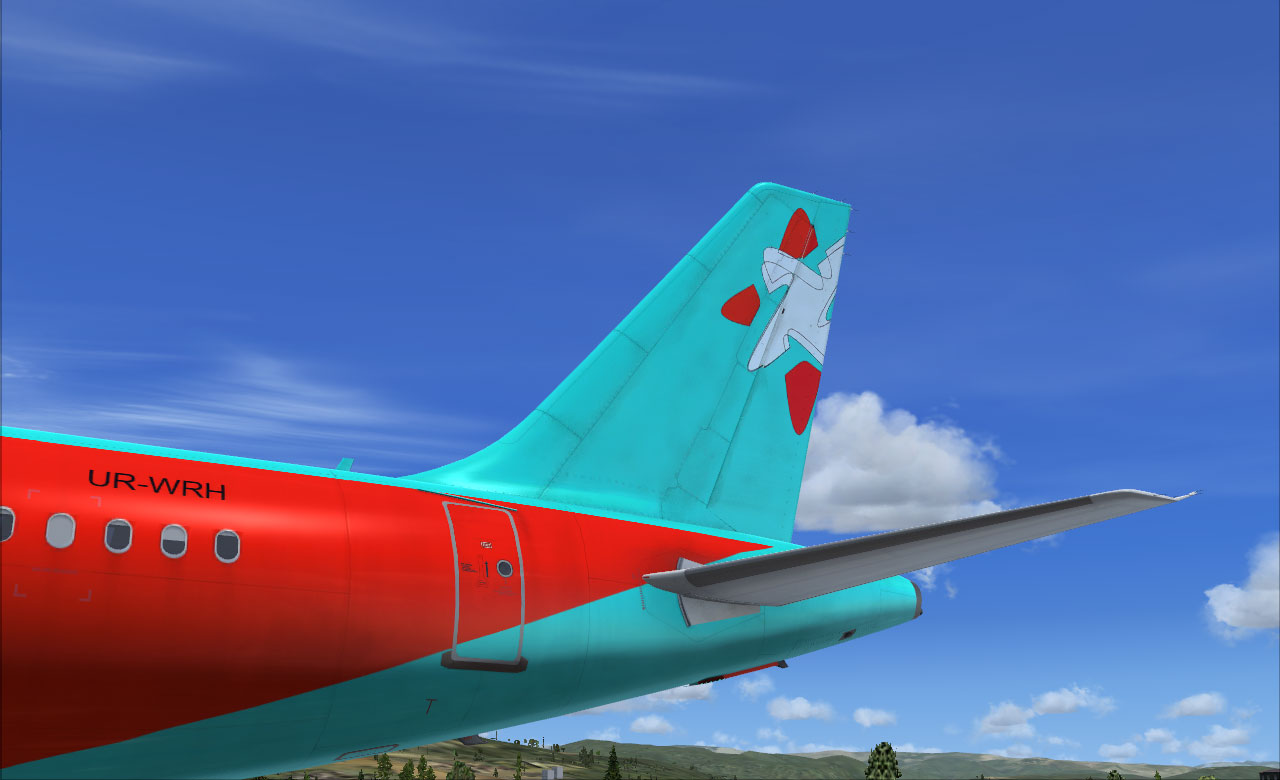
  4. Windroes A321 IAE
    • 281 Downloads
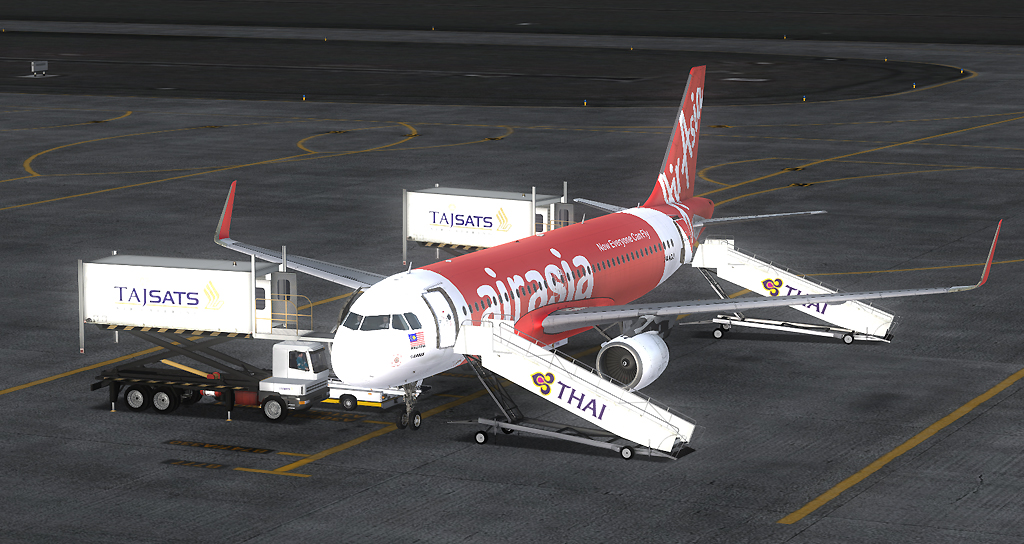
  5. Malaysia Airasia A320 NEO
    • 1471 Downloads
    • 3 Comments
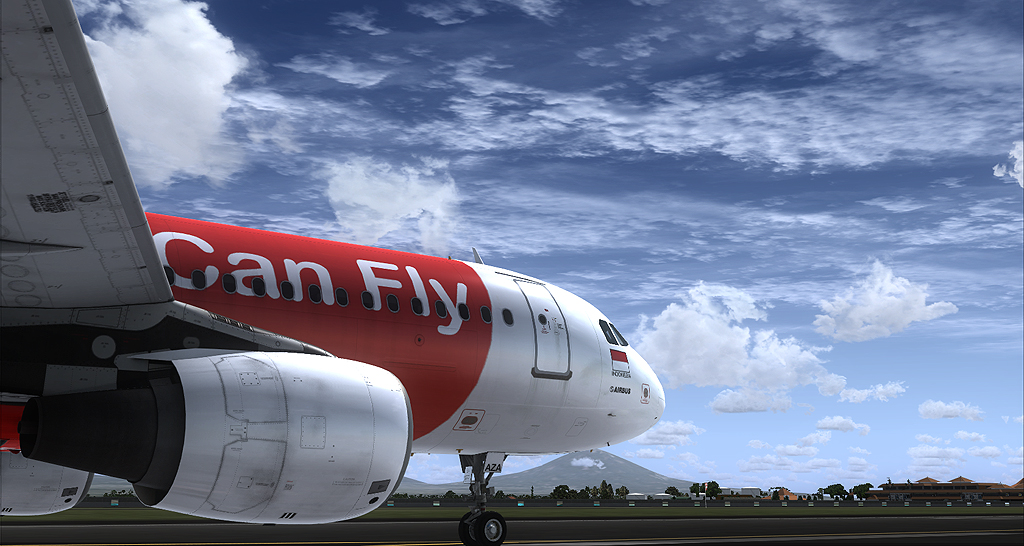
  6. Indonesia Airasia A320 CFM
    • 1623 Downloads
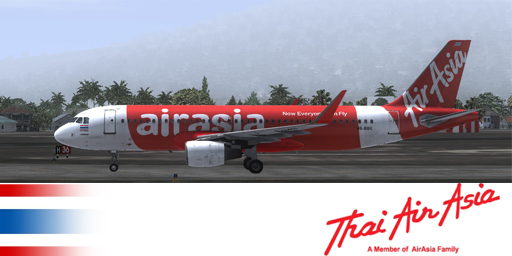
  7. Thai AirAsia HS-BCC A320 CFM NEO
    • 1341 Downloads
    • 2 Comments
  8. SWISS A320 NEO
    • 1789 Downloads
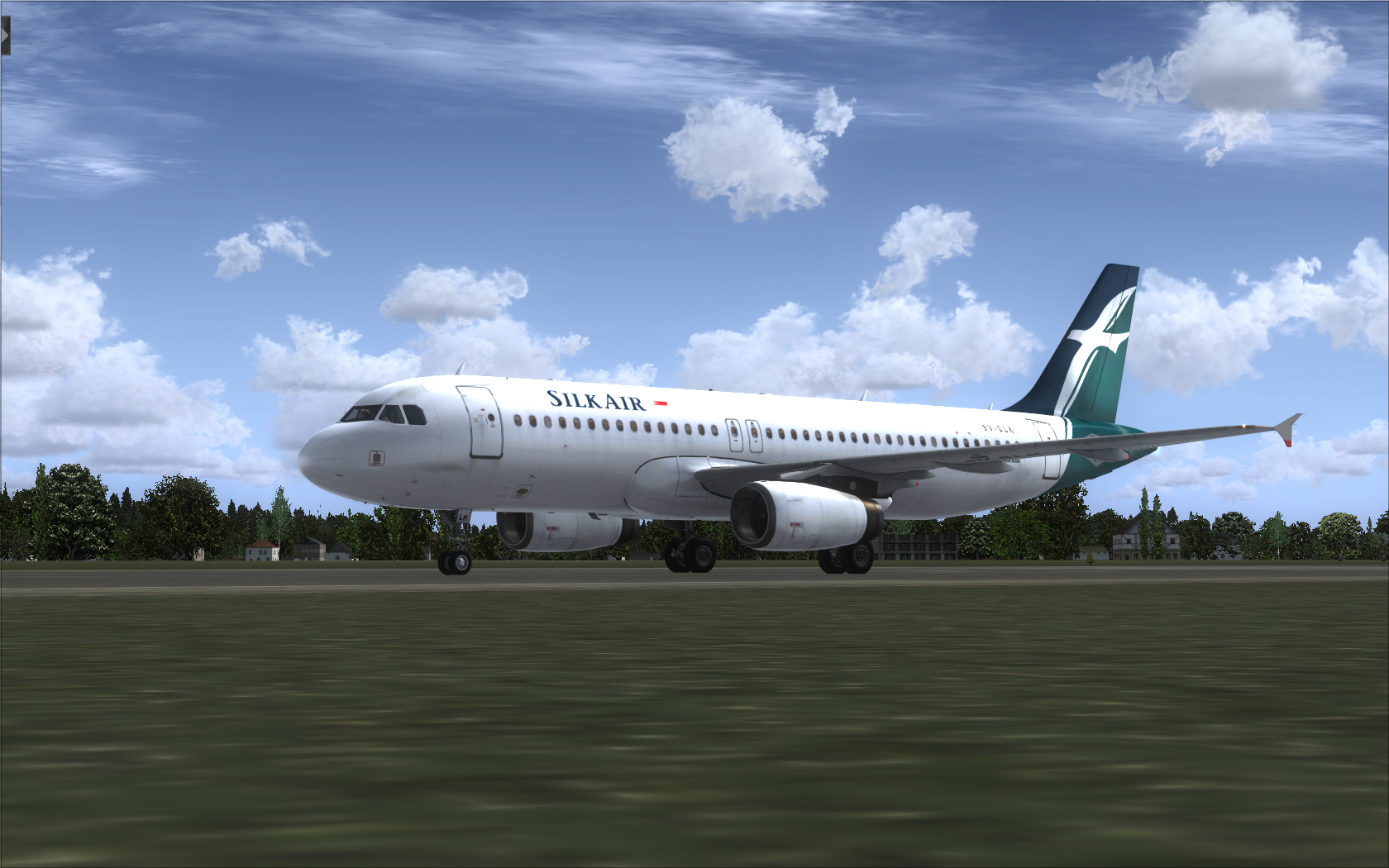
  9. Silkair A320 IAE
    • 1252 Downloads
    • 2 Comments
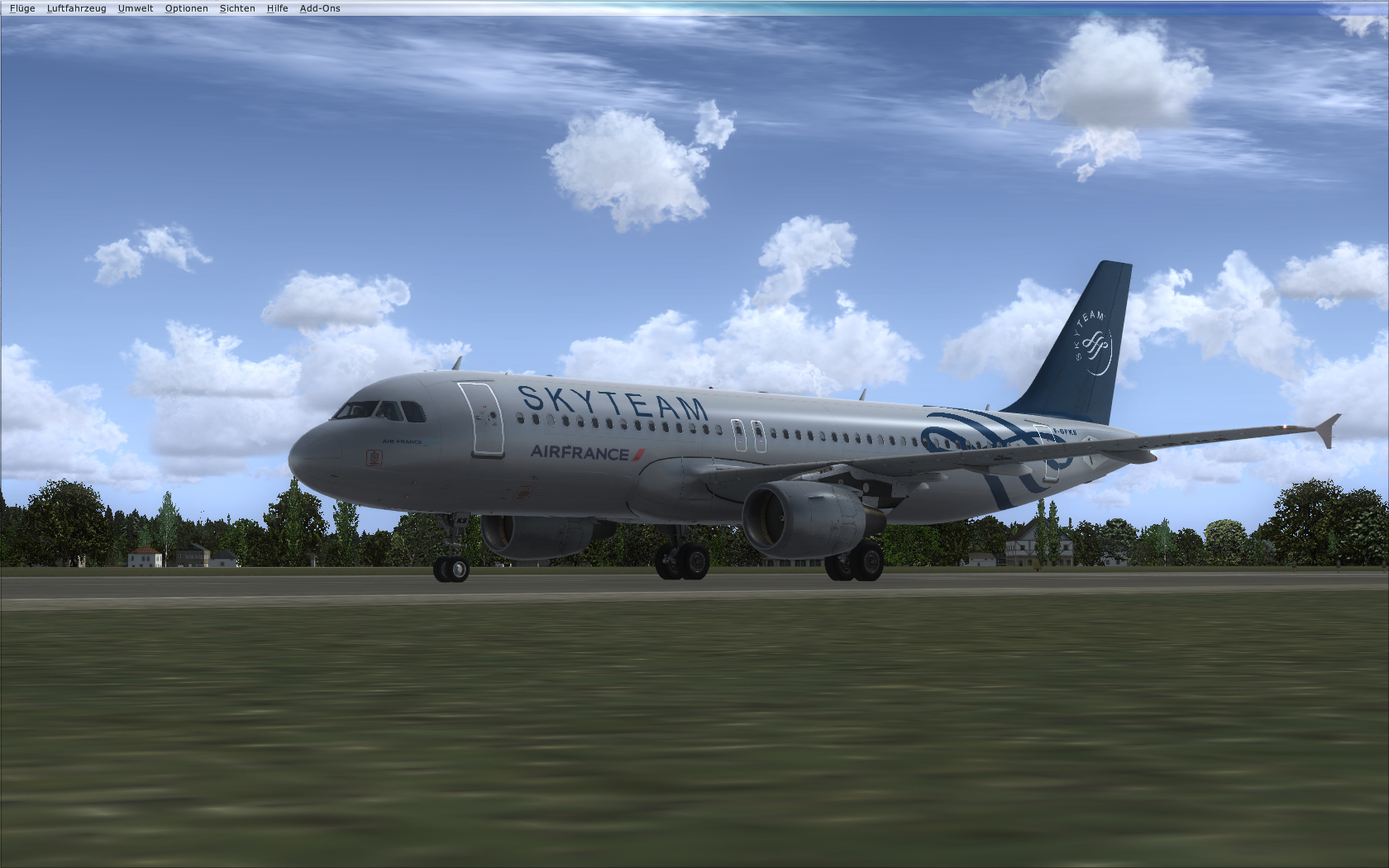
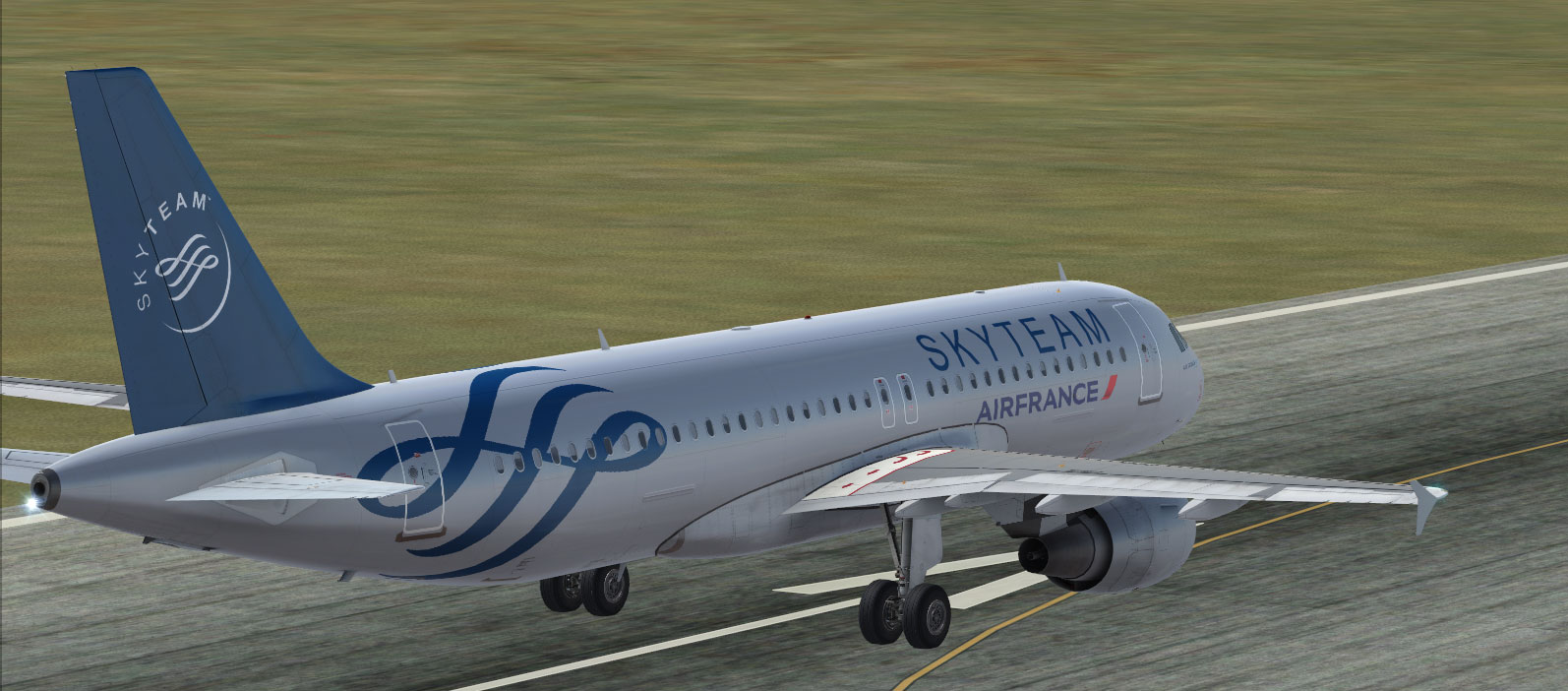
  10. Air France Sky Team A320 CFM
    • 2096 Downloads
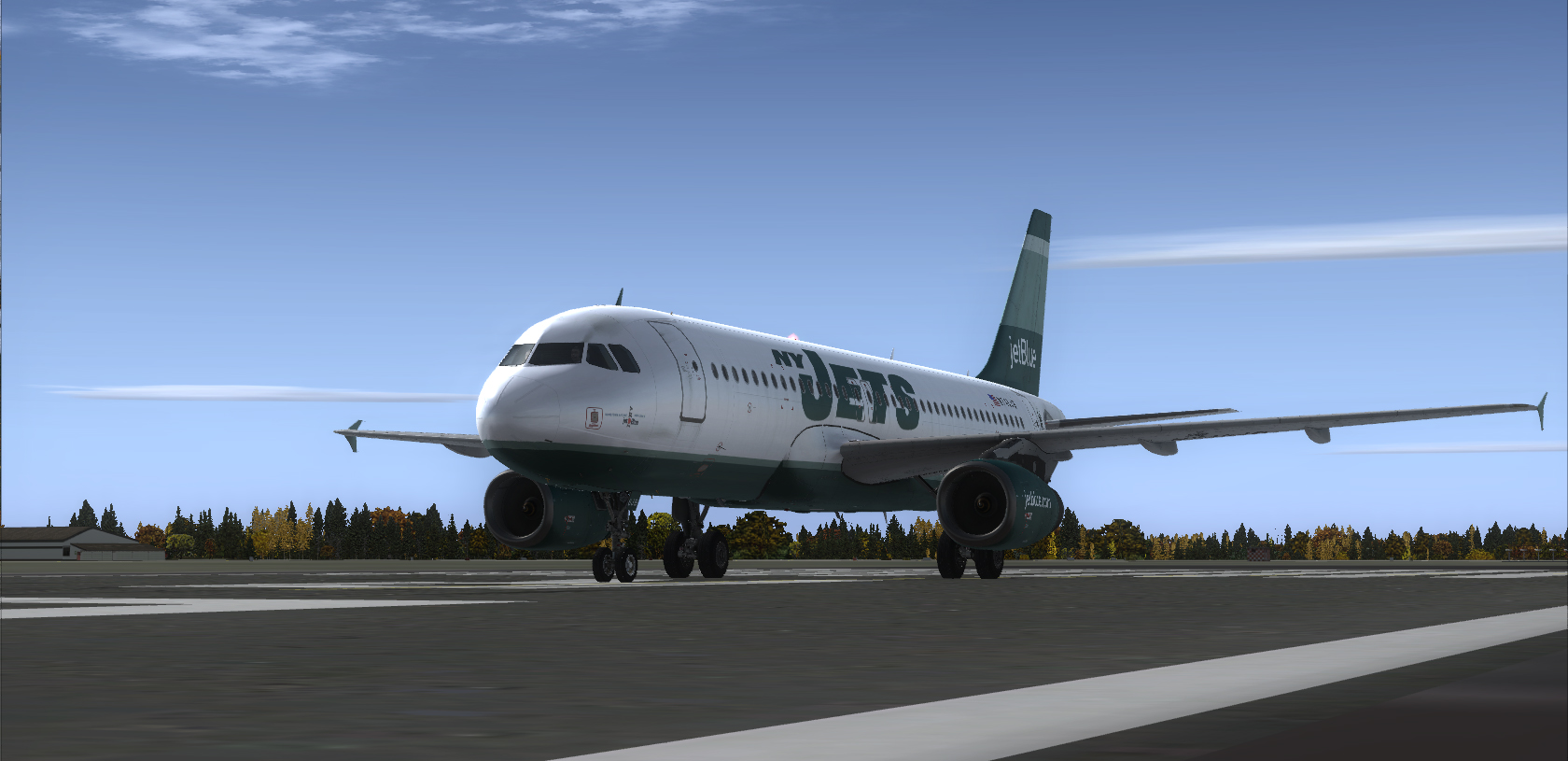
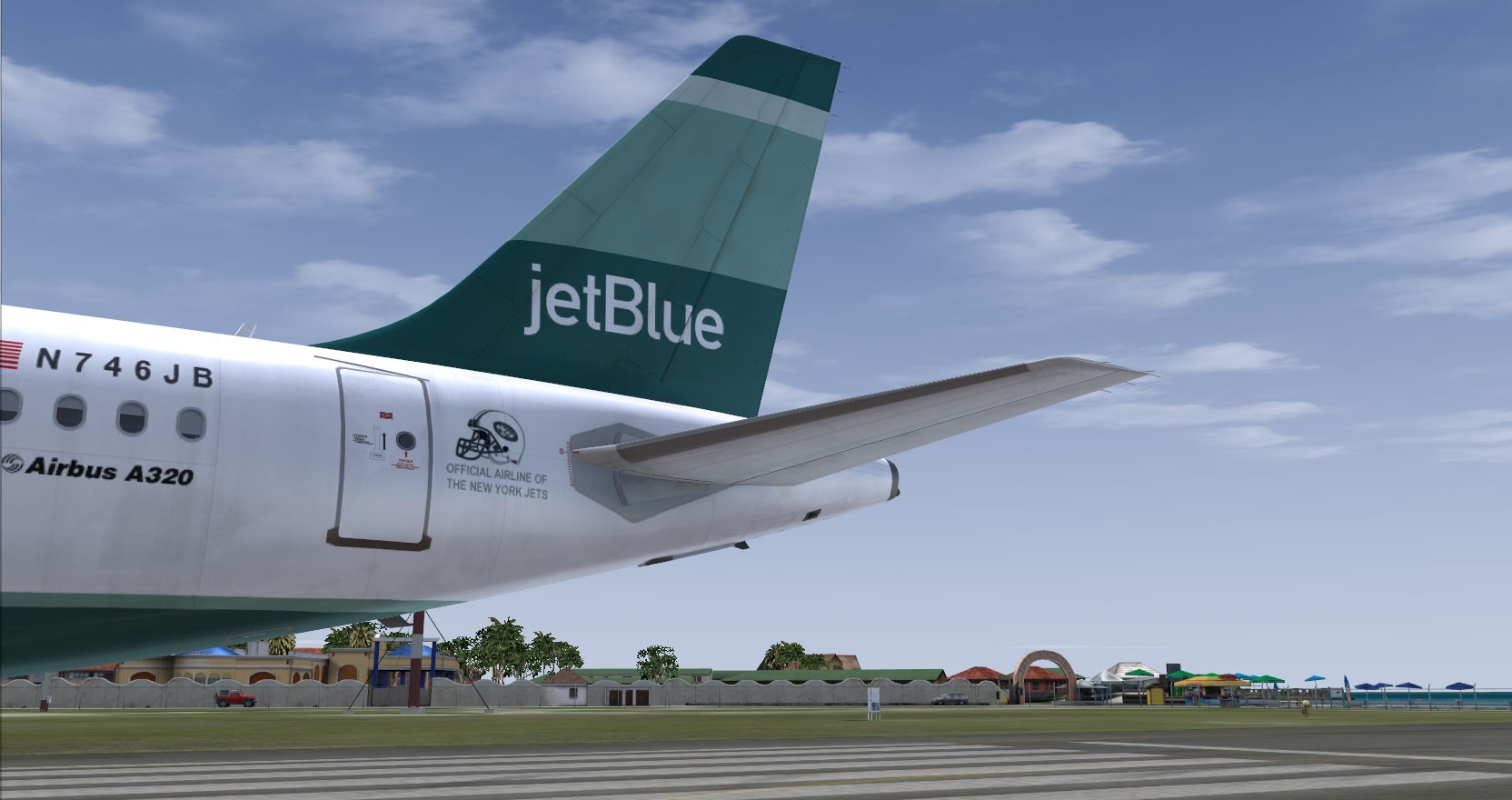
  11. JetBlue NJ Jets A320 IAE
    • 1066 Downloads
    • 1 Comments
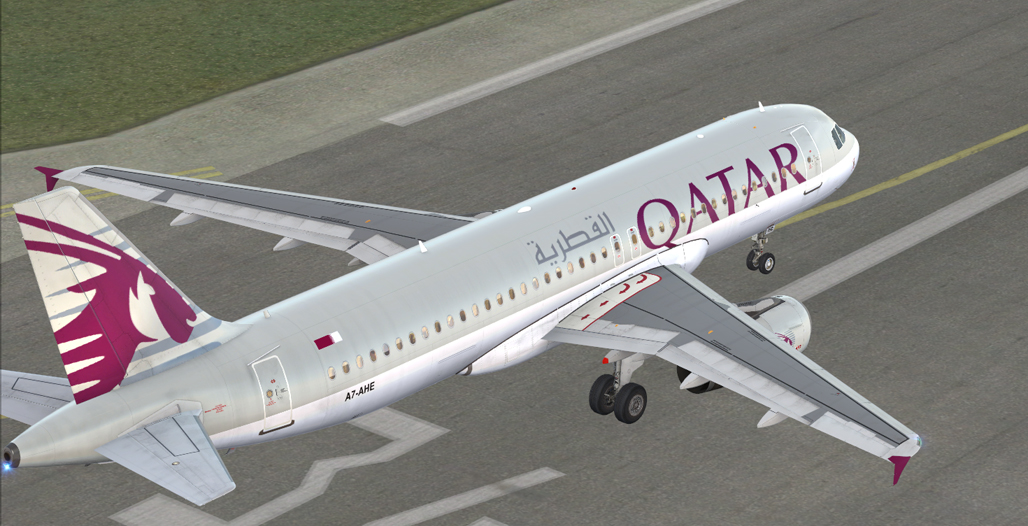
  12. Qatar A320 IAE
    • 2430 Downloads
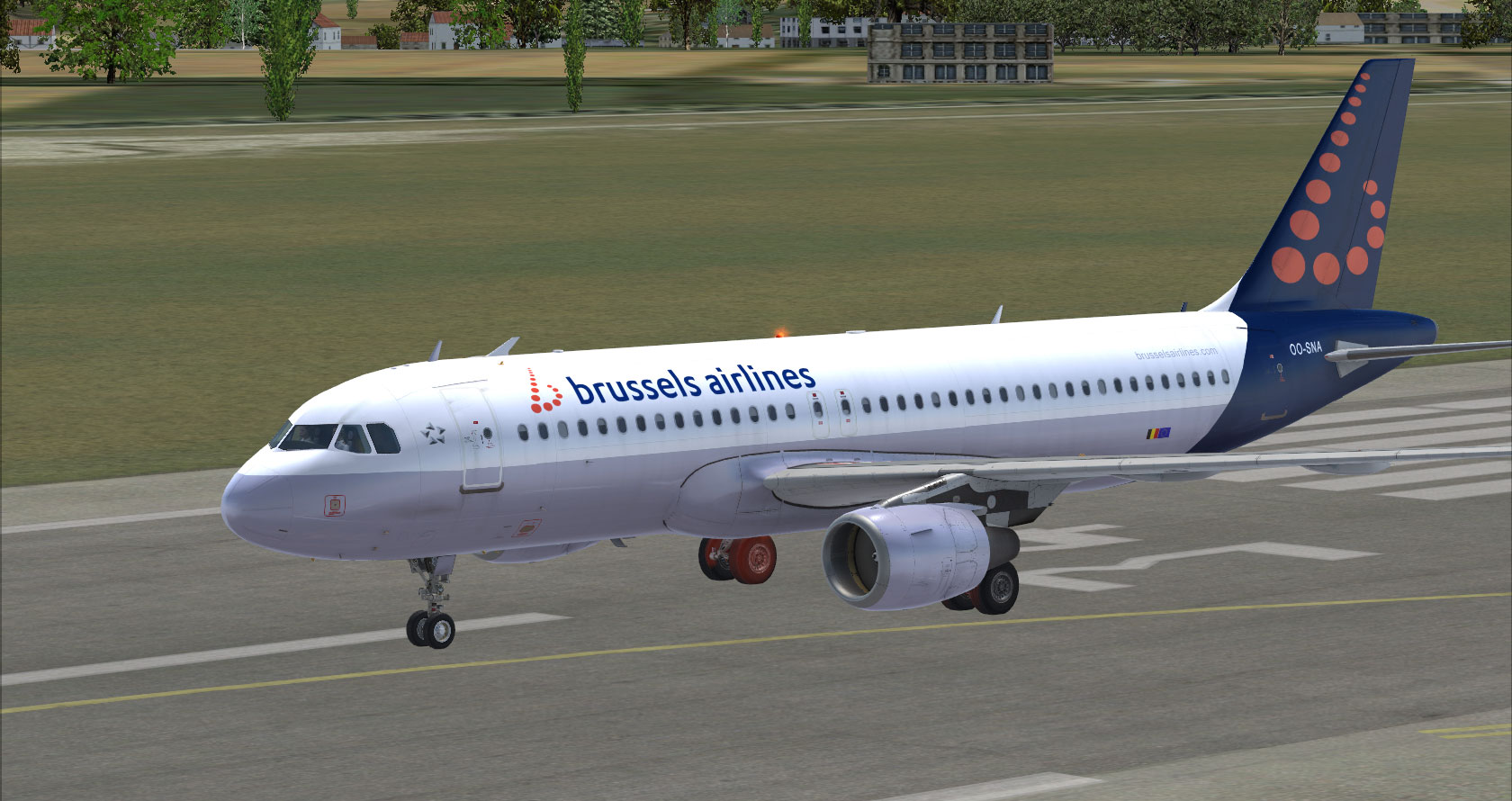
  13. Brussels Airlines | A320 CFM
    • 2392 Downloads
    • 2 Comments
  14. Windrose | A321 IAE
    • 988 Downloads
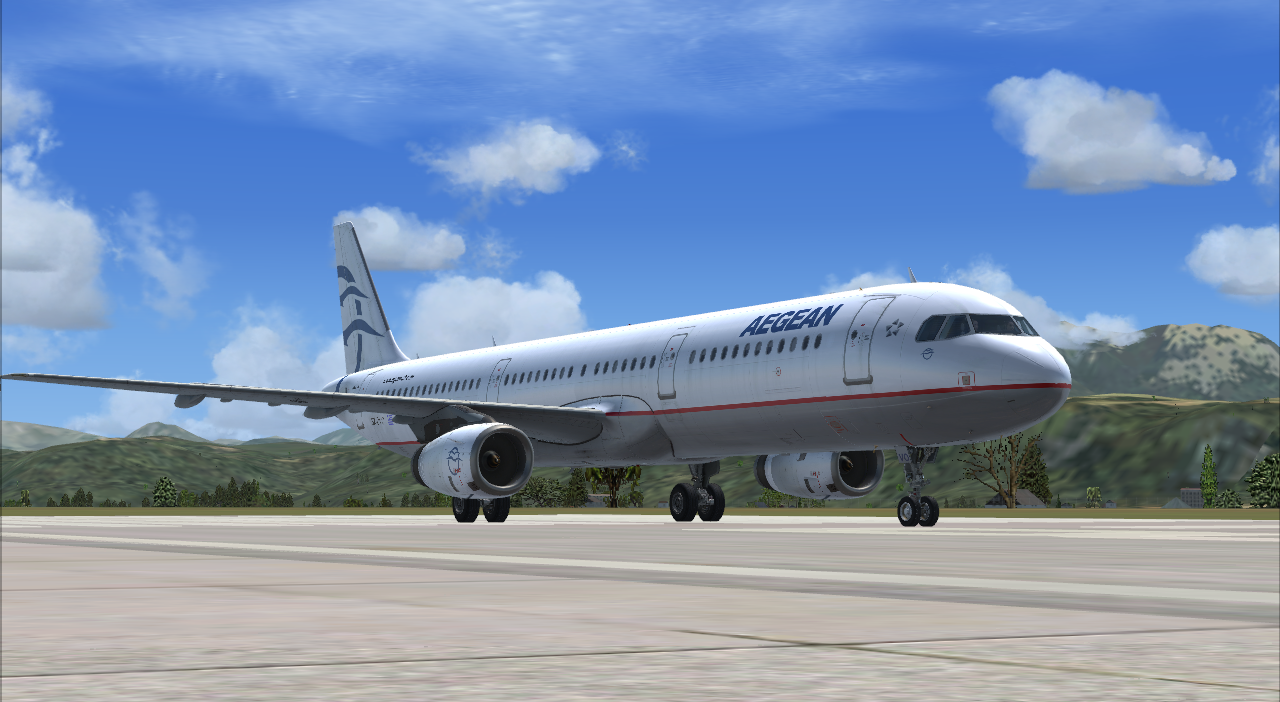
  15. Aegean Airlines | A321 IAE
    • 2021 Downloads
    • 1 Comments
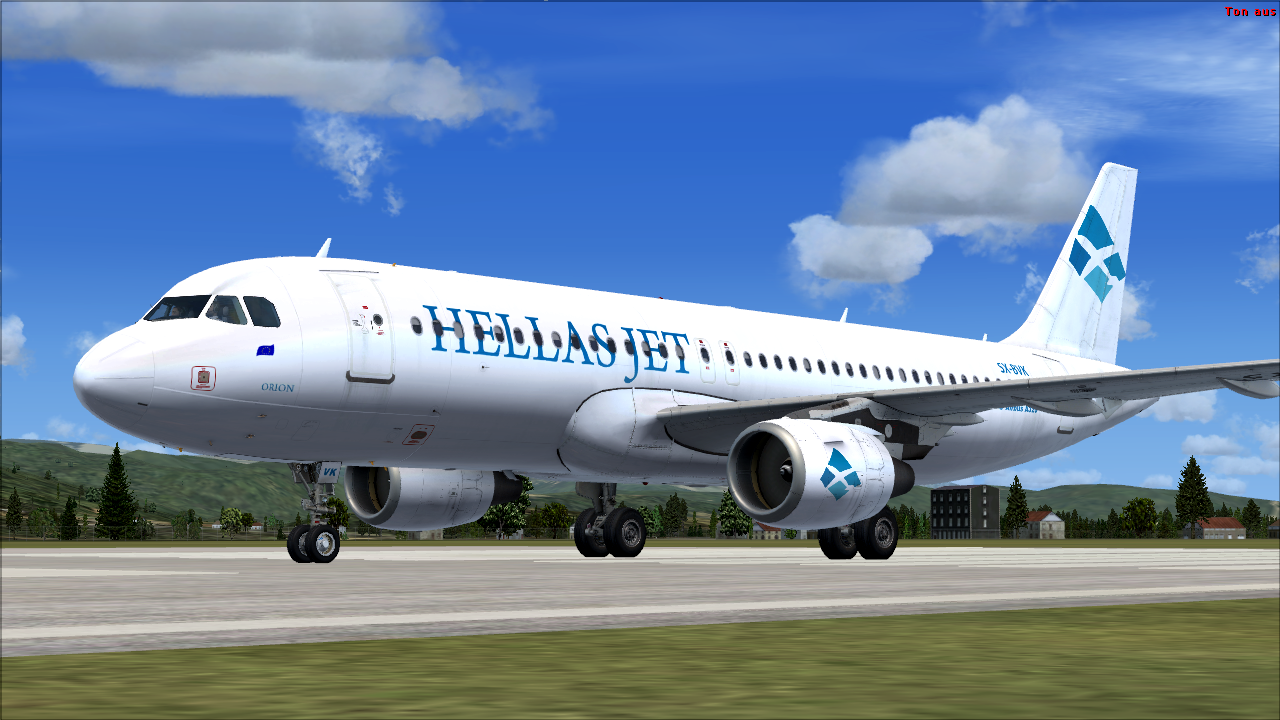
  16. Hellas Jet | A 320 CFM
    • 395 Downloads
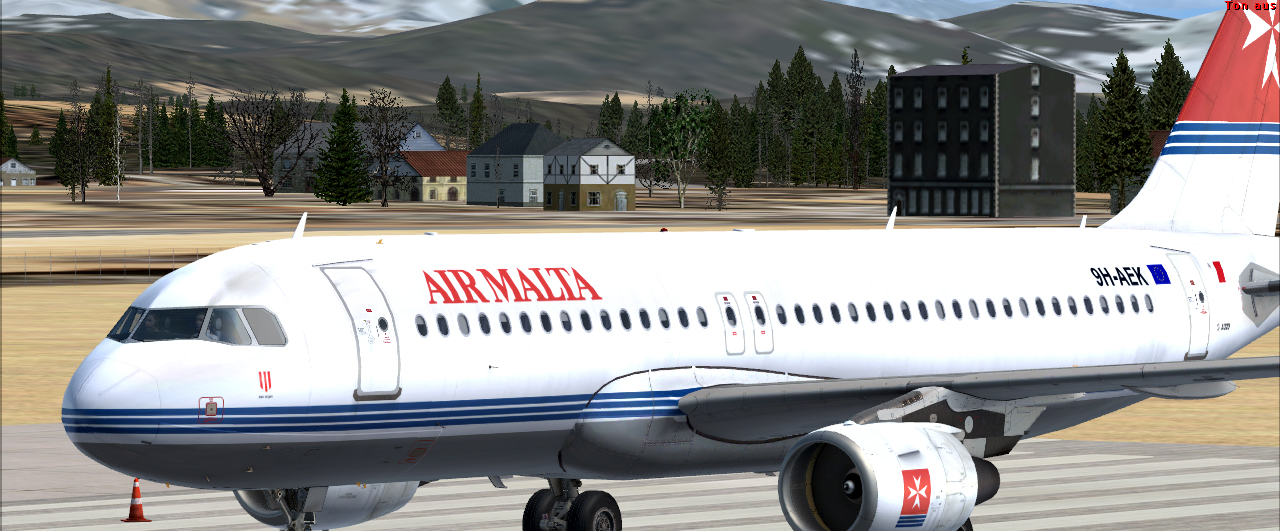
  17. Air Malta A320 CFM codeshare paint between Holgi and dandi
    • 287 Downloads
    • 1 Comments
  18. Air France A320 CFM (SKYTEAM)
    • 2047 Downloads
  19. Senegal Airlines A320 CFM
    • 1566 Downloads
    • 1 Comments
  20. Air One A320 CFM
    • 581 Downloads
  21. JetBlue NJ Jets A320 IAE
    • 797 Downloads
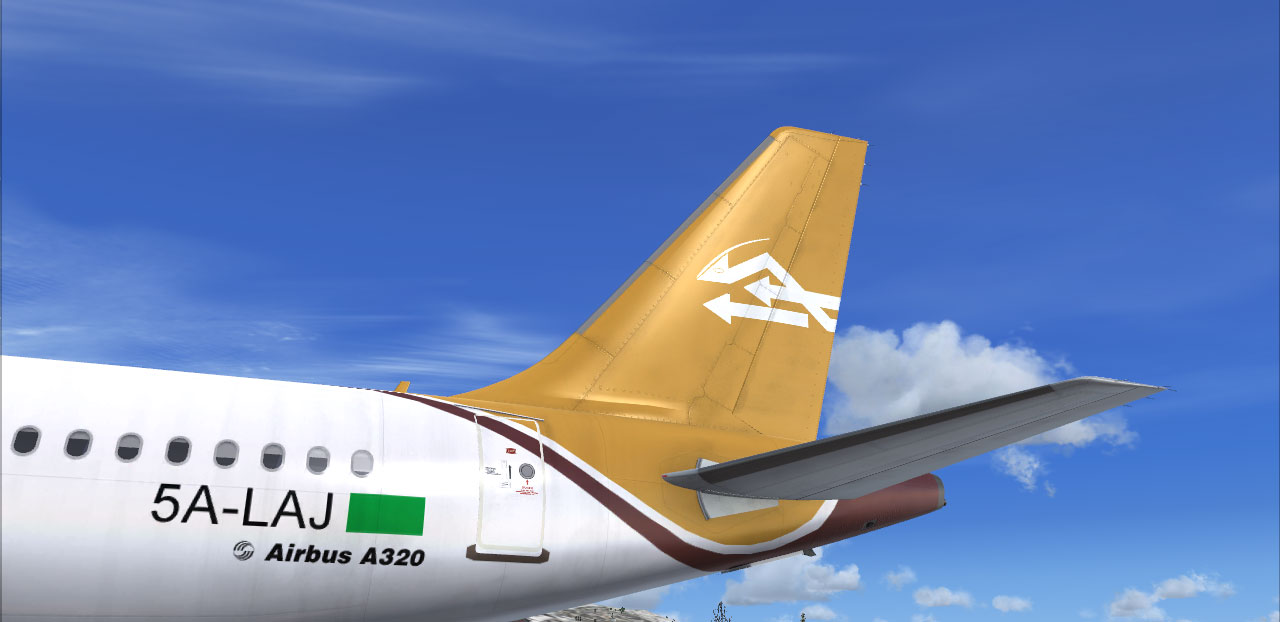
  22. Libyan A320 CFM
    • 572 Downloads
    • 1 Comments
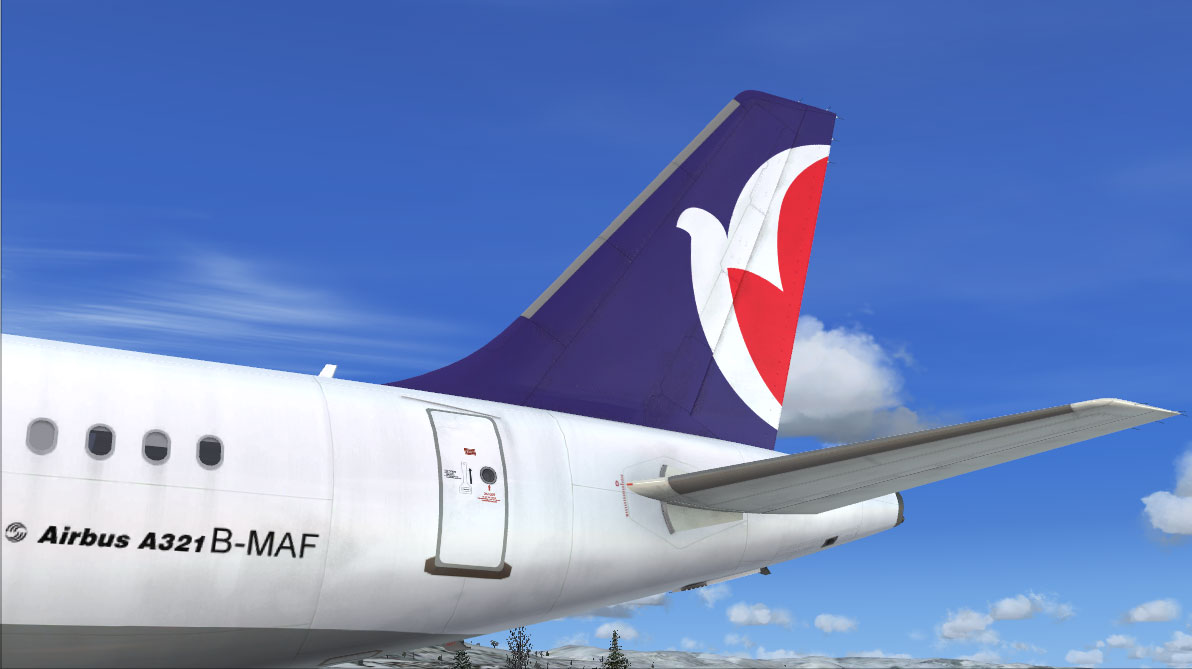
  23. Air Macau A321 IAE
    • 1212 Downloads
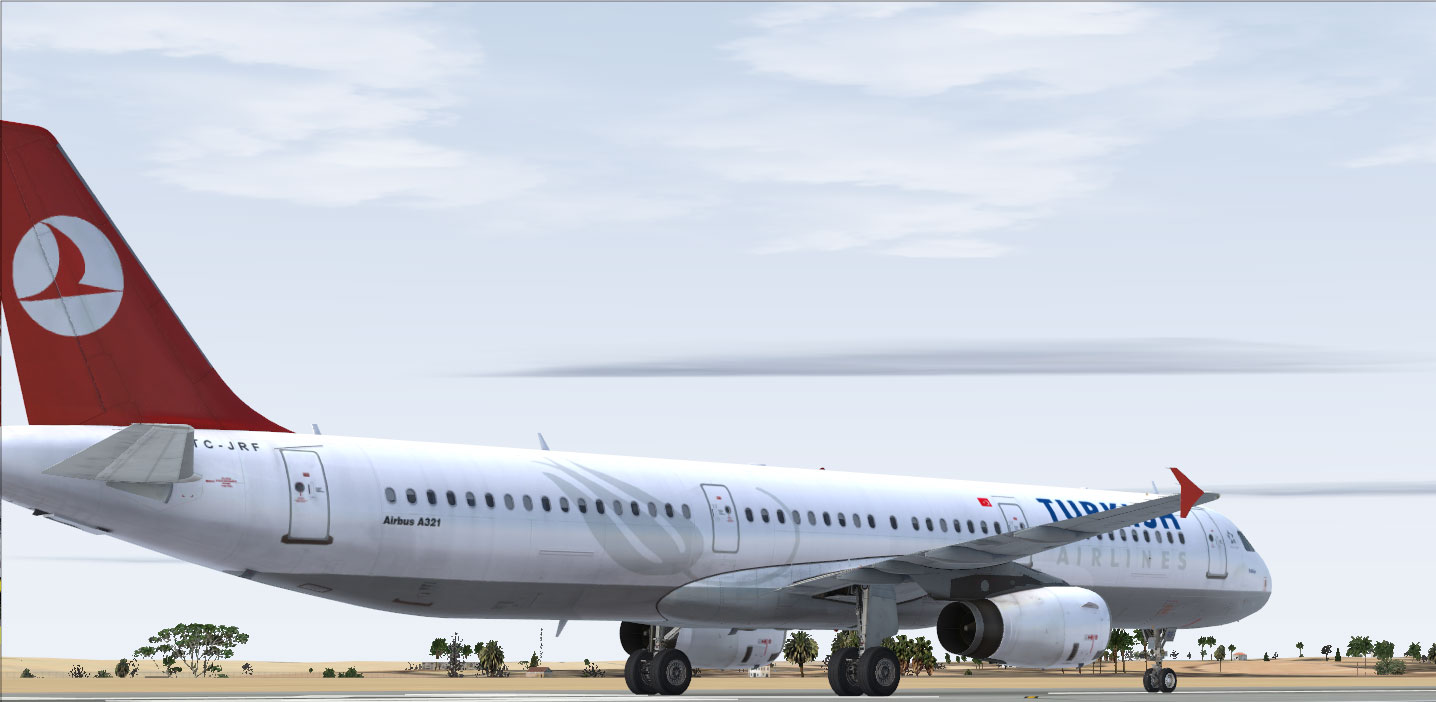
  24. Turkish A321 IAE Note: I know the problem with the short tulipe, i will fix that as soon as possible!
    • 508 Downloads
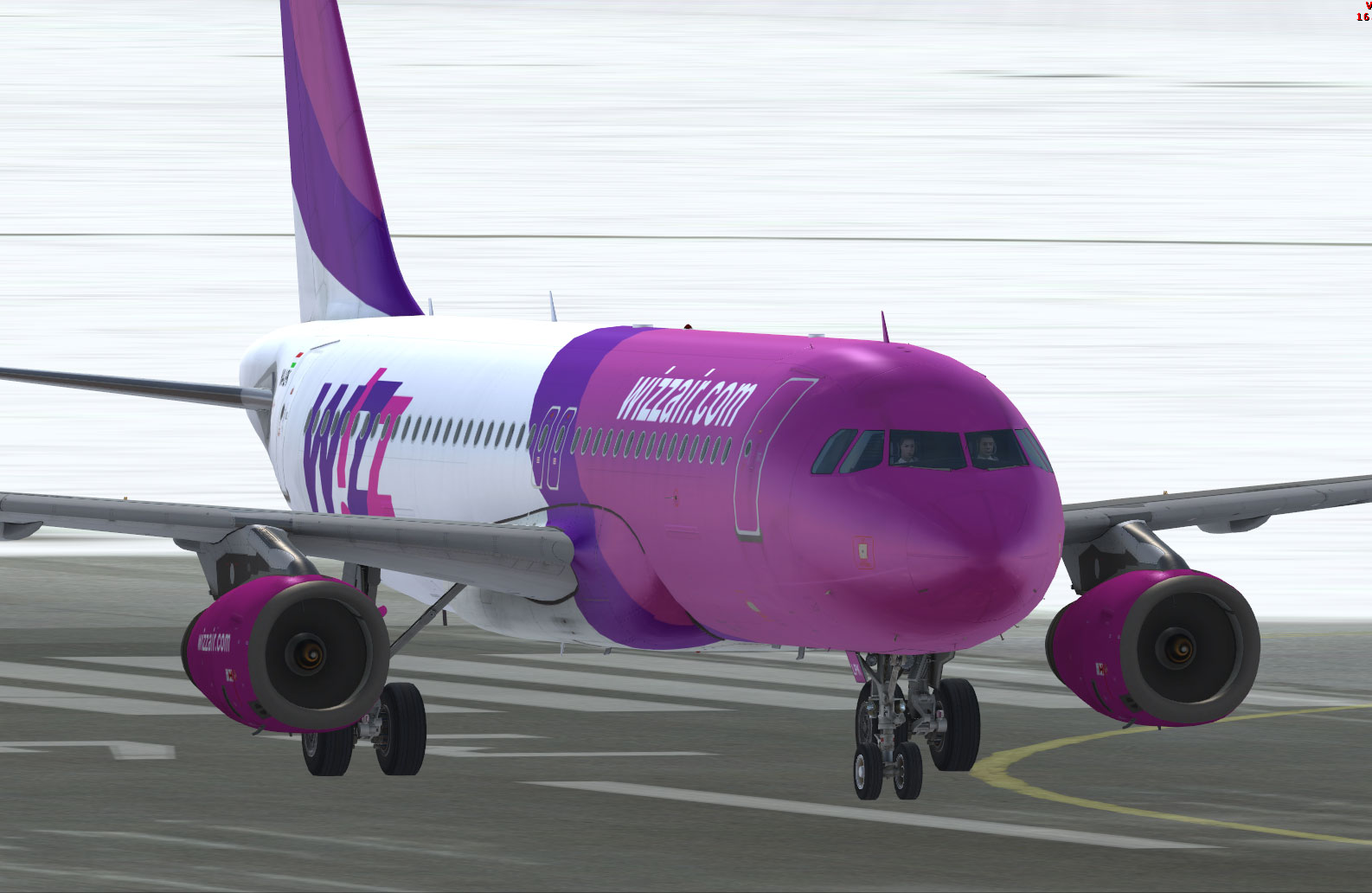
  25. Wizz Air A320 IAE
    • 1940 Downloads
    • 4 Comments

Important Information

We have placed cookies on your device to help make this website better. You can adjust your cookie settings, otherwise we'll assume you're okay to continue. Privacy Policy & Terms of Use

Account

Navigation

Search

Search

Configure browser push notifications

Chrome (Android)
  1. Tap the lock icon next to the address bar.
  2. Tap Permissions → Notifications.
  3. Adjust your preference.
Chrome (Desktop)
  1. Click the padlock icon in the address bar.
  2. Select Site settings.
  3. Find Notifications and adjust your preference.