Vaff
Members
-
Joined
-
Last visited
-
Hmm isnt it Tomorrow now?? :-) Want to do a CTP test flight today so do not have the whole day waiting lol
-
yeah still got the same error
-
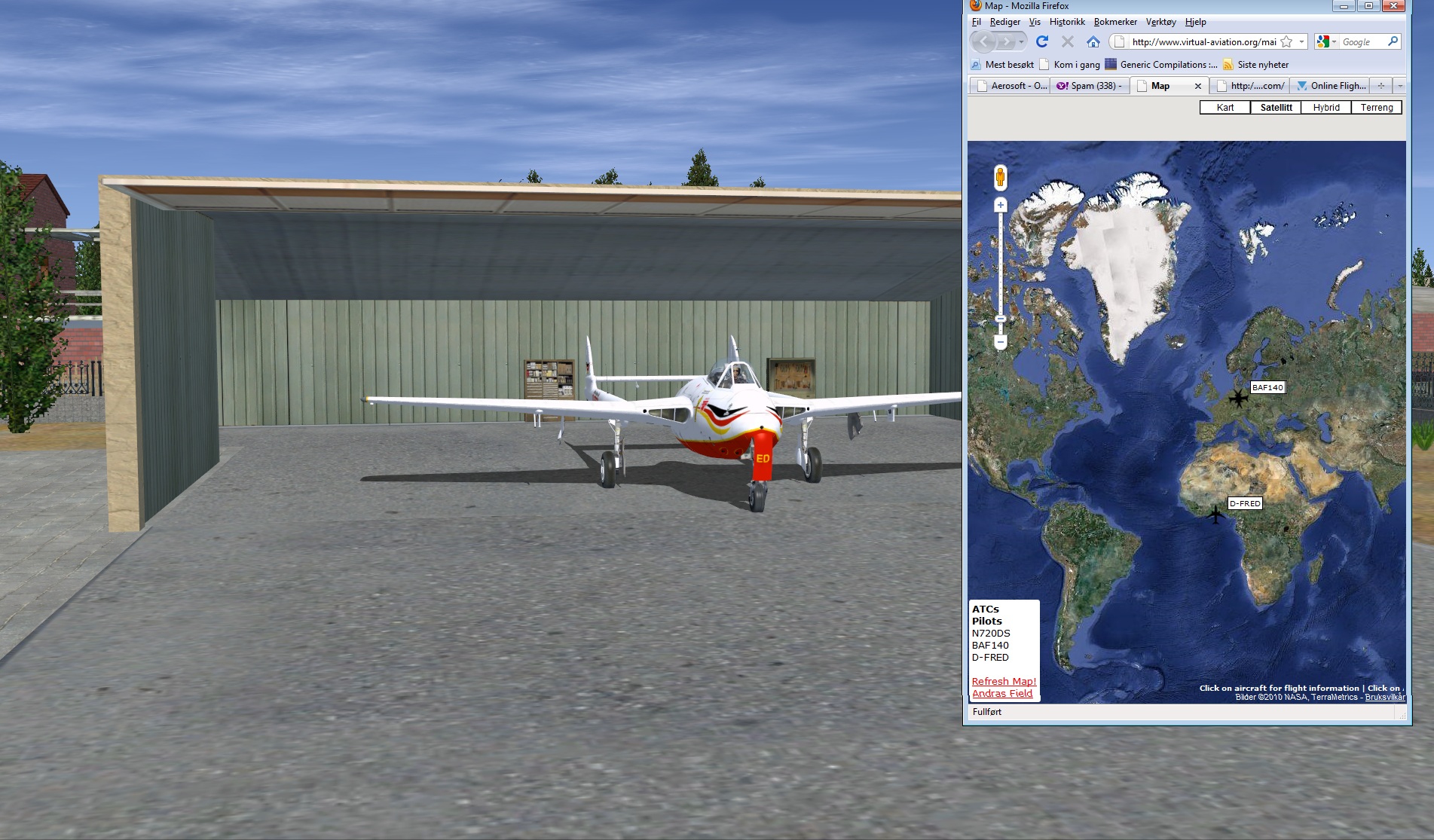
Not working for me. Everytime i log in i get no error messages. it seems fine but i do not see anyone else online. But if i go to the map view on the vae page i see me online outside the coast of Africa. But im at andras field inside my hangar

-
Congrats and good luck to the new Board
-
That Board has always been there :-)
-
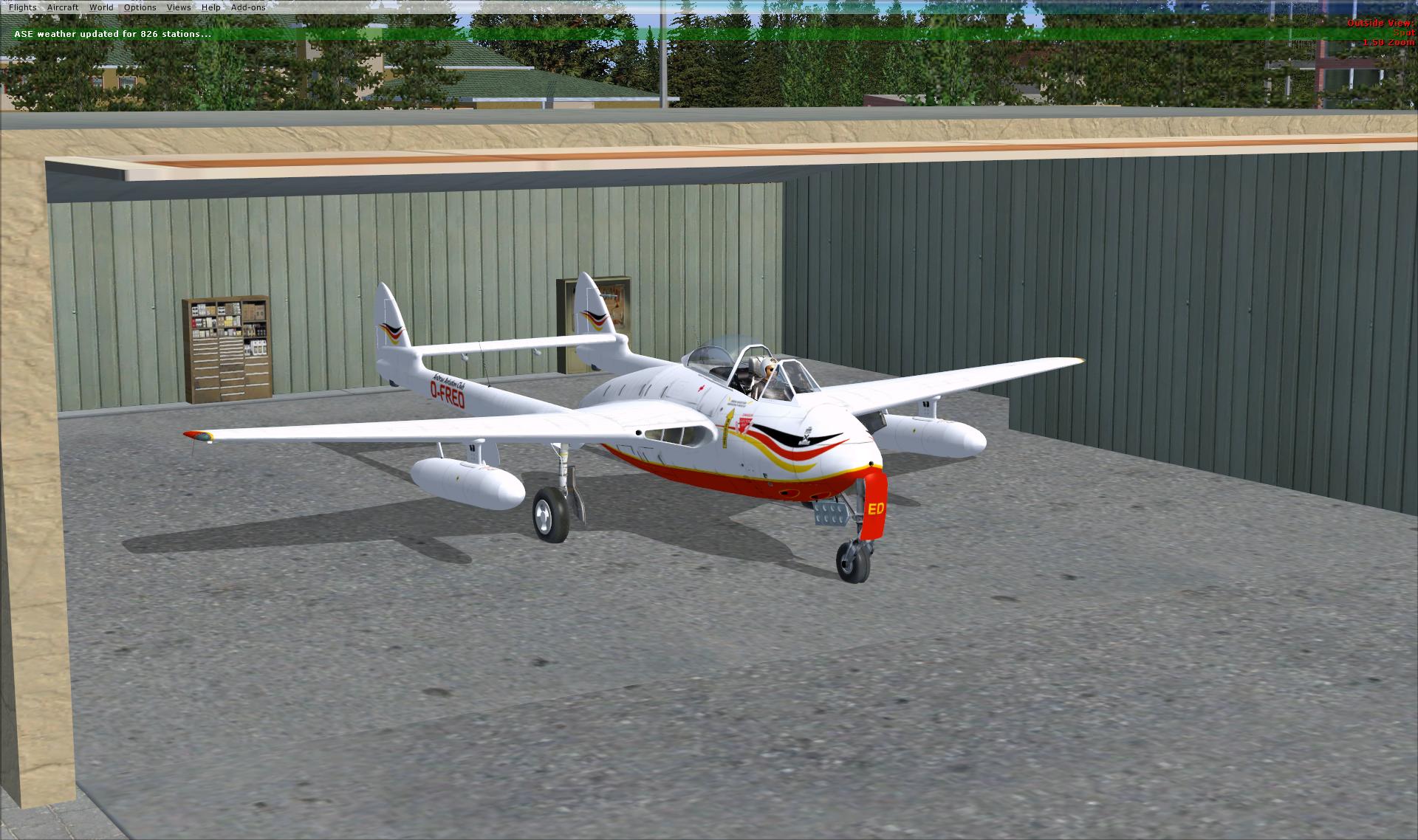
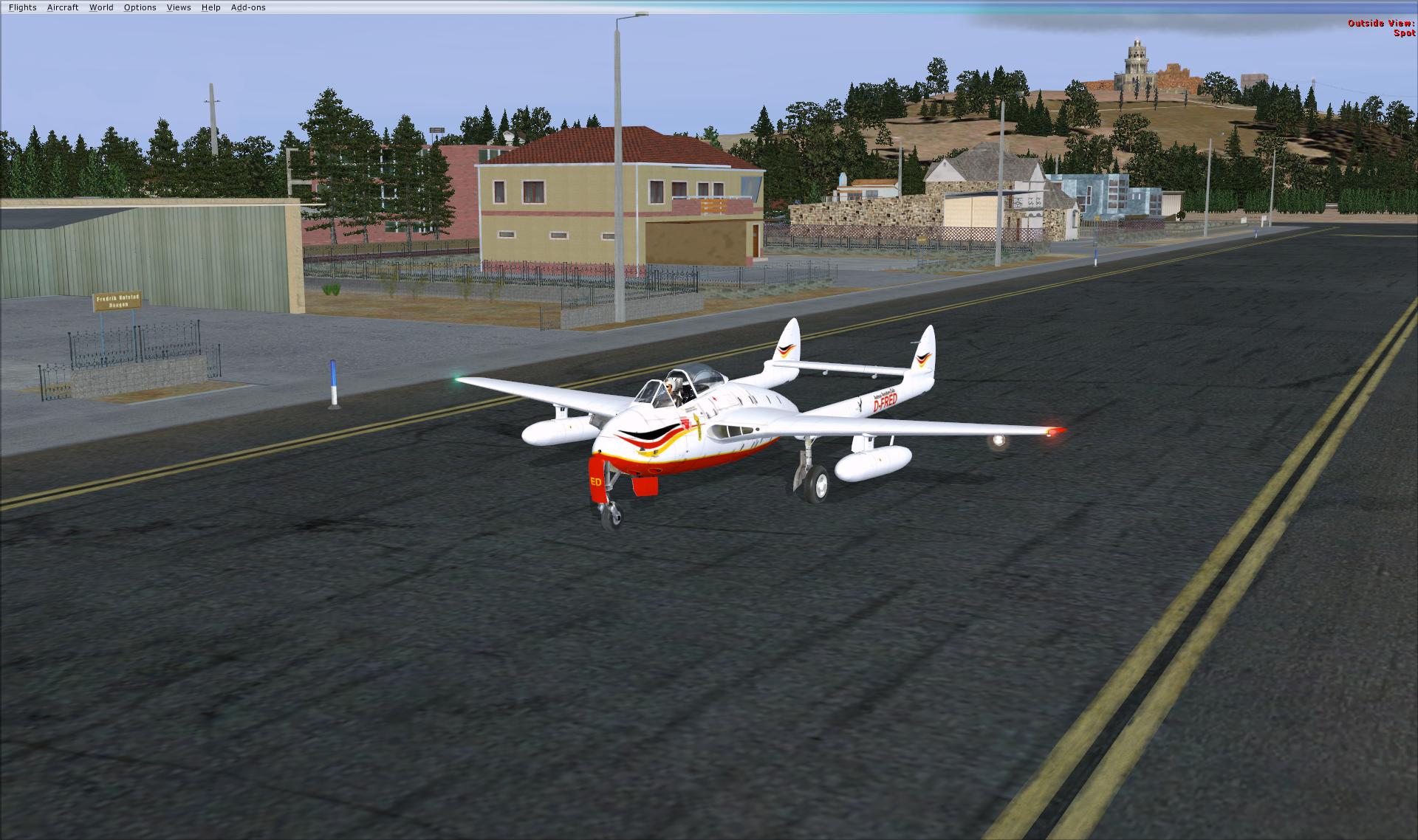
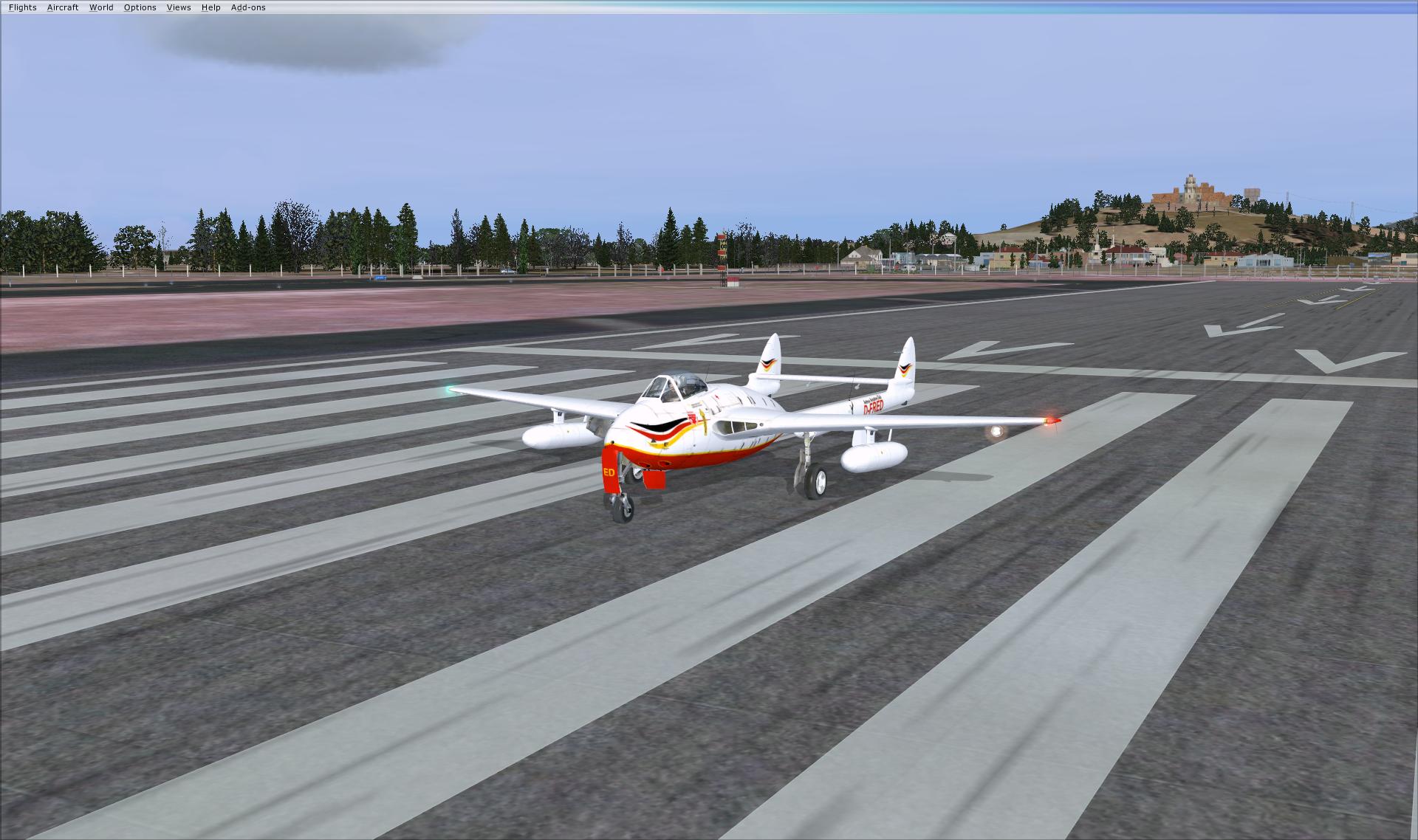
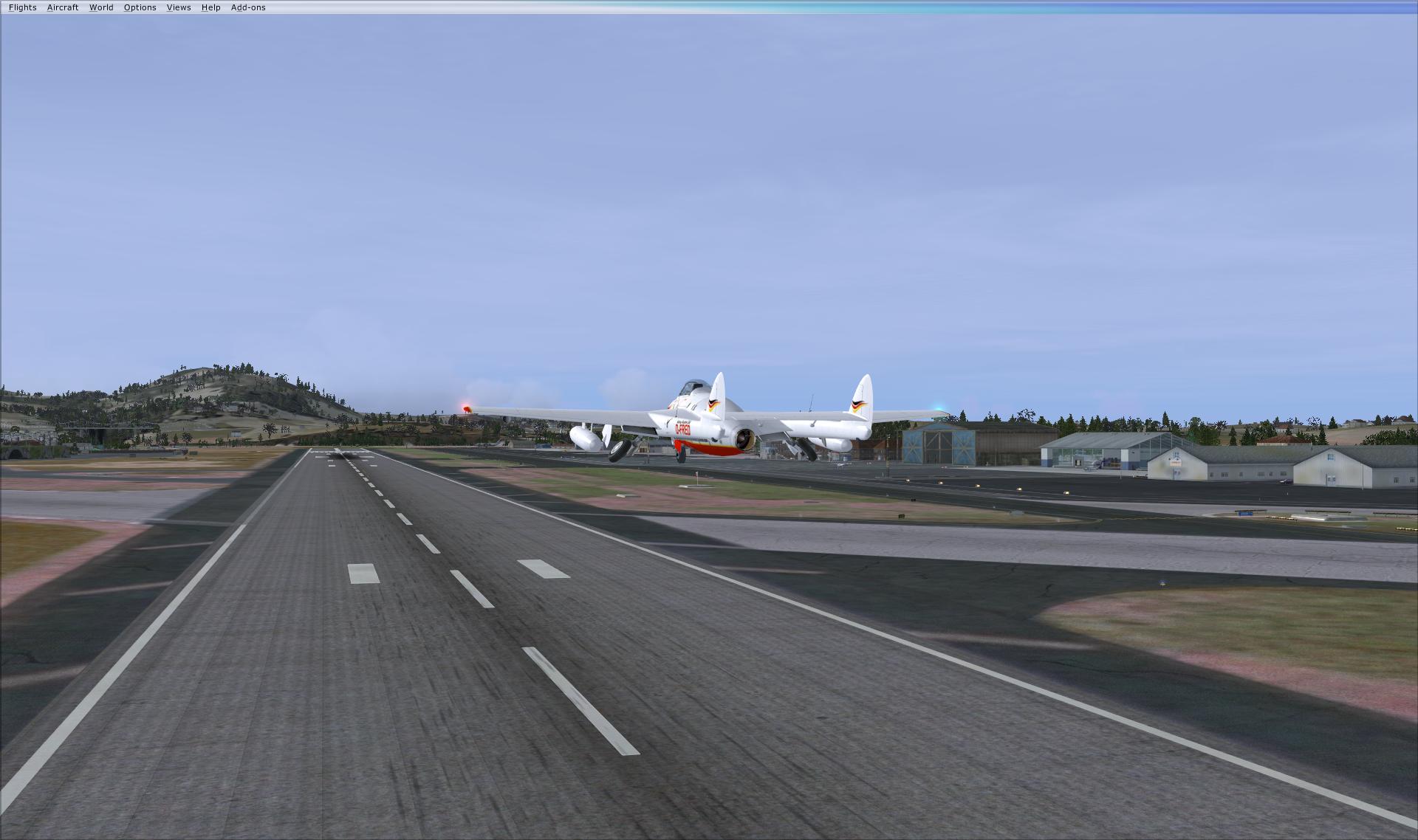
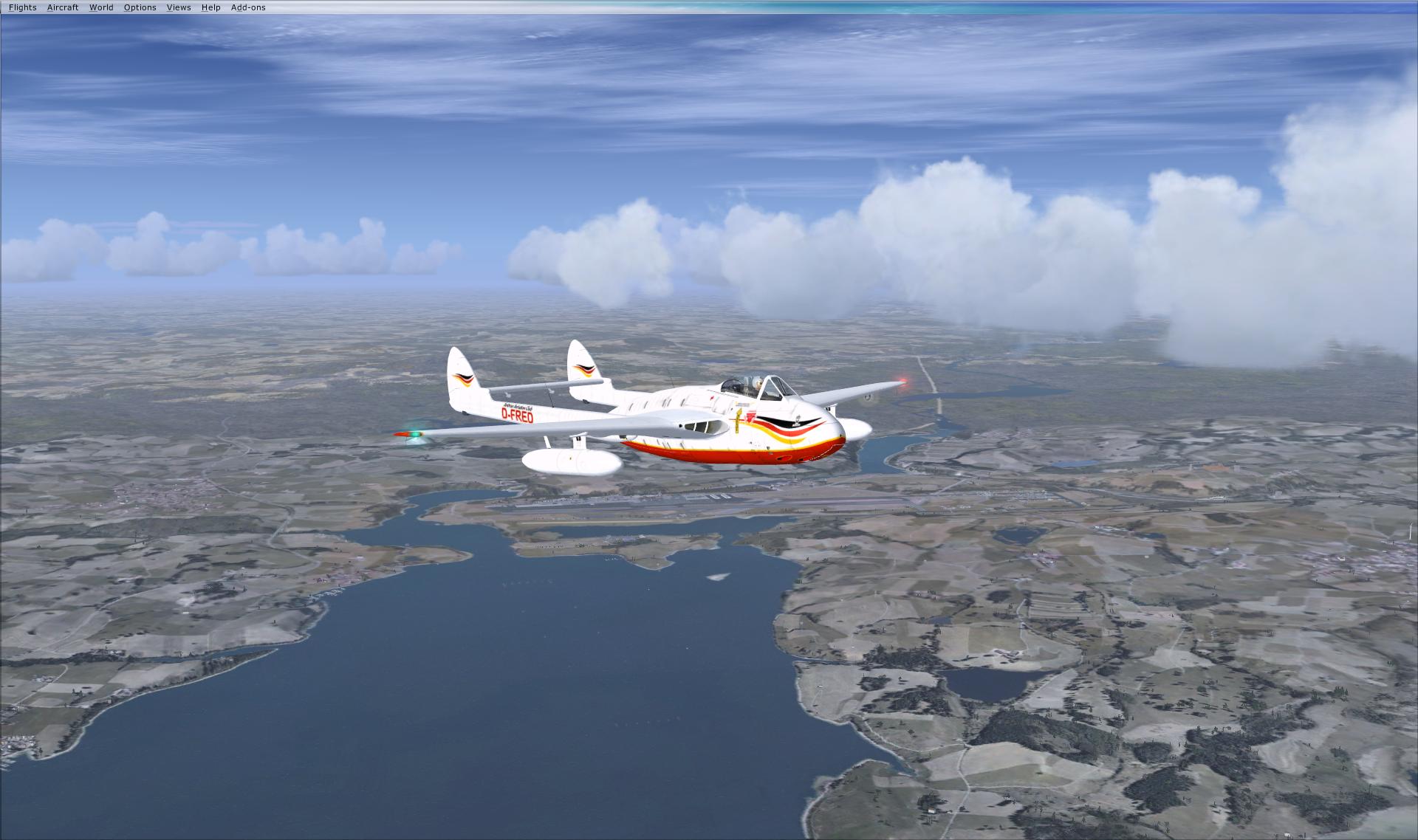
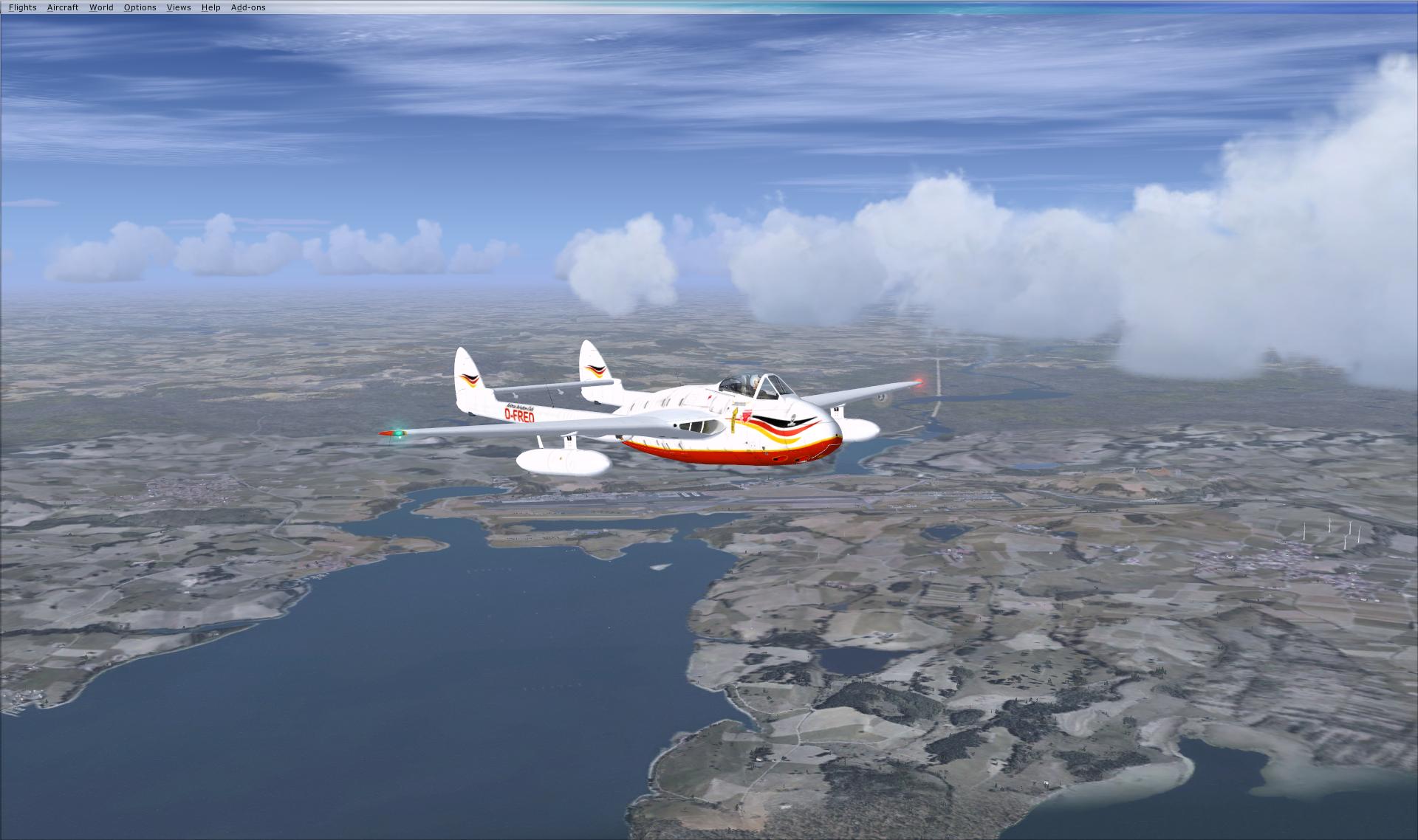
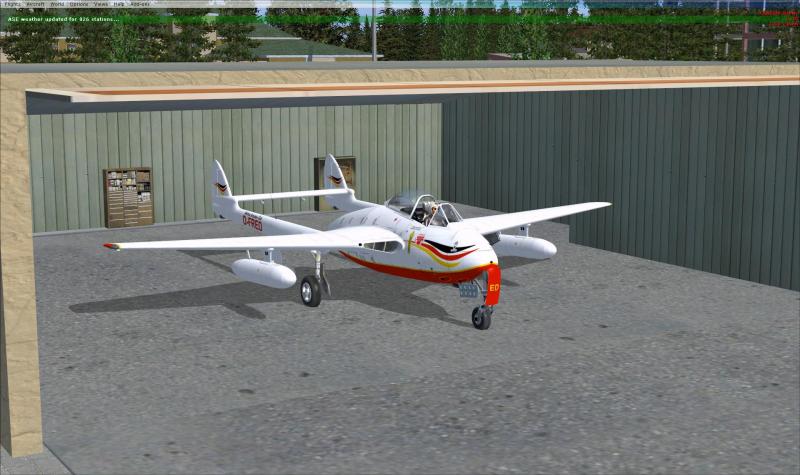
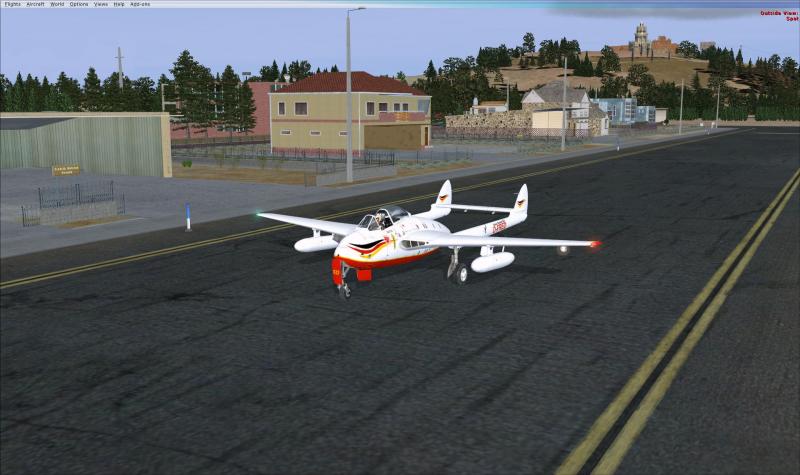
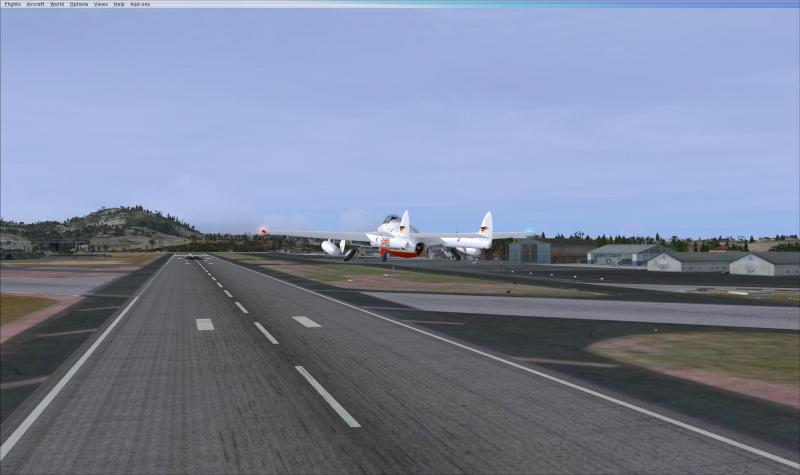
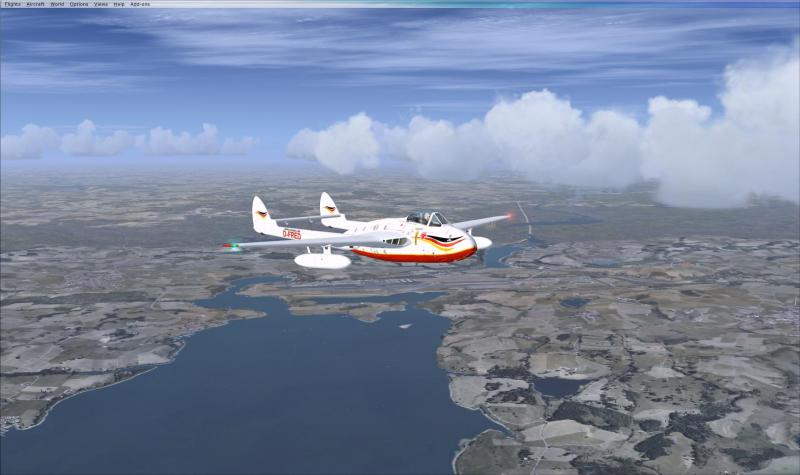
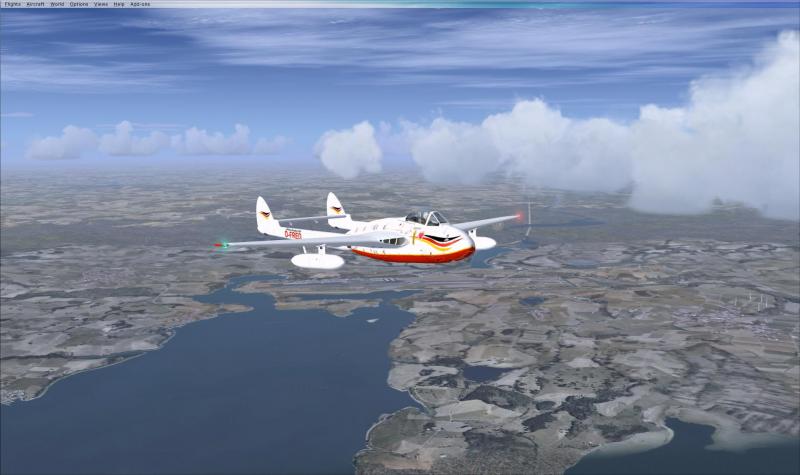
Here is my new painted Vampire :-) Thank you for the job Matt!!!




-
Looks like my little birds soon is ready to fly :-) Looking forward to wake up the park. Can you please make sure that your cats is indoor when it happens. Dont want them into my jet engine.
-
I will not put myself in for canditate at this time. I have to much to do whit so little time at the moment. Good luck to you all
-
Hehehe Evan. Welcome to the park :-) gonna be a long trip in a c172 :-)
-
Nope! that should not be any problem
-
Great ill see what i can do :-)
-
My Order: Vampire X from SD (www.suprunovdesign.com). Registration: D-FRED I can send you the paintkit if needed
-
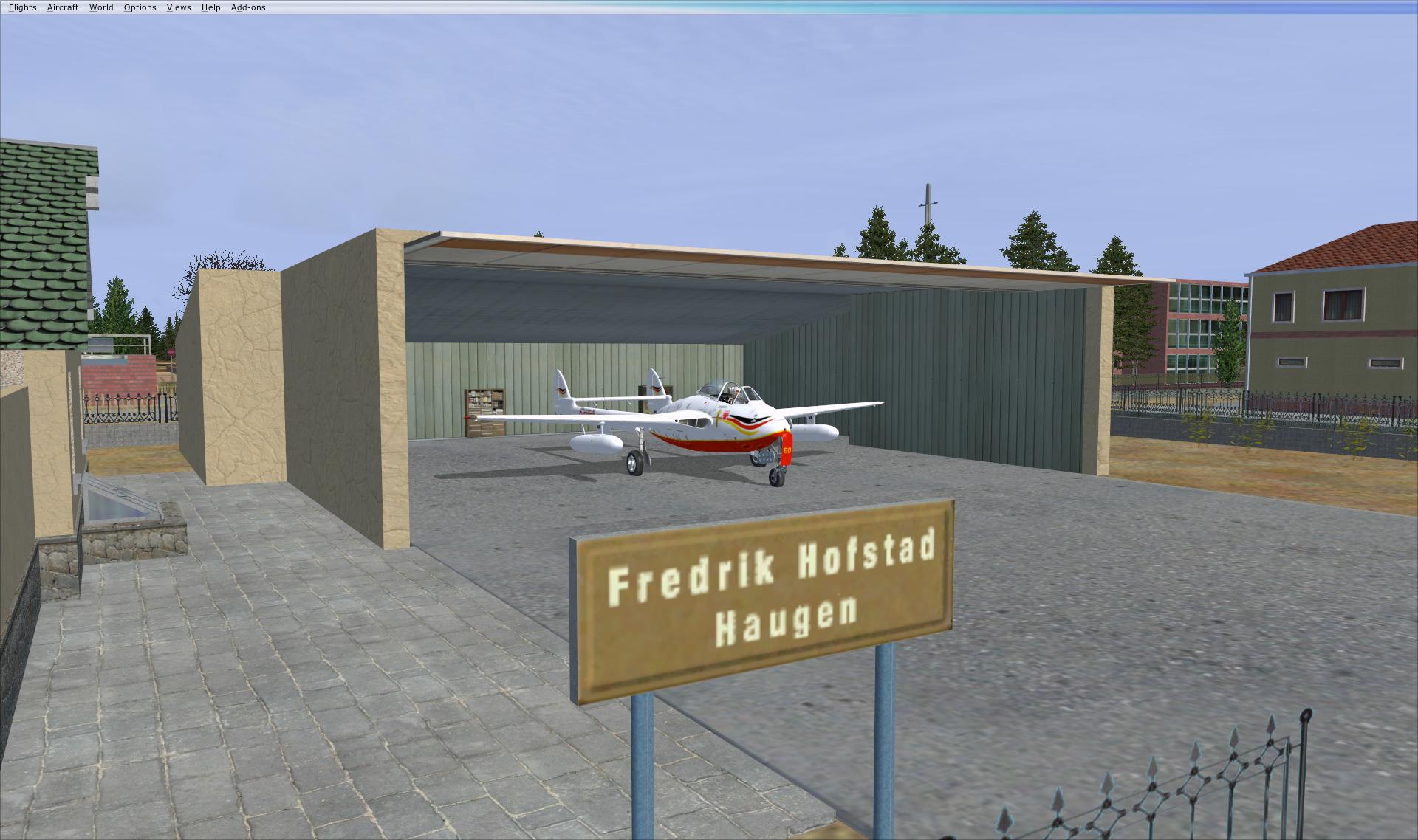
AF34 missing a name (Fredrik Hofstad Haugen)
-
It should work have no problem whit it here
-
Is it possible to make a offset approach for rwy 09? That would be the safest one due to the montain Here is an exemple http://www.ippc.no/norway_aip/current/AIP/AD/ENKB/EN_AD_2_ENKB_5-4_en.pdf