Skip to content

med11043

Members
  • Joined

  • Last visited

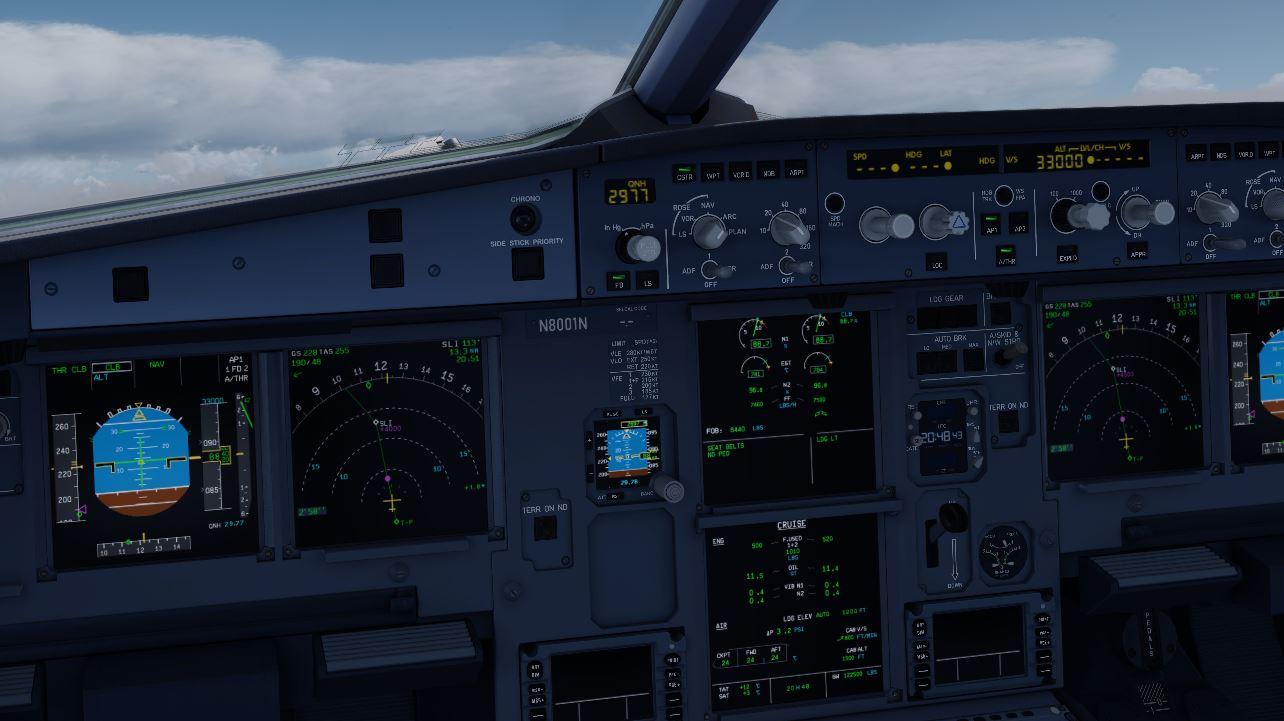
  1. I tried to enter a crossing altitude at a certain waypoint (in this case MOOON), by entering "/11000" and pasting it to the right of the waypoint on the legs page. It shows correctly, initially, as seen in the attached screenshot, but as soon as I hit the EXEC button to execute the change, it also changes the altitude at every waypoint before MOOON to 11000 feet also..... Anyone have any idea what's going on??
  2. I was trying to add an along track waypoint, but it is not working. For instance, currently flying to KOKC and wanted to add a waypoint along track 30nm before that.... Entered KOKC/30 in the scratch pad, then tried to paste it on the legs page, but am getting an error message in the sratch pad of "ALONG TRACK WPT N/A." I then figured I could just try to make a custom pilot waypoint, by going to the pilot waypoint list then define waypoint. I tried to enter "KOKC060/30" into the PLACE BRG / DIST field, but am getting a "NOT FOUND" error message in the sratch pad. I also tried to do one after the last waypoint in my flight plan, roughly equivalent to that same point, by entering "DRLER240/71," but am getting the same "NOT FOUND" error message.... What on earth am I doing wrong....???

Important Information

We have placed cookies on your device to help make this website better. You can adjust your cookie settings, otherwise we'll assume you're okay to continue. Privacy Policy & Terms of Use

Account

Navigation

Search

Search

Configure browser push notifications

Chrome (Android)
  1. Tap the lock icon next to the address bar.
  2. Tap Permissions → Notifications.
  3. Adjust your preference.
Chrome (Desktop)
  1. Click the padlock icon in the address bar.
  2. Select Site settings.
  3. Find Notifications and adjust your preference.