Skip to content

iRay

Members
  • Joined

  • Last visited

Files posted by iRay

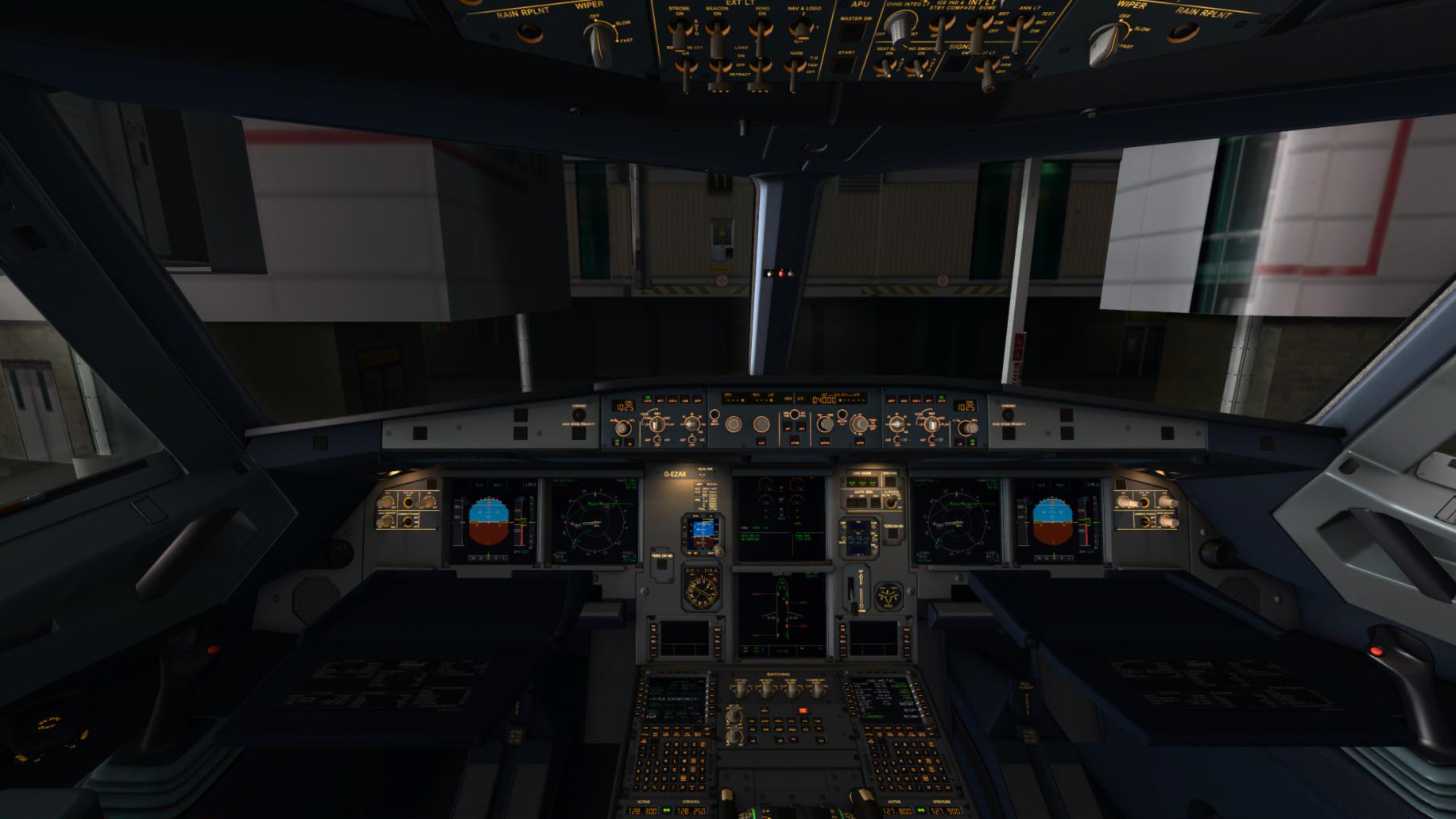
  1. For those who fly the airbus and uses TOPCAT, i made some config files for the A-318, A319 and the A320.
    UNzip it and place them in the TOPCAT/ Configuarations folder.
    I made this together with the intel of the Airbus X fuelplanner, Hope you enjoy it as much as i do!
     
    Best Regards,
     
    Ray
    • 1124 Downloads
    • 3 Comments
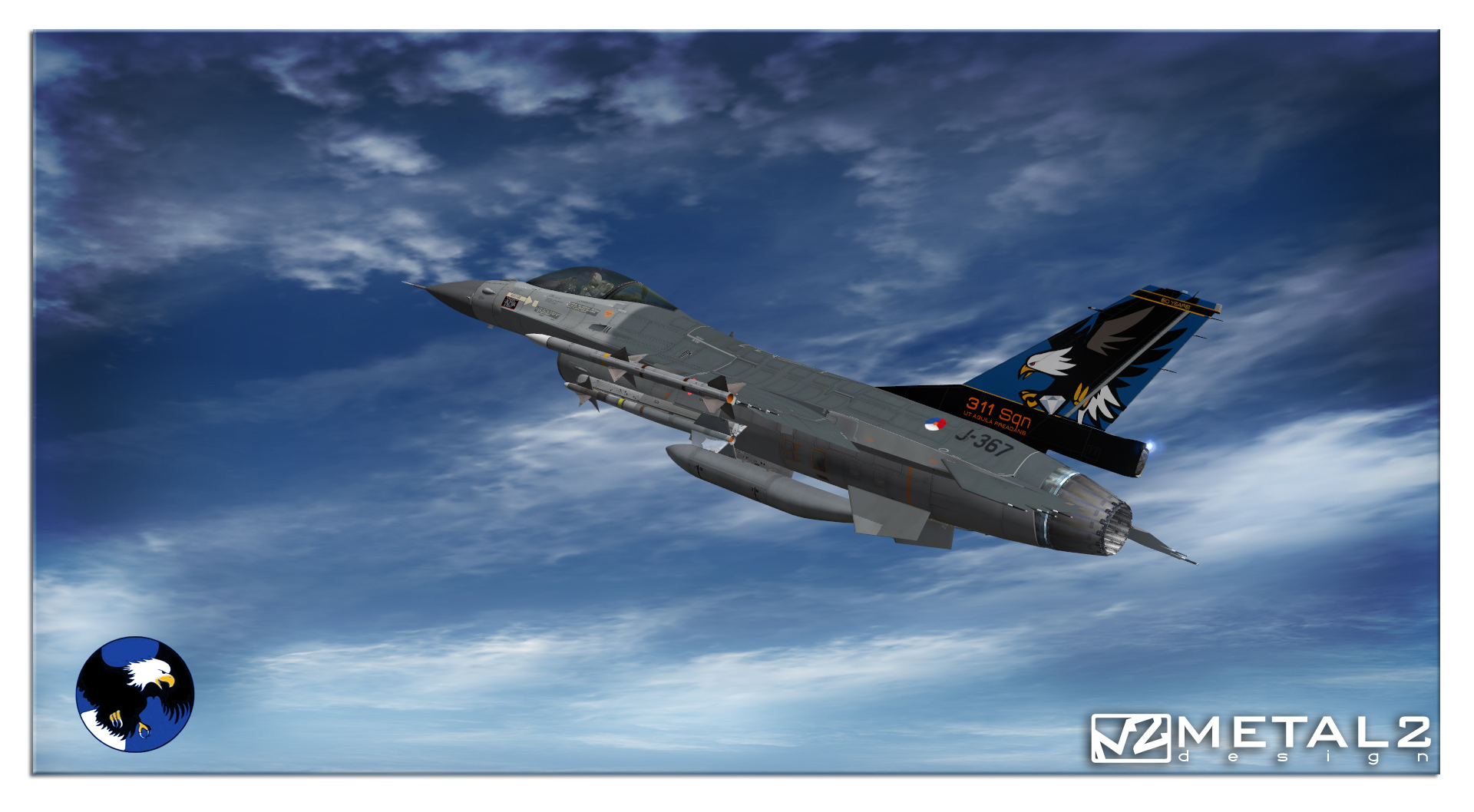
  2. Hello, thanks for downloading this repaint
    This is a repaint for the aerosoft F-16 for FSX. Browse to your "Aerosoft F-16A 120-9-300" folder and add the enclosed texture folder. The below lines need to be pasted into the aircraft.cfg below the other aircraft/texture set entries and the "X" in [fltsim.X] needs to be replaced with the next number, in sequense with the others.
    This model has been used because the block is the same but its the only model wich has a "belly tank".

    Copyright Notice!
    These textures can not be edited or altered without consulting me!!
    This package is supplied as freeware and SHALL NOT be used nor distributed in any manner for generating monetary profit. All other rights reserved.


    Best regards,
    Raymond Rotmans
    metal2designz@gmail.com
    ------------------------------------------------------------------------------------------------------------------------

    [fltsim.X]
    title=Lockheed Martin F-16AM RNLAF 311 J-367 60th anniversary 2011
    sim=F-16 F100 CAT-I
    model=TAI-0
    panel=
    sound=
    texture=J-367_311_60
    kb_checklists=F-16_check
    kb_reference=F-16_ref
    visual_damage=1
    ui_manufacturer="Lockheed Martin"
    ui_type="F-16AM"
    ui_variation="RNLAF, J-367, 311 sqn, 60 YEARS Volkel AFB"
    ui_typerole="Single Engine Fighter Jet"
    ui_createdby="Aerosoft GmbH"
    description="F-16C Falcon is the Air Force's primary airspace intercepter, and multi-role strike fighter."
    atc_heavy=0
    atc_id=0
    atc_airline=RNLAF
    atc_flight_number=367
    atc_parking_types=MIL_COMBAT
    Many happy flights and landings...
    • 761 Downloads
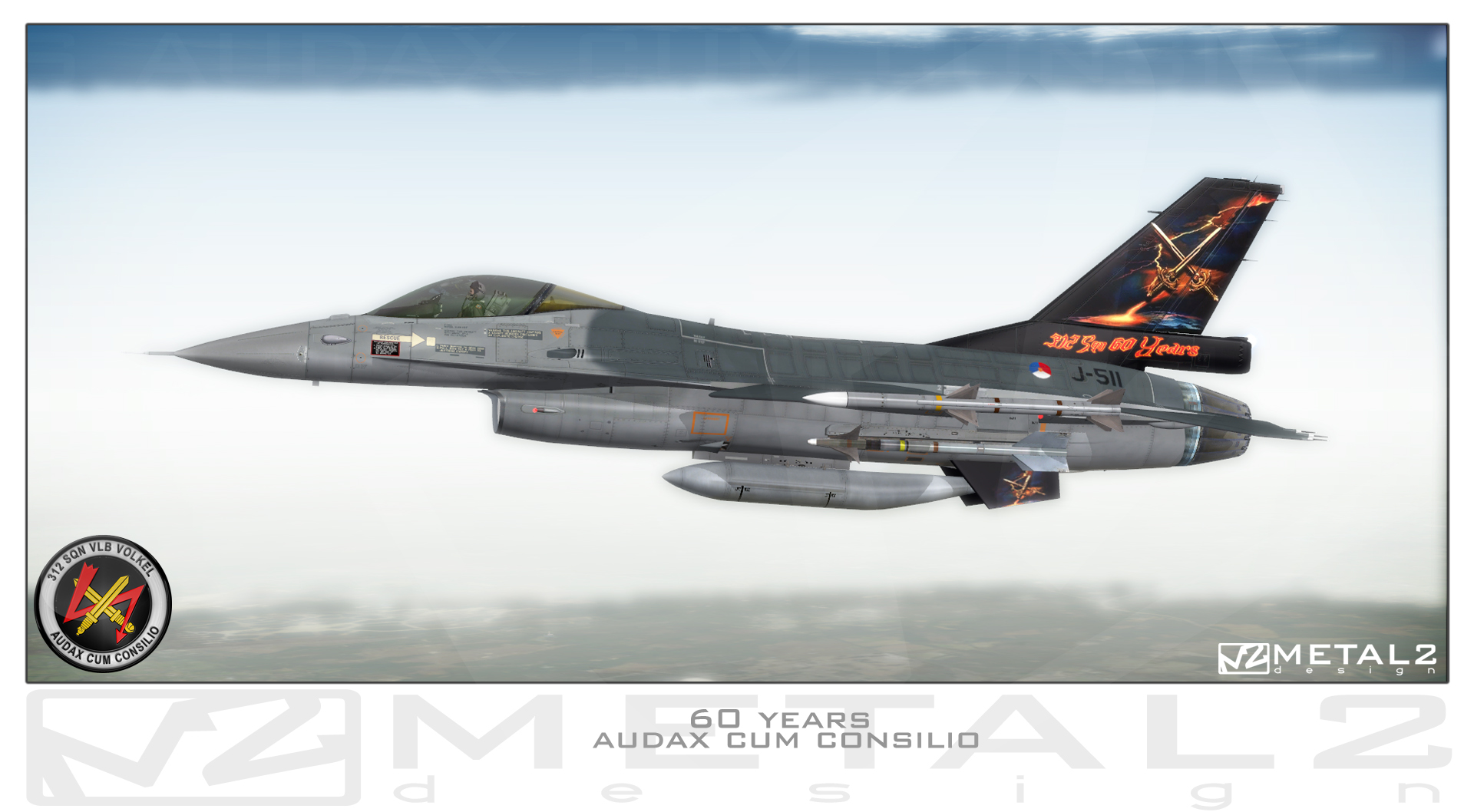
  3. Hello, thanks for downloading this repaint
    This is a repaint for the aerosoft F-16 for FSX. Browse to your "Aerosoft F-16A 120-9-300" folder and add the enclosed texture folder. The bolow lines need to be pasted into the aircraft.cfg below the other aircraft/texture set entries and the "X" in [fltsim.X] needs to be replaced with the next number, in sequense with the others.
    This model has been used because the block is the same but its the only model wich has a "belly tank".
    These textures can not be edited or altered without consulting me!
    Bests,
    Raymond Rotmans
    metal2designz@gmail.com
    ------------------------------------------------------------------------------------------------------------------------

    [fltsim.XX]
    title=Lockheed Martin F-16AM RNLAF 312 J-511 60th anniversary 2011
    sim=F-16 F100 CAT-I
    model=TAI-0
    panel=
    sound=
    texture=J-511_312_60
    kb_checklists=F-16_check
    kb_reference=F-16_ref
    visual_damage=1
    ui_manufacturer="Lockheed Martin"
    ui_type="F-16AM"
    ui_variation="RNLAF, J-511, 312 sqn, 60 YEARS Volkel AFB"
    ui_typerole="Single Engine Fighter Jet"
    ui_createdby="Aerosoft GmbH"
    description="F-16C Falcon is the Air Force's primary airspace intercepter, and multi-role strike fighter."
    atc_heavy=0
    atc_id=0
    atc_airline=RNLAF
    atc_flight_number=511
    atc_parking_types=MIL_COMBAT
    Many happy flights and landings...
    • 890 Downloads
    • 4 Comments
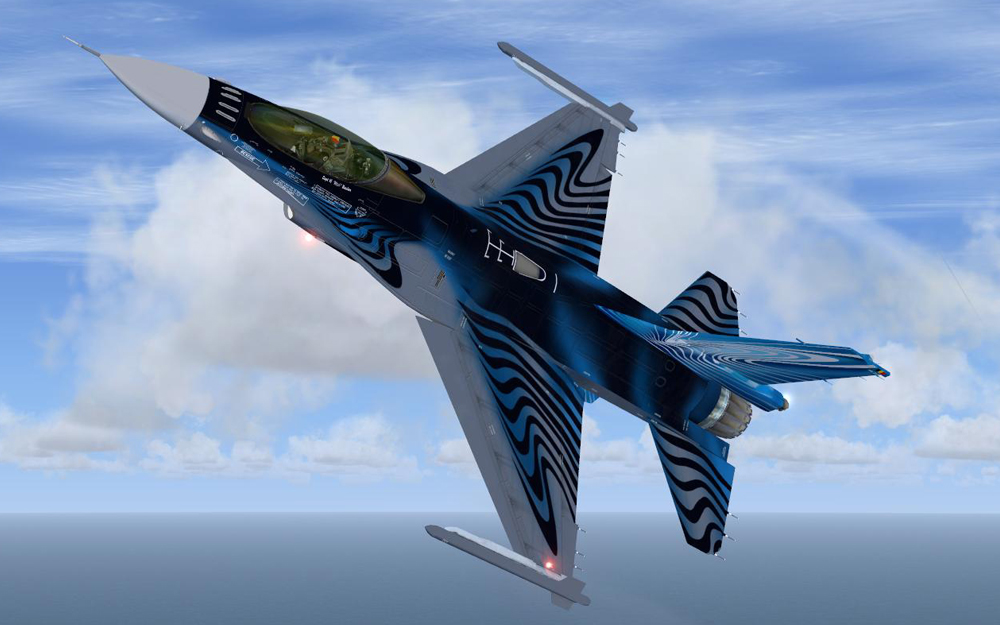
  4. Hello all, thanks for downing this repaint!

    Finally after some time i finished this repaint, wich is a kind of "homage" to the brave and kind southern neighbours of the Netherlands.
    As well as we have our F-16 solo display team with the Orange Lion, the Belgium Airforce also has a display team, with this year a noticable special skin for their F-16 wich is also already updated to Tape M5.

    They gave very nice shows this year, again, with their pilot "Mitch" in different countries as our Orange Lion...

    This is a repaint for the aerosoft F-16 for FSX. Browse to your "Aerosoft F-16AM Display" folder and add the enclosed texture folder. The bolow lines need to be pasted into the aircraft.cfg below the other aircraft/texture set entries and the "X" in [fltsim.X] needs to be replaced with the next number, in sequense with the others.

    I hope you will enjoy this repaint as well as it does to me, especially the hours it took to make it possible!


    Copyright Notice!

    These textures can not be edited or altered without consulting me!!

    This package is supplied as freeware and SHALL NOT be used nor distributed in any manner for generating monetary profit. All other rights reserved.

    Contact Information
    metal2.tafkam@gmail.com

    Happy landings,
    Raymond "TAFKAM" Rotmans


    ------------------------------------------------------------------------------------------------------------------------


    [fltsim.X]
    title=Lockheed Martin F-16AM BAF DEMO 2010
    sim=F-16 F100 CAT-I
    model=BAF-1
    panel=
    sound=
    texture=BAF_FA-110
    kb_checklists=F-16_check
    kb_reference=F-16_ref
    visual_damage=1
    ui_manufacturer="Lockheed Martin"
    ui_type="F-16AM"
    ui_variation="BAF, FA-110, Solo Display Team"
    ui_typerole="Single Engine Fighter Jet"
    ui_createdby="Aerosoft GmbH"
    description="F-16C Falcon is the Air Force's primary airspace intercepter, and multi-role strike fighter."
    atc_heavy=0
    atc_id=0
    atc_airline=BAF
    atc_flight_number=110
    atc_parking_types=MIL_COMBAT
    • 1639 Downloads
    • 4 Comments

Important Information

We have placed cookies on your device to help make this website better. You can adjust your cookie settings, otherwise we'll assume you're okay to continue. Privacy Policy & Terms of Use
Account

Navigation

Search

Search

Configure browser push notifications

Chrome (Android)
  1. Tap the lock icon next to the address bar.
  2. Tap Permissions → Notifications.
  3. Adjust your preference.
Chrome (Desktop)
  1. Click the padlock icon in the address bar.
  2. Select Site settings.
  3. Find Notifications and adjust your preference.