


Skip to content

Leaderboard

Popular Content

Showing content with the highest reputation since 09/06/26 in all areas

    • 62 downloads
    • Version 1.0.0
    Recommend use with AIRAC 2610 for best results. Updates for RAD Restrictions and Directs are cumulative. Changelog Update: Route and Altitude/FL Restrictions Update: airport xml file Frankfurt EDDF Update: adjustments in RAD and Directs to ensure correct/better routing - e.g.: London Stansted departures eastbound via Amsterdam EHAA User task: Please delete following files from "C:\Users\Public\Documents\PFPX Data\Routes", if exist: GILIRROUSY01 BRENOEXITI01 BRENOKEMES01 BRENOKRH01 Note Due to implementation of real-world special RAD rules for 2026 summer season, PFPX may take a few seconds longer to find a route for certain European city-pairs. Affected regions to deconflict traffic flows: South Germany, Belgium, Bosnia, Hungary and South France. Best regards David
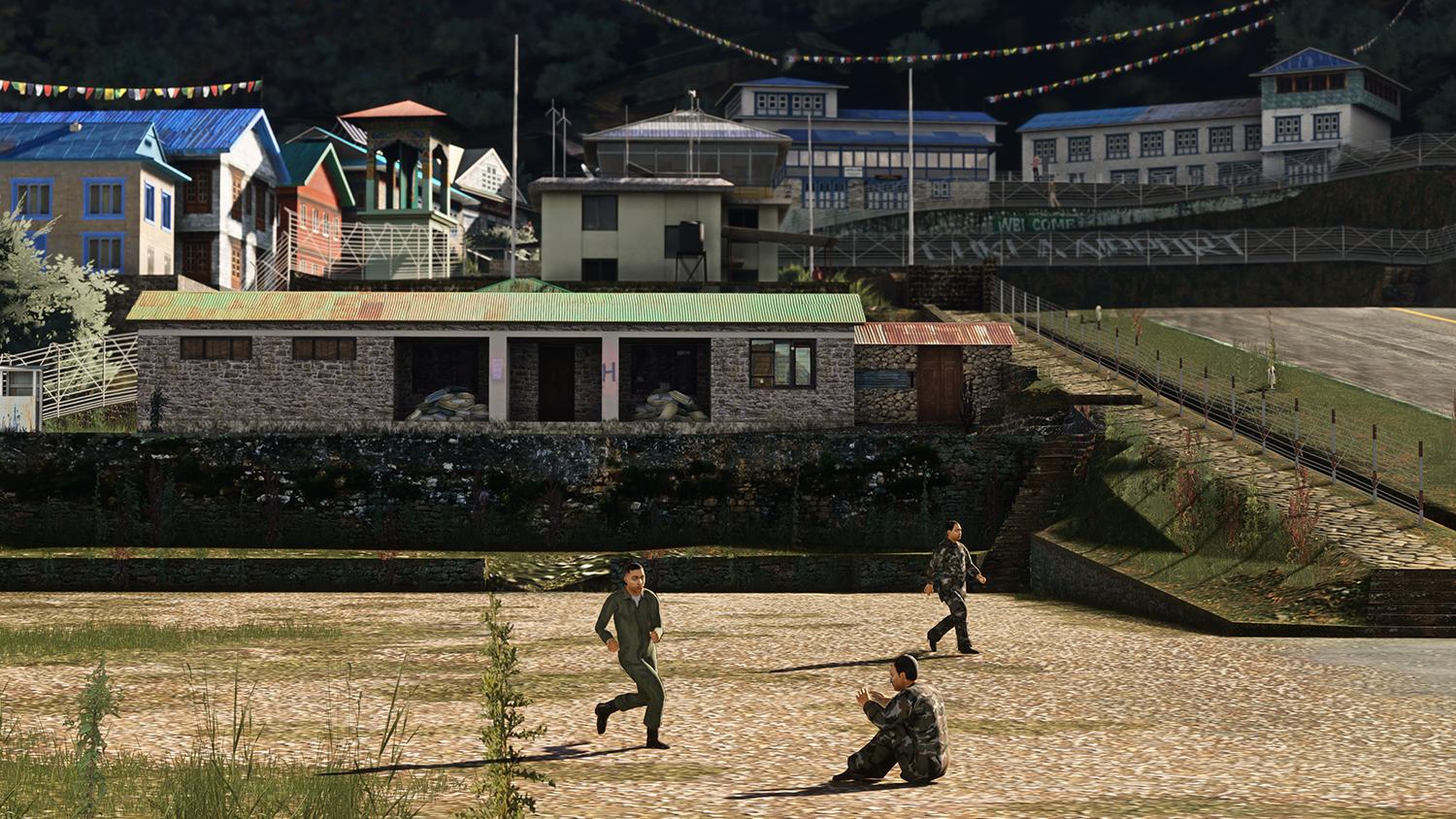
  1. Der Hangar. Auch abseits des eigentlichen Flugplatzes sollen viele kleine Details für eine glaubwürdige Atmosphäre sorgen.. vom Zaun und Tor bis zu den abgestellten Reifen und Materialien am Gebäude. Je nach Tageszeit, Wetter und Jahreszeit sind die Tore geschlossen oder geöffnet.
  2. X-Plane 12.4.4 · Beta 2 September 28, 2026 General Fixed duplicates in translation files Fixed an issue when using the Thrustmaster Warthog HOTAS on Linux (XPD-18428) Fixed a rounding issue in the Data Output graph Avionics G1000 Pixellate inset map’s NEXRAD like the main map (XPD-18423) ADF radio new cycles through STBY/ANT/ADF/BFO modes on the PFD with new softkey text and arrows (supported on planes equipped with an ADF antenna) Softkey bar now automatically reverts to the top-level softkeys after 45 seconds of inactivity The “fly course reversal?” popup on the approach-transition page now only appears after pressing ENT, not while scrolling through transitions GNS430 / GNS 530 Pixellate NEXRAD view to match real world device Graphics Fixed a seaming artifact in the sky dome (XPD-18228) Graphics Core Engine Fixed stutter caused by the defragmenter holding the main pool VMA lock Fixed a Zink assertion message during startup (XPD-18413) Disabled async compute on macOS which should reduce stutters and frame pacing issues Improved the DXGI adapter matching logic (XPD-18418) Fixed a crash when using some AMD GPUs on Linux – the Vulkan device advertised sparse features without a sparse queue (XPD-18430) Systems Fixed a power loss when rapidly reducing prop RPM on PT-6 turboprops: the fuel topping governor now shares the prop governor’s RPM trend instead of reacting to the setpoint change alone User Interface Improved screen for sound settings to better guide the user setting the radio volume Weather Radar Clouds in the path of the aircraft are drawn solid now instead of hatched (XPD-18421) SDK Fixed an error in XLua 2.0 where syntax errors didn’t trigger corresponding error messages (XPD-18444) XPLMLinesStripple no longer ignores XPLMSetLineCat at the first endpoint (XPD-18441) Fixed enter key handling when using XLua and ImGUI Fixed a crash when using array datarefs with XLua New API function to return if X-Plane is running in professional mode Full release notes --gfx_no_defragment is not needed in this update Und die Übersetzung: X-Plane 12.4.4 · Beta 2 28. September 2026 Allgemeines Doppelte Einträge in Übersetzungsdateien behoben Problem bei der Verwendung des Thrustmaster Warthog HOTAS unter Linux behoben (XPD-18428) Rundungsfehler im Datenausgabe-Diagramm behoben Avionik G1000 NEXRAD-Darstellung der eingeblendeten Karte (Inset Map) wird nun wie bei der Hauptkarte verpixelt dargestellt (XPD-18423) ADF-Funkgerät: Neue Durchschaltfunktion für die Modi STBY/ANT/ADF/BFO auf dem PFD, inklusive neuer Softkey-Beschriftungen und Pfeile (unterstützt bei Flugzeugen mit ADF-Antenne) Die Softkey-Leiste kehrt nach 45 Sekunden Inaktivität automatisch zur obersten Ebene zurück Die Abfrage „Kursumkehr fliegen?“ Das Popup auf der Seite für Anflug-Transitions erscheint nun erst nach Drücken der ENT-Taste, nicht mehr während des Scrollens durch die Transitions. GNS430 / GNS 530 Pixelige NEXRAD-Darstellung, um dem realen Gerät zu entsprechen Grafik Fehler bei der Darstellung der Himmelskuppel (Nahtstelle/Artefakt) behoben (XPD-18228) Grafik-Kern-Engine Ruckeln behoben, das dadurch entstand, dass der Defragmentierer die VMA-Sperre des Hauptspeicherpools hielt Zink-Assertion-Meldung beim Start behoben (XPD-18413) Async Compute unter macOS deaktiviert; dies sollte Ruckeln und Probleme mit dem Frame-Pacing reduzieren Logik zur Zuordnung von DXGI-Adaptern verbessert (XPD-18418) Absturz bei Verwendung bestimmter AMD-Grafikkarten unter Linux behoben – das Vulkan-Gerät meldete „Sparse“-Funktionen, ohne eine „Sparse“-Warteschlange (Queue) bereitzustellen (XPD-18430) Systeme Leistungsverlust bei schneller Reduzierung der Propellerdrehzahl (RPM) an PT-6-Turboprops behoben: Der „Fuel Topping Governor“ (Kraftstoffbegrenzungsregler) berücksichtigt nun den Drehzahlverlauf des Propellerreglers, anstatt nur auf die Änderung des Sollwerts zu reagieren. Benutzeroberfläche Bildschirm für Soundeinstellungen verbessert, um den Benutzer bei der Einstellung der Funklautstärke besser zu unterstützen Wetterradar Wolken auf der Flugbahn des Flugzeugs werden nun vollflächig statt schraffiert dargestellt (XPD-18421) SDK Fehler in XLua 2.0 behoben, bei dem Syntaxfehler keine entsprechenden Fehlermeldungen auslösten (XPD-18444) XPLMLinesStipple ignoriert XPLMSetLineCat am ersten Endpunkt nicht mehr (XPD-18441) Verarbeitung der Eingabetaste (Enter) bei Verwendung von XLua und ImGUI korrigiert Absturz bei Verwendung von Array-Datarefs mit XLua behoben Neue API-Funktion zur Abfrage, ob X-Plane im Professional-Modus läuft Vollständige Versionshinweise --gfx_no_defragment ist in diesem Update nicht erforderlich
  3. Hello, here you find a fine review from our Addon Culebra XP (Dev. Maps2XPlane and Cami de Bellis). https://www.x-plained.com/scenery-review-maps2xplane-cami-de-bellis-culebra/ Greets Heinz
  4. Hallo, hier gibt es ein schönes Review vom Maps2XPlane/CDB Addon Culebra XP: https://www.x-plained.com/scenery-review-maps2xplane-cami-de-bellis-culebra/ Viele Grüße Heinz
  5. Get ready to head to the Caribbean — Culebra XP is out now for X-Plane 12! Nestled between the Puerto Rican mainland and the U.S. Virgin Islands, Culebra is a tropical paradise known for crystal-clear waters, pristine beaches, and a laid-back island vibe. At its heart sits Benjamín Rivera Noriega Airport (TJCP) — famous for its steep approach over a lagoon, a tight notch through the hills, and a sharp left turn onto a short, noticeably sloped Runway 13. It's a landing that will keep even experienced pilots on their toes. Developed by Maps2XPlane and CDB Scenery Design, this add-on brings the island to life with hundreds of handcrafted buildings and objects, a custom terrain mesh replicating Culebra's distinctive topography (sloped runway included), island-wide custom autogen, and high-resolution orthophoto coverage — right down to ~0.05–0.20 m/pixel over the island itself. Highlights: Highly detailed recreation of Benjamín Rivera Noriega Airport (TJCP) Hundreds of custom buildings and objects, handcrafted by Cami De Bellis Accurate terrain model, including the realistically sloped runway Custom autogen for the whole island (vegetation, roads, buildings) Full orthophoto coverage for the X-Plane tile +18-066, plus high-res photos of Culebra Compatible with X-Plane 12 Default Autogen and simHeaven X-WORLD 🎬 Check out the trailer here: https://www.youtube.com/watch?v=mC-Wb8dcZNw Culebra XP is available now in the Aerosoft Shop for X-Plane 12. Grab it and get ready for one of the most rewarding short-field approaches in the sim! 🛒 https://links.aerosoft.com/CulebraXP
  6. Multi-role, mission-ready, and now natively built for MSFS 2024 — the P2012 Traveller V2 covers everything from VIP charter to air ambulance work to freight, all in one aircraft. Career Mode ready from day one. Highlights: 🛋️ 7 cabin configs — including an all-new VIP interior from original manufacturer data 🎨 Reworked exterior model with extra detail, new lighting & material system 🖥️ Customized Working Title G1000 NXi, FADEC for the Lycoming TEO 540 C1A, improved TKS ice protection 🛞 Weight-based tire deformation, persistent aircraft state between sessions 📱 Native MSFS 2024 EFB app with panel states, weight & balance, and Navigraph Charts 🔊 Fully reworked soundscape from real recordings ⚠️ Standalone product for MSFS 2024 on PC only — not compatible with MSFS 2020. Already own the MSFS 2020 version? Grab the V2 at the upgrade price of €9.95. 📅 Release: September 17, 2026 💶 Price: €29.95 (€9.95 upgrade) 🎦 Watch: https://youtu.be/6rcdG1CV7BY
  7. Well, I suppose that’s my photo for this month. A Lufthansa A321 arriving from Lisbon, landing on 26L in Munich. In the background, you can see an A350 and an A380 waiting outside the maintenance hangars...
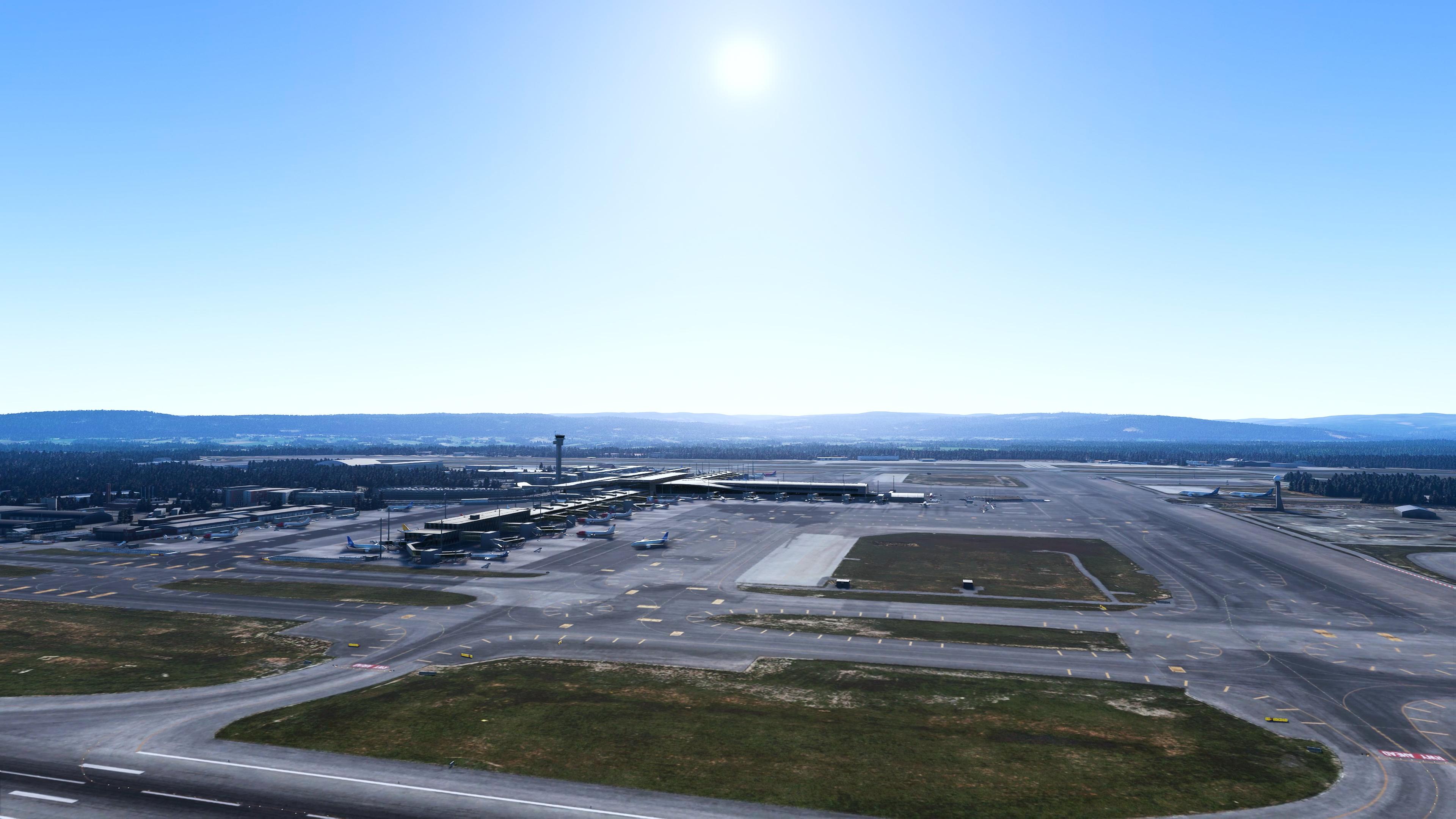
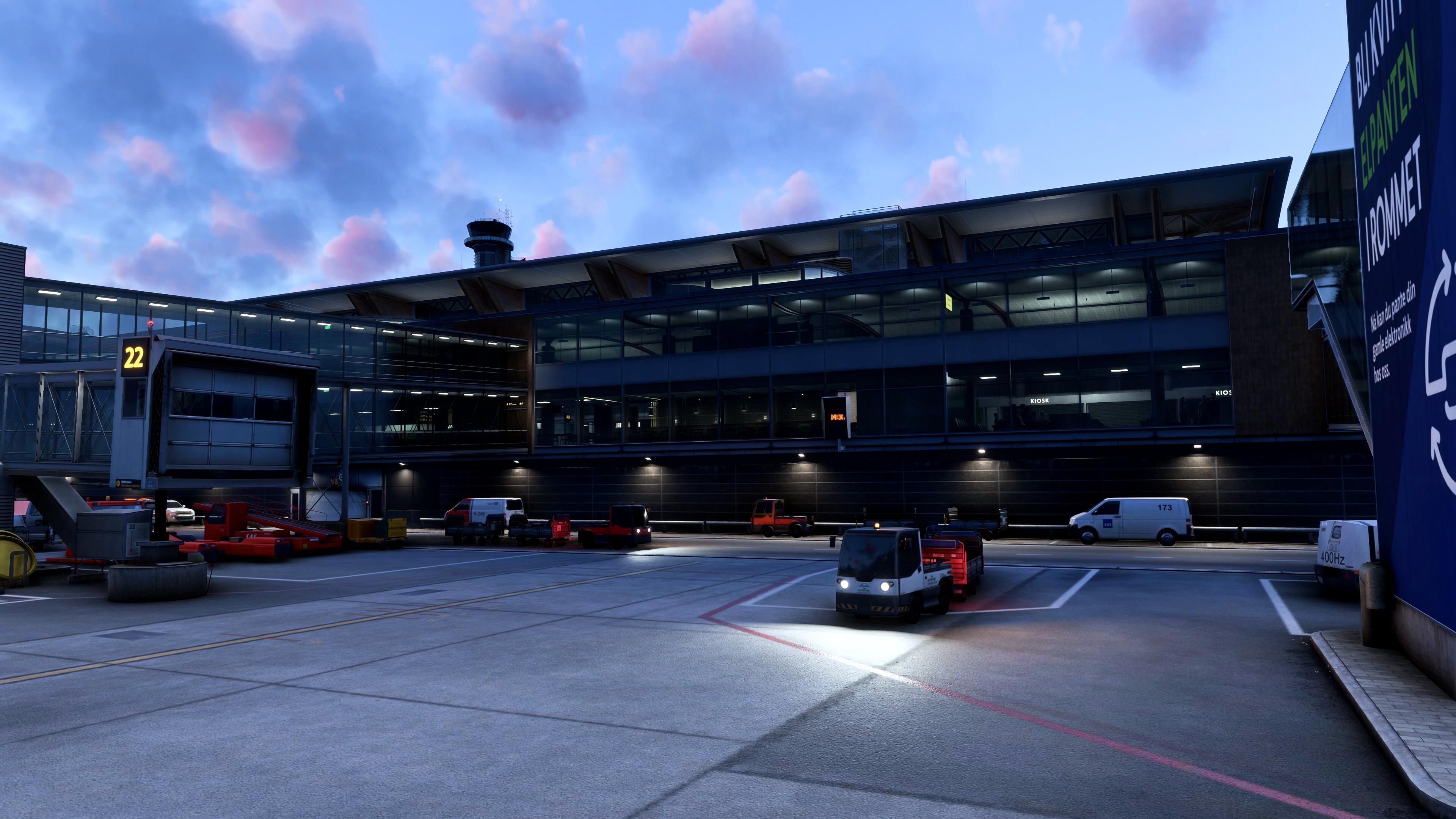
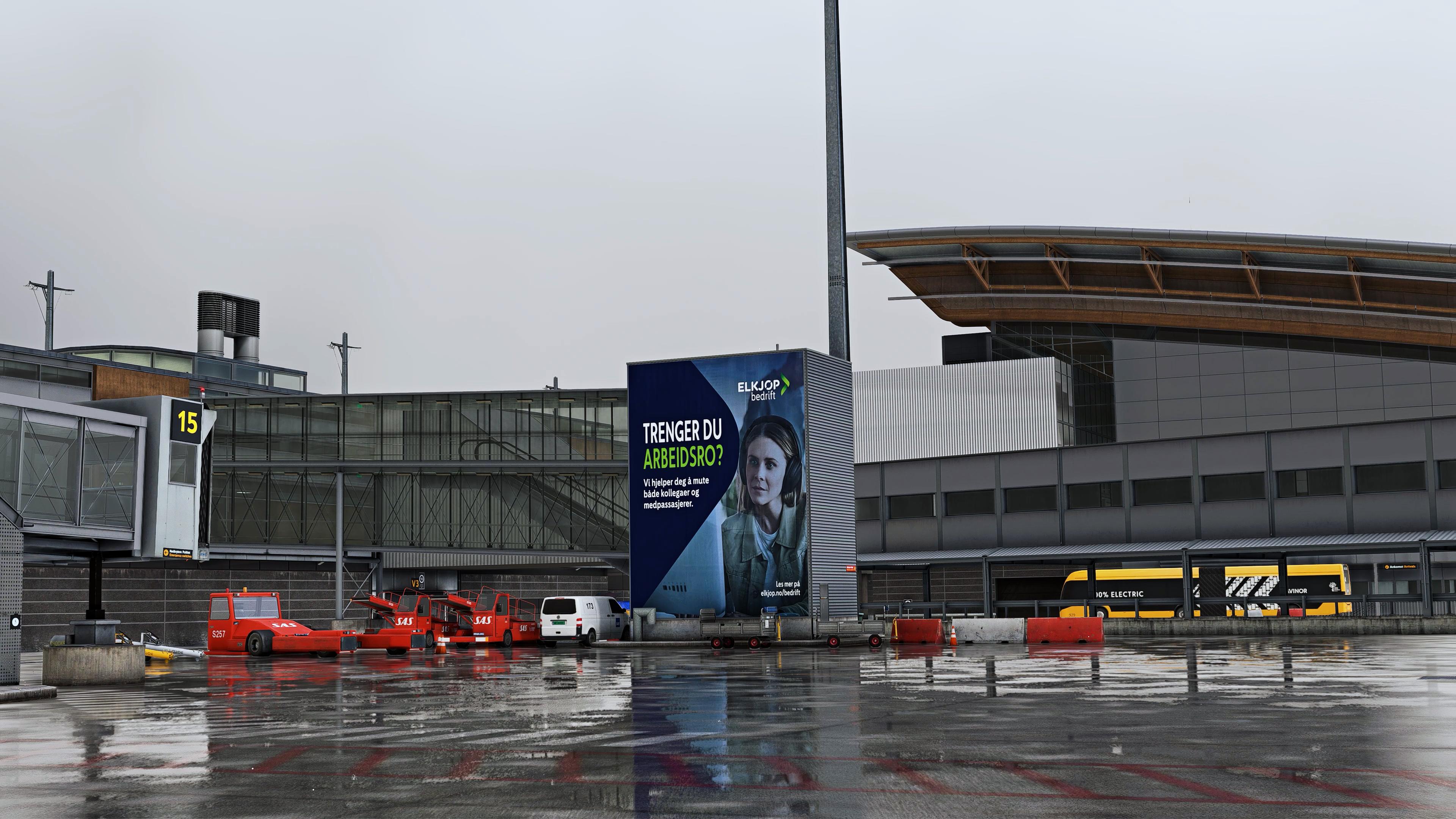
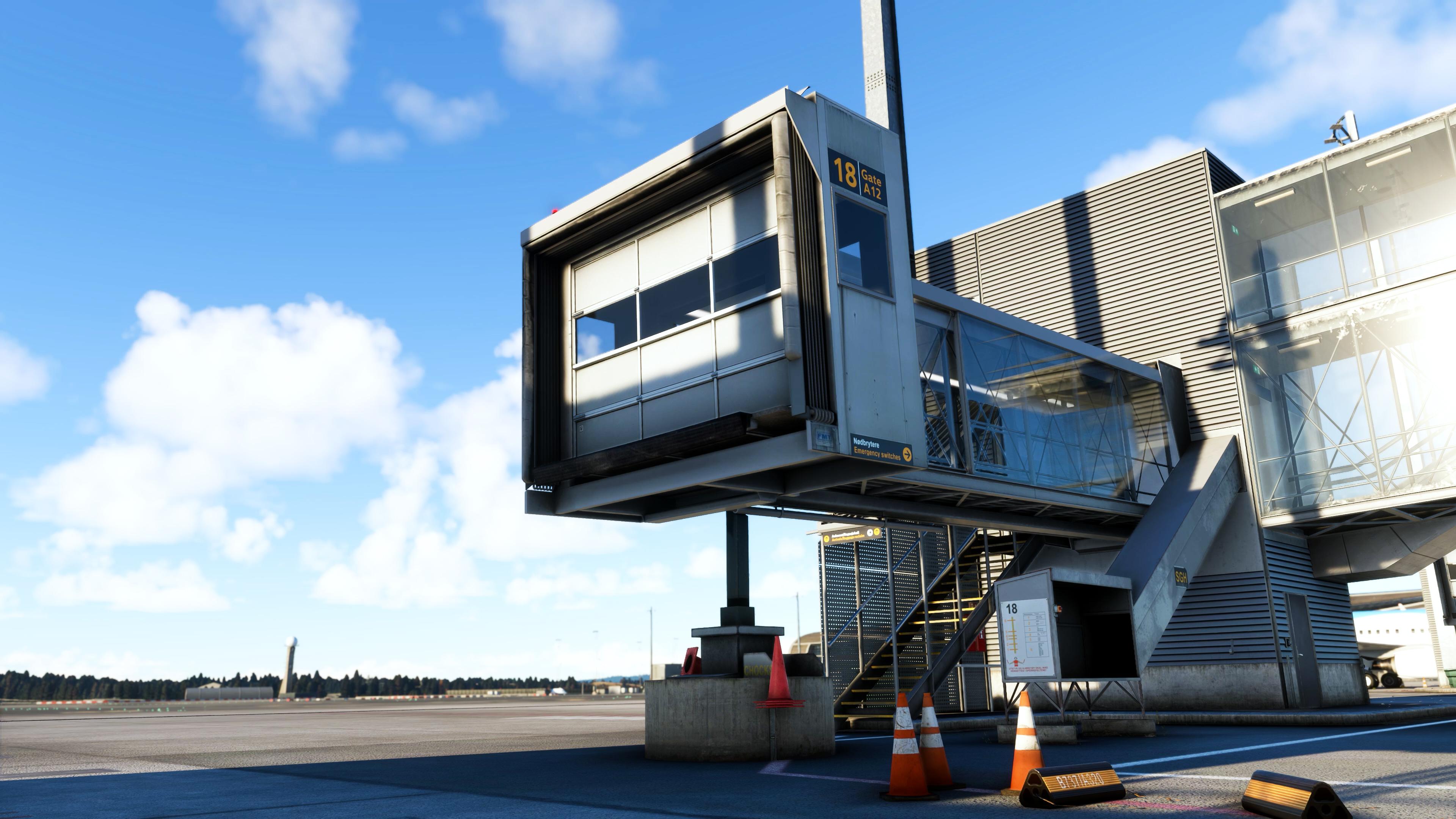
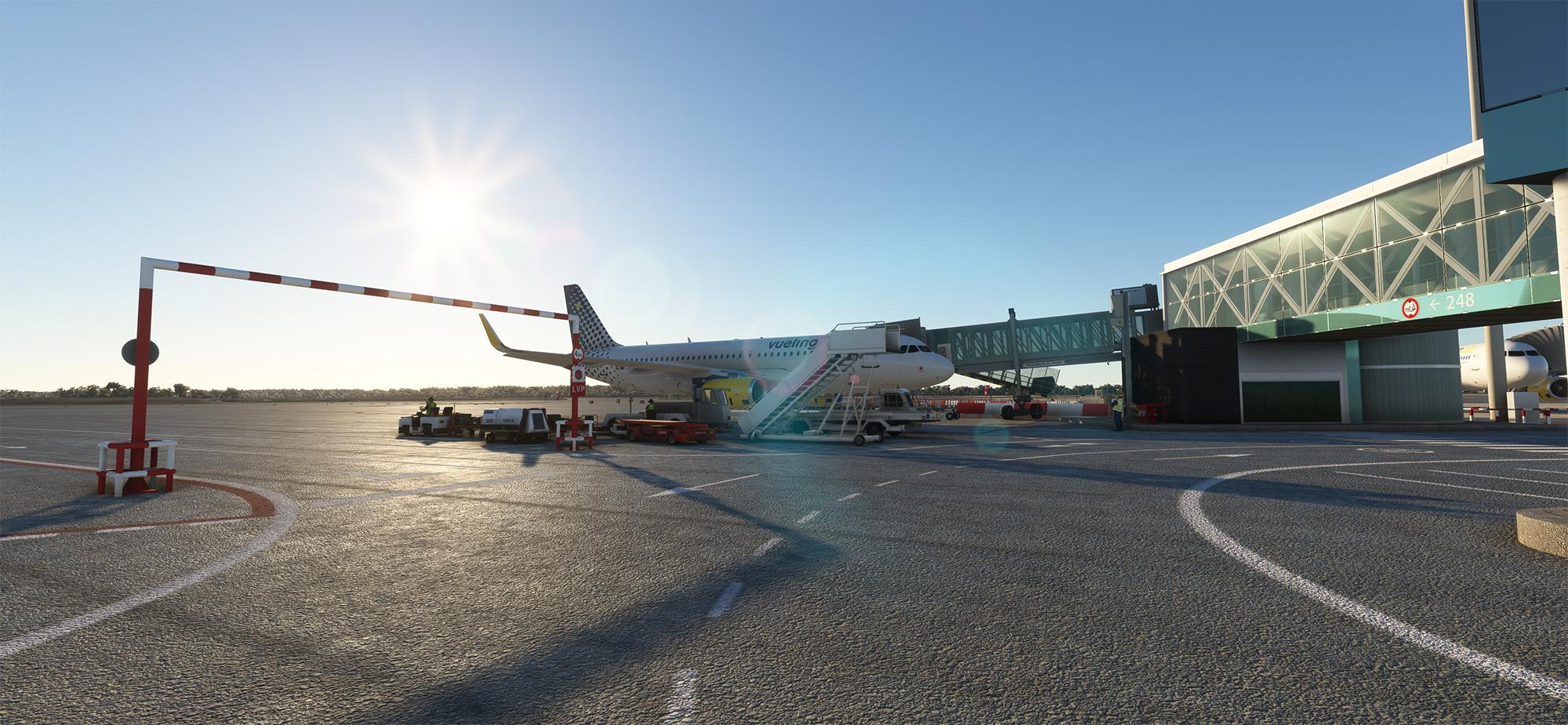
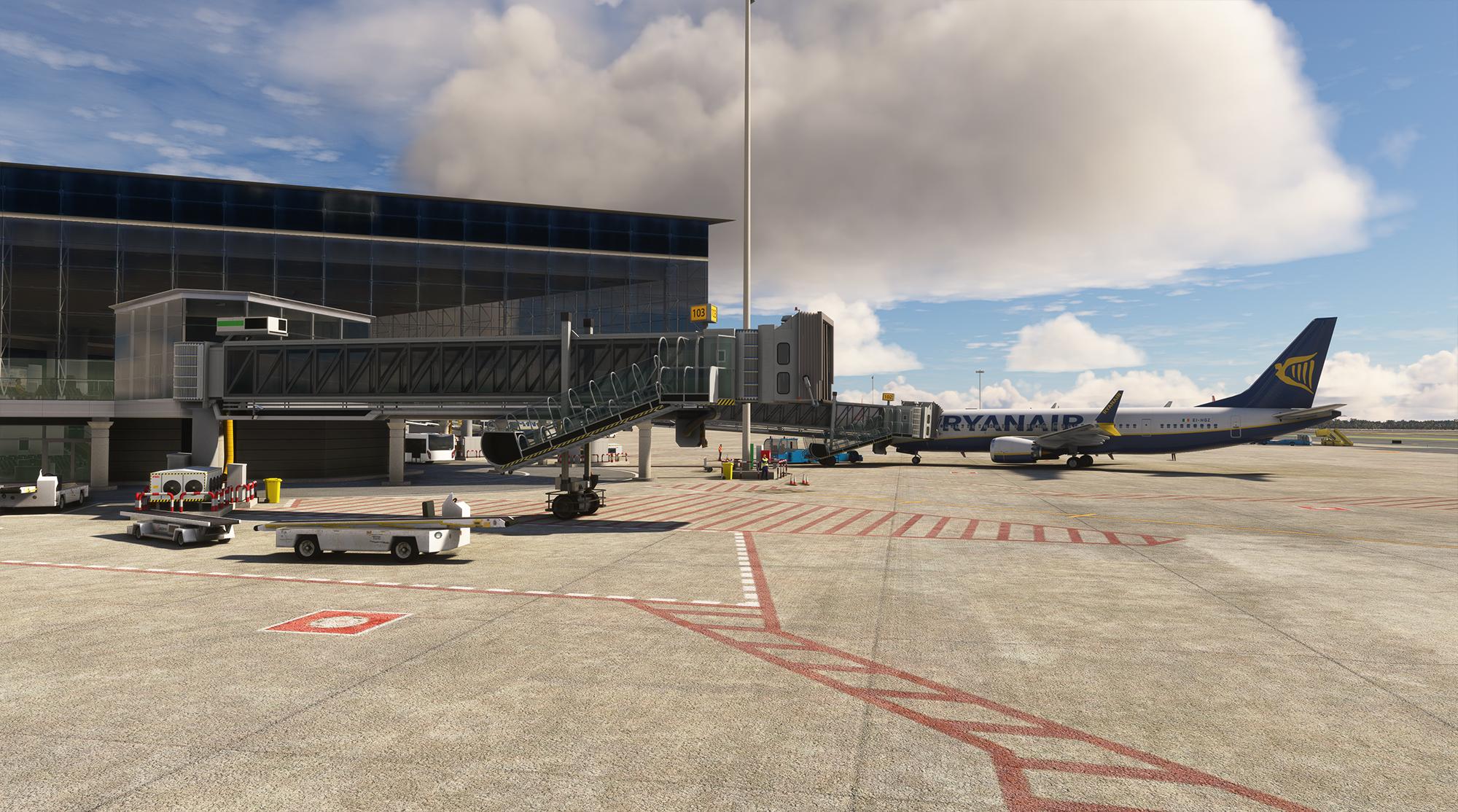
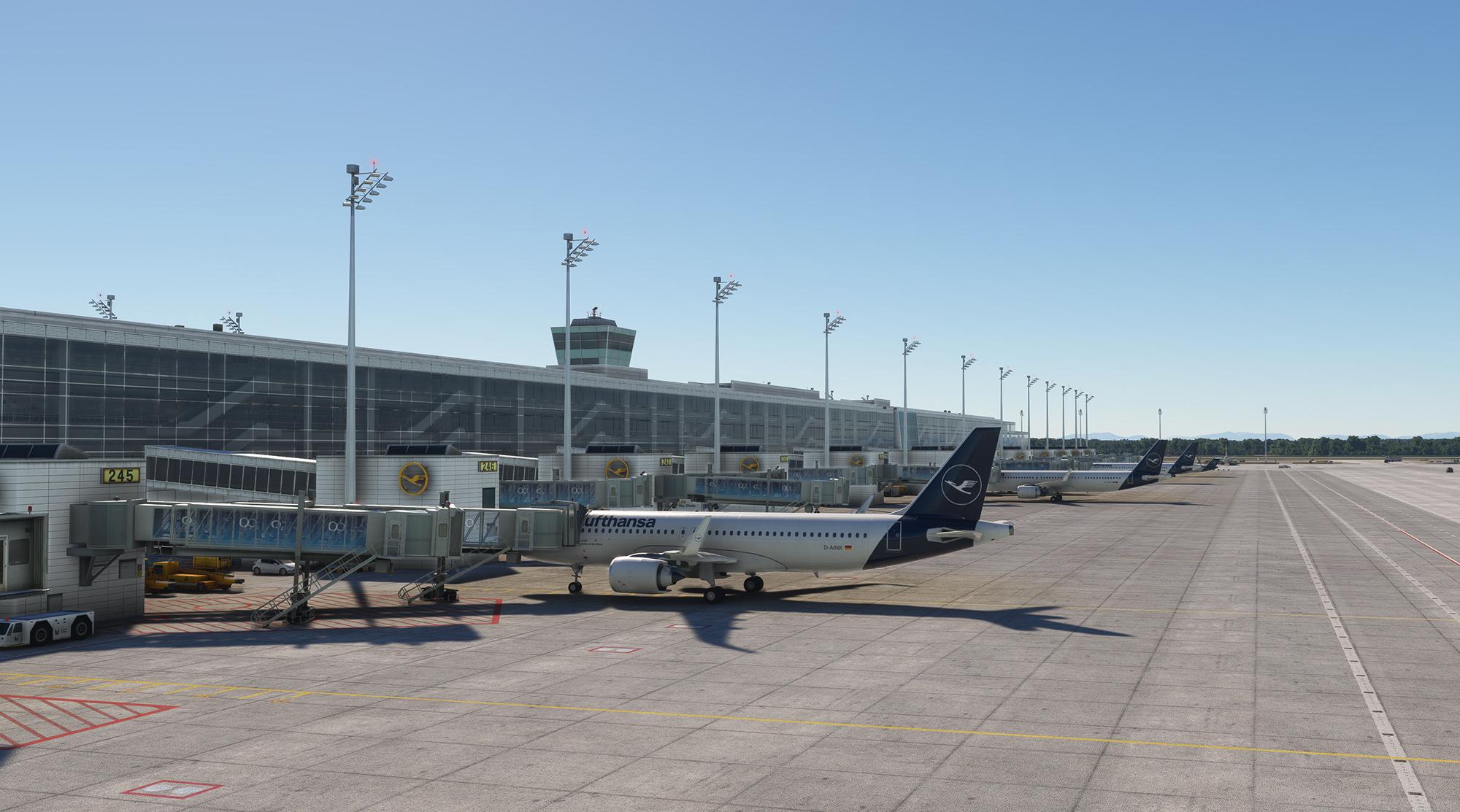
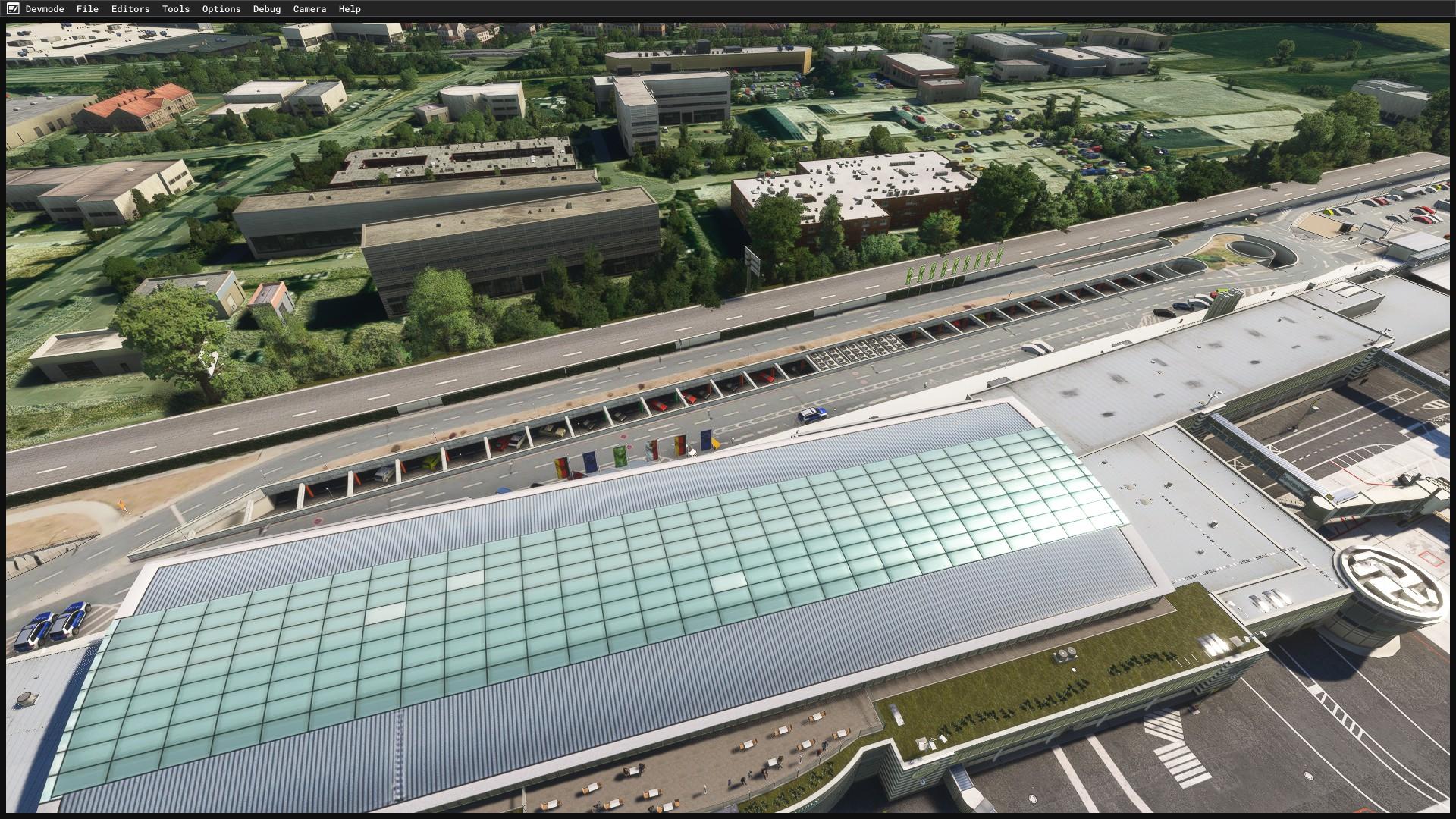
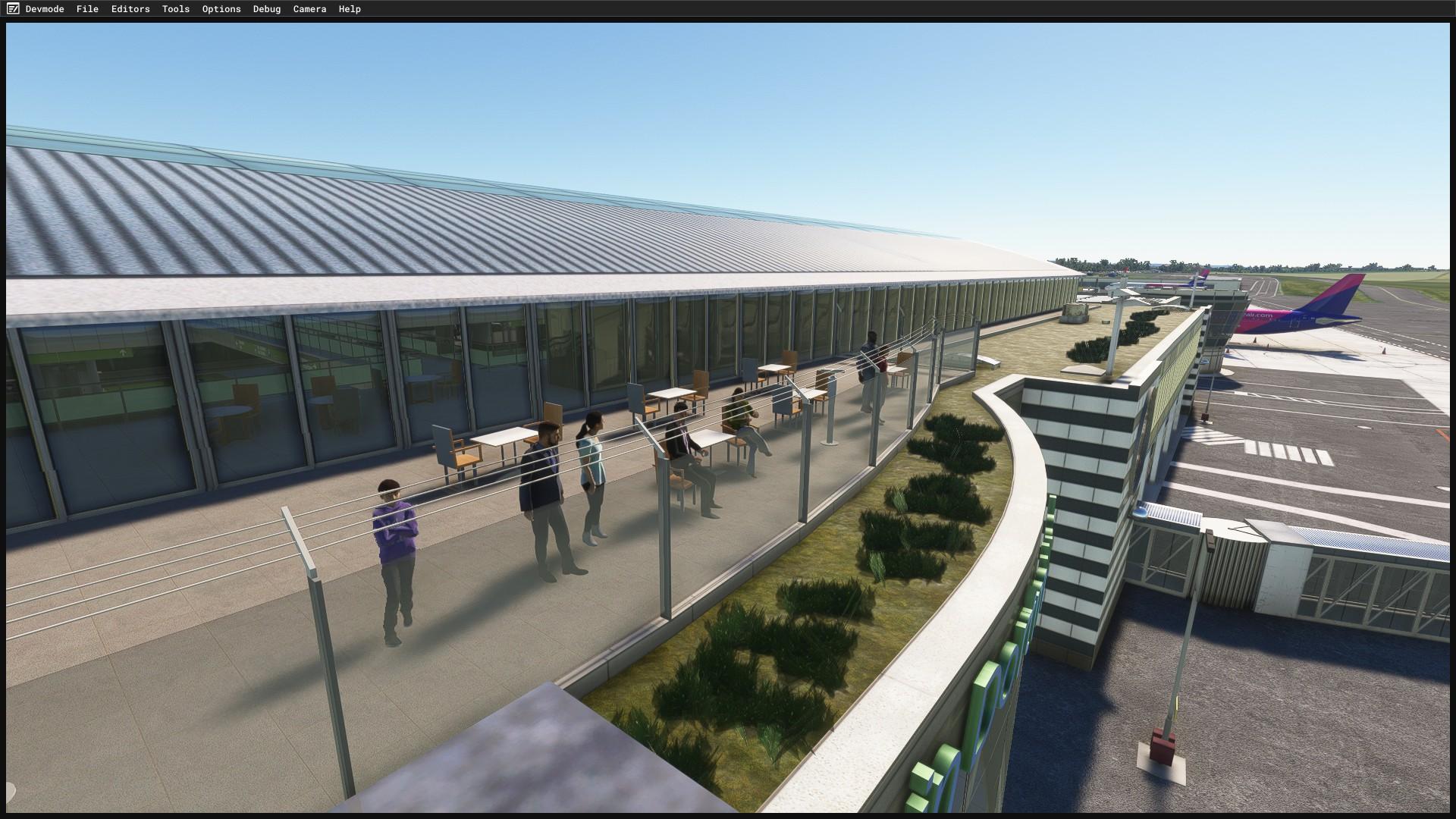
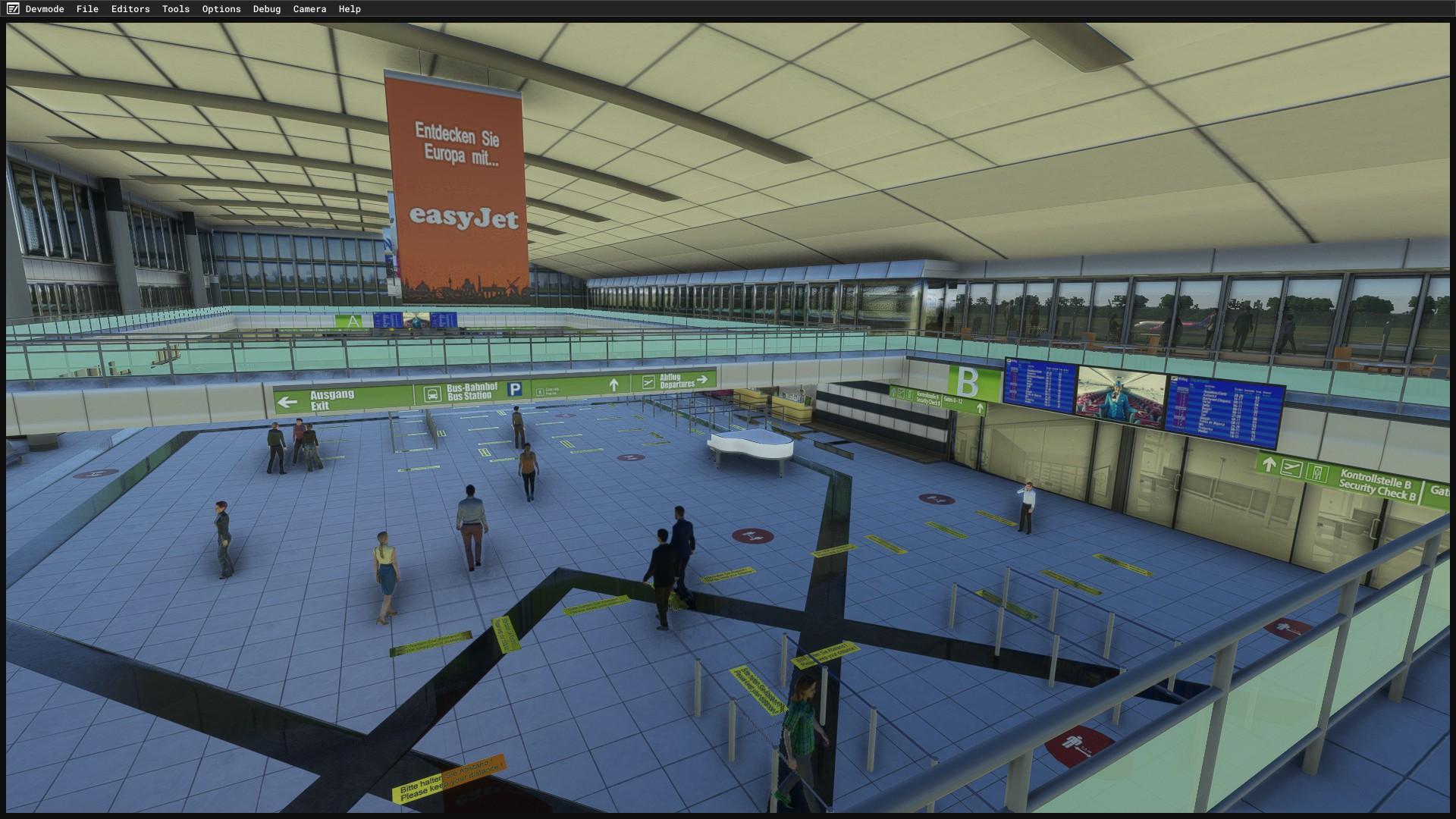
  8. This is a big one for Munich fans! Pier 1 is now in the Munich scenery: new jetways have been added, and the pier now reflects its new "in service" status. We have also added and fixed many other points in the scenery. Make sure to read the changelog carefully. Changelog Added new jetways to Pier 1 Updated Pier 1 to reflect its new "in service" status — interior, lighting, GPUs/AC units, static people, and more New taxiway and parking line layout at Pier 1 and PP 161–164, matching current charts Adjusted taxiway lines at T2 and the satellite terminal at entries S7 and S8 Added specific safegates at Pier 1 Updated jetways at T1 and T2, plus new advertising New parking building P8 New parking building P43 Dismantled the DSF building; new tower added (currently in construction stage) Solar panels added to several parking building rooftops Updated railing textures at T2 and other minor enhancements 🎬 https://www.youtube.com/watch?v=88mE9j5pgfc The free update is now available in Aerosoft ONE.
  9. Guys: I fully understand your frustration. Rest assured, that no one here at Aerosoft deliberately wants those things to happen and if they do they are more often than not a result outside of the direct personal control of us, the developers. Also, there is multiple developers with different kinds of responsabilities involved who are working across multiple projects and whose resources are allocated dynamically. Also outside of our direct personal control, unfortunately. So that can sometimes mean that for updates certain areas have to wait longer to be fixed than others. Then we have the choice to either delay the whole update and not provide potentially highly valued fixes and improvements in other areas, or, as we normally do, still release the update as fast as possible in those areas, where we can clearly marking what has been fixed in the changelog. All I can say right now is that incremental model and livery updates will be coming but what finally is or is not fixed at every update moment will be decided on a per case basis and is limited by the ressources that are available leading up to that specific moment. Anyhow, I will bring this particular issue up in our next development meeting this week to see if a timely fix can be scheduled.
  10. Hey everyone, We're excited to roll out v1.0.1 for the Aerosoft A330 NEO, and this one is a big one! Since launch, we've been reading through every bit of feedback you've shared with us — in the forums, on Discord, and in your bug reports — and this update reflects a lot of that work. A huge thank you for the passion and patience you've shown while we've been fine-tuning this aircraft. Your reports have been incredibly detailed and genuinely helpful in tracking down some tricky issues. This update brings a wide range of fixes across the FMGS, ND/OANS displays, ECAM, sound design, and general systems behavior — from corrected MCDU PERF page logic and improved flight plan handling, to a fixed transponder, refined engine sounds, and various crash-prevention fixes. We've also added a configurable default gate state to the EFB for those of you who like to set up your sim exactly the way you want it. Changelog: Systems & FMGS Fixed misaligned ND ILS course marker Fixed MCDU PERF pages not taking current thrust mode into account for managed speed indication Fixed OANS displayed on ND in ROSE and ARC with ADIRS not being aligned Implemented OANS runway ahead message on ND Improved direct and discontinuity legs flight handling Fixed misaligned FCU Mach number indication Fixed incorrect ND PWS SCAN indication Fixed TMPY flight plan not drawn with curves despite VNAV predictions available Fixed potential OANS-related WASM crash due to NG AMDB data without valid IATA code Fixed VENT EXTRACT OVHD override being active as default Fixed MCDU PERF approach page showing wind TRUE as default instead of MAG Fixed MCDU fix info radial not taking magnetic variance into account and not being cleared on FMGS DONE Fixed missed approach legs speed constraints not being applied correctly during go-around activation Fixed FMGS not transitioning into DONE phase if APPROACH phase was skipped Fixed ECAM MEMO HOT BRAKES showing wrong submessage after landing Fixed leg altitude and speed constraints not taken into account for a replacing direct Fixed incorrect label for a window altitude constraint on the MCDU F-PLN page Fixed nearest ND items not being properly updated without an active flight plan Fixed THS not resetting to 4 degrees after landing under certain circumstances Fixed PFD flashing STD or QNH even if no transition altitude/level was entered into the MCDU Fixed non-functioning transponder Fixed PFD ILS indication showing non-localizer equipped station data Fixed potential culprit for WASM crash in BaseND Fixed LOC arming and prevented erroneous RWY TRK annunciation Preserved selected FCU modes during performance entry after takeoff Hid EFIS QNH indication in STD mode Fixed position of EFIS STD mode indication Sound Adjusted interior engine volume Improved brake fan sound setup Adjusted pitch flaps sound Adjusted exterior engine sound cone angles Slightly increased exterior engine volume General / EFB Added configurable default gate state to EFB Implemented inhibition of gauge displays until state loading completes Updated default camera views Fixed A330 decal on nose gear Available now via Aerosoft ONE — just launch the app and the update will be ready to download. As always, if you spot anything unusual after updating, let us know via the support system. Keep the feedback coming — it genuinely shapes where we focus next. Happy flying!
  11. First flight after update. No freezing on the first flight UNTIL I tried to jump to next waypoint, then the simulator froze. So still not 100% fixed for me but an improvement over before, when I couldn't get to cruise at all. However, now I have very bad stutters lasting ~one second every so often, that did not appear before.
  12. Hi Gustavo: Thanks for the observation: I have forwared the issue to the modelling team, so it should be fixed in due time.
    • 104 downloads
    • Version 1.0.0
    Recommend use with AIRAC 2609 for best results. Updates for RAD Restrictions and Directs are cumulative. Changelog Update: Route and Altitude/FL Restrictions Update: RouteCharges (Sep 2026) Update: adjustments in RAD and Directs to ensure correct/better routing - e.g.: Munich EDDM arrivals via Budapest LHCC and then Vienna LOVV Valencia group departures northbound via Paris LFFF Madrid LEMD arrivals from northeast via Paris LFFF Malaga LEMG departures northeastbound via Barcelona LECB overflights southwestbound via Switzerland LSAC without need of sub-routes User task: Please delete following files from "C:\Users\Public\Documents\PFPX Data\Routes", if exist: - BANIMBATUB01 - BANIMUTABA01 - DINKULATLO01 - GIGETBATUB01 - GIGETUTABA01 - MOPANINCUS01 - MOPANNINTU01 - NATORINCUS01 - NATORNINTU01 - TRAINCUS01 - TRANINTU01 - UTABADIRAB01 - UTABAGIRIS01 Note Due to implementation of real-world special RAD rules for 2026 summer season, PFPX may take a few seconds longer to find a route for certain European city-pairs. Affected regions to deconflict traffic flows: South Germany, Belgium, Bosnia, Hungary and South France. Best regards David
  13. hallo with last update 1.0.1 i can't see the maps on the EFB. simbrief connection is OK as well as the flight plan . do you have any solution ? with 1.0.0 was OK .
  14. 1 point
    Hello! If you haven't bought it through the marketplace, can you check if you see the same issues when using the lower resolution ground textures? You can swap between them by using the "change-frankfurt-ortho.bat" file found in the package folder.
  15. For anyone suffering from the stutter roughly every 60 seconds newly introduced with 1.0.5: we have decided to push out a hotfix early next week that will only address this particular issue so you guys can get back to enjoying the A340 and don't need to wait for the next bigger update. For everybody else that is still experiencing other issues related to stutters, freezes or crashes: I invite you to post as detailed as possible what exactly it is you are seeing. Also providing the log files found in the A340 work folder supported by any imagery evidence you might be able to collect (e.g. YT video). So we can try to repro on our end. Thanks in advance.
  16. Mittlerweile gab es ein neues update was zeigt, dass der A340 auch weiterhin gepflegt wird. Ich hoffe, dass dich das beruhigt, Finn. Da dieser Thread beantwortet wurde haben wir ihn geschlossen. Wenn Sie weitere Fragen haben können Sie jederzeit einen Neuen öffnen.
  17. Thank you vey much: that is a very valuable observation that I will pass on to the developers.
  18. 1 point
    Hi Niall and welcome to the forums: yes...there is an issue logged on our end that allows you to click through the EFB and thus inadvertently toggling the rudder disconnect button on the tiller. This will be fixed in the model in due time, even though there is no clear timeline for it, yet.
  19. While I do like the C-119, I seriously doubt it was a commercial success on any simulator. These kinds of projects are always a labor of love. Mathijs Kok PMDG
  20. Hallo meierzwo, hallo Andre_RX85, Habe meine Anfrage gerade wiedergefunden; sie wurde wohl umgesetzt. Danke für Eure Hilfe; hat so funktioniert. Die neue Version ist drin und die Betas sind raus. Gruß Reiner C.
  21. I didn't encounter the stutter before ver1.0.5. Prior to v1.0.5, I experienced almost no crashes or freezes during standard flights. The only rare exceptions were: Very infrequent WASM crashes/freezes when using the Jump feature while on SIM RATE 4x. (Once I learned to reset SIM RATE to 1x before jumping, this issue disappeared.) Crashes when loading a saved flight state, which occurred very rarely (perhaps about 3 times in total). Other than these specific cases, the aircraft was practically faultless in terms of stability. Regarding periodical every minute stutters, I experienced absolutely zero stutters up to v1.0.4, they only began after updating to v1.0.5. For reference, here is my hardware setup: Used since v1.0.0: WINCTRL URSA MINOR Airline Joystick L WINCTRL URSA MINOR 32 Throttle / 32 PAC Metal Elgato Stream Deck XL Elgato Stream Deck Plus Added after v1.0.3 update (worked completely fine without stutters on v1.0.4 as well): WINCTRL FCU / EFIS WINCTRL MCDU
  22. v.2.5.1 - Fixed black polygon vertice color at backside of T2 Satellite causing black edges - Added new jetblast ground warning signs at all 4 Entry Bridges - Added and completed ground taxiway signs T2 and T2 Sat - Moved parking position sings at T2 and T2 Sat
  23. Hello Aerosoft, Can your VR, or Animation team PLEASE PLEASE PLEASE PLEASE, rectify the flap Deployment so as to reflect the real life angles guys. I have the TOLISS version in XP12 as well and its dont properly. Thanks in advence for tending to this as a going concern guys.
  24. Agree Gustavo! Same with liveries. Mirrored logos and bad quality all over. Should have never been released as it is! Seems like Aerosoft standard now days..
  25. It's frustrating to pay a high price for a model that hasn't been reviewed and to have a bug that should apparently be easy to fix. There was a lack of attention to detail in the 3D model's finishing and in the pre-release review.
  26. Yeah: thats why I did write "in due time" as I cannot give a clear timeline for model related issues.
  27. And just to mention that with update 1.0.1 the INIT REQUEST issue of the OP has been resolved.
  28. Hi Mathijs: well...currently it is not but rest assured that an additional in-sim solution is in the works, so as soon we move the aircraft to other platforms you will be able to update navdata outside AO as well.
  29. since the update i'm stuck on old airac,anyway to reset this? my SB is entered in efb and NG is linked in aerosoft one. Had to update in library as well.
  30. Kommt man von S5/S6 gibt es keinerlei Bodenmarkierungen, welche auf E1, W1 sowie auf die Orange- und Blue-Lanes hinweisen. Aus Norden via N1/N2 kommend gibt es hingegen überall derartige Bodenmarkierungen, ebenso wie am Apron 2 und 3. Hi, Dort gibt es im Moment keine Bodenschilder, allerdings 2 Mal APRON AHEAD - MINIMUM THRUST - AVOID JETBLAST Diese fehlen, wir werden sie beim nächste Update einbauen + welche die bis dahin eventell dazukommen.
  31. https://forums.x-plane.org/forums/topic/351328-x-plane-1244-b1-is-out/#findComment-3065205
  32. I just got two CTD's just at the gate setting up the aircraft and the same stuttering as reported above. Fresh install with cleared WASM folder. Thoroughly disappointed since this addon is 80 euros and has been in an unflyable state for months.
  33. Hi all, first post here. I actually created an account just for this thread, because the bug is still there and I really like the aircraft otherwise. Just did my first flight with 1.0.5 and for me it froze again after about 20 minutes, so the issue is still present on my end. Since 1.0.3 I get this freeze. It's not a CTD, MSFS's HangDetector terminates the sim (0xC0000194). A memory dump I analysed with 1.0.4 shows a deadlock: the sim's main thread and a thread running WASM code are both waiting on the same lock. I can't say for sure that the WASM module is the A340's, but the freeze only ever happens with this aircraft. Fenix A320, iniBuilds A350 and Synaptic A220 are all fine on the same setup. I plan to repeat the analysis with 1.0.5.
  34. Laminar hat wieder geliefert und eine neue Beta-Version veröffentlicht. Bitte beachten, diese Version kann noch Fehler aufweisen, dann ggf. auf die alte Finale Version zurückgehen. X-Plane 12.4.4 · Beta 1 September 10, 2026 Aircraft RV-10 Added a new livery King Air C90 Fixed autofeather test (XPD-18030) ATC Updated to AIRAC 2609 When filing a flight plan, the system will set additional data such as alternate airport and cruise altitude in the FMS Improved parsing of routes when filing a flight plan Limit max altitude while filing a flight plan to 59,000 ft Fixed spelling error for MRN – Missions Gouvernementales Francaises (XPD-18184) Added new dataref sim/atc/transponder_assigned to return the assigned transponder code Avionics General Fixed a crash when trying to create a hold-here in an empty flight plan Weather Radar Improved the sweep animation (the display now updates exactly between the antenna’s position last frame and this frame). This avoids shimmer around the antenna position, which was caused by updating a larger wedge than necessary Improved the noise pattern: noise is now applied to the radar sample before the color mapping step. This means noise manifests as some pixels being one color band higher or lower than the surrounding ones, like IRL, rather than all noise pixels being black as before Added a smear effect to match IRL, by adding small disturbances to the sampling location in the shader Updated the default weather radar color scale to be four-color (green, yellow, red, magenta) like most radars use IRL (removes dark green, dark yellow) Changed the NEXRAD color scale to be discrete color bands rather than a linear gradient. The colors themselves, and their matching levels, are unchanged X1000 The CLR button will now clear the APR selector (XPD-18144) Pixelate NEXRAD display to match IRL depictions The yaw damper button on the bezel is now wired to the yaw damper toggle command The CDI now shows the double pointer when VOR2/LOC2 is selected The turn rate indicator now indicates turn rate in the airplane frame, the only thing the gyro can actually feel Load magnetic variation for holding waypoints Added an ADF remote tuning function for aircraft equipped with one Improved the altitude hold function, as the current altitude should be captured to the nearest 10 ft (XPD-18141) General Fixed missing data output windows in certain multi-monitor setups: outputs now appear correctly on every 3-D monitor regardless of where the IOS is placed, and no longer disappear when monitors are stacked vertically Improved French translation (XPD-18184) New failure called “Random engine failure” New feature to allow variants for joystick profiles in case a joystick can have different configurations Support for the new rotAIR panels from Flightsim Services Support for additional MOZA hardware, including the MTQ Throttle Quadrant and MRP Rudder Pedals Added EXIF data for location, altitude, direction, and sim time to screenshots Improved Raptor Lake warning for mobile Intel CPUs (XPD-18364) General stability improvements (XPD-18143) Graphics Updated Zink to the version in Mesa 25.3.4 Added a new “no FXAA” checkbox in Plane Maker to exclude an OBJ from FXAA Improved nighttime lighting performance and accuracy in dense scenes such as large airports, using a new hybrid tiled lighting system. Most lights are processed through the faster tiled path, while any extras are handled separately rather than being dropped Improved the clarity of cockpit panels and instruments (reduced instrument blurriness) FSR upscaling now applies AMD’s recommended texture LOD bias for a sharper image at all quality levels Fixed stutters and performance hitches that could occur when rebaking shared textures, particularly noticeable in scenery-heavy setups Improved V-Sync handling on macOS by using Metal’s native mechanism, for smoother frame pacing Fixed flashing jetways when looking through glass objects (XPD-18029) Improved VRAM usage and load times with high-detail (UHD) meshes, reducing memory pressure from large scenery Sparse residency for LIT textures: tiles containing nothing but opaque black are no longer backed by graphics memory, reducing VRAM usage in dense scenery and at large airports. Enabled by default on Windows and Linux; on macOS it remains opt-in and requires Apple GPU family 6 or newer Fixed incorrect detection of eligible regions in sparse LIT textures (XPD-18393) Fixed holes being punched into areas of LIT textures that should have remained fully opaque black Fixed BC2 and BC4 decoding when determining which texture regions can be left unbacked Introduced a texture cache to store pre-processed textures on disk so they load faster and scenery streams in more quickly while you fly. The cache size can be configured in the graphics settings, from 0 to 10 GB Fixed an error where HITS instruments didn’t work correctly when using more than one (XPD-18253) Fixed a crash when using decal masks for detailed textures (XPD-18224) Fixed an issue where random black flickering appeared in parts of the screen (XPD-18268) Improved device loss diagnostics Scenery Added new static aircraft: A359 (Airbus A350-900), A35K (Airbus A350-1000), C30J (Lockheed Martin C-130J Super Hercules), EUFI (Eurofighter Typhoon), GLF6 (Gulfstream 650), E55P (Embraer Phenom 300) Added 70 new liveries for existing static aircraft Added overhead powerline facades Added accessible passenger boarding ramps Added draped letters in black, blue, green, red, and yellow Fixed an error where the datarefs to control the aircraft carrier and frigate didn’t work as expected (XPD-18048) New enhanced airport Farnborough (EGLF) Updated Global Airports, including 535 refreshed airports from the X-Plane Scenery Gateway Sounds Fixed an issue where switching to the copilot’s viewpoint could silence the radios with no way to restore volume in aircraft without a second audio panel; whether a copilot audio panel exists is now configurable per aircraft (with sensible defaults for existing aircraft) and a copilot radio volume slider has been added to the sound settings Systems Fixed an issue where dataref sim/cockpit2/radios/indicators/gps_xtk remains zero even if it should be indicating a cross track (XPD-18159) User Interface Improved display of the NEXRAD overlay on the map window Weather Improved placement of precipitation and thunderstorms Improved display of precipitation on the weather radar Improved temperature fluctuations at altitude Improved weather data to prevent altitude fluctuations while on cruise level (XPD-17982) Fixed an issue where the clouds were drawn with lines between them (XPD-17677 & XPD-18003) Made high-confidence cloud-type detection stronger and protected against upstream data errors Use GRIB data to determine snow coverage Snow coverage is now persistent and regionalized: snow remains on the ground after snowfall has passed, and varies between areas instead of applying uniformly across the surrounding region. Different areas can carry different snow depths at the same time Persistent snow is available in live and historical weather. In historical weather, if no snow data is available on the server for that date, X-Plane falls back to a model of average annual snowfall Persistent snow works with ortho-imagery Snow variation is horizontal only (latitude and longitude), not vertical, and does not freeze bodies of water Known conflict: XA-Snow and the snow control in Active Sky override the global snow parameters and should be disabled Fixed the striped, scrolling cloud and precipitation pattern seen when flying at high latitudes (above roughly 75°N/S) by sampling forecast data over a fixed physical area instead of a fixed number of degrees of longitude Fixed weather being discarded near the 180° meridian, a pair of points 10 nm apart straddling the date line measured as 15,000 nm, so METARs and forecast samples on the far side were thrown away. Weather now blends correctly across the date line. Fixed local weather variation being applied at full strength everywhere instead of ramping up over the first few miles from the reference point (an inverted cosine inflated the distance by 1/cos²(lat), a factor of 131x at 85°N). Visibility and cloud layers now change more gradually as you fly. Visibility now fades from the ground-reported value to clear-air visibility over a physically derived altitude band, estimated from the temperature/dewpoint spread, cloud layers, latitude and season, instead of a fixed 5,000 to 15,000 ft ramp. Low-visibility conditions such as fog, mist and haze now stay in a realistically shallow surface layer rather than hazing the view all the way to cruise altitude. Plane Maker Made additional strings translatable (XPD-18242) SDK / Web Server API New Panel Graphics API, allowing plugins to draw directly in the simulator without going through OpenGL, Cairo or NanoVG. Works across all graphics backends and is available to both C/C++ plugins and XLua scripts Added native rendering for Dear ImGui: your plugin brings its own Dear ImGui and X-Plane renders it natively, instead of you routing the output through a drawing path by hand. X-Plane does not ship the bindings themselves Added CEF (Chromium Embedded Framework) to the SDK, allowing interfaces to be built with HTML, CSS and JavaScript. Full integration including mouse input and interaction Released XLua 2.0, with full support for the Panel Graphics API and native Dear ImGui bindings. XLua now has close to full parity with C/C++ for the rest of the X-Plane SDK: with the exception of a few deprecated functions, the whole API is available to Lua. A single plugin runs both existing, unchanged XLua scripts and new XLua 2.0 scripts New API to allow an object to be attached to an aircraft or observer (XPD-17296) Improved web server port handling (XPD-18392) Improved error messages for the web server Click-enabled FBO screens will no longer consume mouse clicks when hidden (XPD-18347) Fixed an error where XPLMGetMETARForAirport did not return an empty string with real-world weather disabled (XPD-18355) Und die Übersetzung: X-Plane 12.4.4 · Beta 1 10. September 2026 Flugzeuge RV-10 Neue Lackierung hinzugefügt King Air C90 Fehler beim Autofeather-Test behoben (XPD-18030) ATC Aktualisierung auf AIRAC 2609 Beim Einreichen eines Flugplans werden nun zusätzliche Daten wie Ausweichflughafen und Reiseflughöhe im FMS hinterlegt Verbesserte Routenanalyse beim Einreichen eines Flugplans Begrenzung der maximalen Höhe beim Einreichen eines Flugplans auf 59.000 Fuß Rechtschreibfehler für MRN – Missions Gouvernementales Francaises – korrigiert (XPD-18184) Neue Dataref sim/atc/transponder_assigned hinzugefügt, um den zugewiesenen Transponder-Code abzurufen Avionik Allgemeines Absturz beim Versuch, ein „Hold-here“ (Warteschleife an aktueller Position) in einem leeren Flugplan zu erstellen, behoben Wetterradar Verbesserte Sweep-Animation (die Anzeige aktualisiert sich nun exakt zwischen der Antennenposition des letzten und des aktuellen Frames). Dies verhindert ein Flimmern um die Antennenposition herum, das zuvor durch die Aktualisierung eines unnötig großen Sektors (Wedge) verursacht wurde Verbessertes Rauschmuster: Das Rauschen wird nun auf das Radar-Sample angewendet, bevor die Farbzuordnung (Color Mapping) erfolgt. Dadurch äußert sich das Rauschen so, dass einzelne Pixel eine Farbstufe höher oder tiefer liegen als die umgebenden Pixel – genau wie in der Realität –, anstatt dass alle Rauschpixel wie zuvor schwarz dargestellt werden „Smear“-Effekt (Verschmiereffekt) hinzugefügt, um dem realen Vorbild zu entsprechen; dies geschieht durch das Hinzufügen kleiner Störungen an der Abtastposition im Shader Standard-Farbskala des Wetterradars auf vier Farben umgestellt (Grün, Gelb, Rot, Magenta), wie sie bei den meisten realen Radarsystemen üblich ist (Entfernung von Dunkelgrün und Dunkelgelb) NEXRAD-Farbskala von einem linearen Verlauf auf diskrete Farbbänder umgestellt. Die Farben selbst sowie deren Helligkeitsstufen bleiben unverändert. X1000 Die Taste „CLR“ setzt nun die APR-Auswahl zurück (XPD-18144). Die NEXRAD-Anzeige wird nun verpixelt dargestellt, um dem realen Vorbild zu entsprechen. Die Taste für den Gierdämpfer (Yaw Damper) am Gehäuserahmen ist nun mit dem entsprechenden Umschaltbefehl verknüpft. Das CDI zeigt nun den Doppelzeiger an, wenn VOR2/LOC2 ausgewählt ist. Die Drehratenanzeige (Turn Rate Indicator) zeigt die Drehrate nun bezogen auf das Flugzeugkoordinatensystem an – dies ist der einzige Wert, den das Gyroskop tatsächlich erfassen kann. Magnetische Missweisung (Variation) für Warteschleifen-Wegpunkte wird nun geladen. Eine Funktion zur Fernabstimmung des ADF wurde für entsprechend ausgestattete Flugzeuge hinzugefügt. Die Höhenhaltefunktion wurde verbessert; die aktuelle Höhe wird nun auf volle 10 Fuß genau erfasst (XPD-18141). Allgemeines Fehlende Datenausgabefenster bei bestimmten Multi-Monitor-Konfigurationen wurden korrigiert: Ausgaben erscheinen nun korrekt auf jedem 3D-Monitor, unabhängig von der Position der IOS, und verschwinden nicht mehr, wenn Monitore vertikal übereinander angeordnet sind. Französische Übersetzung verbessert (XPD-18184). Neue Fehlerart: „Zufälliger Triebwerksausfall“ (Random engine failure). Neue Funktion für Varianten bei Joystick-Profilen, falls ein Joystick unterschiedliche Konfigurationen unterstützen kann. Unterstützung für die neuen rotAIR-Panels von Flightsim Services. Unterstützung für weitere MOZA-Hardware, einschließlich des MTQ-Schubhebelquadranten und der MRP-Seitenruderpedale. EXIF-Daten zu Standort, Höhe, Ausrichtung und Simulationszeit wurden zu Screenshots hinzugefügt. Warnmeldung bezüglich Raptor-Lake-Prozessoren bei mobilen Intel-CPUs verbessert (XPD-18364). Allgemeine Verbesserungen der Stabilität (XPD-18143). Grafik Zink wurde auf die in Mesa 25.3.4 enthaltene Version aktualisiert. Neue Option „no FXAA“ im Plane Maker hinzugefügt, um bestimmte OBJ-Objekte von der FXAA-Berechnung auszuschließen. Leistung und Genauigkeit der Nachtbeleuchtung in komplexen Szenen (z. B. große Flughäfen) durch ein neues hybrides „Tiled Lighting“-System verbessert. Die meisten Lichtquellen werden über den schnelleren „Tiled-Pfad“ verarbeitet, während zusätzliche Lichter separat behandelt werden, anstatt verworfen zu werden. Verbesserte Darstellung der Cockpit-Paneele und Instrumente (geringere Unschärfe der Instrumente). FSR-Upscaling nutzt nun den von AMD empfohlenen Texture-LOD-Bias für ein schärferes Bild auf allen Qualitätsstufen. Behebung von Rucklern und Leistungseinbrüchen, die beim Neuberechnen (Rebaking) gemeinsam genutzter Texturen auftreten konnten – besonders spürbar in szeneriereichen Umgebungen. Verbesserte V-Sync-Verarbeitung unter macOS durch Nutzung des nativen Metal-Mechanismus für gleichmäßigere Bildausgabe (Frame Pacing). Behebung des Flackerns von Fluggastbrücken beim Blick durch Glasobjekte (XPD-18029). Optimierte VRAM-Nutzung und Ladezeiten bei hochdetaillierten (UHD-)Meshes; dadurch geringere Speicherbelastung durch umfangreiche Szenerien. „Sparse Residency“ (spärliche Speicherbelegung) für LIT-Texturen: Kacheln, die ausschließlich undurchsichtiges Schwarz enthalten, belegen keinen Grafikspeicher mehr; dies reduziert den VRAM-Verbrauch in dicht bebauten Gebieten und an großen Flughäfen. Standardmäßig unter Windows und Linux aktiviert; unter macOS optional (Opt-in) und abhängig von Apple GPU-Familie 6 oder neuer. Fehlerhafte Erkennung relevanter Bereiche in „Sparse LIT“-Texturen behoben (XPD-18393). Löcher in Bereichen von LIT-Texturen behoben, die eigentlich vollständig undurchsichtig schwarz hätten bleiben sollen. Fehler bei der BC2- und BC4-Dekodierung behoben, der bei der Bestimmung nicht zu belegender Texturbereiche auftrat. Einführung eines Textur-Caches zur Speicherung vorverarbeiteter Texturen auf der Festplatte; dies beschleunigt das Laden und das Nachladen (Streaming) von Szenerie während des Fluges. Die Cache-Größe ist in den Grafikeinstellungen konfigurierbar (0 bis 10 GB). Fehler behoben, bei dem HITS-Instrumente bei Verwendung mehrerer Exemplare nicht korrekt funktionierten (XPD-18253). Absturz bei Verwendung von Decal-Masken für detaillierte Texturen behoben (XPD-18224). Problem behoben, bei dem gelegentlich schwarzes Flackern in bestimmten Bildschirmbereichen auftrat (XPD-18268). Verbesserte Diagnose bei Geräteverlust (Device Loss). Szenerie Neue statische Flugzeuge hinzugefügt: A359 (Airbus A350-900), A35K (Airbus A350-1000), C30J (Lockheed Martin C-130J Super Hercules), EUFI (Eurofighter Typhoon), GLF6 (Gulfstream 650), E55P (Embraer Phenom 300) 70 neue Bemalungen für vorhandene statische Flugzeuge hinzugefügt Fassaden für Freileitungen hinzugefügt Begehbare Fluggasttreppen hinzugefügt Buchstaben mit Stoffdrapierung in Schwarz, Blau, Grün, Rot und Gelb hinzugefügt Fehler behoben, bei dem die Datarefs zur Steuerung des Flugzeugträgers und der Fregatte nicht wie erwartet funktionierten (XPD-18048) Neuer, verbesserter Flughafen Farnborough (EGLF) Aktualisierte „Global Airports“, einschließlich 535 überarbeiteter Flughäfen aus dem X-Plane Scenery Gateway Sounds Problem behoben, bei dem der Wechsel zur Copilot-Perspektive die Funkgeräte stummschalten konnte, ohne dass die Lautstärke bei Flugzeugen ohne zweites Audiopanel wiederhergestellt werden konnte; ob ein Copilot-Audiopanel vorhanden ist, ist nun pro Flugzeug konfigurierbar (mit sinnvollen Standardeinstellungen für vorhandene Flugzeuge), und ein Regler für die Funklautstärke des Copiloten wurde zu den Sound-Einstellungen hinzugefügt Systeme Problem behoben, bei dem das Dataref sim/cockpit2/radios/indicators/gps_xtk auf Null blieb, obwohl es eine Kursabweichung (Cross-Track-Fehler) anzeigen sollte (XPD-18159) Benutzeroberfläche Verbesserte Darstellung des NEXRAD-Overlays im Kartenfenster Wetter Verbesserte Platzierung von Niederschlag und Gewittern Verbesserte Darstellung von Niederschlag auf dem Wetterradar Verbesserte Temperaturschwankungen in der Höhe Verbesserte Wetterdaten zur Vermeidung von Höheschwankungen im Reiseflug (XPD-17982) Problem behoben, bei dem Wolken mit sichtbaren Linien dazwischen gezeichnet wurden (XPD-17677 & XPD-18003) Robustere Erkennung von Wolkentypen bei hoher Zuverlässigkeit und Schutz vor Fehlern in den Quelldaten Verwendung von GRIB-Daten zur Bestimmung der Schneebedeckung Die Schneebedeckung ist nun persistent und regional differenziert: Schnee bleibt nach Ende des Schneefalls am Boden liegen und variiert je nach Gebiet, anstatt die gesamte Umgebung gleichmäßig zu bedecken. Verschiedene Gebiete können gleichzeitig unterschiedliche Schneehöhen aufweisen. Dauerhafte Schneebedeckung ist sowohl bei Live-Wetter als auch bei historischem Wetter verfügbar. Falls für historisches Wetter keine Serverdaten zum gewählten Datum vorliegen, greift X-Plane auf ein Modell des durchschnittlichen jährlichen Schneefalls zurück. Die dauerhafte Schneebedeckung funktioniert auch in Verbindung mit Orthofotos. Die Schneeverteilung variiert nur horizontal (Breiten- und Längengrade), nicht vertikal; Gewässer gefrieren dabei nicht. Bekannter Konflikt: „XA-Snow“ und die Schneesteuerung in „Active Sky“ überschreiben die globalen Schneeparameter und sollten deaktiviert werden. Fehler behoben, bei dem beim Flug in hohen Breiten (oberhalb von ca. 75° N/S) streifige, wandernde Wolken- und Niederschlagsmuster auftraten; dies wurde durch die Abtastung von Vorhersagedaten über ein festes physisches Gebiet anstelle einer festen Anzahl von Längengraden korrigiert. Fehler behoben, durch den Wetterdaten nahe dem 180°-Meridian verworfen wurden: Zwei Punkte im Abstand von 10 NM zu beiden Seiten der Datumsgrenze wurden fälschlicherweise als 15.000 NM auseinanderliegend berechnet, sodass METAR-Daten und Vorhersagewerte auf der anderen Seite ignoriert wurden. Das Wetter geht nun korrekt über die Datumsgrenze hinweg ineinander über. Fehler behoben, bei dem lokale Wettervariationen überall mit voller Intensität angewendet wurden, anstatt sich ausgehend vom Referenzpunkt über die ersten Meilen hinweg aufzubauen (eine umgekehrte Kosinusfunktion vergrößerte die Distanz um den Faktor 1/cos²(Breitengrad), was bei 85° N einem Faktor von 131 entsprach). Sichtweite und Wolkenschichten ändern sich nun während des Fluges allmählicher. Die Sichtweite geht nun über einen physisch abgeleiteten Höhenbereich – geschätzt anhand der Differenz zwischen Temperatur und Taupunkt, der Wolkenschichten, des Breitengrads und der Jahreszeit – vom am Boden gemessenen Wert in die Sichtweite bei klarer Luft über, anstatt über einen festen Bereich von 5.000 bis 15.000 Fuß zu variieren. Bedingungen mit schlechter Sicht wie Nebel, Bodennebel und Dunst beschränken sich nun auf eine realistisch flache Schicht nahe der Oberfläche, anstatt die Sicht bis hinauf zur Reiseflughöhe zu trüben. Plane Maker Weitere Textzeichenfolgen wurden übersetzbar gemacht (XPD-18242). SDK / Web-Server-API Neue Panel-Grafik-API: Ermöglicht es Plugins, direkt im Simulator zu zeichnen, ohne den Umweg über OpenGL, Cairo oder NanoVG zu nehmen. Funktioniert mit allen Grafik-Backends und steht sowohl C/C++-Plugins als auch XLua-Skripten zur Verfügung. Native Rendering-Unterstützung für Dear ImGui hinzugefügt: Ihr Plugin bringt sein eigenes Dear ImGui mit und X-Plane rendert es nativ, anstatt dass Sie die Ausgabe manuell über einen Zeichenpfad leiten müssen. X-Plane liefert die Bindings selbst nicht mit. CEF (Chromium Embedded Framework) zum SDK hinzugefügt, was die Erstellung von Benutzeroberflächen mittels HTML, CSS und JavaScript ermöglicht. Vollständige Integration inklusive Mauseingabe und Interaktion. Veröffentlichung von XLua 2.0 mit voller Unterstützung für die Panel-Grafik-API und native Dear ImGui-Bindings. XLua bietet nun nahezu die gleiche Funktionalität wie C/C++ für den übrigen Teil des X-Plane-SDK: Abgesehen von einigen als veraltet markierten Funktionen steht die gesamte API für Lua zur Verfügung. Ein einzelnes Plugin kann sowohl bestehende, unveränderte XLua-Skripte als auch neue XLua 2.0-Skripte ausführen. Neue API, um ein Objekt an ein Flugzeug oder einen Beobachter zu heften (XPD-17296) Verbesserte Handhabung der Webserver-Ports (XPD-18392) Verbesserte Fehlermeldungen für den Webserver Anklickbare FBO-Bildschirme verarbeiten keine Mausklicks mehr, wenn sie ausgeblendet sind (XPD-18347). Ein Fehler wurde behoben, bei dem XPLMGetMETARForAirport bei deaktiviertem realen Wetter keinen leeren String zurückgab (XPD-18355).
  35. Can confirm the stuttering issue reported by @Fluss. In my test flight with v1.0.5, I did not experience any freezing even when using the "Jump to next waypoint" feature. However, I am now seeing noticeably bad stutters occurring periodically roughly every 60 seconds. Prior to v1.0.5, these regular stutters were not present at all. It causes so much disruption during flight that I almost feel like downgrading back to v1.0.4.
  36. This update focuses on stability and performance. Aircraft loading times have been noticeably reduced, so you'll be ready to fly faster. We've also tracked down and fixed several issues that could previously lead to MSFS freezes or crashes to desktop (CTDs), making for a much smoother overall experience. Changelog -Reduced aircraft loading time -Fixed issues that could lead to MSFS freezes or CTDs
  37. Hi Christian: auf jeden Fall geplant, ja. Sobald das erste update raus ist, beginne ich den NEO auf das Niveau vom A340 zu bringen, was das hardware interfacing angeht. Es wird also von unserer Seite aus nicht mehr allzu lange dauern.
  38. Still no turulence.... and you add a slider for it ? what kind of fix is this ??
    • 99 downloads
    • Version 1.0.0
    Recommend use with AIRAC 2607 or newer for best results. Updates for RAD Restrictions and Directs are cumulative. Changelog Update: Route and Altitude/FL Restrictions Update: RouteCharges (Aug 2026) Update: adjustments in RAD and Directs to ensure correct/better routing - e.g.: - Bratislava LZIB arrivals via Vienna Radar LOVV Note Due to implementation of real-world special RAD rules for 2026 summer season, PFPX may take a few seconds longer to find a route for certain European city-pairs. Affected regions to deconflict traffic flows: South Germany, Belgium, Bosnia, Hungary and South France. Best regards David
  39. It seems like Aerosoft has big lack communicating with customers. I never seen anyone from developres to react on community posts, requests or issues. Only Tom sometimes responds to some posts but many are still stuck without answers. I tried to contact Toliss directly but was given answer that all support is entirly on Aerosoft side. So we literaly have no support. I give you another example: I created a ticket on 26 of March but still didn't get any answers on it. So pity that such a product with great possibilities left unsupported. @Tom
  40. I wish to see a fix for this other wise i wont buy anything again from toliss aerosoft.
  41. This is absolutely true, and I still can’t wrap my head around how no one noticed this during testing, including ToLiss, because this is not exactly subtle. You only need one flight to realize it and a second one to confirm it. The flight model behaves as it should, but it doesn’t seem to be affected by any conditions other than wind direction and wind speed. Leaving aside the fact that the weather in MSFS is quite a meme, there’s a huge difference between that and absolute nothingness. Where are the thermals? Where is the cloud turbulence? Where is the CAT? This is a €70 product (a price which as far as I understand, will increase soon), and it lacks the most basic features that any default aircraft has. This is not acceptable under any circumstances. An exquisite flight model and rich system depth are of no use to me if I’m flying inside a vacuum chamber. If I wanted to fly on rails, I would reinstall P3D. I hope these issues are addressed in the next patch, because this makes absolutely no sense. This is a huge oversight.
    • 1901 downloads
    • Version 1.0.2
    My first attempt at creating a profile, as there currently isn't one available here I am sharing my work for those that can't be bothered. This profile makes the Warning Panel lights come to life. All other assignments should be done through xplane menu. Feedback welcome, i'll update as i continue to improve upon this.
    • 376 downloads
    • Version 1.0.0
    Airbus House Colors F-WWKA DO NOT ALTER, EDIT OR UPLOAD THIS PAINT TO ANY WEBSITE WITHOUT MY EXPLICIT PERMISSION. Use Aerosoft Livery to install it. Follow the instructions in Readme! Requests are paid! http://www.texturasbrasileiras.com/ http://www.texturasbrasileiras.blogspot.com/
    • 3837 downloads
    • Version 1.0.2
    Repaint for Aer Lingus' EI-EDY, the first one to be painted in the new colour scheme. This repaint is fictional as EDY in real life has CF-6 engines. This repaint will be updated for that model once it's released by Aerosoft. This is my first repaint, go easy on me lol 😅 and please enjoy it!
    • 814 downloads
    • Version 1.0
    This is the repaint of the French Air Force COTAM001 A330, used by for French President. Enjoy guys and let me know if you have some issues with the livery (the text to add in the aircraft cfg is included in the texture folder)
    • 864 downloads
    • Version 1.0.0
    Korean Air A330-300 HL8002

Important Information

We have placed cookies on your device to help make this website better. You can adjust your cookie settings, otherwise we'll assume you're okay to continue. Privacy Policy & Terms of Use

Account

Navigation

Search

Search

Configure browser push notifications

Chrome (Android)
  1. Tap the lock icon next to the address bar.
  2. Tap Permissions → Notifications.
  3. Adjust your preference.
Chrome (Desktop)
  1. Click the padlock icon in the address bar.
  2. Select Site settings.
  3. Find Notifications and adjust your preference.