Leaderboard
-
S P
Members3Points27Posts -
CRJay
Members2Points309Posts -
Heinz Flichtbeil
Administrator2Points7741Posts -
mopperle
Expert2Points26796Posts




Popular Content
Showing content with the highest reputation on 03/25/25 in all areas
-
2 pointsSupposedly now delayed for another week to fix the bugs shown in that stream... Some of these are bugs that have been known since before the update was announced, with topics on this very forum. The update has been years in the making, but has not fixed those bugs. Will now suddenly be fixed in an extra week? Trust level is not very high.2 points
-
I was just trying to answre your question. If you dont like it, leave the forum and contact Aerosoft directly via the ticketsystem on their website.1 point
-
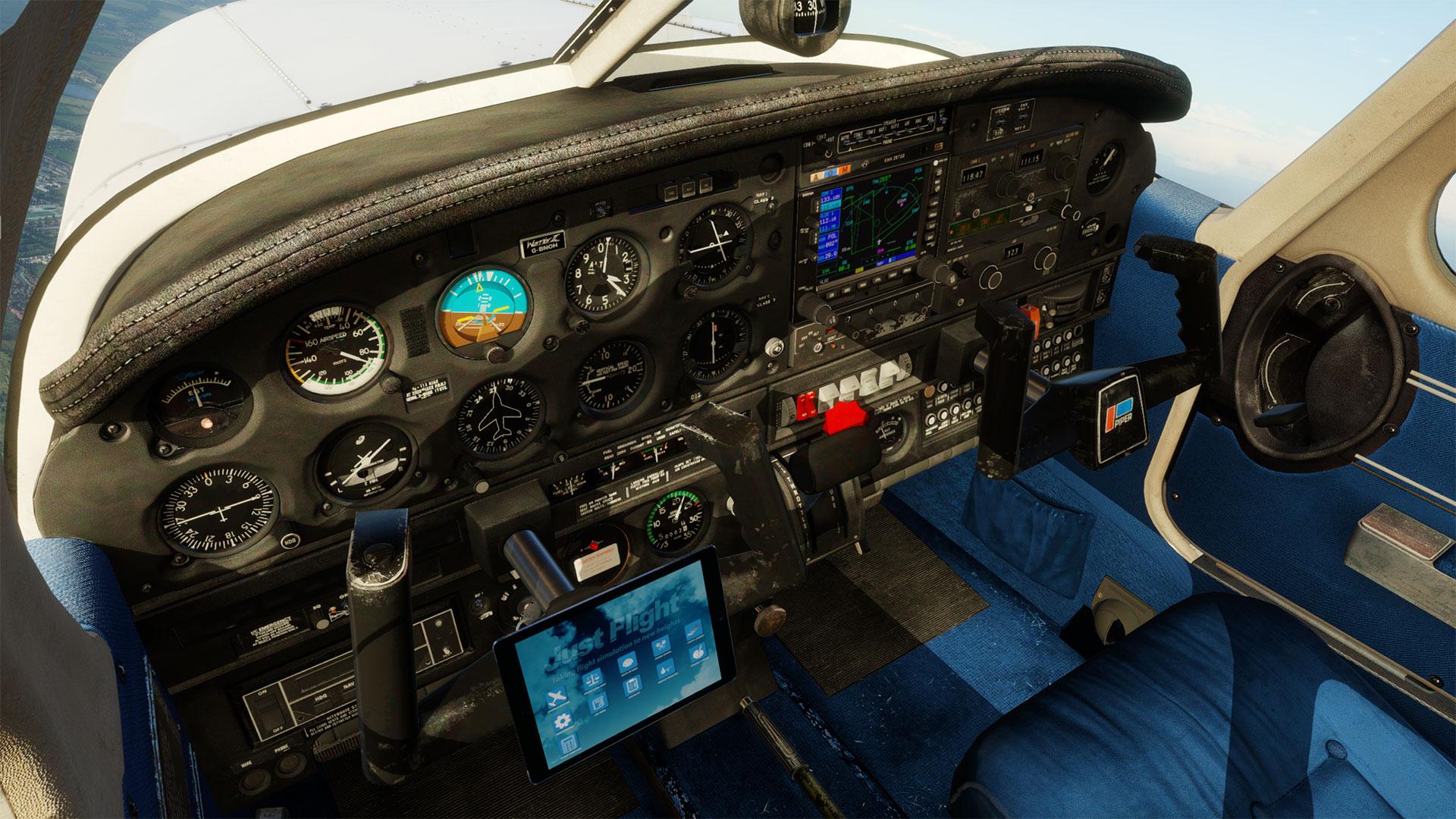
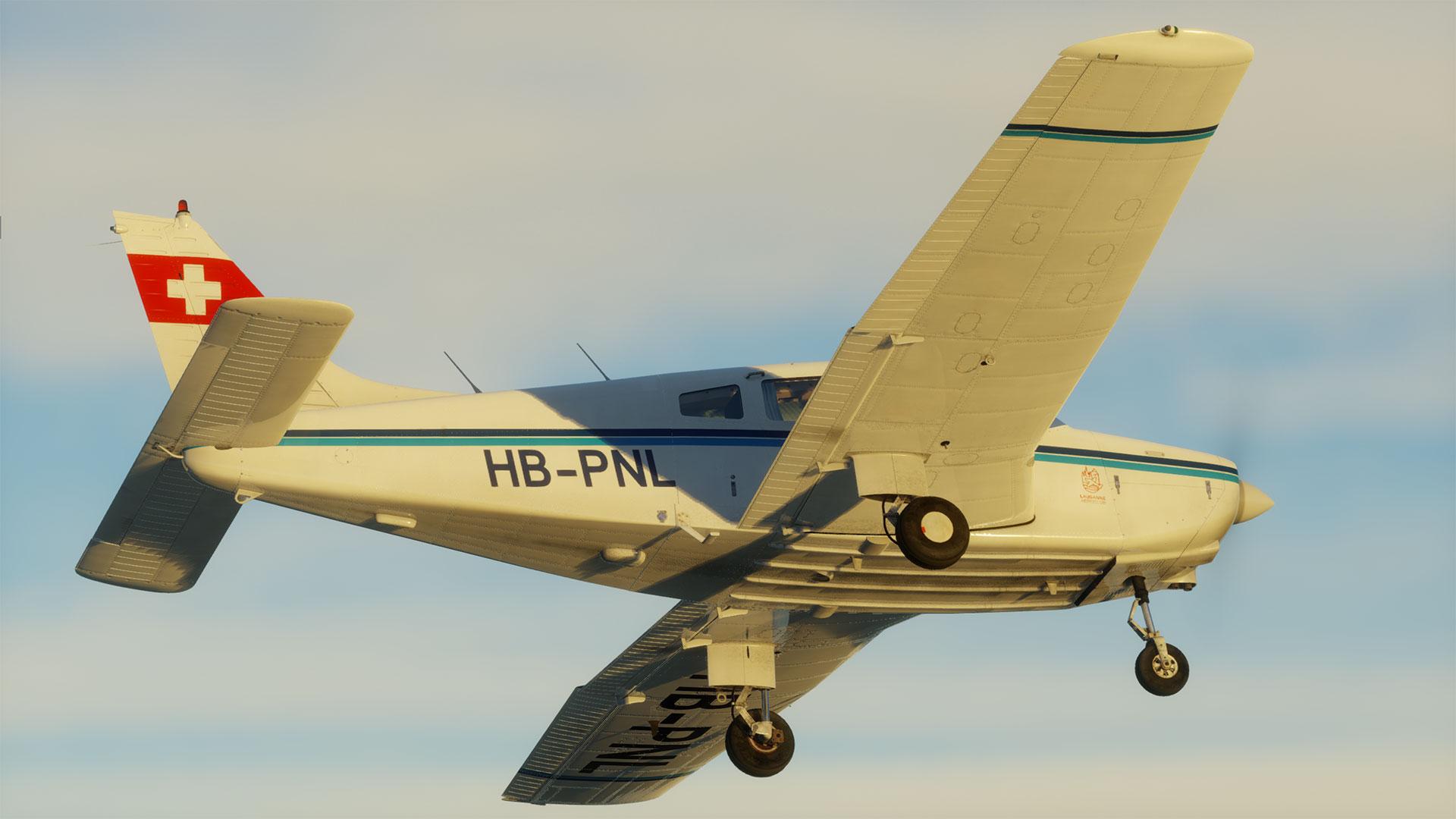
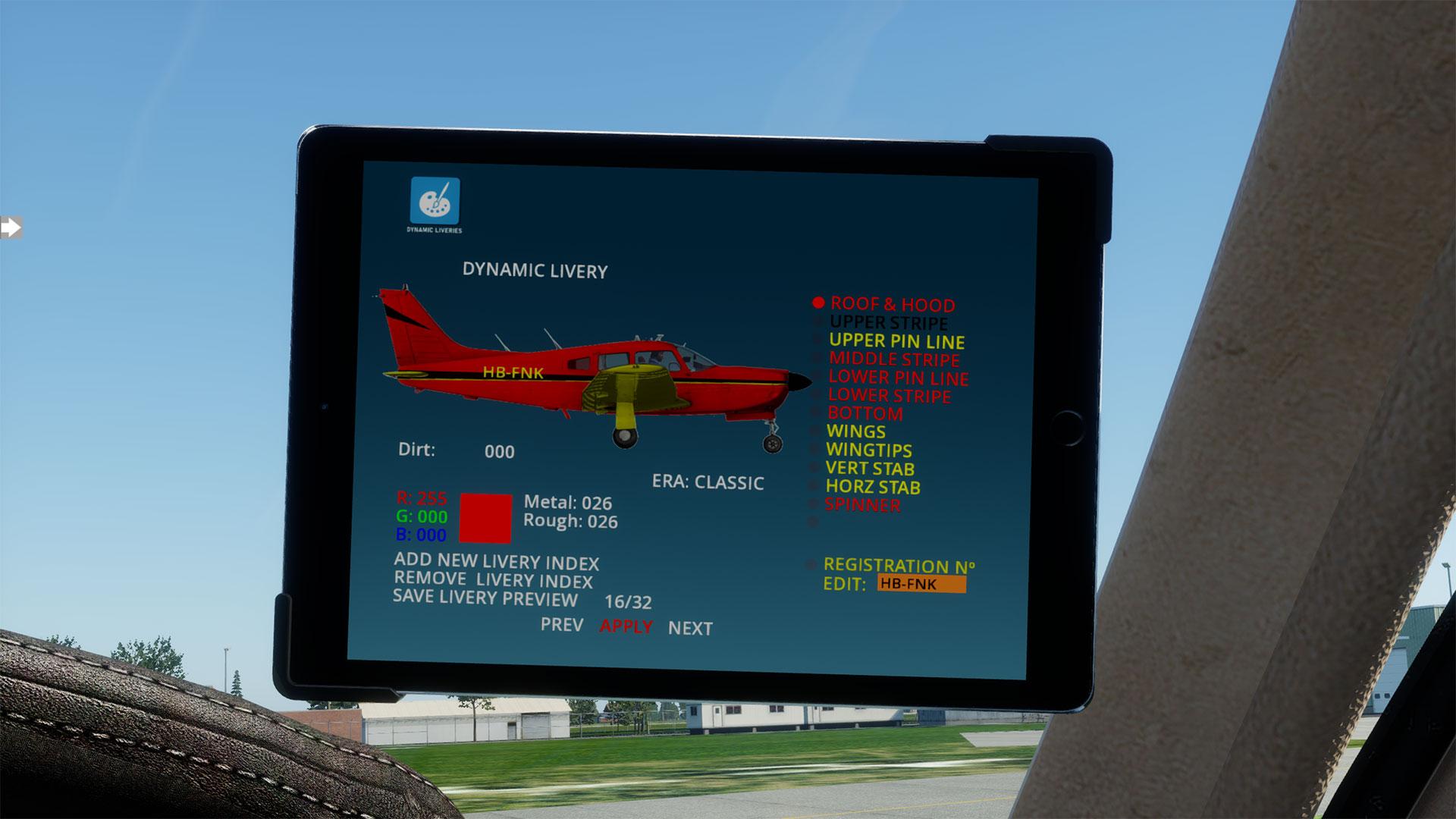
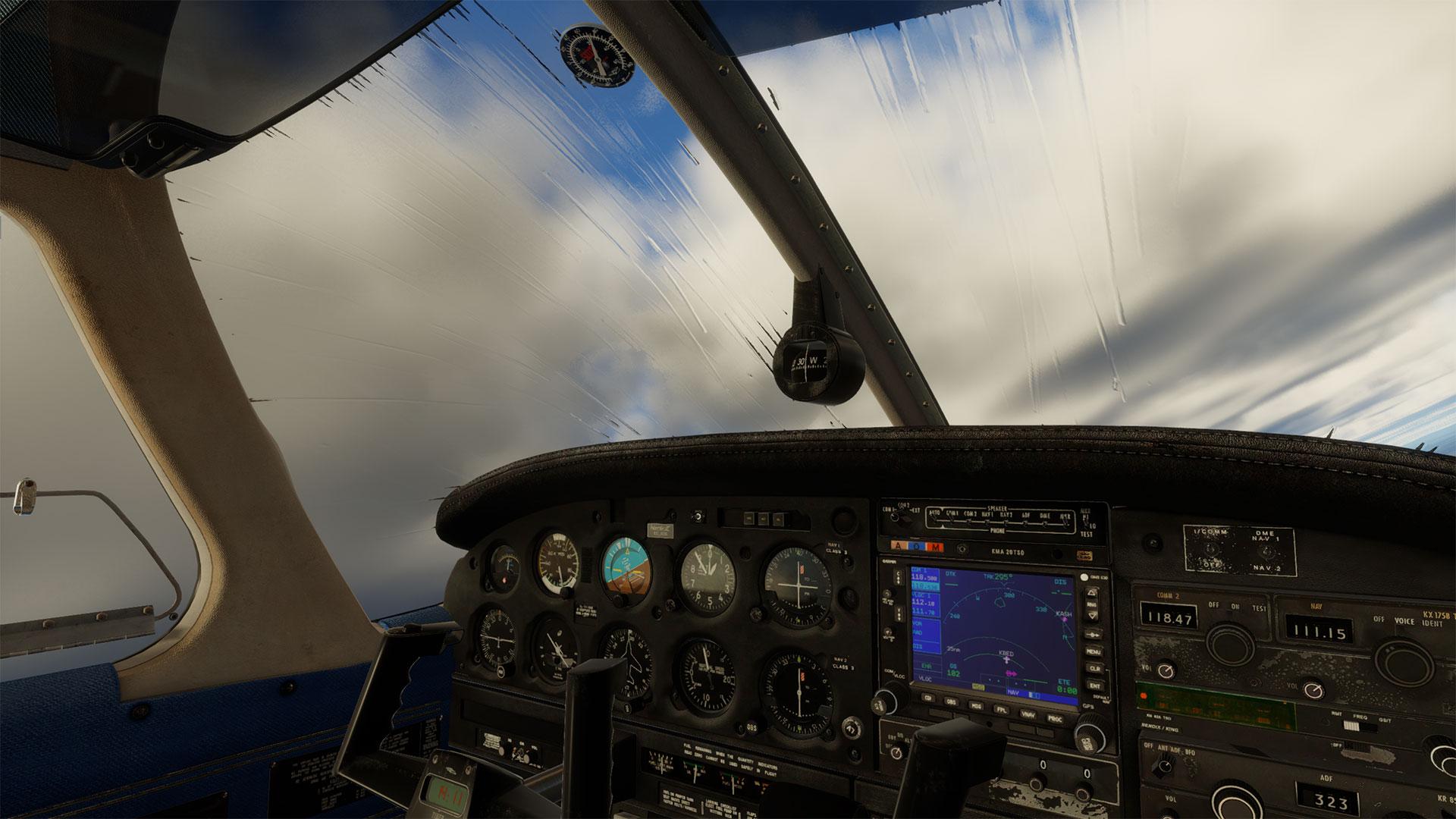
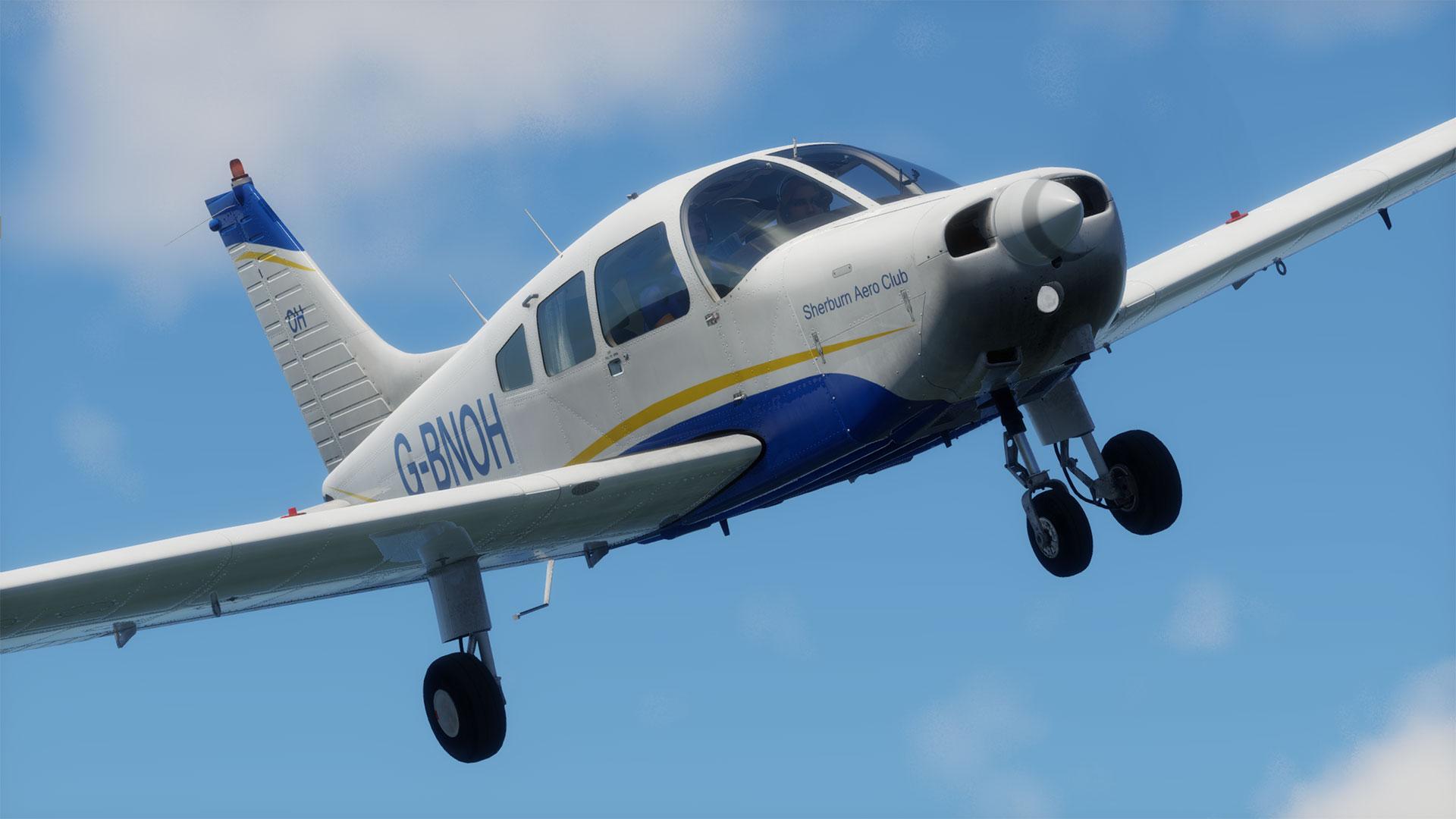
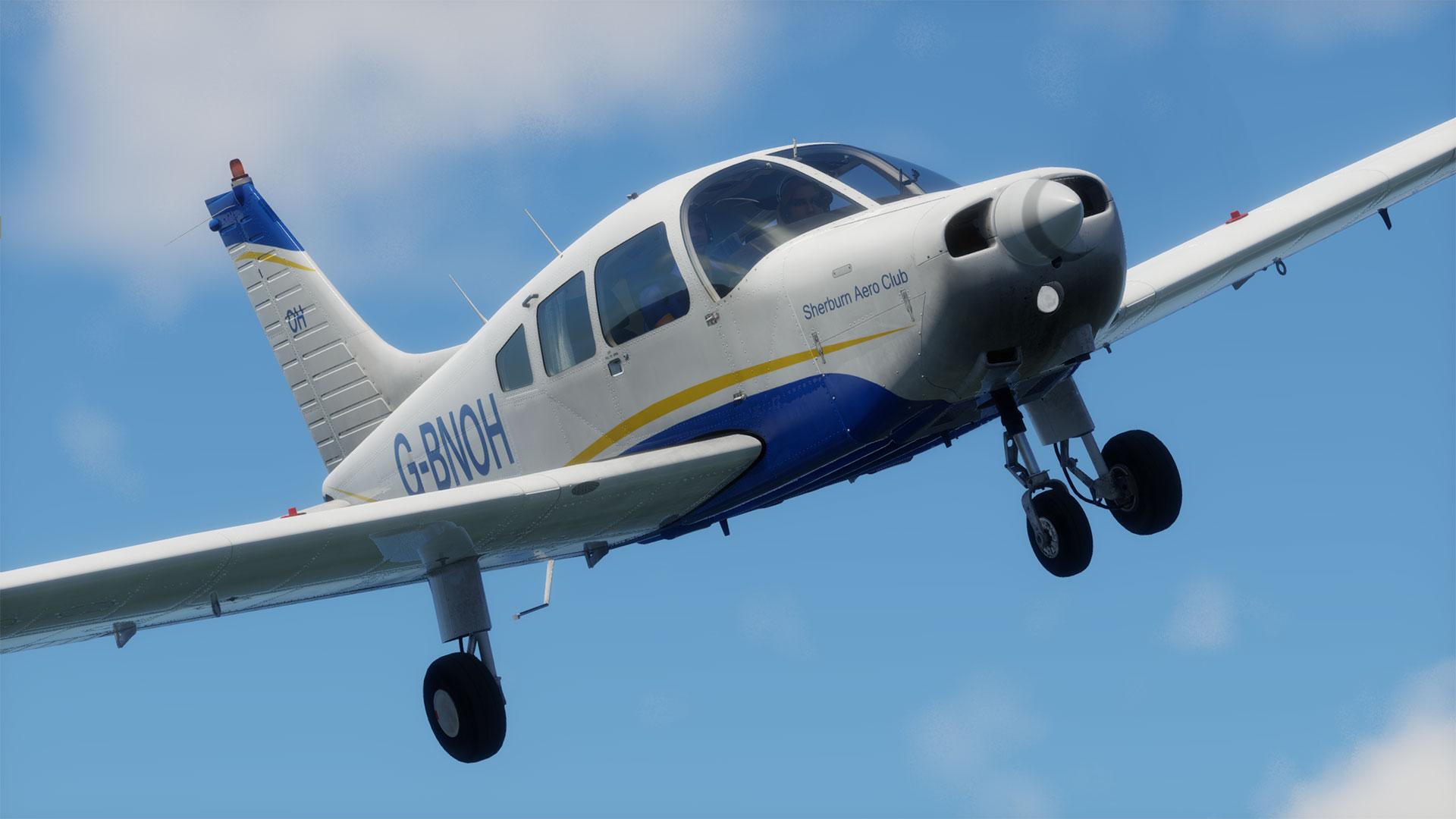
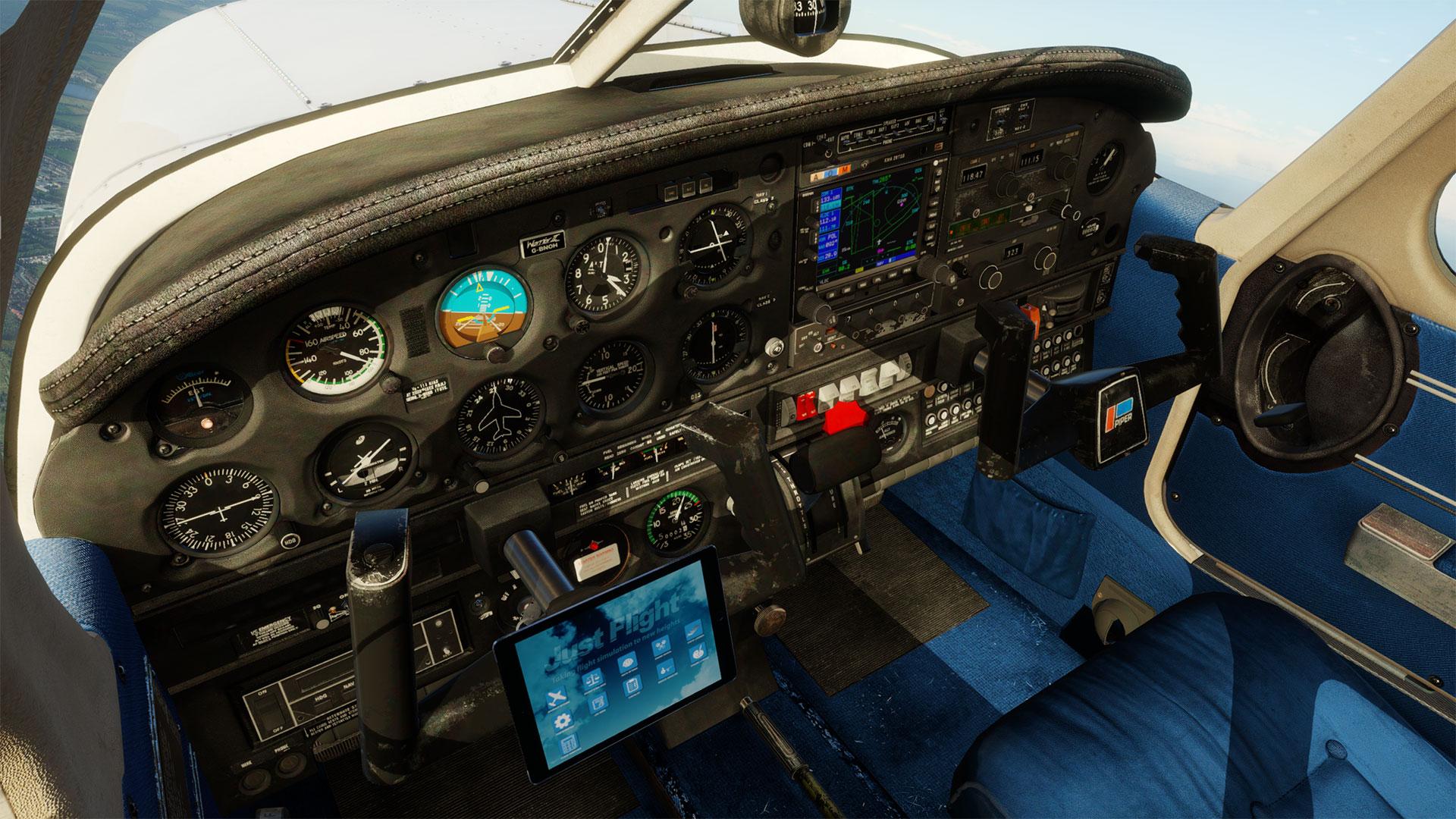
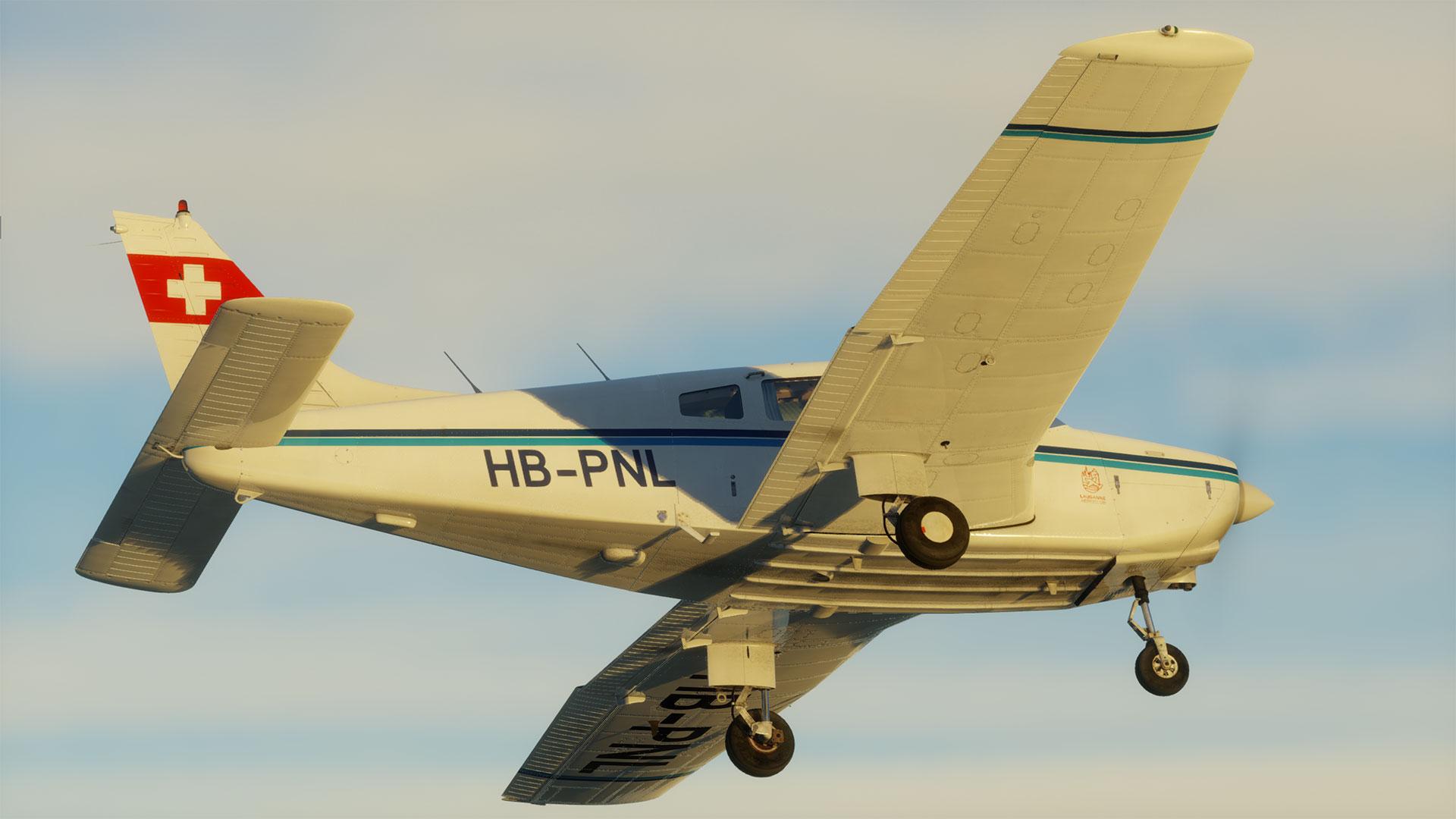
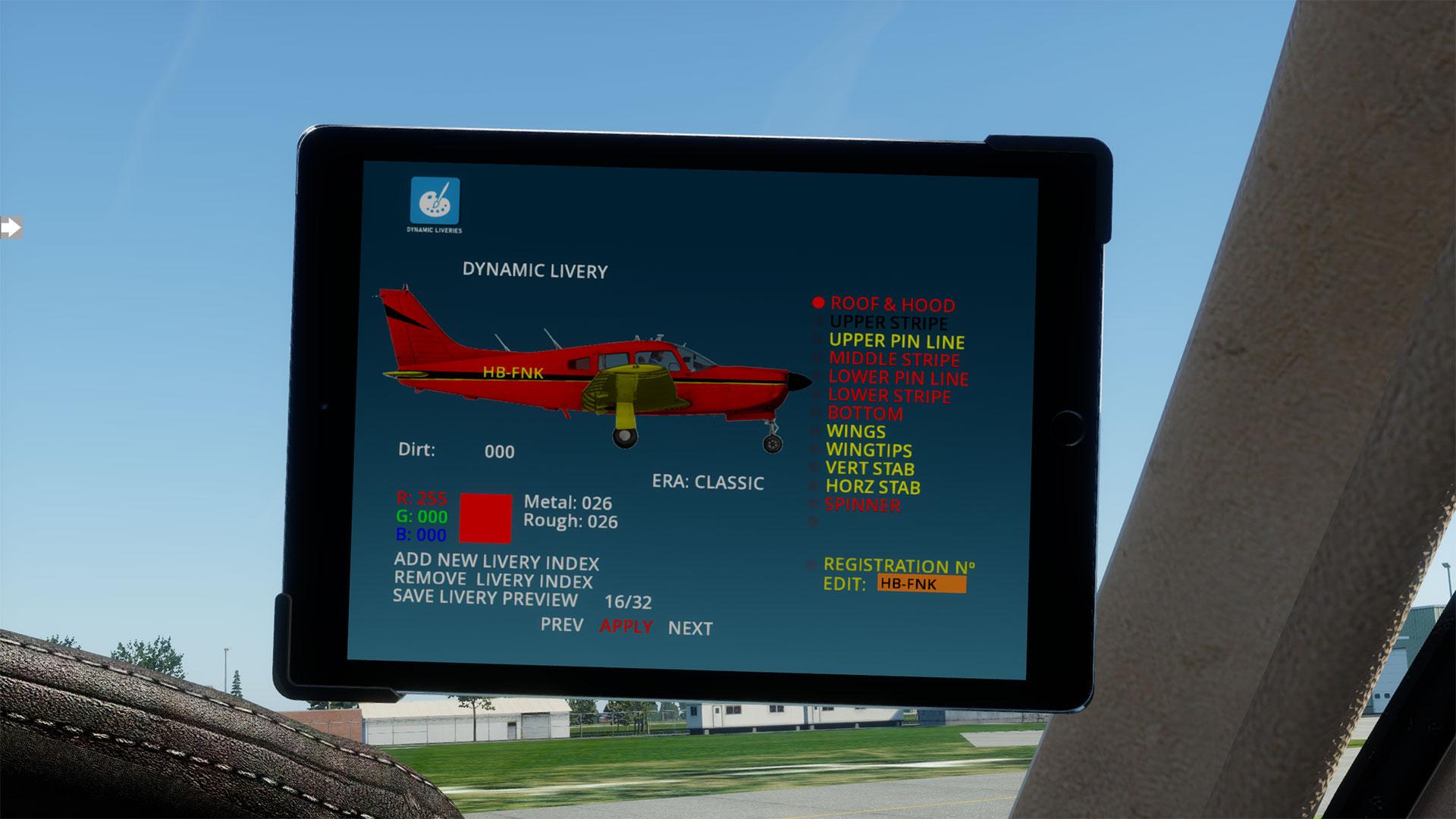
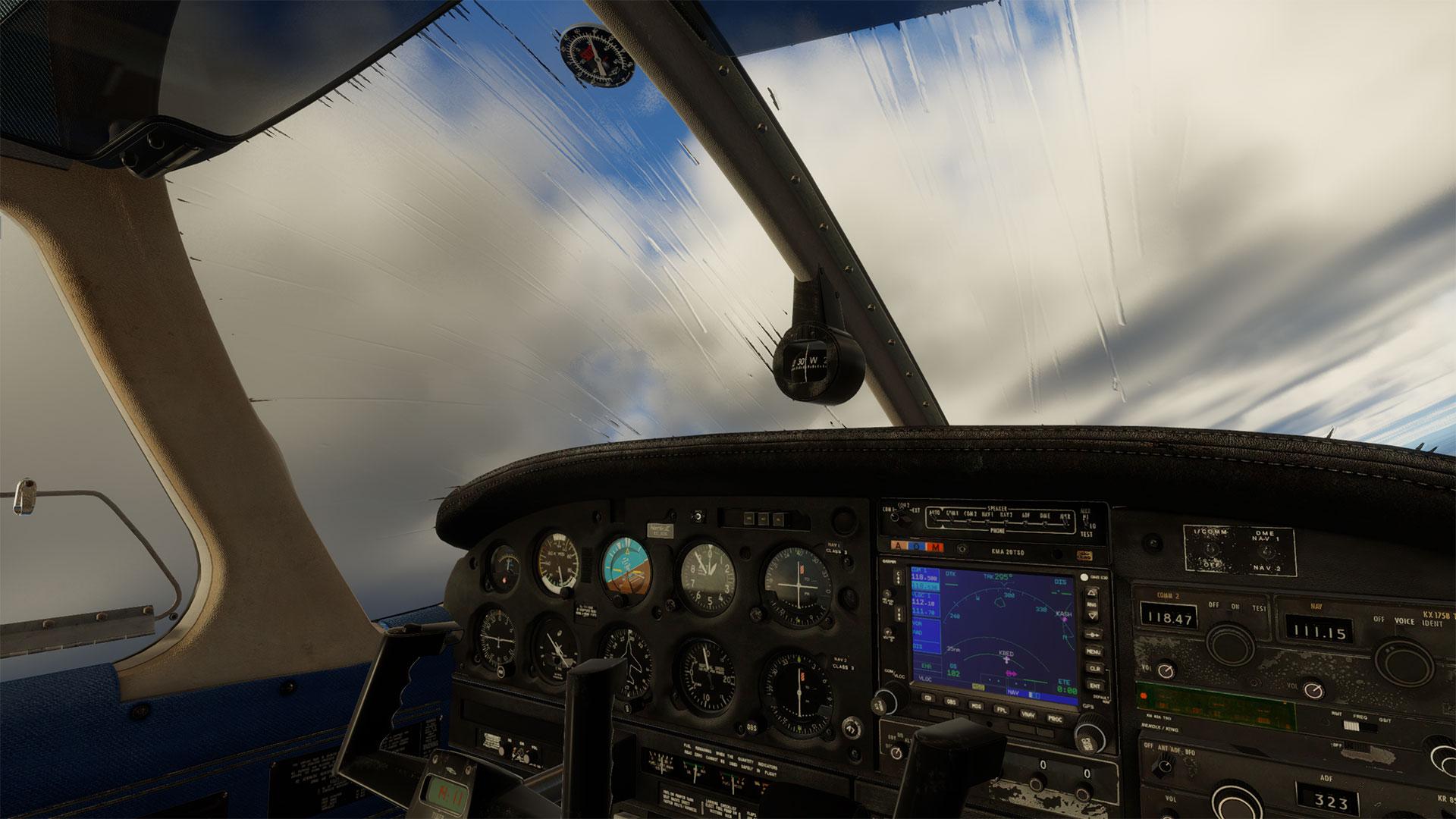
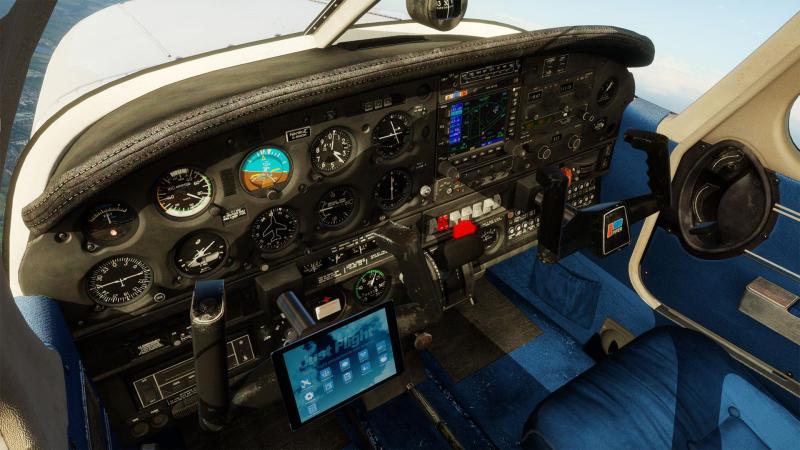
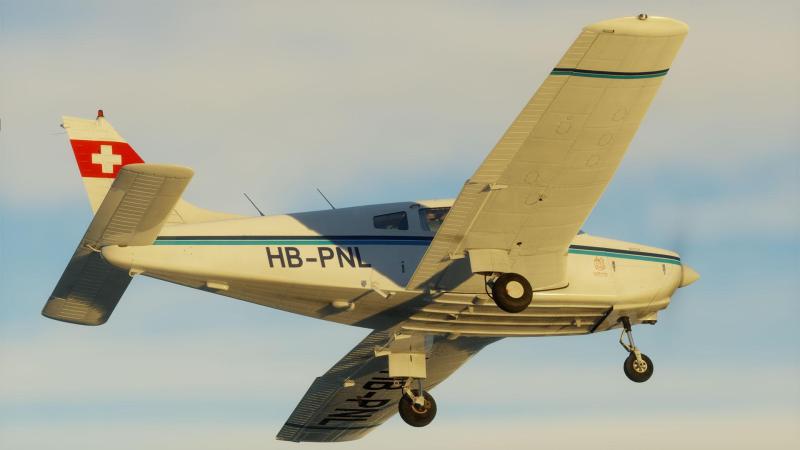
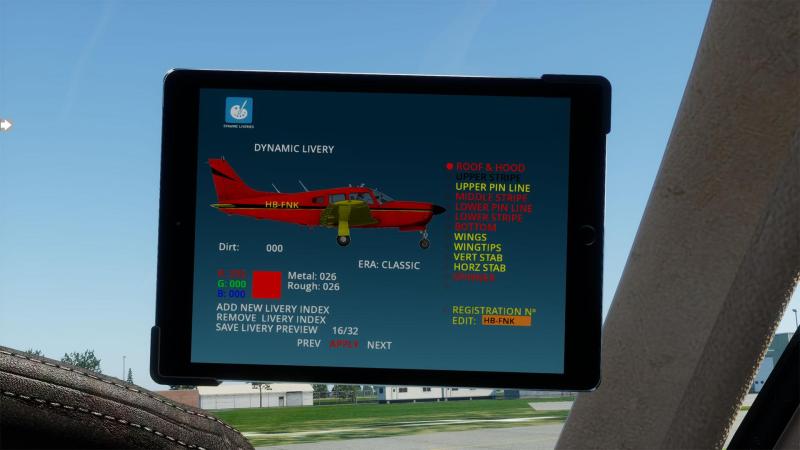
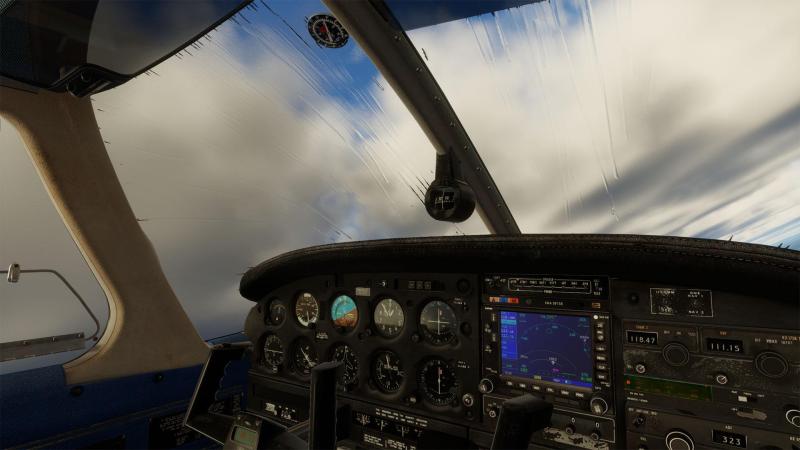
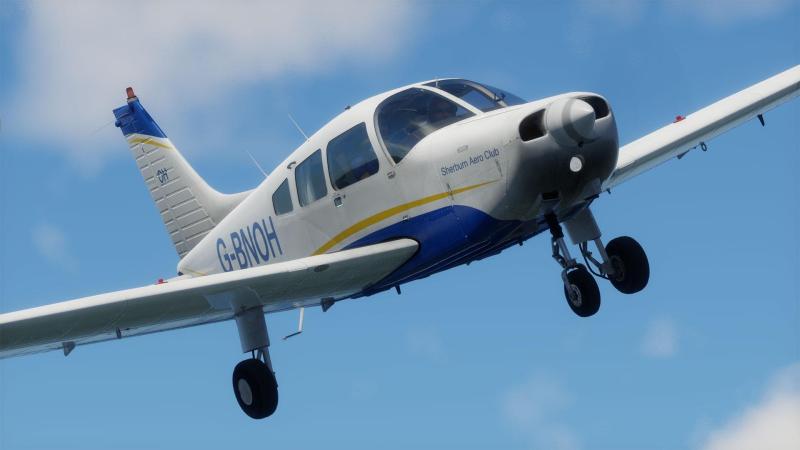
Hallo, die neue Just Flight - PA-28-161 Warrior II XP12 (nur für X-Plane 12) ist ab sofort bei uns im Aerosoft Shop verfügbar. Produktseite the new Just Flight - PA-28-161 Warrior II XP12 is available with our Aerosoft Shop now (for X-Plane 12 only). Productpage AIRCRAFT FEATURES (JustFlight Infos): Model Accurately modelled PA-28-161 Warrior II, built using real-world aircraft plans Numerous animations, including multi-animation passenger door that, when open, responds to G-forces and air resistance, baggage door, cockpit window, sun visors, oil cover and optional wheel fairings Ground equipment including chocks and tie-downs 8K textures are used to produce the highest possible texture clarity PBR (Physically Based Rendering) materials with real-time environment reflections for superb quality and realism completely reworked for X-Plane 12 Detailed normal mapping for down-to-the-rivet precision of aircraft features X-Plane 12 native rain effects Cockpit A truly 3D virtual cockpit right down to accurately modelled seat belts and screw heads - every instrument is constructed fully in 3D with smooth animations Brand-new blue cockpit fabric based on a recently refurbished aircraft Tablet EFB with a selection of apps (see below) Fully functional and comprehensive IFR-capable avionics fit including: KMA 20 audio selector unit Fully Featured X-Plane-native GNS530 (supports procedures out of the box, and supports Navigraph and Aerosoft custom nav databases) KX 175B COM 2 / NAV 2 radio KN 62 DME unit which can display information from NAV 1 or NAV 2 Century 21 autopilot with lateral hold modes (HDG, NAV, APR, REV) – hidden autopilot altitude hold system included for convenience KT 76A transponder unit KR 85 ADF unit Support for RealityXP GTN750 (sold separately, Windows only) Yoke-mounted flight timer/clock GoodWay compatible Ability to change barometric units from inHg to MB in altimeter adjustment Pop-up autopilot window Animated toe brakes Functional throttle quadrant tensioning system Radio knob animations routed through plug-in logic, for optimum movement fidelity and sound synchronisation Tablet EFB The EFB includes a selection of apps providing useful tools and customisation options: Aircraft Options - open/close the aircraft’s doors, enable/disable glass reflection, enable/disable ground equipment and more! Weight & Balance - adjust the aircraft’s weight and balance using the built-in configuration app and centre of gravity table Instrument Options - choose to have the cockpit avionics visible in the 3D cockpit or have them pop out on 2D panels Static Liveries - change aircraft liveries without exiting to the main menu Dynamic Liveries - customise the aircraft’s paint scheme without leaving the aircraft. Features Modern and a Classic liveries whose colours can be fully customised in the aircraft, without the need for any complicated paint kits Engine Configuration - view the condition of the engines and enable enhanced simulation options such as spark plug fouling and vapour lock DynaFeel - adjust the force required to move each of the control surfaces Checklists - interactable checklists for every stage of flight AviTab support And much more! Aircraft systems Custom-coded fuel system, including the option of automatic fuel tank switching for use on those long-distance cross-country flights (this option is remembered for future flights) Custom-coded electrical system with functional circuit breakers, avionics power circuit and emergency bus controls. Circuit breaker logic is linked to X-Plane's internal failure logic, so if the plane is set to fail a certain electrical component after a certain number of hours, the circuit breaker for that element will pop out Realistic landing gear with slow/fast tyre rotation animation (blurry when rotating fast), precise shock absorber animation and wheel chocks and tie-downs Functioning carburettor and primer controls Dedicated interactive EFB page displaying values such as fuel tank weights and imbalance, fuel pressure, oil pressure, oil temperature, battery charge (with quick charge option) and information about spark plug fouling and vapour lock condition Simulated vapour lock condition, with warning pop-up and suggested actions Simulated spark plug fouling condition, with indication of percentage of fouling Lighting system includes separate lighting control for gauges (via rheostat) and realistic implementation of navigation light / radio light rheostat Functional electric trim control on yoke (requires electric trim button to be pushed) Custom external light logic with custom strobe light pattern and custom light halos for added realism Liveries The Warrior II is supplied in the following six paint schemes: EC-IOS (Spain) G-BNOH (UK) G-BUIF (UK) HN-PNL (Switzerland) N3572M (USA) VH-PZN (Australia) OTHER FEATURES Realistic and accurate flight dynamics based on real-world performance and handling data, and input from Warrior pilots, completely reworked for X-Plane 12 Brand-new authentic sound set, generated using X-Plane's state-of-the-art FMOD sound system Custom sounds for switches, doors, warnings and more, featuring accurate location placement of sounds in the stereo spectrum, 3D audio effects, atmospheric effects, adaptive Doppler, exterior sounds spill in when window or door(s) are opened, different sound characteristics depending on viewing angle etc. Comprehensive manual with panel guide and performance data Option to launch X-Plane's weight and balance manager window from the custom EFB Greets Heinz
 1 point
-
Hello, the new Just Flight - PA-28-161 Warrior II XP12 is available with our Aerosoft Shop now (for X-Plane 12 only). Productpage AIRCRAFT FEATURES (JustFlight Infos): Model Accurately modelled PA-28-161 Warrior II, built using real-world aircraft plans Numerous animations, including multi-animation passenger door that, when open, responds to G-forces and air resistance, baggage door, cockpit window, sun visors, oil cover and optional wheel fairings Ground equipment including chocks and tie-downs 8K textures are used to produce the highest possible texture clarity PBR (Physically Based Rendering) materials with real-time environment reflections for superb quality and realism completely reworked for X-Plane 12 Detailed normal mapping for down-to-the-rivet precision of aircraft features X-Plane 12 native rain effects Cockpit A truly 3D virtual cockpit right down to accurately modelled seat belts and screw heads - every instrument is constructed fully in 3D with smooth animations Brand-new blue cockpit fabric based on a recently refurbished aircraft Tablet EFB with a selection of apps (see below) Fully functional and comprehensive IFR-capable avionics fit including: KMA 20 audio selector unit Fully Featured X-Plane-native GNS530 (supports procedures out of the box, and supports Navigraph and Aerosoft custom nav databases) KX 175B COM 2 / NAV 2 radio KN 62 DME unit which can display information from NAV 1 or NAV 2 Century 21 autopilot with lateral hold modes (HDG, NAV, APR, REV) – hidden autopilot altitude hold system included for convenience KT 76A transponder unit KR 85 ADF unit Support for RealityXP GTN750 (sold separately, Windows only) Yoke-mounted flight timer/clock GoodWay compatible Ability to change barometric units from inHg to MB in altimeter adjustment Pop-up autopilot window Animated toe brakes Functional throttle quadrant tensioning system Radio knob animations routed through plug-in logic, for optimum movement fidelity and sound synchronisation Tablet EFB The EFB includes a selection of apps providing useful tools and customisation options: Aircraft Options - open/close the aircraft’s doors, enable/disable glass reflection, enable/disable ground equipment and more! Weight & Balance - adjust the aircraft’s weight and balance using the built-in configuration app and centre of gravity table Instrument Options - choose to have the cockpit avionics visible in the 3D cockpit or have them pop out on 2D panels Static Liveries - change aircraft liveries without exiting to the main menu Dynamic Liveries - customise the aircraft’s paint scheme without leaving the aircraft. Features Modern and a Classic liveries whose colours can be fully customised in the aircraft, without the need for any complicated paint kits Engine Configuration - view the condition of the engines and enable enhanced simulation options such as spark plug fouling and vapour lock DynaFeel - adjust the force required to move each of the control surfaces Checklists - interactable checklists for every stage of flight AviTab support And much more! Aircraft systems Custom-coded fuel system, including the option of automatic fuel tank switching for use on those long-distance cross-country flights (this option is remembered for future flights) Custom-coded electrical system with functional circuit breakers, avionics power circuit and emergency bus controls. Circuit breaker logic is linked to X-Plane's internal failure logic, so if the plane is set to fail a certain electrical component after a certain number of hours, the circuit breaker for that element will pop out Realistic landing gear with slow/fast tyre rotation animation (blurry when rotating fast), precise shock absorber animation and wheel chocks and tie-downs Functioning carburettor and primer controls Dedicated interactive EFB page displaying values such as fuel tank weights and imbalance, fuel pressure, oil pressure, oil temperature, battery charge (with quick charge option) and information about spark plug fouling and vapour lock condition Simulated vapour lock condition, with warning pop-up and suggested actions Simulated spark plug fouling condition, with indication of percentage of fouling Lighting system includes separate lighting control for gauges (via rheostat) and realistic implementation of navigation light / radio light rheostat Functional electric trim control on yoke (requires electric trim button to be pushed) Custom external light logic with custom strobe light pattern and custom light halos for added realism Liveries The Warrior II is supplied in the following six paint schemes: EC-IOS (Spain) G-BNOH (UK) G-BUIF (UK) HN-PNL (Switzerland) N3572M (USA) VH-PZN (Australia) OTHER FEATURES Realistic and accurate flight dynamics based on real-world performance and handling data, and input from Warrior pilots, completely reworked for X-Plane 12 Brand-new authentic sound set, generated using X-Plane's state-of-the-art FMOD sound system Custom sounds for switches, doors, warnings and more, featuring accurate location placement of sounds in the stereo spectrum, 3D audio effects, atmospheric effects, adaptive Doppler, exterior sounds spill in when window or door(s) are opened, different sound characteristics depending on viewing angle etc. Comprehensive manual with panel guide and performance data Option to launch X-Plane's weight and balance manager window from the custom EFB Greets Heinz
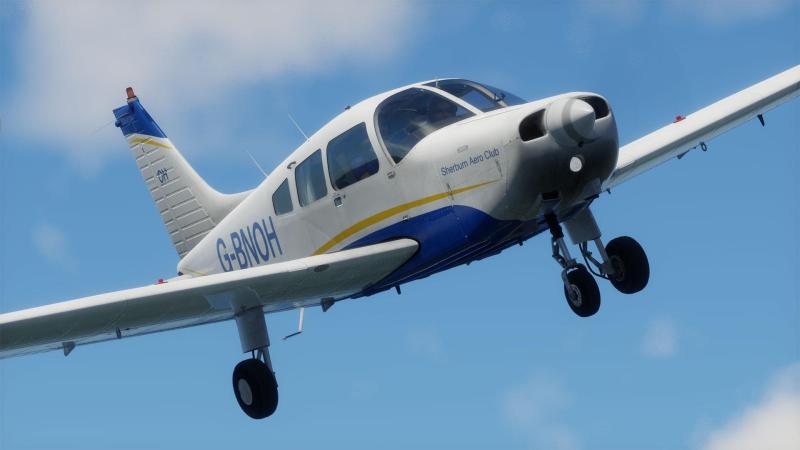
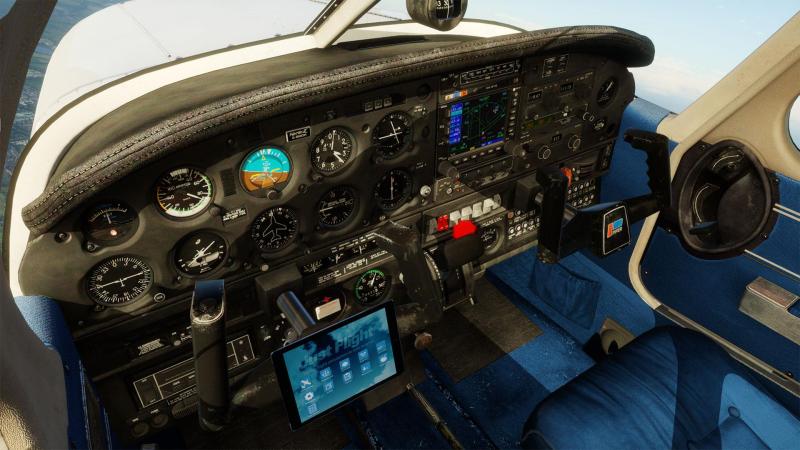
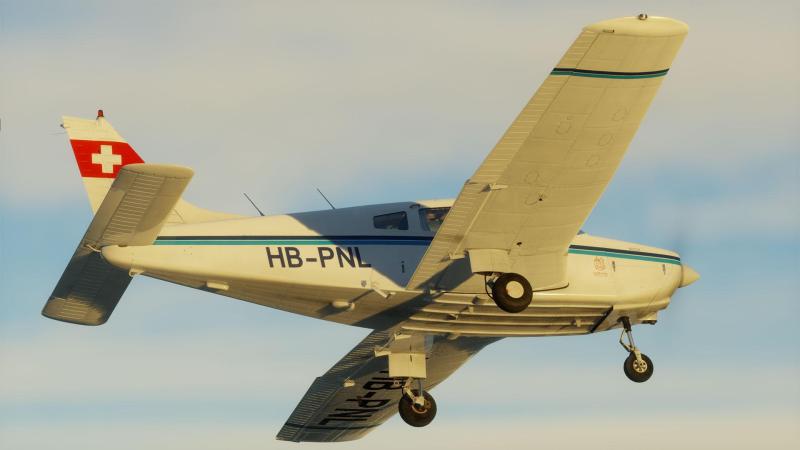
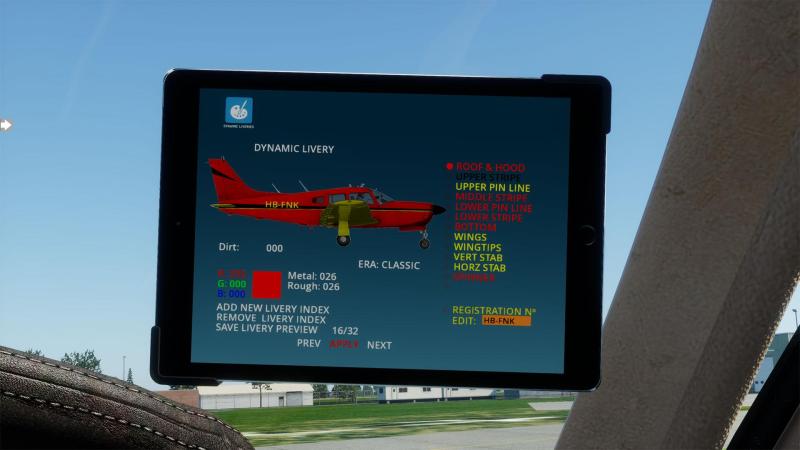
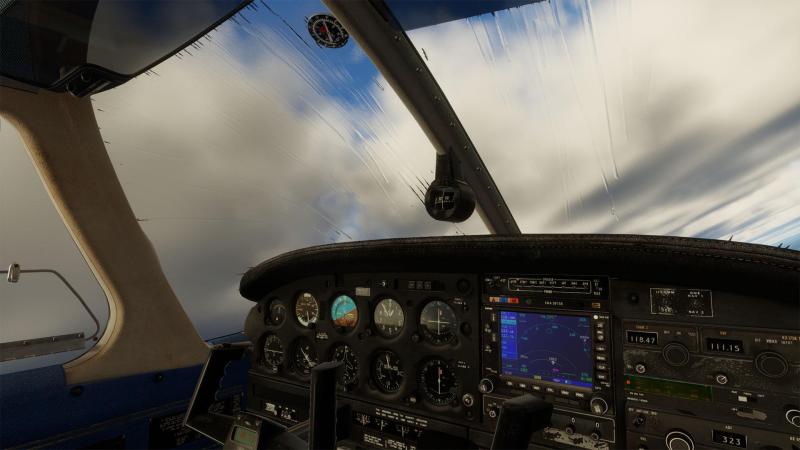 1 point
-
Beide Möglichkeiten treffen in der Praxis des Fliegens zu, in X-Plane geht es auch etwas komfortabler, indem man das D auf der Tastatur drückt und dieser Buchstabe noch nicht durch eine andere Funktion belegt ist. Die Einstellung hierzu findet man unter Tastatur --> Navigation & Funkgeräte --> Instrumente/Anzeige --> vacuum DG sync to magnetic north1 point
-
1 point
-
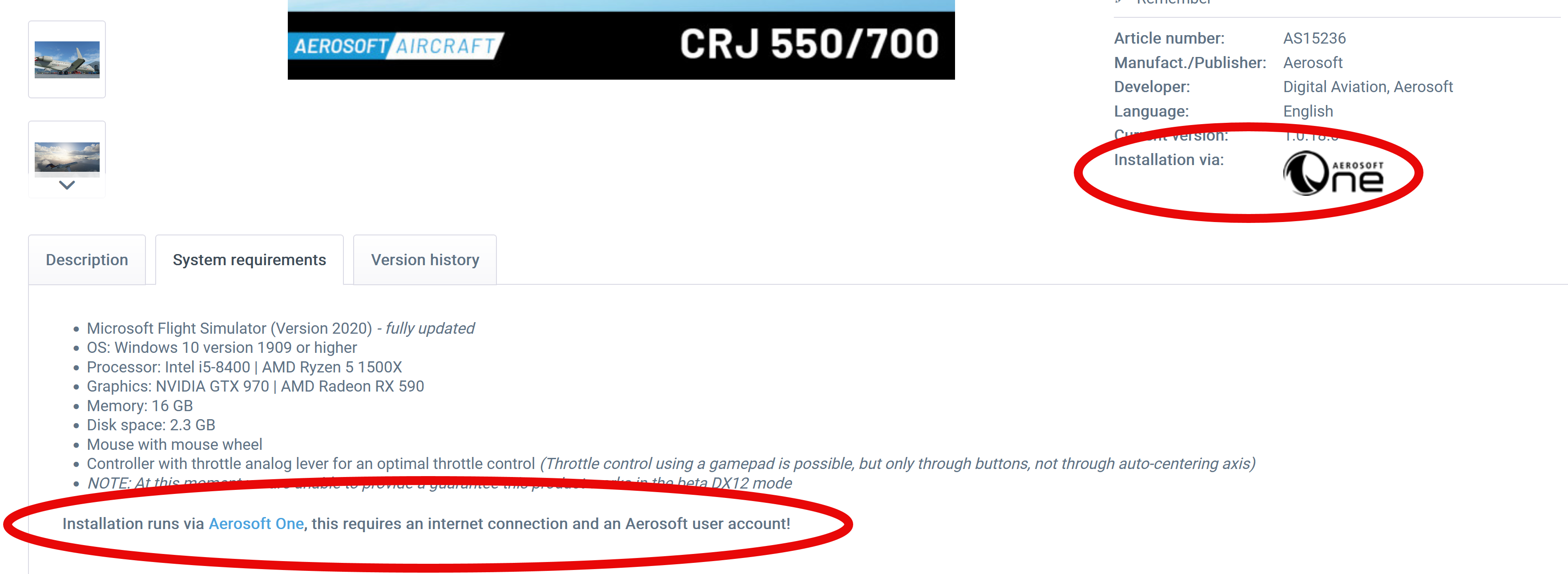
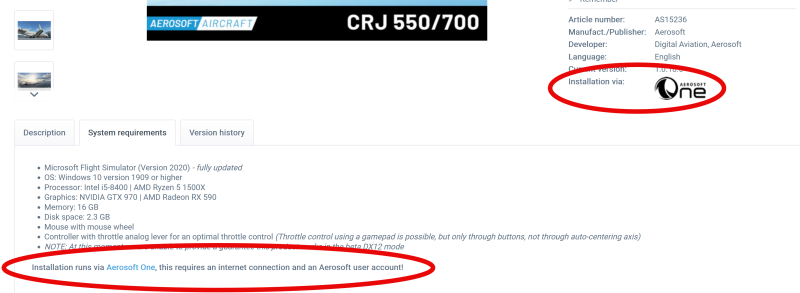
I'm not Aerosoft, but do you understand that at the end of the purchasing process, you have acknowledged that you have read the system requirements, which clearly state: So if you dont like this, you shouldn't have bought it or least you could have asked before buying.
 1 point
-
1 pointThanks Mathjis, no sign of model changes then ( thankfully, I'm not sure where the source for my liveries is atm... ). --- I've never had a problem with it intercepting a LOC, it's never been able to fly a hold though ( and I've gone one at length about how comical it is, including track maps 😛 ). Was the released patch actually the right one? I mean, the ATR is quite capable of flying a hold...1 point
-
1 pointIve just seen another preview video from 320 sim pilot where it intercepted the ILS perfectly. Emi did say that he had just been given a hot fix just before the stream so wonder if that broke something. The 320 preview didn't have a hold in it though, so can't comment on that.1 point
-
1 pointThe feedback session probably went something like this: CRJ Driver: We should be able to use FMS to program a hold at a waypoint... Aerosoft: Best we can do is to draw a bunch of squiggles which autopilot will then refuse to follow.1 point
-
1 pointI did check here and there during the livestream and boy I was disappointed. N1 still goes past FLEX - not the end of the world LNAV seems to work - yay When a direct is inserted the TOD disappears and the advisory VNAV does not work anymore - practical solution: can fly without VNAV? sure but... let's keep watching. Trying to fly a direct entry HOLD and, first of all inconsistent drawing of the HOLD path that soon became a modern art display LOL, joined ok but then the plane simply kept turning ignoring the path... - practical solution: can fly a HOLD manually? sure but... At that point I stopped watching. We are in 2025. Msfs is out for almost 5 years, the CRJ is 4 years old and it is the only airliner that I'm aware of that still cannot fly a HOLD and a simple advisory VNAV borks after the slightest flight plan change. It's really really a shame. I absolutely love the concept of the CRJ to fly but this rendition is at this point just a waste of time when there are so many choices of awesome products, with some hiccups here and there sure but far from being S*** even in the most simple functions, like the CRJ. At this point, sorry I mean no offence, but objectively this is just close to incompetence1 point
-
1 pointSo, to summarize the preview of CRJ V2 from A330Driver livestream: - VNAV is buggy - STARs are messed up - Holds do not work - LOC capture does not work On a positive note, the passenger cabin graphics are updated! I guess we need to wait another couple of years for fixes.1 point
-
Ich kann da jetzt nicht ins Detail gehen aber mein damaliger Ansatz, die Aerosoft-Projekte von Windsock Simulation sozusagen zu 'übernehmen', da ich davon ausging, die seien nicht mehr aktiv, kam nicht so gut an und wurde ganz klar zurückgewiesen mit der Ansage, dass Windsock noch aktiv sei und die Pflege selbt übernehmen würde - und das war lange nach dieser von dir verlinkten Ankündigung und direkt von Emma. Wie das jetzt genau aussieht weiß ich auch nicht, ich kann nur wiedergeben, was mir mitgeteilt wurde. Ich könnte ja auch mal wieder anbieten, den Karren aus dem Dreck zu ziehen... was aber diesmal an gewisse Bedingungen gekoppelt wäre, dieses Hin-Und-Her bin ich irgendwie langsam leid.1 point