





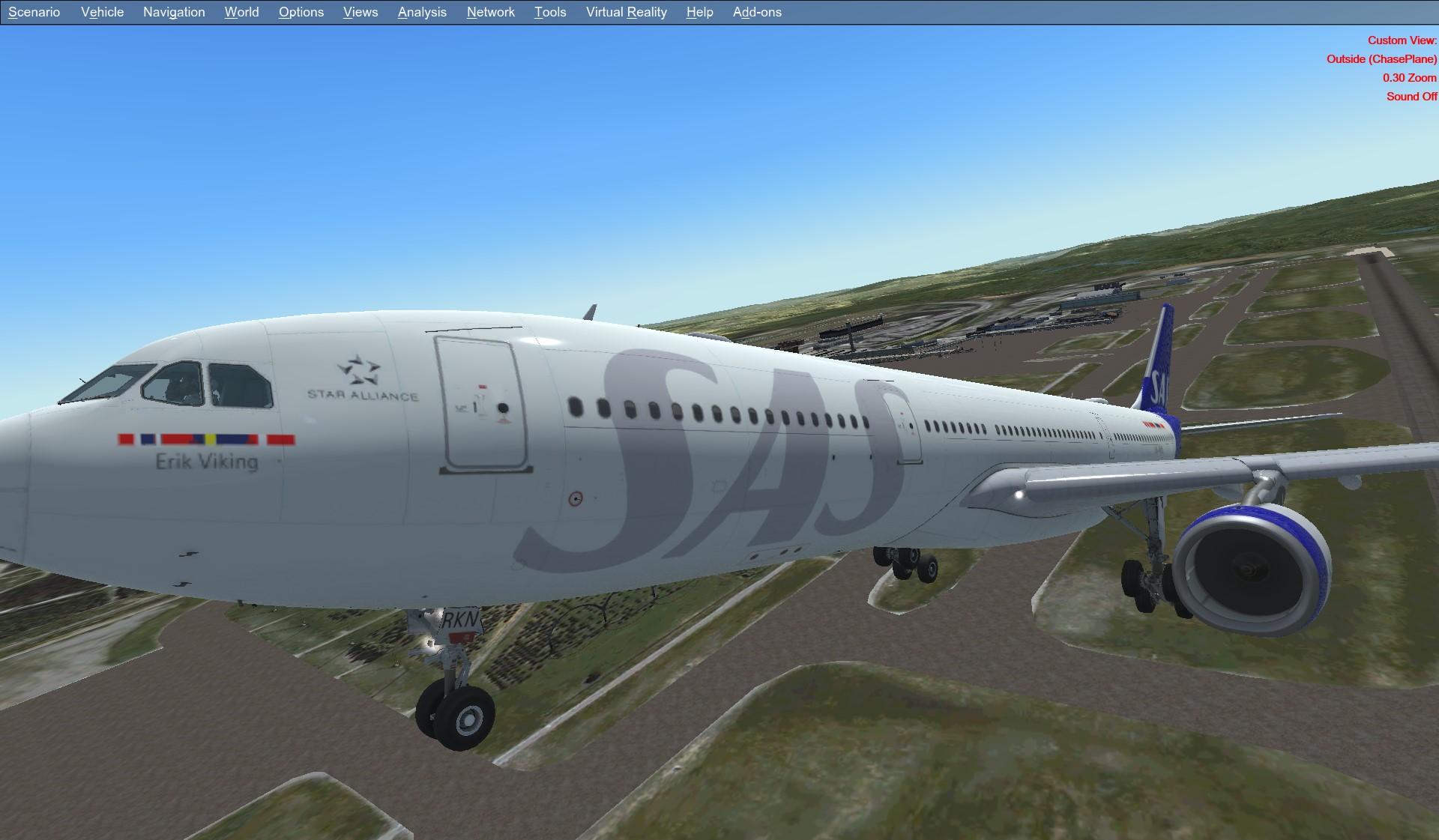
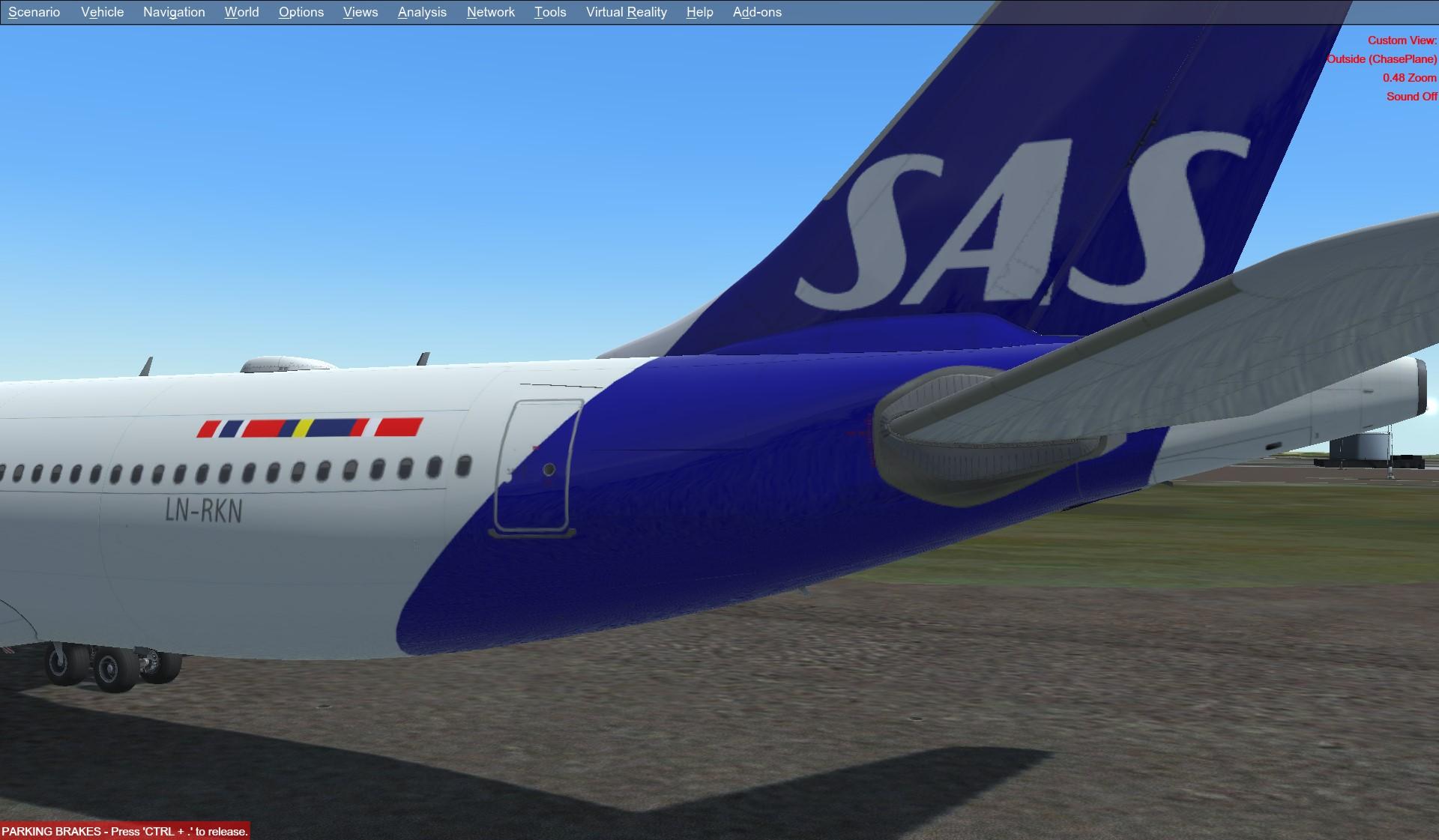
SAS Scandinavian Airlines Aerosoft Airbus A330-300 RR LN-RKN (Erik Viking) SAS New Colours Repaint by dsolesvik.
Please post any feedback and/or bugs and errors with the livery in this post.
UPDATES:
v1.1
- Added cockpit registration and selcal codes which were not set in 1.0.
v1.2
- Fixed the wrong wingtips appearing on the wing when inside the cockpit
- Made the big SAS logo brighter
- Added the silver colour onto the engines
- Flipped the front right flags stripe so that Denmark appears first, like it does IRL.
v1.3
- Made the engine "Scandinavian" text a darker grey colour
- Fixed and aligned the tailfin blue colour with the fuselage tail blue so that they are synced and aligned perfectly
Known Issues to be addressed in future versions
- Slats (front flaps) need to be metalic silver
- The shades of the big SAS logo need to be changed to lighter grey in the middle to simulate reflections.
Thanks a lot for the feedback, I really appreciate it and if you have any more feedback, PLEASE let me know via PM, Discord (dsolesvik#6490) or via e-mail: dsolesvik@icloud.com. Thanks!



What's New in Version 1.3
Released
- Made the engine "Scandinavian" text a darker grey colour
- Fixed and aligned the tailfin blue colour with the fuselage tail blue so that they are synced and aligned perfectly
-
 1
Create an account or sign in to leave a review