



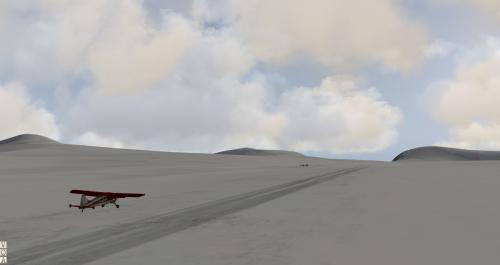
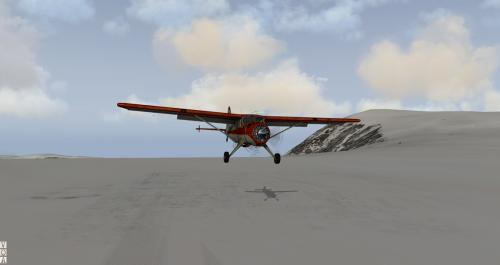
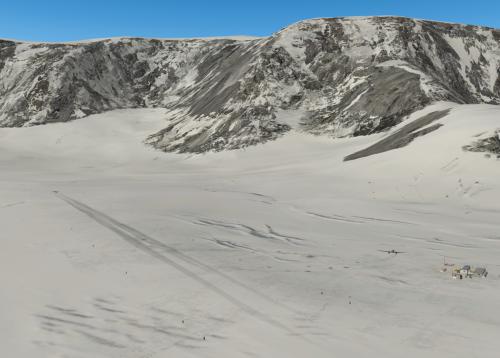
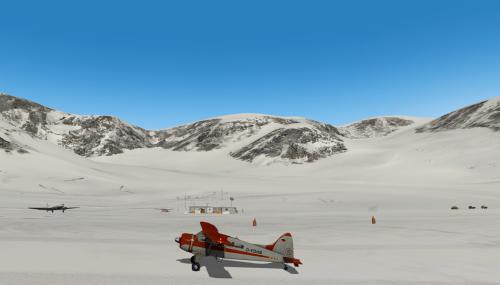
About This File
Antarktis Rothera Expedition: V 1.1
Installation:
Unzip the downloaded file and copy the folder
Antarktis-Rothera-Expedition
into the X-Plane 11 Custom Scenery folder.
Required:
X-Plane 10.42 +/XP11.30+
Antarctica (Part 1) :
https://forum.aerosoft.com/index.php?/topic/142492-antarctica4xplane-antarctica-scenery-for-x-plane/
More important installation infos see readme-en in the downloaded file.
----------------------------------------------
Antarktis Rothera Expedition: V1.1
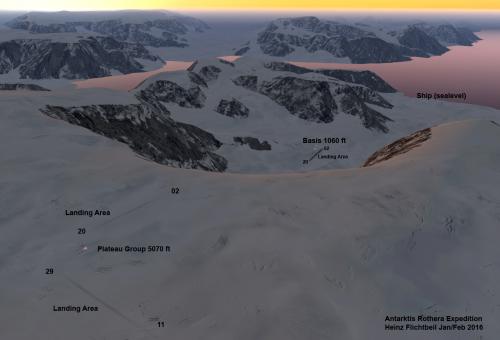
Die Szenerie besteht aus 3 Teilen.
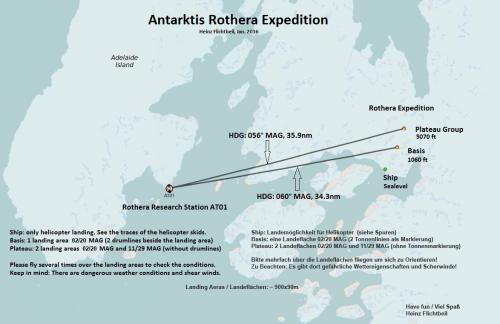
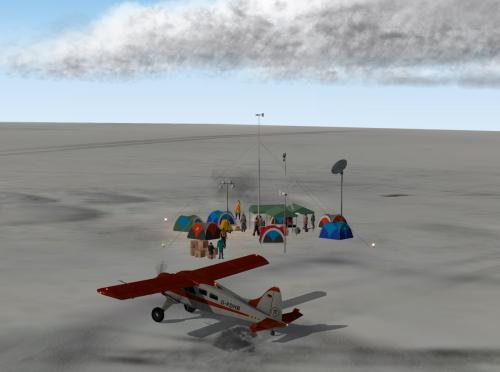
Eine Schiff Szenerie and der Eisküste, eine Basisstation und eine Plateau Gruppe.
Siehe beiliegende Karten.
Installation:
Die heruntergeladene zip Datei entpacken und den Ordner
Antarktis-Rothera-Expedition in den X-Plane 11 Custom Scenery Ordner kopieren.
In der scenery_packs.ini sollte die Szenerie im oberen Teil (bei den Airports) angeordnet sein.
Voraussetzungen:
X-Plane 10.42 +/XP11.30+
Antarctica (Part 1) :
https://forum.aerosoft.com/index.php?/topic/142493-antarctica4xplane-antarktis-szenerie-für-x-plane/
Weitere wichtige Installationsinformationen in der beiliegenden readme-de Datei!
Greets / Gruß Heinz Flichtbeil