CRJ 550
All the liveries for the CRJ 550
5 files
-
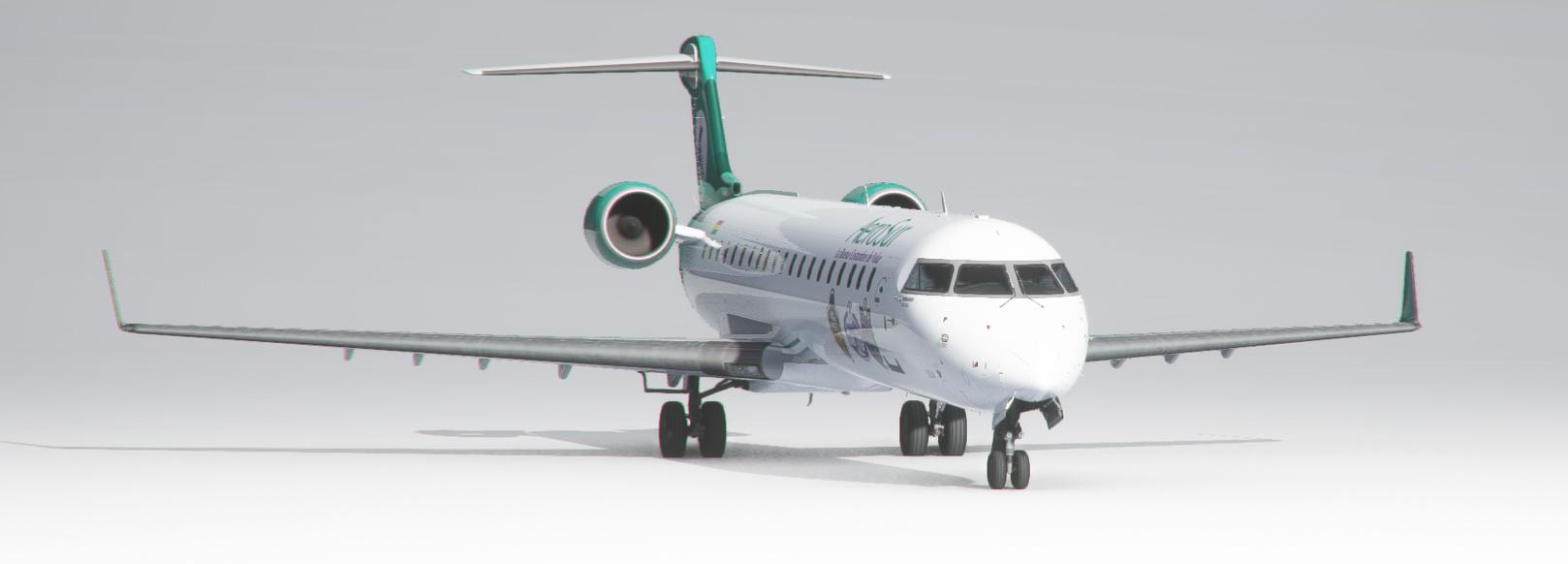
La primera aeronave CRJ de la serie 700 que llega al hangar de AeroSur Virtual ahora disponible para todo el mundo gracias a la colaboración de AeroSur Virtual
- 22 Downloads
-
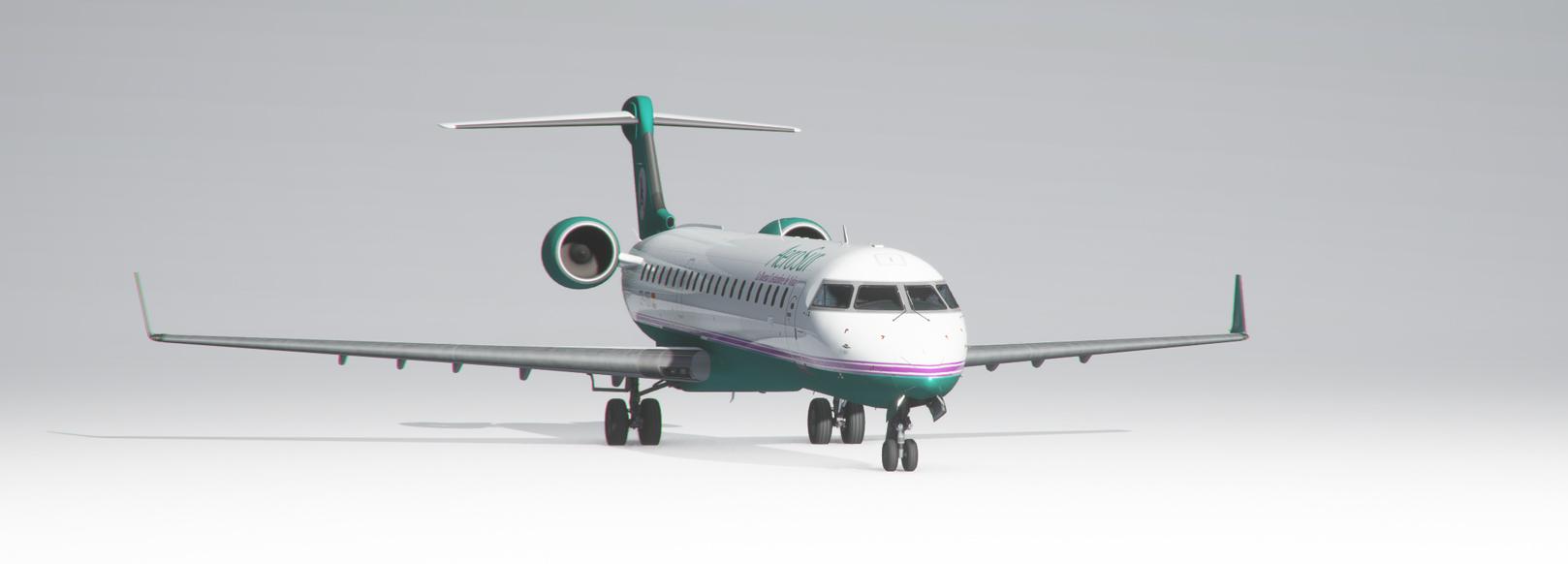
El primer CRJ que llego a AeroSur Virtual Diponible para el mundo entero con texturas conmemorativas a las mejore texturas durante la vida de la linea aerea real Aerosur, ahora disponible para todo el mundo gracias a la colaboracion de www.aerosurvirtual.club
- 14 Downloads
-
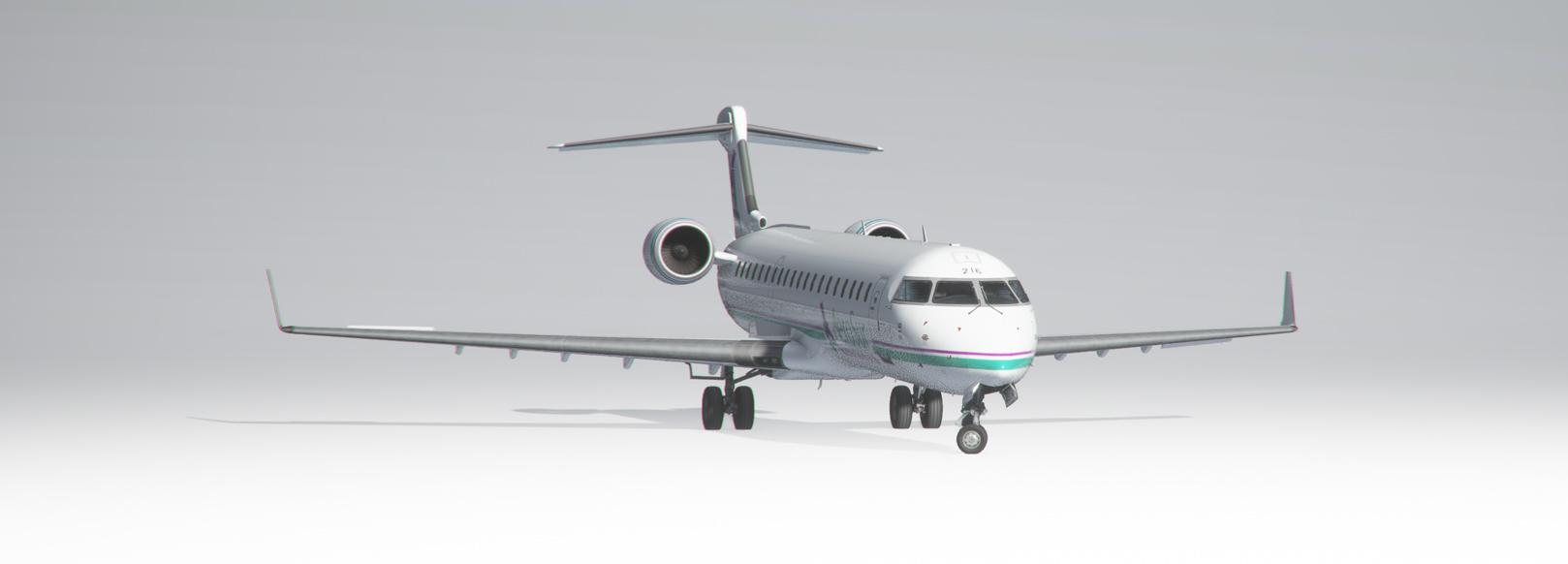
Esta fue la segunda aeronave de la linea en el hangar de AeroSur Virtual, ahora disponible para todo el mundo gracias a la colaboracion de AeroSur Virtual
- 9 Downloads
-
Contents of this ZIP-package: CRJ550ER airbierlin D-BEER (fictional)
Repaint by: Holger Sobl
Aerosoft paintkit by: Stefan Hoffmann
Livery – Installation Guide
1) Locate your MSFS Content folder. That’s the folder you chose on the update screen whenyou first started MSFS. I will use [MSFS] as a placeholder for this.
2) Unzip the contents of this file into your [MSFS]\Community folder.
3) Start MSFS, enter the world menu, select the Aircraft, your new livery and a departure airport, then click FLY!
Acknowledgements: The blanks used as a basis for this repaint are by Aerosoft/Digital Aviation. Thank you for the wonderful model and the great paintkit. Thank you Hans.
Legal Stuff: This repaint is released as FREEWARE. You may use and modify it in any way you wish, but you may NOT use it in any kind of money-making endeavor, and you may NOT publicly distribute any copies of it, whether modified or not, without my permission.
Holgi @ simtexture.de
- 69 Downloads
-
Contents of this ZIP-package: CRJ550ER Privat OE-AMM (fictional)
Repaint by: Holger Sobl
Aerosoft paintkit by: Stefan Hoffmann
Livery – Installation Guide
1) Locate your MSFS Content folder. That’s the folder you chose on the update screen whenyou first started MSFS. I will use [MSFS] as a placeholder for this.
2) Unzip the contents of this file into your [MSFS]\Community folder.
3) Start MSFS, enter the world menu, select the Aircraft, your new livery and a departure airport, then click FLY!
Acknowledgements: The blanks used as a basis for this repaint are by Aerosoft/Digital Aviation. Thank you for the wonderful model and the great paintkit. Thank you Hans.
Legal Stuff: This repaint is released as FREEWARE. You may use and modify it in any way you wish, but you may NOT use it in any kind of money-making endeavor, and you may NOT publicly distribute any copies of it, whether modified or not, without my permission.
Holgi
- 195 Downloads